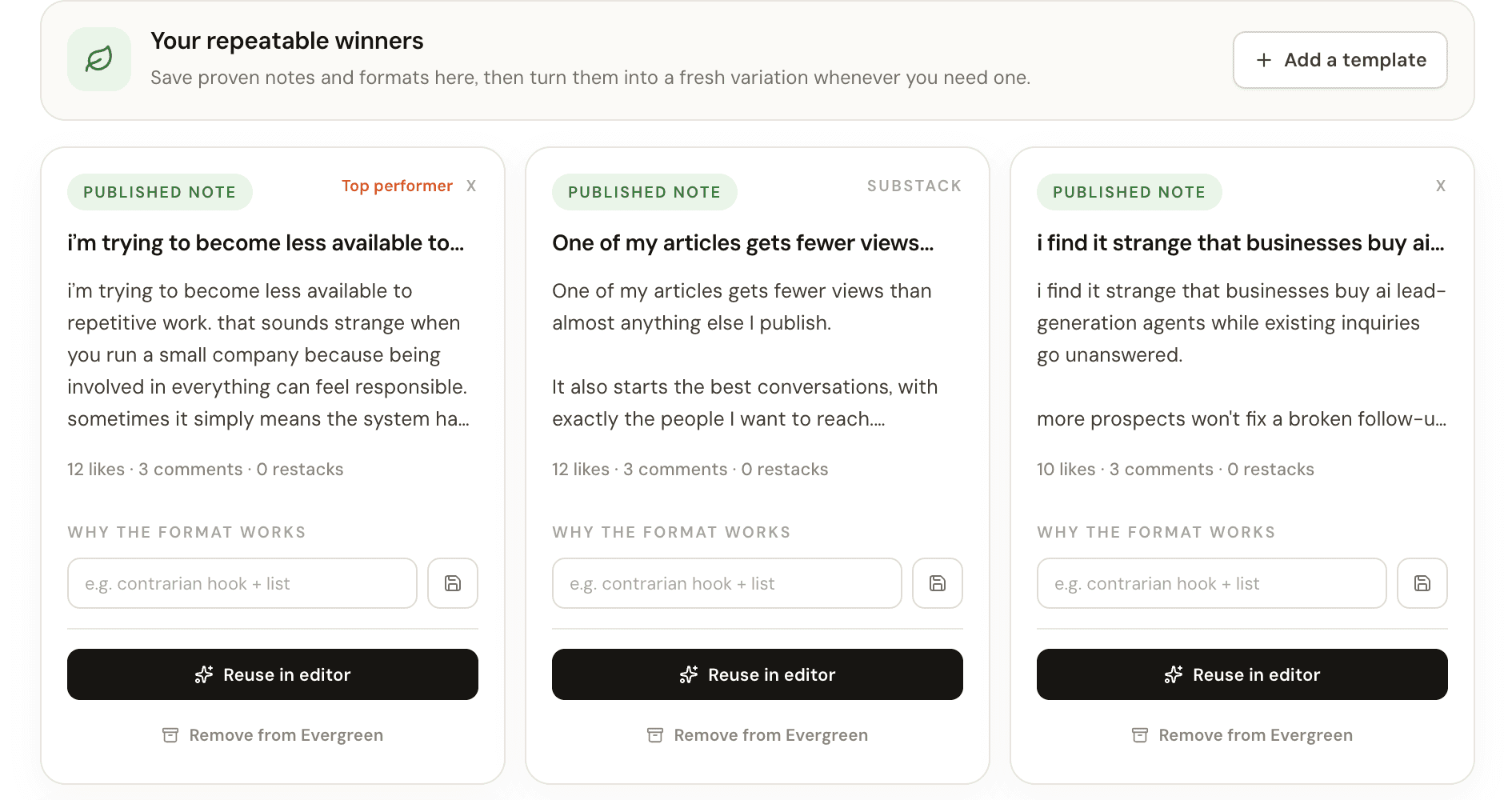
Save a published note to Evergreen
Every card in the Published tab of Notes has an Actions menu, and its first item is Add to evergreen. Choosing it copies the note text, the platform it ran on, the date it was published and its likes, comments and restacks into your Evergreen library. A toast confirms it, and the Evergreen tab count goes up by one.
Those numbers are a snapshot from the moment you saved. If the note keeps picking up replies, add it to Evergreen again: Narrareach updates the saved copy and its numbers instead of creating a duplicate, because each note can only be in the library once.
- Save a note once its replies have slowed down, so the snapshot reflects how it really did.
- Notes with no text cannot be saved, so image-only posts need a caption first.