10 AI Tools for Repurposing Content (Tested in 2026)
You spent 4 hours writing 2,000 words. You hit publish, got 3 new subscribers, and then did nothing else with it because turning that article into Notes...
By Ian Kiprono
You spent 4 hours writing 2,000 words. You hit publish, got 3 new subscribers, and then did nothing else with it because turning that article into Notes, LinkedIn posts, an X thread, and a short video meant opening five tabs and copy-pasting until the idea felt stale. That's the exact trap I wanted to escape.
So I ran a 30-day experiment. I took the same 3 source pieces, a Substack article, a podcast recording, and a long video, and pushed each one through 10 AI tools for repurposing content. I timed the setup, counted usable outputs, and noted how much editing each draft still needed. Same inputs, every time, so you're comparing workflows, not marketing claims.
You'll get value even if you never click a tool link. By the end, you'll know which category you need, text distributor, podcast-to-text converter, or video clipper, and which jobs you shouldn't pay an AI to do badly. If you're mapping a wider system first, learn to build a training content repurposing strategy before you buy anything.
The pattern across 30 days was blunt. Tools that stopped at generating drafts left me with more tabs. Tools that connected drafting to scheduling and performance feedback saved real time, as long as I kept a human approval step.
1. Narrareach
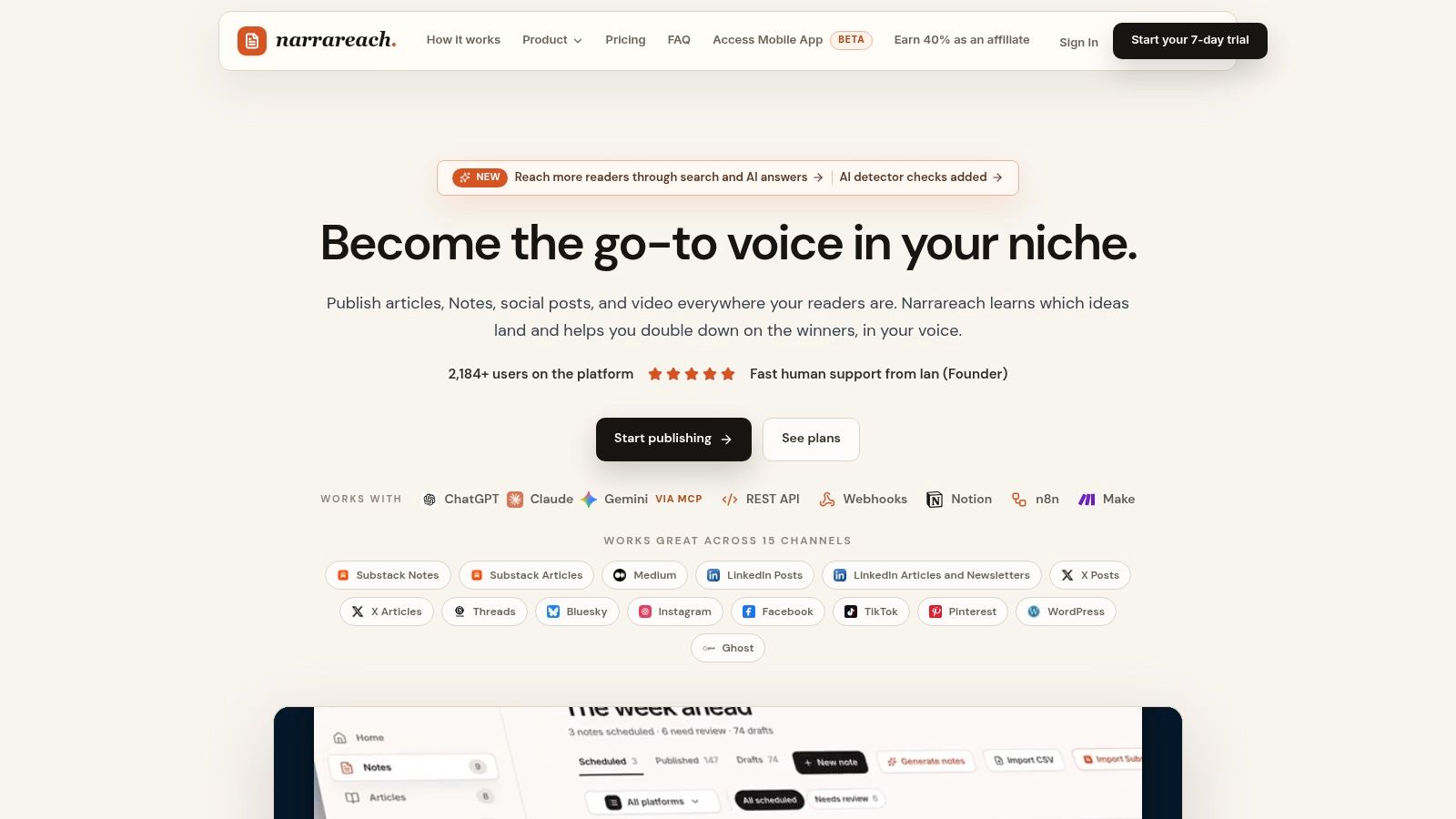
Visit the Narrareach website to see a workflow built around turning existing ideas into scheduled distribution. Narrareach can turn an article into platform-specific Notes and posts in your voice, then help schedule and review their performance. It publishes to Substack, Medium, LinkedIn, X, WordPress, and Ghost, and you can start free with no credit card required.
Writers can import existing work from Substack and Medium archives, blogs, WordPress, Ghost, Notion, Google Docs, public URLs, CSV, and Markdown. They can also start from a blank page, invite a team into the editor, and schedule and publish across supported destinations. The workflow connects drafting with distribution, so you can review how content performs by topic, format, channel, and timing.
What held up in my 30 days
Across the same Substack article, podcast recording, and long video used for each tool, Narrareach stood out for connecting content creation to publishing and performance review.
- Voice preservation: Narrareach learns from your posts to write in your voice. Drafts still need editing, but they're designed to build on what has already worked rather than rely on generic templates.
- One workspace: Create or import articles, Notes, and social posts, then schedule them and compare performance. Analytics help identify which content, topics, formats, channels, and posting times are working.
- Repurposing beyond the first draft: Narrareach can turn strong posts and articles into more Notes, reposts, and follow-ups. Revenue Writer also creates social posts from new blog articles, schedules them for your posting times, and links the first post back to the article.
The trade-off is setup: connecting sources and choosing supported publishing destinations takes some initial work. Publishing options also vary by platform. Narrareach's paid workflow combines article creation, follow-up Notes, scheduling, supported SEO metadata, and performance review. Its free tools include an AI Humanizer, Profile Analyzer, and Notes Tracker.
Pick this if you want writing, distribution, and performance review in one workflow. The value is turning a strong article into scheduled, platform-specific follow-ups without manually rebuilding every post.
2. Buffer
I reached for Buffer when I already had decent copy and just needed it adapted and queued. Its AI Assistant refines, shortens, and repurposes text inside the publishing workflow, and channel-aware drafting helps tune the same idea for LinkedIn versus X. For a solo writer, that simplicity is the point.
In my test, Buffer handled the Substack article's social snippets fine. It struggled as a true long-form-to-many studio, because I still had to decide which ideas deserved posts and do the extraction myself. The podcast and video sources basically needed transcripts first.
- Free AI Assistant: You can test drafting and scheduling without paying upfront.
- Scheduling plus analytics: Plan posts across supported platforms and review basic performance in one place.
- Substack support: Useful if your newsletter is the hub and social is distribution.
If you're weighing schedulers, compare these Buffer app alternatives for writers against your channel count. Paid pricing adds up as you connect more channels, which punishes the exact multi-platform habit you're trying to build.
The wider context matters here. In McKinsey's State of AI in early 2024 survey, 65% of respondents said their organizations were regularly using generative AI, nearly twice the level ten months earlier. Buffer fits that early-adoption stage well. It's a scheduler with helpful AI, not a repurposing engine.
3. Content Drifter
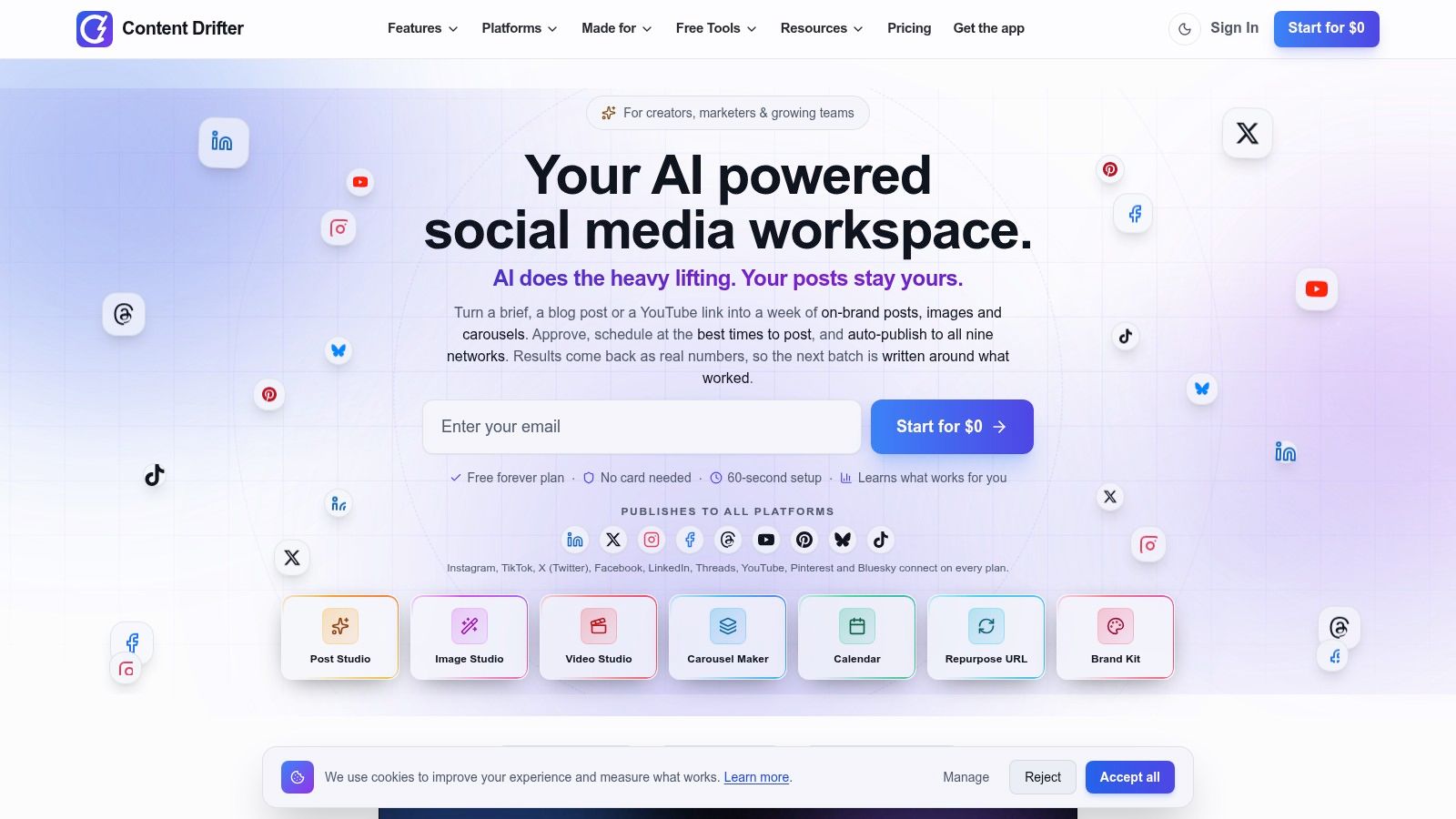
Content Drifter was the most direct article-to-social tool in the middle of this list. Feed it a blog post, a YouTube video, or a brief, and it generates social drafts for LinkedIn, X, Instagram, and Threads. I liked that it tries to draw on claims, statistics, and quotations from the source rather than summarizing everything into one bland takeaway.
That strength needs a guardrail. When a draft pulls a number out of context, you have to catch it before it publishes. In Ahrefs research summarized by eMarketer, 89% of surveyed marketers manually checked AI output, and that habit is essential here.
Where it worked for me
- Source fidelity: Drafts kept the original argument recognizable across networks.
- Brand voice settings: Preferences reduced, but didn't eliminate, voice drift.
- Built-in publishing: Scheduling and analytics mean you aren't exporting text to another tool.
The free plan lets you test the workflow before paying. The limit is scope. It produces social posts, not newsletter editions or edited video assets, so my podcast source still needed a separate transcription step.
I recommend it for bloggers who publish weekly and want 4 to 6 social derivatives per article without a design layer. If video is your main source, keep reading.
4. Contentdrips
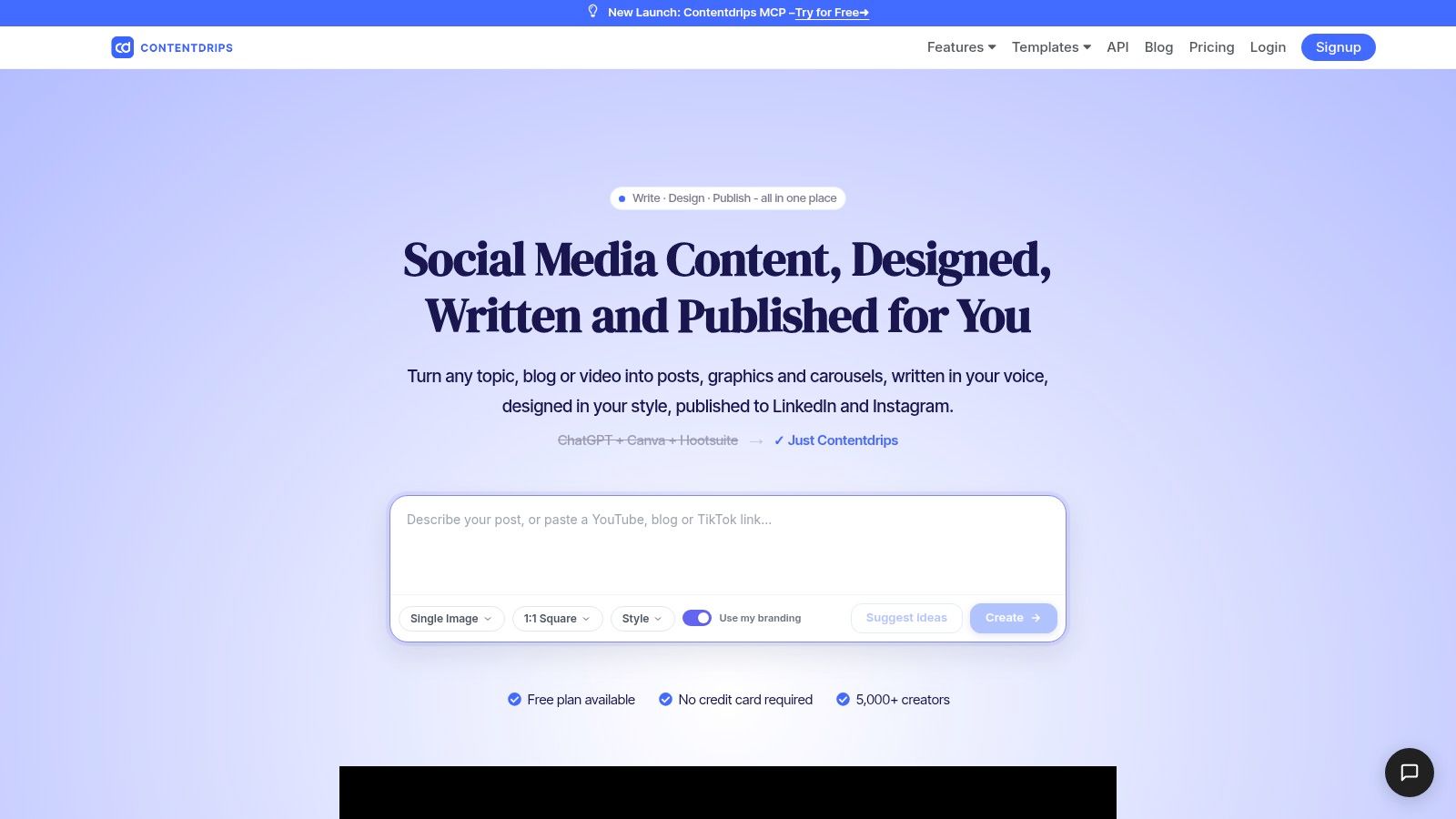
Say your best ideas die as plain text because you won't open a design tool. That's the job Contentdrips solves. It turns blog URLs, videos, or pasted text into social copy plus designed assets, especially LinkedIn carousels and graphics you can edit before scheduling.
I ran my article through it and got a carousel I could ship after tightening headlines. The brand kit kept fonts, colors, and logos consistent, and using past posts to guide writing style helped more than a generic tone dropdown. Before designing anything, check the correct LinkedIn graphic size so your export doesn't crop badly.
- Writing plus design: One flow covers copy, visuals, preview, and publishing.
- Carousel strength: Best fit if LinkedIn is a primary growth channel for you.
- Free plan available: Paid entry tiers keep testing cheap.
The downside showed up on day two. Publishing coverage is narrower than a broad scheduler, centered on channels like LinkedIn and Instagram. Generated designs also need hands-on tweaks, because AI slide breaks rarely match how a human would pace an argument.
Choose it if visual posts drive your audience growth. Skip it if you mainly need Notes, threads, and long-form cross-posting.
5. Munch
Munch surprised me because of how many written formats it produced from one URL. From my article and video links, I could generate LinkedIn posts, X threads, newsletters, carousels, pull quotes, and YouTube descriptions. If your bottleneck is draft variety, this bundle approach works.
Brand voice presets and custom instructions gave me some control, and multiple languages plus bulk URL processing on listed plans make it practical for processing an archive. That archive use case is where I'd pay for it, turning a backlog of strong posts into fresh derivatives instead of only repurposing this week's piece.
Here's the proof problem every generator faces. A global survey of 879 marketing and SEO professionals found 87% use AI to help create content, yet 97% reported having a human review process for AI-generated content. Munch's output confirmed why. The volume was useful, the judgment still had to be mine.
- Broad written outputs: More text formats from one source than most tools here.
- Accessible entry pricing: Reasonable for solo writers testing repurposing.
- Bulk processing: Helpful for archives, not just new articles.
It primarily generates drafts rather than giving you a full scheduling and analytics dashboard. Generation limits also depend on your plan, so model your monthly volume first.
6. Castmagic
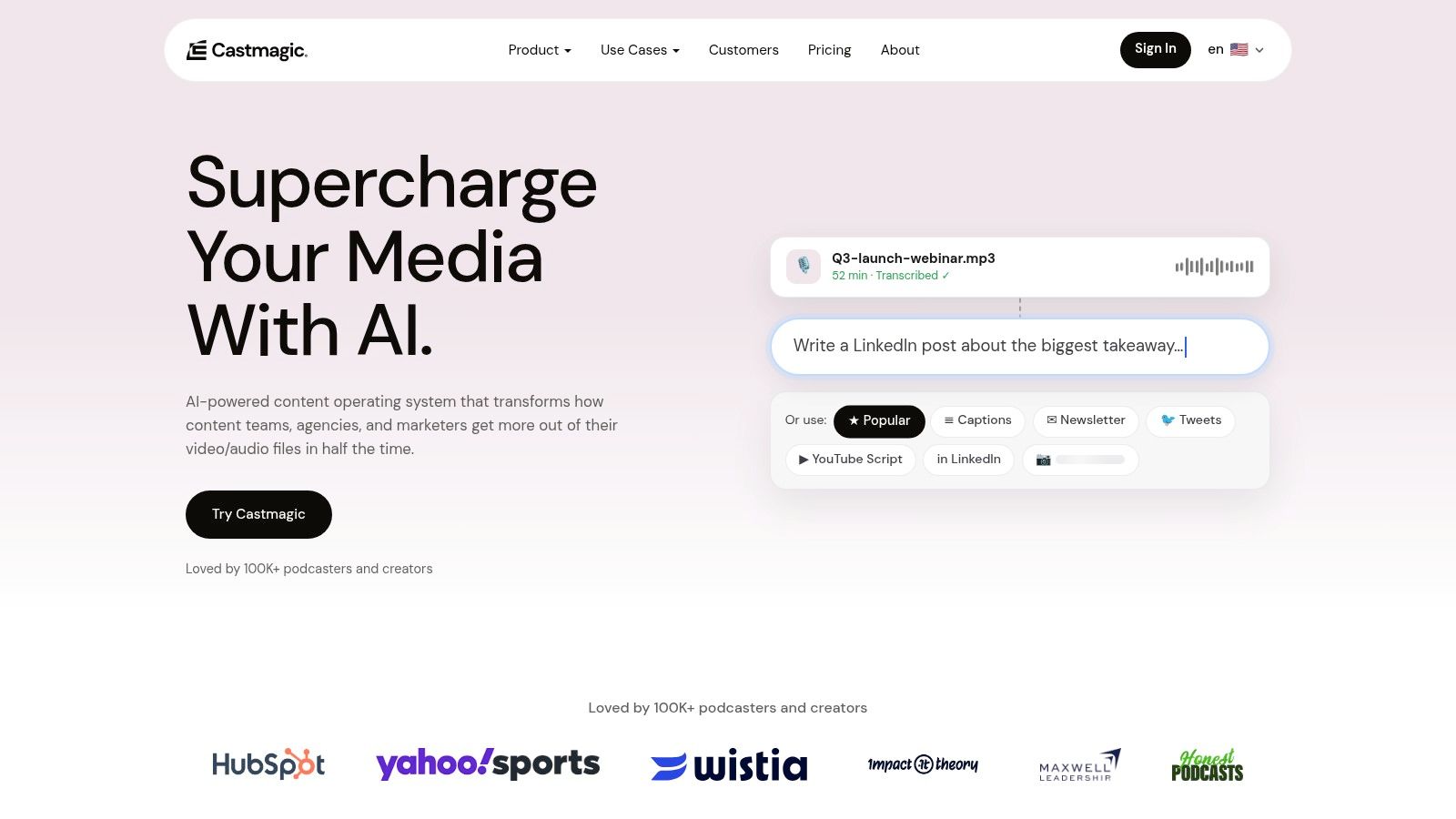
My podcast recording was useless to half this list. Castmagic is built for exactly that input. It transcribes audio and video, then turns recordings into show notes, summaries, blog drafts, social posts, and newsletters. For interview-driven creators, that single upload replacing a blank page is a genuine time saver.
I got the best results with clear speech and custom prompts. Messy crosstalk produced summaries I had to fact-check line by line. If you're comparing this category broadly, this guide to choosing an AI content repurposing tool helps you separate transcription quality from drafting quality.
Honest trade-offs
- Spoken-to-written strength: Multiple usable text formats from one recording.
- Collaboration features: Supported plans help small podcast teams review together.
- Price and allowances: It costs more than lightweight social tools, and transcription limits vary by plan.
The adoption backdrop supports this hybrid role. The Federal Reserve Bank of St. Louis survey on generative AI adoption found 33.3% of U.S. adults aged 18 to 64 reported using generative AI at work. Tools like this win when they fit an existing recording habit, not when they demand a new one.
If you mainly repurpose written newsletters, look elsewhere. If audio is your source of truth, shortlist it.
7. OpusClip
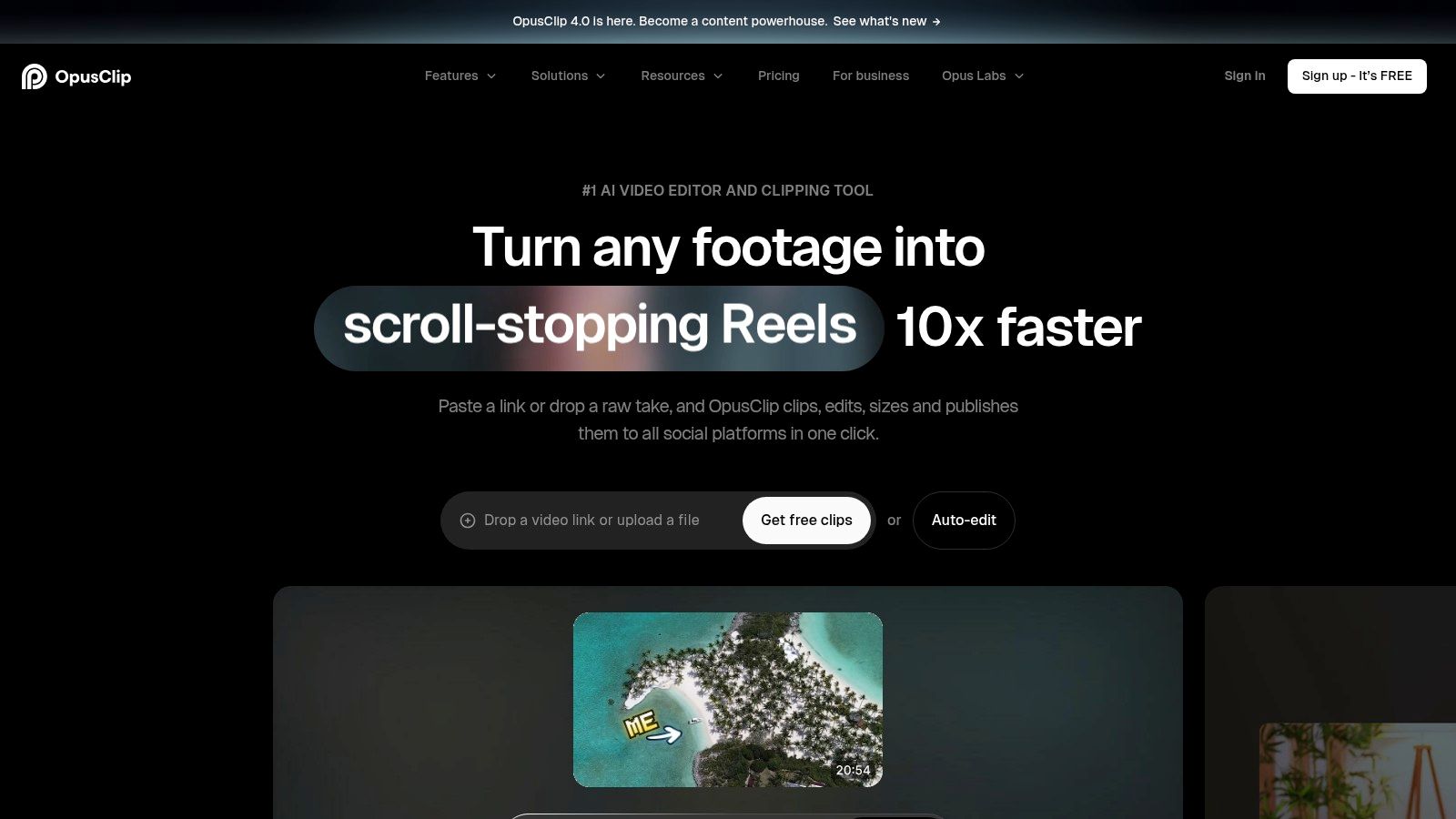
OpusClip does one job with focus. Give it a long video and it finds potential highlight moments, reframes them for vertical social formats, and adds captions. From my long video, I got a batch of candidate clips fast enough that selection, not editing, became my main work.
That selection step matters. AI picks clips, it doesn't reliably pick your best argument. I still watched every candidate and killed ones that started mid-thought. If you're learning the manual basics first, read how to take clips from YouTube videos, then compare that effort with automation and with Pin Generator's short-form editing guide.
- Speed from long to short: Captions and reframing happen without timeline editing.
- Free tier to test: You can try basic clipping before committing, with a watermark.
- Credit limits: How much footage you can process is capped by plan.
Paid plans add editing, brand templates, and publishing through supported integrations. The free plan's watermark and limited export availability make it a test drive, not a publishing system.
Practical rule: Budget your review time, not just processing time. A clip you don't trust enough to watch fully isn't ready to post.
Pick it if video is your primary source. It's not a text repurposing tool, and it won't fix a weak newsletter workflow.
8. Vizard

A good clip needs more than a strong moment. It needs a clean opening, readable captions, and framing that fits its destination. Vizard generates short clips from webinars, podcasts, and interviews, then lets you edit them before publishing.
For a 30-day comparison, I ran the same three source pieces through each tool: a Substack article, a podcast recording, and a long video. Vizard fits the video sources. Its automated selections provide a starting shortlist, while manual trimming helps remove weak openings. Platform-specific aspect ratios, customizable captions, brand controls, and multilingual caption features support further editing.
Publish the moments your audience responds to, not every moment the AI finds. Clip selection can save time, but it still takes judgment to decide which moments make sense on their own.
- Automated and manual editing: Clip generation is paired with an editor for refining selections.
- Brand controls: Captions and framing can be adjusted for a consistent look.
- Review before publishing: Scheduling and publishing features keep approval in the workflow.
Vizard suits video inputs, not text-first newsletter repurposing. AI-selected moments and captions still need review, and plan limits are worth checking before you commit. Choose it over a pure auto-clipper when you want more control over polish. If your priority is maximum volume with minimal review, the editor may feel like extra work.
9. Riverside
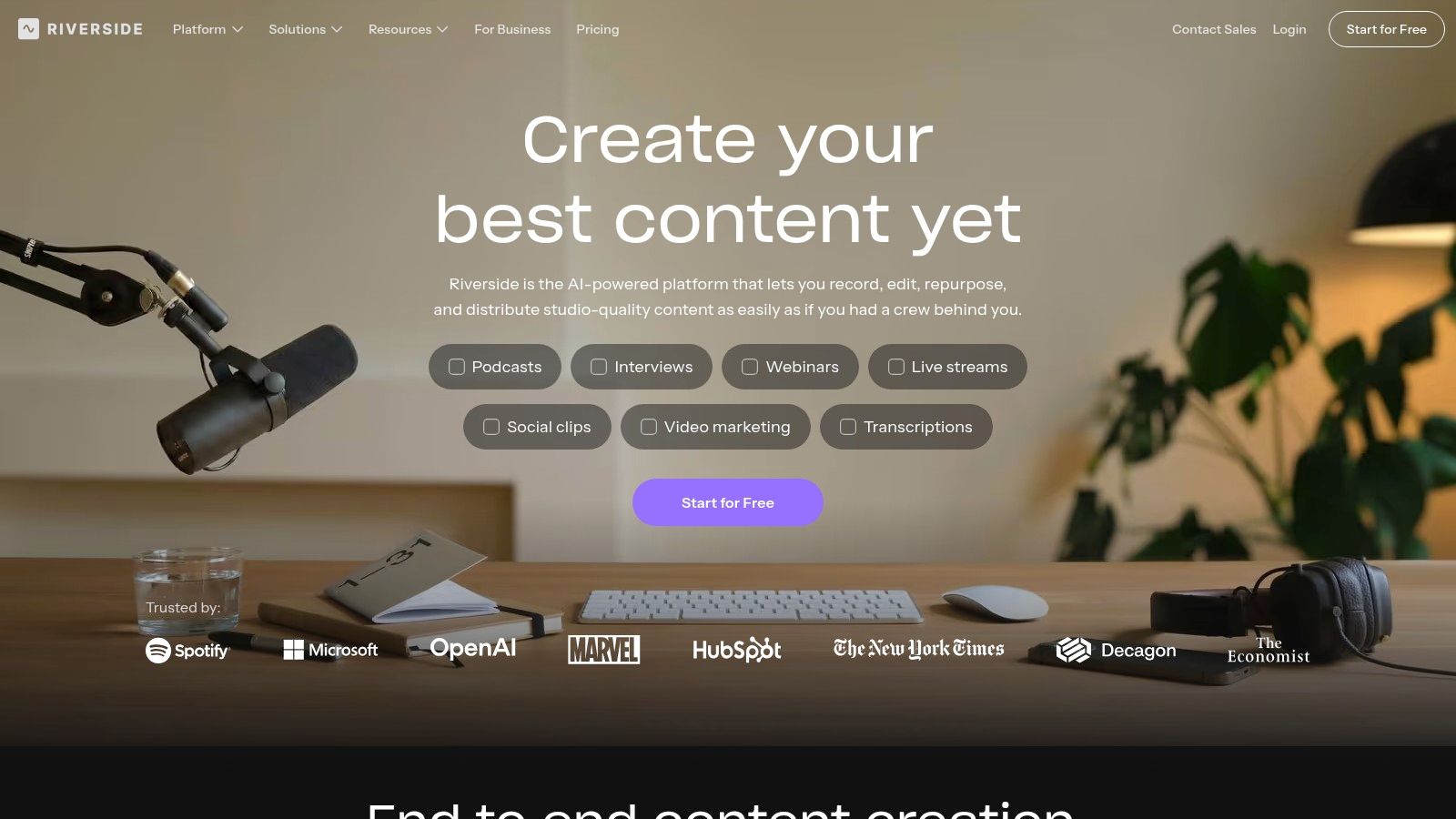
Riverside starts earlier in the chain than every other tool here. You record remote audio and video with separate participant tracks, then Magic Clips identifies key moments and turns them into short videos. Text-based editing lets you cut by editing words, which felt natural after years of editing transcripts.
For my podcast-style recording, staying in one platform removed the export, upload, and re-transcribe dance. Captions synced well because the source recording never left the system. That convenience is the whole pitch, and for interview shows it's persuasive.
- Recording plus clips: No second tool needed if you already record here.
- Free plan to try: Test the workflow before paying for higher-quality exports.
- Narrow source fit: Clips are built around recorded video, not articles or newsletter archives.
Marketers are clearly funding this kind of consolidation. SAS research on marketers and AI reported 85% of marketers used generative AI in 2025, but only 15% had fully integrated it into daily workflows. Riverside narrows that integration gap only if recording already happens inside it.
Don't switch recording platforms just for clips. Do use Magic Clips if you're already there, and still review every generated selection before export.
10. Repurpose.io
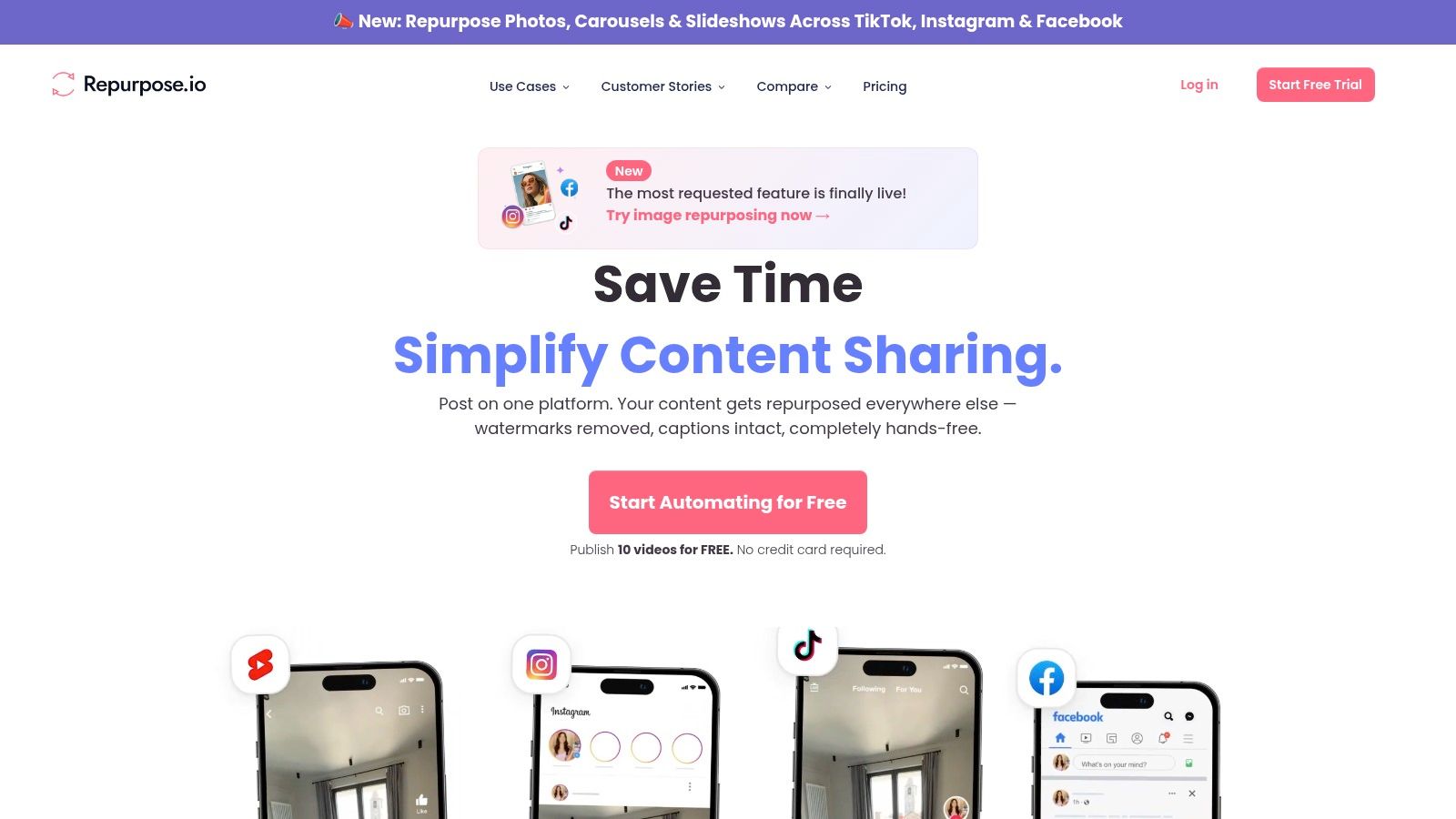
Repurpose.io is distribution automation, not content creation. It connects video and audio sources to social destinations so recurring workflows cross-post for you, cutting manual downloading, resizing, and uploading. In my test, that saved the most boring minutes, even though it created nothing new.
That distinction matters for your stack. Pair it with a clipper and it becomes powerful. Expect it to write your LinkedIn post and you'll be disappointed. This breakdown of how to repurpose content with AI clarifies where transformation ends and distribution begins.
- Recurring workflows: Set up once, then let connected platforms publish automatically.
- Solo to agency plans: Higher tiers manage multiple social accounts.
- 14-day trial: Enough time to test real connections, not just the interface.
Text repurposing is limited because video and audio distribution are the core strengths. Paid plans also start above many entry-level writing tools, and account and publishing limits vary by tier.
I recommend it for creators who already publish lots of video and lose time moving files around. Writers starting from articles should solve transformation and scheduling first, then add automation like this later.
AI Tools for Repurposing Content at a Glance
The tools differ most by starting material and where publishing happens. Use this table to compare their core fit and scheduling options.
| Best For | Input Type | Free Plan | Scheduling Built In |
|---|---|---|---|
| Narrareach, cross-platform publishing and audience growth | Articles and text | Free tools include an AI Humanizer, Profile Analyzer, and Notes Tracker | Yes |
| Buffer, social drafting and scheduling | Social copy | Yes, with AI Assistant | Yes |
| Content Drifter, article-to-social repurposing | Blog posts, YouTube links, and briefs | Yes | Yes |
| Contentdrips, social copy and visual assets | Blog URLs, videos, and text | Yes | Yes |
| Munch, generating multiple written formats | Article or video URLs | Free-plan details vary | No full scheduling dashboard |
| Castmagic, turning recordings into written content | Audio, video, and transcripts | Plans with transcription limits that vary | No |
| OpusClip, creating short clips from long videos | Long-form video | Yes | Yes, through supported integrations |
| Vizard, editing and publishing video clips | Long-form video recordings | Free-plan details vary | Yes |
| Riverside, recording and clipping interviews or podcasts | Remote audio and video recordings | Yes | No |
| Repurpose.io, automating video and audio distribution | Video and audio | 14-day trial | Yes |
How to Pick Your Repurposing Stack (and Actually Grow Faster)
Don't pick by feature count. Pick by your source format. If you start with written articles, choose a text distributor that creates platform-specific Notes and posts, schedules them, and ties results to subscribers. If you start with spoken recordings, start with transcription and written extraction. If you start with long video, start with clipping and captions, then add distribution.
Writers on Substack have a specific lever. According to Substack's announcement of Notes scheduling, scheduled Notes are supported on web, iOS, and Android, and they stay editable in the Notes Drafts tab until publication. Use that. One weekly article can become a week of smaller touchpoints instead of one launch day spike.
Native scheduling still has friction. One independent guide to scheduling Substack posts and Notes reports the native scheduler handles one Note at a time. That's why batching inside a dedicated workspace saves time, you aren't reopening the composer and calendar for every single post.
My 4-step workflow from the experiment
- Extract, don't summarize: Pull 5 to 7 standalone ideas, examples, or questions from one article. Each becomes its own Note or post.
- Adapt per platform: Shorten for Notes, expand context for LinkedIn, sequence for X. Never paste identical text everywhere.
- Verify before scheduling: Check every number and quote against the source passage. Approve in your voice, then queue.
- Review and double down: After a week, turn top performers into follow-ups and reposts on other channels.
Cadence beats volume spikes. Guidance in Buffer's guide to using Substack notes that daily or near-daily Notes can improve discovery because they create more frequent opportunities to appear in the feed. One documented workflow in a Substack Notes playbook uses a 60-minute weekly block to write 20 to 30 Notes. You don't need that many. You need a repeatable block you'll keep.
Audio and video creators should apply the same logic upstream. A solid video podcast editing and repurposing workflow starts with clean recording, then clips, then written derivatives, in that order.
Here are your two next steps. If you're ready, start the free 7-day trial, no credit card required, import one article you're proud of, and schedule a week of Notes and posts from one dashboard today. If you're not ready, use the free AI Humanizer, Profile Analyzer, or Notes Tracker to improve the drafts you're already making and see what's working. Either way, stop letting finished writing sit in one place. Consistent distribution is what grows your audience, not one more unpublished draft.
Turn your next finished article into a week of scheduled Notes, LinkedIn posts, and cross-platform distribution without copy-pasting between five tools. Visit Narrareach to start your free 7-day trial, no credit card required, and see which repurposed posts bring you subscribers.