Best Tool for Scheduling LinkedIn Posts: 7 Options Ranked
It's Tuesday morning. You've finished an article, but publishing it has turned into another writing session. You're copying paragraphs into LinkedIn...
By Ian Kiprono
It's Tuesday morning. You've finished an article, but publishing it has turned into another writing session. You're copying paragraphs into LinkedIn, rewriting the opening, fixing line breaks, and checking whether the link preview looks right. The posting window you meant to use has passed.
Meanwhile, the draft is still waiting on your other platforms. You've kept LinkedIn active, but your Substack Notes are empty and the Medium version hasn't left your editor. Next week, you'll repeat the same copy-paste loop unless you change the workflow.
The best tool for scheduling LinkedIn posts should reduce the work between finishing an article and getting useful posts into your calendar. A queue alone doesn't solve rewriting, checking, or remembering to respond.
The ranking below prioritizes that article-to-publication workflow. It isn't a stopwatch leaderboard: there are no verified, comparable timing logs for these tools, so reporting minutes or click counts as measured results would be misleading.
Use a repeatable test instead:
- Start with the same article. Extract an argument, a practical example, and a discussion prompt.
- Include the whole job. Time rewriting, formatting, scheduling, and checking the queue.
- Count manual handoffs. Record each move between your document, scheduler, spreadsheet, and publishing platform.
Consistency is worth testing. Buffer's posting-frequency analysis associated publishing 2–5 times weekly with 1,182 additional impressions per post compared with publishing once weekly. That's an association, not a growth guarantee.
If you're also considering linkedin lead generation services, keep publishing efficiency separate from lead quality. A scheduled post still needs a useful idea and a relevant next step.
1. Narrareach
Best fit for writers turning articles into cross-platform distribution.
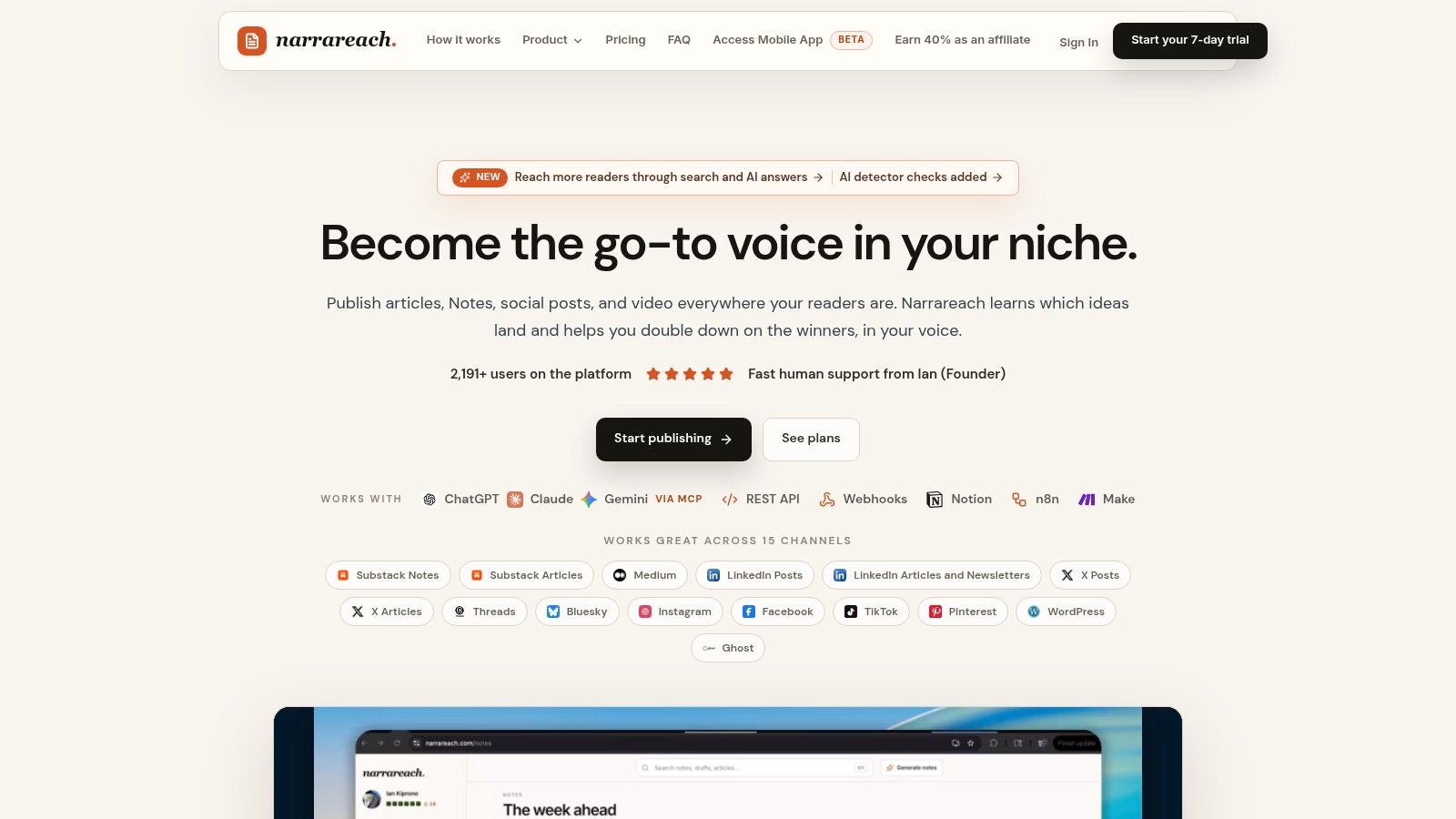
Narrareach ranks first for this particular job because the workflow starts with the article, not an empty social-post composer. You can import existing work or draft inside the workspace, adapt it into supporting content, schedule publication, and compare performance.
Our publishing workflow lets you draft an article, schedule the Substack post, and publish the article to Medium, LinkedIn, X Articles, WordPress, and Ghost from the same workspace. Every plan also schedules Substack Notes and articles. That matters when your bottleneck isn't choosing a LinkedIn posting time, but moving the same idea through several separate publishing systems.
The AI repurposing uses a voice learned from your own posts. I'd still judge its usefulness by the editing required, especially whether it preserves your argument, examples, and qualifications rather than producing interchangeable motivational copy.
Where the workflow saves handoffs
The Revenue Writer workflow turns new blog articles into social posts in your voice and schedules them into your chosen posting times. The first supporting post links back to the article. That gives newsletter writers a concrete distribution sequence rather than a collection of disconnected drafts.
For larger batches, our CSV import supports per-row times and platforms, with Google Drive images attached during bulk scheduling. Approved articles, Notes, and social posts can also recirculate on a schedule you choose.
- For Substack growth: Schedule the main article and supporting Notes together, so discovery content doesn't depend on remembering to post later.
- For audience development: Compare content performance and subscriber signals before deciding which ideas deserve more distribution.
- For teams: Managers can schedule articles through the owner's connections, while Notes, immediate publishing, and account reconnection remain with the owner.
Editing rule: Keep the distinctive example from the article. If repurposing removes the detail that made the argument convincing, restore it before scheduling.
The trade-off is scope. A writer who only needs LinkedIn text posts may prefer a simpler queue. Platform access and automation capabilities also vary by plan, so compare the workflow you need rather than counting every available feature.
For the batching test, record preparation, AI editing, timing, and final review separately. Our customer feedback supports the practical benefit of less manual cross-posting, but it doesn't establish a comparable stopwatch result against the other tools.
Choose this workflow when your desired outcome is more consistent distribution and owned-audience growth, not merely a fuller LinkedIn calendar.
2. LinkedIn's native scheduler
Best fit for a LinkedIn-only writer who doesn't need another subscription.
LinkedIn is the sensible baseline. You can write inside the platform, choose a publication time, and manage scheduled content without connecting a separate publishing service.
For Pages, LinkedIn's scheduling guidance allows scheduling from one hour to three months ahead. Some Page formats, including polls and events, aren't supported by the scheduling workflow.
The attraction is straightforward: your draft, destination, and scheduling controls are together. There's no separate queue configuration to learn before publishing.
What the native workflow leaves to you
The article-to-post work remains manual. You still need to select an angle, rewrite the opening, remove article-style transitions, and check that the post makes sense without its original introduction.
I'd use an external writing document to prepare the batch, then move finished posts into LinkedIn. That preserves an editable master copy and makes it easier to compare related posts before scheduling them.
- Strength: No separate scheduler subscription or third-party connection.
- Limitation: No unified publishing calendar for Substack, Medium, and other social platforms.
- Best testing condition: Keep every post on LinkedIn so you're measuring scheduling friction rather than cross-platform publishing.
Our guide to how to schedule posts on LinkedIn walks through the practical publishing steps.
Don't confuse an organic posting calendar with campaign planning. If the same content also becomes paid creative, keep production and media spending separate using budget tips for LinkedIn video campaigns.
The native scheduler is also a useful control for your comparison. A paid tool should remove a real task, such as repeated timing decisions, cross-platform copying, or approval chasing. If your weekly batch takes no less effort elsewhere, staying native is a reasonable decision.
Choose it when your posts are already written and LinkedIn is the only destination that matters.
3. Buffer
Best fit for solo creators who want a straightforward multi-channel queue.
Buffer's LinkedIn scheduler suits a different starting point: the posts are mostly ready, and you need somewhere orderly to put them. Its queue and calendar help separate writing time from publication time.
Buffer supports LinkedIn profiles and Pages, alongside other social channels. Drafting, an AI assistant, channel-specific editing, and analytics make it a practical middle ground between native scheduling and a larger management suite.
The queue is the feature I'd prioritize in a trial. Set your publishing pattern, add finished posts, and check whether you can complete the batch without repeatedly opening date-and-time controls.
Test the queue, not just the AI
An AI assistant is useful only if it reduces total editing. A fast draft that needs its hook, argument, and conclusion rewritten hasn't necessarily saved work.
For an article about newsletter onboarding, for example, prepare separate posts about the welcome email, the reader's first useful outcome, and a common onboarding mistake. Ask the assistant to adapt each angle, not summarize the whole article repeatedly.
Buffer's social-media benchmarks identify 2–5 LinkedIn posts per week as a practical starting cadence in an analysis covering more than 2 million posts from over 94,000 accounts. Use that as a starting point, then adjust to your audience and writing capacity.
- What works: A visible queue for finished posts across connected channels.
- What needs attention: Per-channel billing becomes more consequential as you add profiles and brands.
- What to compare: Whether channel-specific edits remain easy to review before the batch is scheduled.
The Typefully versus Buffer writer's guide is useful if your decision centers on writing and repurposing rather than account management.
Buffer's trade-off is that scheduling doesn't automatically become a complete article-distribution system. You may still manage newsletter publication and long-form syndication elsewhere.
Choose Buffer when the main job is keeping prepared social posts moving through a simple, repeatable queue.
4. Publer
Best fit for creators who prefer visual planning and account-based flexibility.

A visual calendar helps when the problem is campaign balance rather than a shortage of drafts. Publer combines scheduling with drafts and workspaces for LinkedIn profiles, Pages, and other supported platforms.
Say your article produces a practical tutorial, a counterargument, and a promotional post. Looking at them together makes it easier to notice that you've placed every promotional message next to each other, or repeated the same idea across adjacent publication slots.
That's the useful test for Publer: can you organize a coherent week without maintaining a parallel spreadsheet?
Keep planning and performance distinct
Publer's paid plans add capabilities such as first-comment scheduling and more scheduling capacity. Its Business offering adds analytics, suggested posting times, and competitor insights.
Those features answer different questions. A calendar shows what you intend to publish; analytics show what readers respond to.
LinkedIn's combined post analytics guidance describes selectable reporting periods from 7 to 365 days, along with impression and engagement views and XLSX export. That gives you a native reference when evaluating what a scheduler's reporting adds.
A suggested posting time is a hypothesis. Keep the topic and format comparable before attributing a stronger result to the calendar slot.
For your batching comparison, include the time spent moving drafts, adjusting publication times, and reviewing the calendar. Don't stop the timer as soon as the text enters the composer.
The main trade-offs are account-based costs and paid access to deeper analysis. A low entry price isn't the same as the lowest cost for your actual collection of profiles, Pages, and workspaces.
The Hypefury versus Publer practical comparison offers another way to assess queue-oriented publishing against broader planning needs.
Choose Publer when calendar organization is the task you want to simplify, and compare costs using your real account list.
5. SocialPilot
Best fit for multi-account publishing with repeatable campaign preparation.
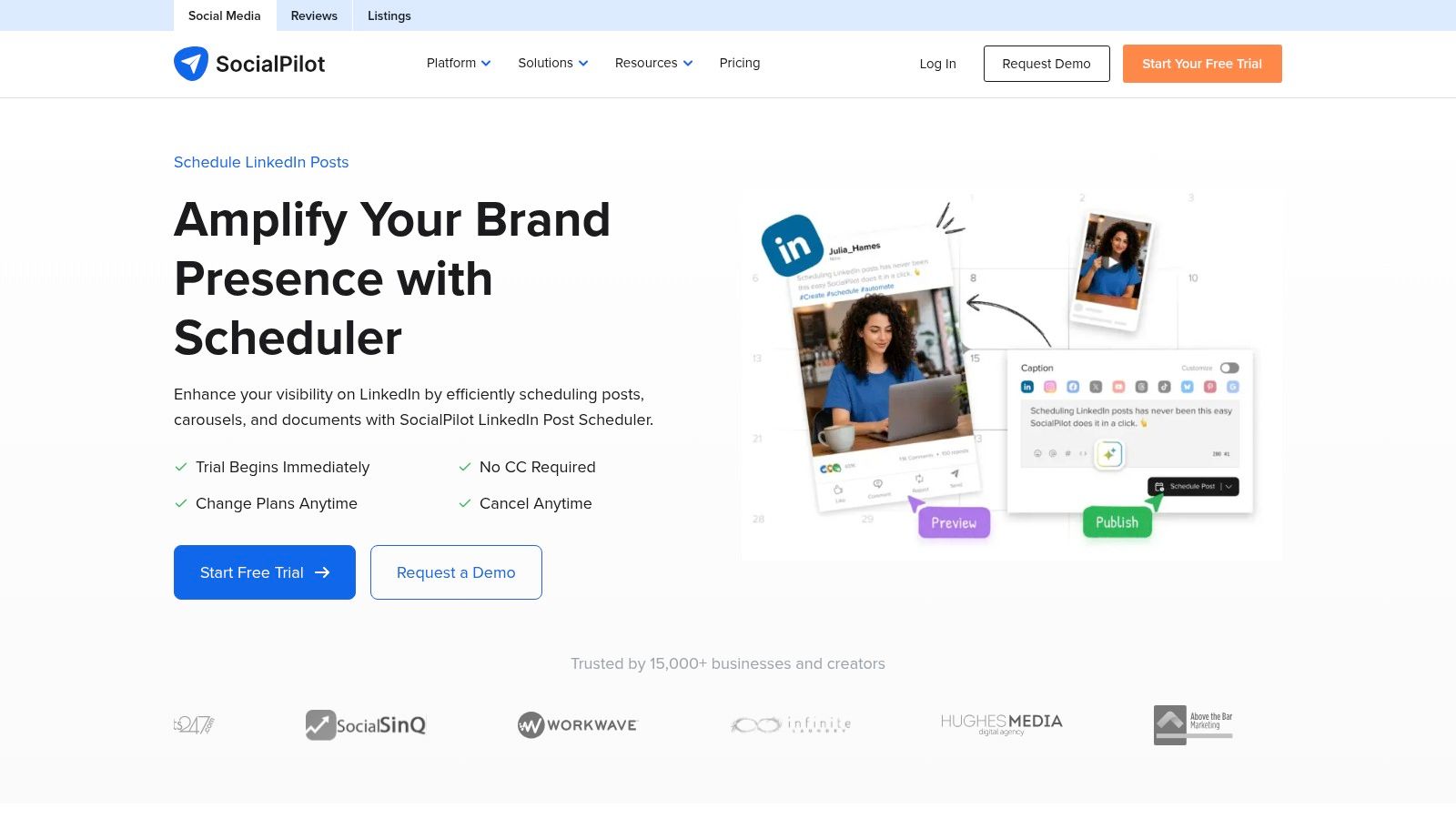
SocialPilot's LinkedIn scheduler becomes more relevant when a weekly batch involves different accounts, media assets, and reviewers. It supports document and carousel publishing, bulk scheduling, first comments, AI-assisted content tools, and analytics.
A solo writer may not need that breadth. An editorial team preparing related posts for a founder profile and a company Page has a more demanding coordination problem.
I'd evaluate SocialPilot with a prepared campaign rather than disconnected sample posts. Include the approved copy, the final document, the destination account, and the publishing time.
Bulk scheduling needs clean inputs
Bulk upload can reduce repetitive entry, but spreadsheet preparation belongs inside your timing test. If cleaning the import file takes longer than entering posts individually, the apparent saving disappears.
The same applies to documents. A carousel isn't ready because the PDF exists. Check slide order, readability, the post introduction, and whether the final slide sends readers somewhere useful.
- Prepare before importing: Finish copy and asset naming before building the schedule.
- Review after importing: Confirm the destination account, attachment, and publication time.
- Separate approvals: Make it clear whether a reviewer is approving the wording, the asset, or the entire scheduled post.
Trust matters more than increasing output. In the LinkedIn and Ipsos B2B marketing survey, 94% of 1,500 surveyed B2B marketers in 2025 said trust is key to B2B success. That isn't evidence that bulk scheduling builds trust, but it reinforces why editorial checking shouldn't be sacrificed for speed.
SocialPilot's trade-off is operational overhead. A broader management platform can be worthwhile for coordinated publishing, but unnecessary for someone scheduling occasional text posts.
Choose it when bulk preparation and multi-account coordination replace enough repetitive work to justify the extra system.
6. Metricool
Best fit for creators who want performance analysis beside the publishing calendar.
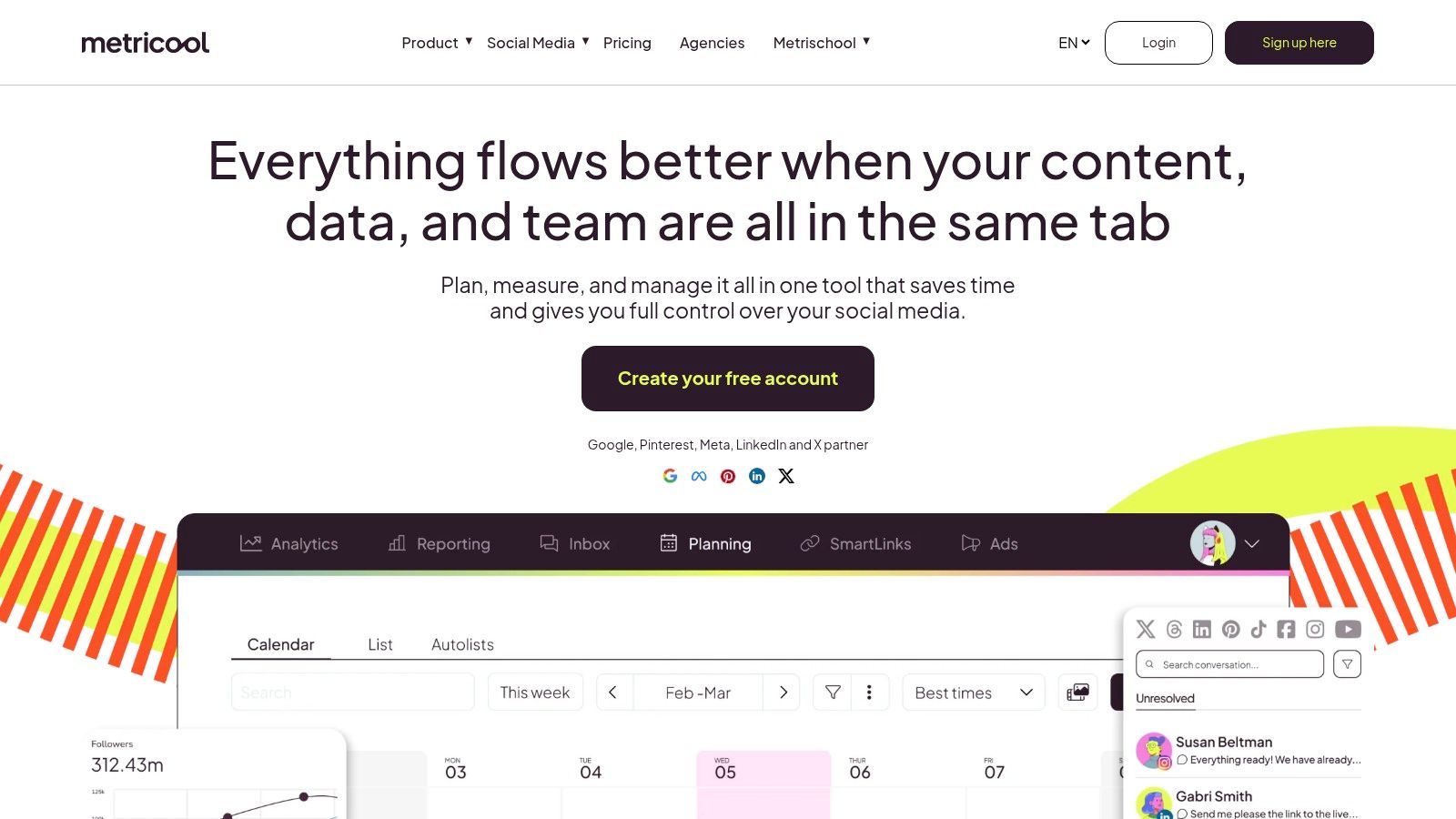
The case for Metricool is strongest when you already publish consistently but don't know which topics deserve another attempt. Its calendar and analytics put planning and performance review in the same product.
LinkedIn requires a paid connection, so the free plan isn't a LinkedIn scheduling trial. Supported media and publishing options also have format limits, which makes testing your actual content important.
I'd bring a representative article, its supporting social copy, and the media format you use most often. A text-only demonstration won't tell a document-heavy writer enough.
Judge links by outcomes
Writers often need to send readers somewhere they own. That makes blanket advice against external links a poor basis for choosing a scheduler.
A Metricool analysis reported by NetInfluencer examined 577,180 LinkedIn posts from 47,735 Pages and found that posts with external links generated 13.57% more interactions than posts without links. The scope matters: these were Page posts, and interactions aren't newsletter subscriptions.
The practical response is to test your own distribution choices:
- Use tagged links: Identify the article, campaign, and post variant in your destination analytics.
- Separate goals: Track useful discussion independently from article visits and subscriptions.
- Record the theme: Learn whether onboarding, pricing, or another subject attracts the right readers.
Our guide to LinkedIn engagement metrics helps distinguish visibility from more meaningful audience signals.
Measurement principle: A post that attracts fewer reactions can still be valuable if it brings relevant readers to your publication.
Metricool's trade-off is that analysis adds work unless you make decisions from it. Include reporting time in your comparison, then ask whether the review changed your next batch.
Choose it when analytics will shape your publishing decisions, not merely decorate a dashboard.
7. Taplio
Best fit for frequent LinkedIn publishers who want a focused creator workspace.
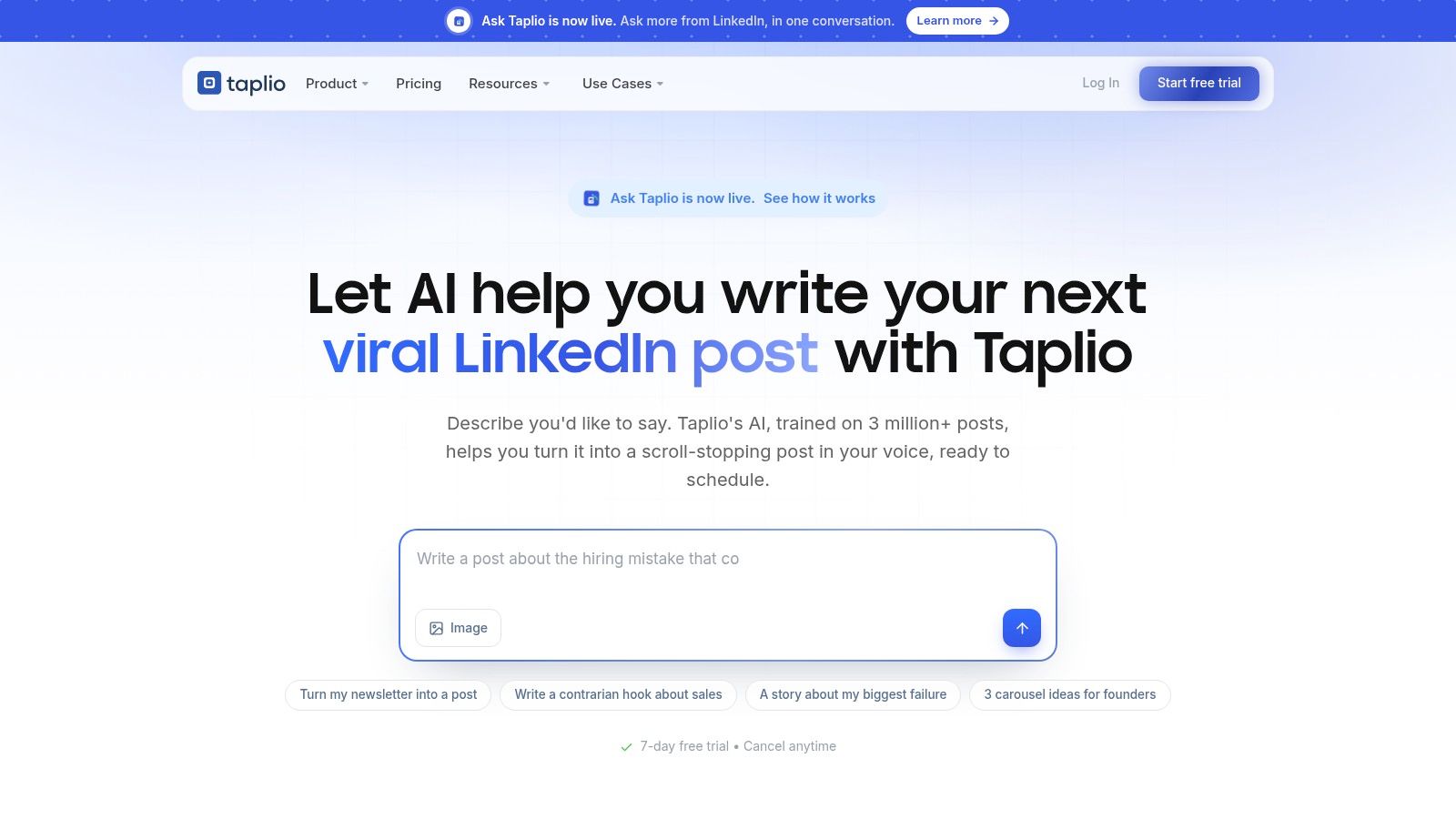
Taplio concentrates on LinkedIn rather than consolidating a broader publishing calendar. Scheduling and LinkedIn-oriented analytics sit alongside writing, reply, and collaboration capabilities available on higher plans.
That focus can be useful when LinkedIn is your primary publication channel. It's less convenient when the same weekly job includes a Substack article, supporting Notes, and a Medium edition.
The deciding question isn't whether you like a LinkedIn-specific interface. It's whether you want to improve a LinkedIn workflow or replace a cross-platform one.
Include replies in the experiment
A scheduled post doesn't finish the conversation. If readers ask for clarification while you're unavailable, the calendar has handled publication but not participation.
For Taplio, I'd test the complete routine: prepare the article-derived posts, schedule them, review the resulting discussion, and note which questions deserve follow-up content. Faster reply tools are useful only if they help you give specific, relevant answers.
- Keep your position: Don't let AI turn a qualified argument into a sweeping claim.
- Keep your examples: Preserve the concrete detail that distinguishes your article.
- Keep replies personal: Address the reader's actual question instead of pasting a reusable response.
LinkedIn's analytics help center documents native performance reporting, but native engagement alone doesn't establish whether a post created an article reader or subscriber. Keep destination measurement alongside the LinkedIn review.
The LinkedIn posting best practices guide is a useful companion when deciding what to publish and how to remain available for discussion.
Taplio's main compromises are price relative to basic scheduling and its LinkedIn-specific scope. AI writing and collaboration also depend on the plan you choose.
Choose it when LinkedIn publishing, discussion, and analysis are the main job. Choose a broader workflow when the article needs to travel elsewhere too.
LinkedIn scheduling tools compared on price, free access, cross-posting, and best use
| Item | Starting price | Free plan | Cross-posting beyond LinkedIn | Best for |
|---|---|---|---|---|
| Narrareach | Not stated | Start free, no credit card required | Yes, across supported platforms such as Substack, Medium, LinkedIn, X, WordPress and Ghost | Writers repurposing and publishing across platforms |
| LinkedIn's native scheduler | Free | Yes, with a LinkedIn account | No | LinkedIn-only scheduling |
| Buffer | Not stated | Yes, terms not stated | Yes | Simple multi-platform scheduling |
| Publer | Not stated | Yes, terms not stated | Yes | Scheduling across platforms |
| SocialPilot | Not stated | Trial availability not stated | Yes | Teams and bulk scheduling |
| Metricool | Not stated | Yes, LinkedIn availability not stated | Yes | Scheduling paired with analytics |
| Taplio | Not stated | Trial availability not stated | No | LinkedIn-focused creator workflows |
For a practical comparison, time how long each workflow takes to turn one long-form article into a week of LinkedIn posts. Include reformatting, choosing times, and checking the final queue. Track the minutes and manual steps, then judge whether cross-posted or AI-assisted drafts still sound like the writer and need little editing. Prices and free-plan terms can change, so confirm them with each provider before choosing.
Pick the Scheduler That Fits How You Actually Write
The best LinkedIn scheduler is the one that removes a recurring bottleneck without weakening your writing. Compare workflows, not feature lists: use the same long-form article to build a week of LinkedIn posts, then track the minutes spent reformatting, setting times, and checking the queue. Count manual handoffs too. Without comparable tests, there's no honest universal winner.
For LinkedIn-only publishing, start with LinkedIn's native scheduler. It gives you a baseline before you add another queue. Solo creators working across accounts can compare Buffer and Publer against the platforms they use. SocialPilot suits coordinated campaigns and bulk preparation, while Metricool pairs scheduling with analytics. Taplio focuses on a LinkedIn-centered creator routine.
Use the article as the starting point
If you publish across Substack, Medium, and LinkedIn, a queue is only part of the workflow. The article can anchor a repeatable sequence:
- Draft once: Finish the argument, examples, and destination link before creating short-form versions.
- Schedule the Substack article: Set when the main piece becomes available.
- Publish long-form editions: Send the article to Medium and LinkedIn from one workspace, then check each introduction and format.
- Space supporting Notes: Give each Note a distinct observation, question, or useful excerpt.
- Schedule LinkedIn variations: Adapt the idea rather than repeating the same article announcement.
- Review audience outcomes: Compare engagement, article traffic, and subscriber signals before planning the next batch.
Native Substack scheduling remains a practical option if you don't need a shared workspace. Substack's Notes guidance covers the web calendar control, mobile scheduling menu, local-time-zone selection, and editing scheduled drafts.
For a fair timing test, use the same article and post package in every shortlisted tool. Record time spent editing, scheduling, and checking, along with each manual handoff. Keep account setup separate from the recurring weekly comparison. That makes the trade-off clearer: a quicker queue may still require more editing.
If your short-form distribution extends beyond LinkedIn, compare top platforms for scheduling short-form content using that same package. Wider platform coverage does not automatically mean less editorial work. Check whether repurposed posts still sound like you and need little editing.
Choose the workflow that leaves accurate posts in a checked calendar, with time to answer readers. Faster batching matters when the saved effort goes back into stronger ideas and genuine conversations.
Ready to consolidate the process? Start free with Narrareach, with no credit card required, and batch an article with its supporting posts. If you're not ready to switch, share your current workflow and the handoff you'd most like to eliminate.
Narrareach brings article publishing, Substack Notes, LinkedIn scheduling, voice-aware repurposing, and performance review into one workspace. Visit Narrareach to try an article-to-post batch, or share how you turn finished writing into a weekly publishing schedule.