
7 Best LinkedIn Post Schedulers for Writers
Buffer is the easiest general-purpose starting point for most writers posting 2 to 5 times weekly, while Narrareach is the strongest fit if you want to...
By Ian Kiprono
Buffer is the easiest general-purpose starting point for most writers posting 2 to 5 times weekly, while Narrareach is the strongest fit if you want to repurpose Substack content and distribute it across multiple platforms from one workflow. The best LinkedIn post scheduler for you depends on whether your priority is simple scheduling, deeper analytics, LinkedIn-only growth, or broader distribution.
You finished the essay. That's the hard part. Then you lose the next hour copying it into LinkedIn, fixing line breaks, shortening a version for Notes, and wondering whether to include the link now or later. By the time everything's queued, you're not sure which version went where, and you've got no clean way to tell which one brought subscribers.
I spent a defined testing period comparing 7 tools on the things that eat a writer's week. Scheduling speed, publishing limits, analytics depth, AI repurposing, and cross-posting. I batched real posts, moved long-form ideas into short-form slots, and checked what happened after publishing. Some tools are excellent calendars. Very few solve the whole journey from one strong idea to measured distribution.
1. Narrareach
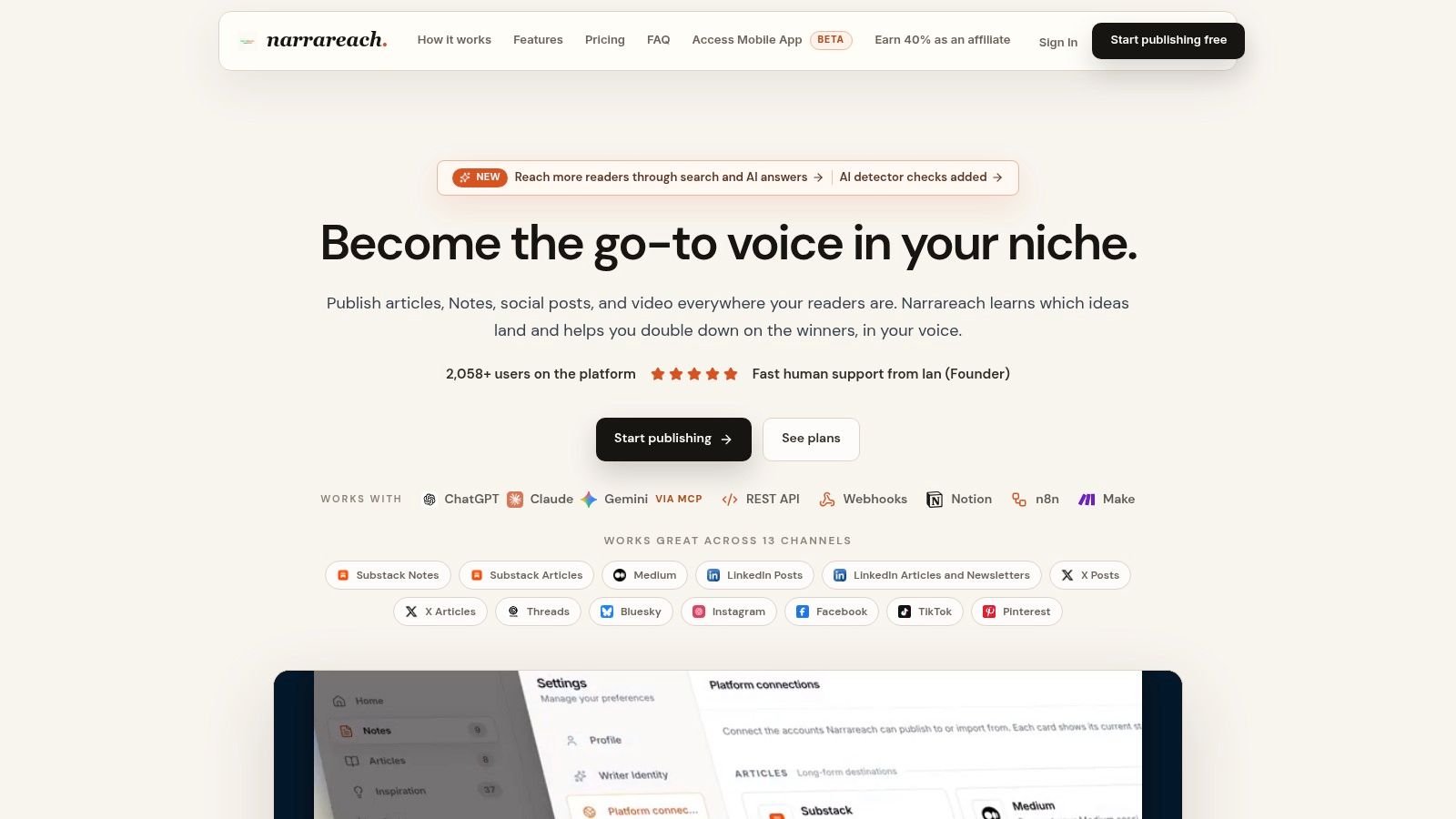
A typical scheduler starts once the post is written. Narrareach starts earlier, with the article itself. You draft or import a piece, then adapt, schedule, and distribute it across Substack, Medium, LinkedIn, X, Threads, Bluesky, Instagram, Facebook, TikTok, and Pinterest without rebuilding it in ten tabs. For a newsletter writer, that order matters. The essay stays the source, and every shorter version stays connected to it.
That positioning fits the size of the opportunity. LinkedIn's addressable audience reached approximately 1.20 billion members in January 2025, up 176 million or 17.1% year over year, according to DataReportal's LinkedIn advertising-planning data. Registered-member reach says nothing about daily activity, so treat scale as a reason to test systematically rather than a guarantee of attention.
What worked in my workflow
I took one long-form idea and turned it into a LinkedIn post, Substack Notes, and versions for other channels, then scheduled each with its own timing. The AI repurposing kept my phrasing instead of flattening everything into generic social copy, and I could edit every version before it published. If you're learning the mechanics first, this guide on how to schedule LinkedIn posts step by step covers the queue setup.
- Centralized distribution: Drafting, scheduling, and publishing sit in one workspace across 13 publishing destinations, so you stop copy-pasting between platforms.
- Voice-aware repurposing: Existing articles become platform-ready Notes and posts you can review, reschedule, or remove before publication.
- Attribution signals: Cross-platform analytics and subscriber signals show which ideas deserve a second format instead of only tracking which post collected reactions.
- Collaboration and automation: Guest authors, plus connections to tools like Claude, ChatGPT, Notion, n8n, and Make, suit writers who are outgrowing a solo routine.
One user describes batching a full week of posts in a single short sitting once repurposing replaced manual rewriting.
A 7-day free trial with no credit card required lets you test the repurposing workflow before committing. Annual plans are listed at $17/month for Audience Builder, $33/month for Revenue Writer, and $74/month for Full Agentic Mode, billed annually, with AI actions, agent cycles, and account limits varying by tier.
The trade-off is breadth. If you publish on one platform only, a multi-channel workspace with automations may be more than you need, and the advanced capabilities sit on paid plans. If your real problem is moving one idea from Substack to LinkedIn and beyond while tracking what it earns you, this tool covers the most ground in this roundup, because proven content keeps working past its first audience.
2. Buffer
Buffer is where I'd send a writer who wants scheduling to stop being a chore. You draft, add the post to a queue, pick a time, and move on. It supports LinkedIn profiles and Pages alongside other channels, including Substack, and the visual calendar makes a week of content easy to scan at a glance. Setup takes minutes, and there's no enterprise clutter.
The free plan handles a light cadence. It supports up to three channels and 10 scheduled posts per channel, and Essentials starts at $5 per channel per month with annual billing, per Buffer's published plan details. Paid plans allow unlimited scheduled posts subject to a fair-use policy. The catch is arithmetic. Per-channel pricing looks cheap with two channels and less cheap with eight, and team collaboration with approval workflows requires a higher plan.
Why cadence is the actual test
Buffer gives you a clean queue, an AI Assistant, and post-performance insights. What you do with that queue matters more than the calendar itself. An analysis of more than 2 million LinkedIn posts from over 94,000 accounts found accounts posting 2 to 5 times weekly received roughly 1,000 additional impressions per update, according to Social Media Today's summary of the posting-frequency research. Those are observational benchmarks rather than a promised lift, since audience size and content quality shape results.
So run a controlled experiment instead of just staying organized. Hold 2 to 5 high-quality posts per week, vary text, document, and image formats, and watch whether impressions per post hold up before you add volume. If you're weighing Buffer against a heavier team suite, this Buffer and Hootsuite comparison for scheduling workflows breaks down the differences.
Buffer won't turn a Substack essay into a coordinated multi-platform sequence. You bring the drafts. For many solo writers that's fine, and the simplicity is exactly why it earns the general-purpose recommendation.
3. Publer
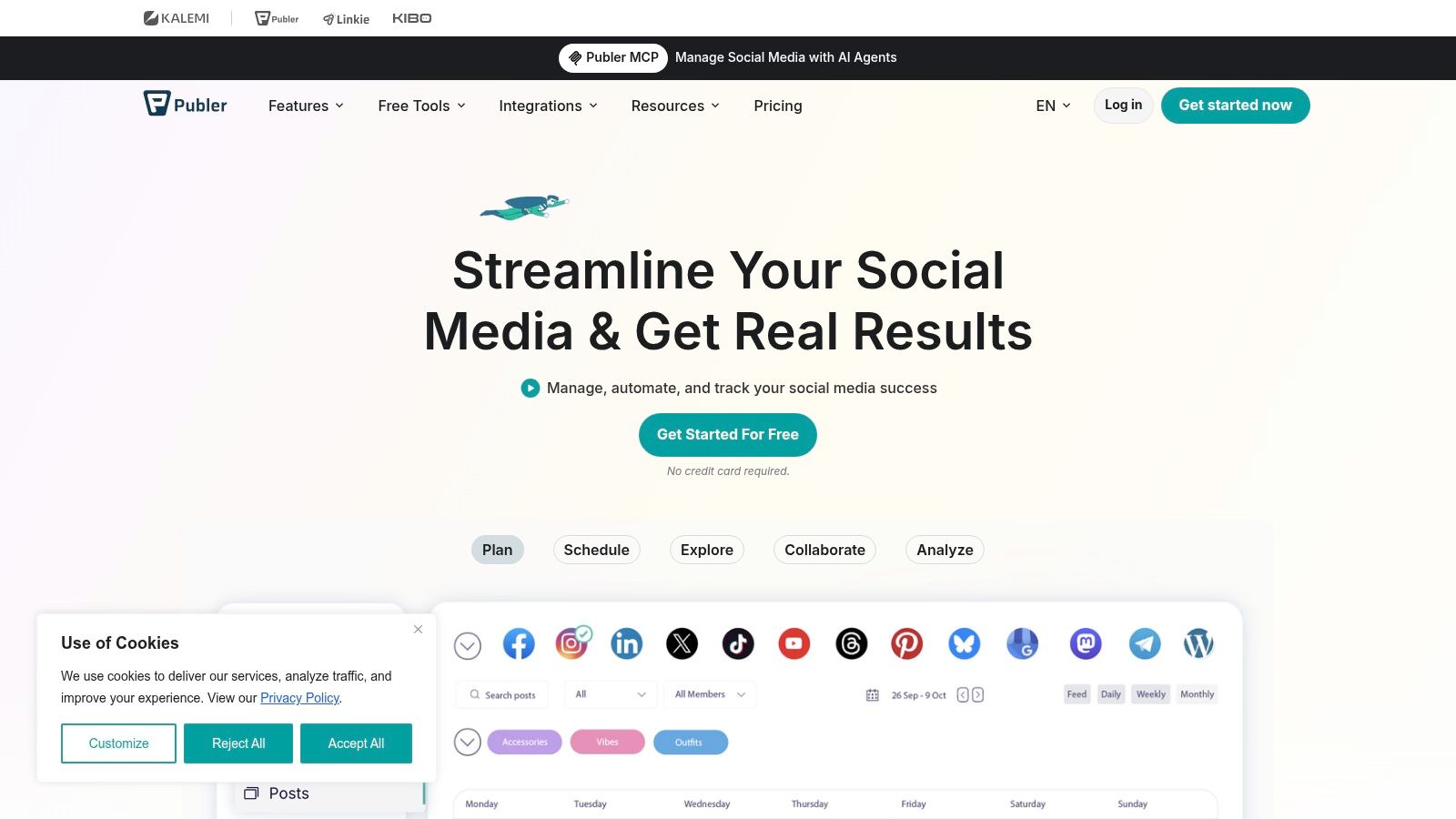
Publer suits the writer who manages LinkedIn plus several other networks and watches every subscription line. It supports LinkedIn profiles and Pages, bulk publishing, drafts, workspaces for separate brands or projects, and LinkedIn PDF carousels, which matters if document posts are part of your format mix. I found the workspace structure handy when the same week held client work and my own newsletter promotion.
Pricing is Publer's headline. A free plan supports up to three social accounts, excluding X, while Professional starts at $5 per month and Business at $10 per month, according to Publer's pricing page. Your final price depends on how many accounts and team members you add, so model your actual setup before you celebrate the entry number.
That flexibility is a strength for small teams and a mild annoyance if you want one flat figure.
Context helps explain why a budget scheduler still needs discipline. LinkedIn launched on May 5, 2003, had approximately 4,500 users after its first month, and passed 1 million users by August 2004, as traced in Fast Company's oral history of LinkedIn at 20 years. The platform has grown far past its résumé-database origins, and a cheap queue only pays off if you publish consistently enough to be remembered.
- Bulk scheduling: Load a batch of posts in one sitting instead of returning to the composer daily.
- Adjustable pricing: Scale accounts and members up or down as your workload changes.
- Workspaces: Keep brands, clients, and personal projects separated without separate logins.
The downside is feel. Publer is less focused than a LinkedIn-only editor, with more menus and settings standing between you and the publish button, and advanced team needs push you up a tier. If your home base is a newsletter and LinkedIn is the distribution arm rather than the destination, this Publer alternative breakdown for Substack writers covers that specific workflow before you commit. Choose Publer when flexible, low-cost multi-platform scheduling beats a polished writing environment.
4. SocialPilot
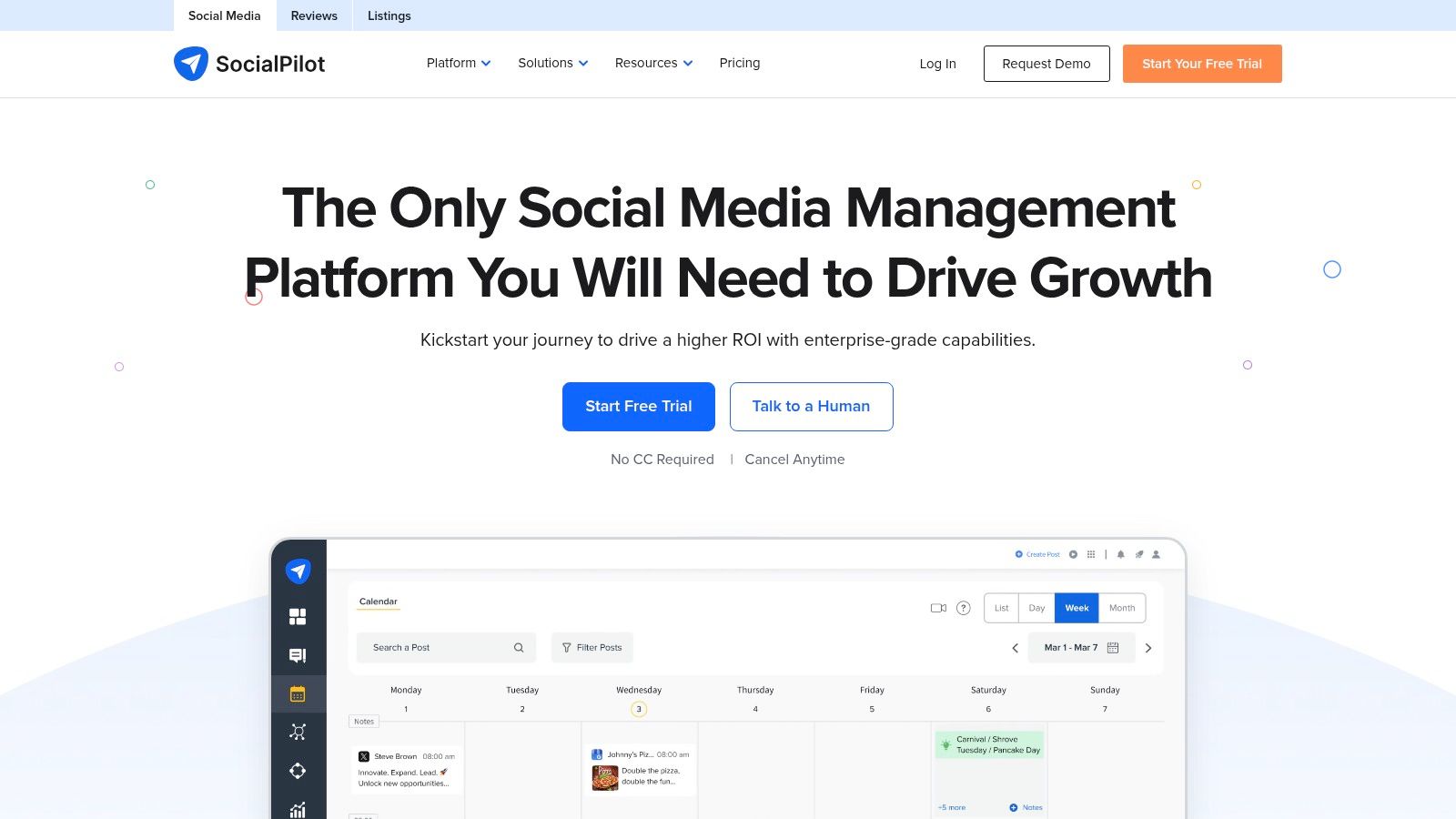
SocialPilot is built for volume across accounts, so it fits agencies and small teams better than a lone essayist. You get a social media calendar, bulk scheduling, and LinkedIn publishing that includes document posts. When I plan content in batches, the bulk workflow is the feature that justifies the tool. Filling a calendar for several profiles in one session beats scheduling post by post.
There's a 14-day free trial, and the Essentials plan starts at $25 per month, based on SocialPilot's published plan pricing. Account and user limits vary by plan, so check them against your client roster before the trial ends. Public pricing for standard plans makes that comparison easy, which I appreciate.
Why does batching matter this much? Attention is scarce. LinkedIn grew from 140 million members in 2011 to 500 million in 2017, and during that 2017 period about 100,000 articles were reportedly published weekly, according to EBSCO's research summary on LinkedIn's history. One good post can disappear in that flow. Teams that publish in planned sequences and review results learn faster than teams posting whenever someone finds a spare minute.
Practical rule: Batch the production, not the thinking. Queue a week at once, but review each post as if it were publishing in the next five minutes.
The trade-off is weight. A solo creator may pay for multi-account capacity that never gets used, and costs climb as workflows grow into higher tiers. SocialPilot is also a management tool first, so if your bottleneck is turning essays into native posts, compare it against a dedicated LinkedIn post scheduling tool built around repurposing. Pick SocialPilot when several accounts, several people, and a shared calendar describe your actual week.
5. Metricool
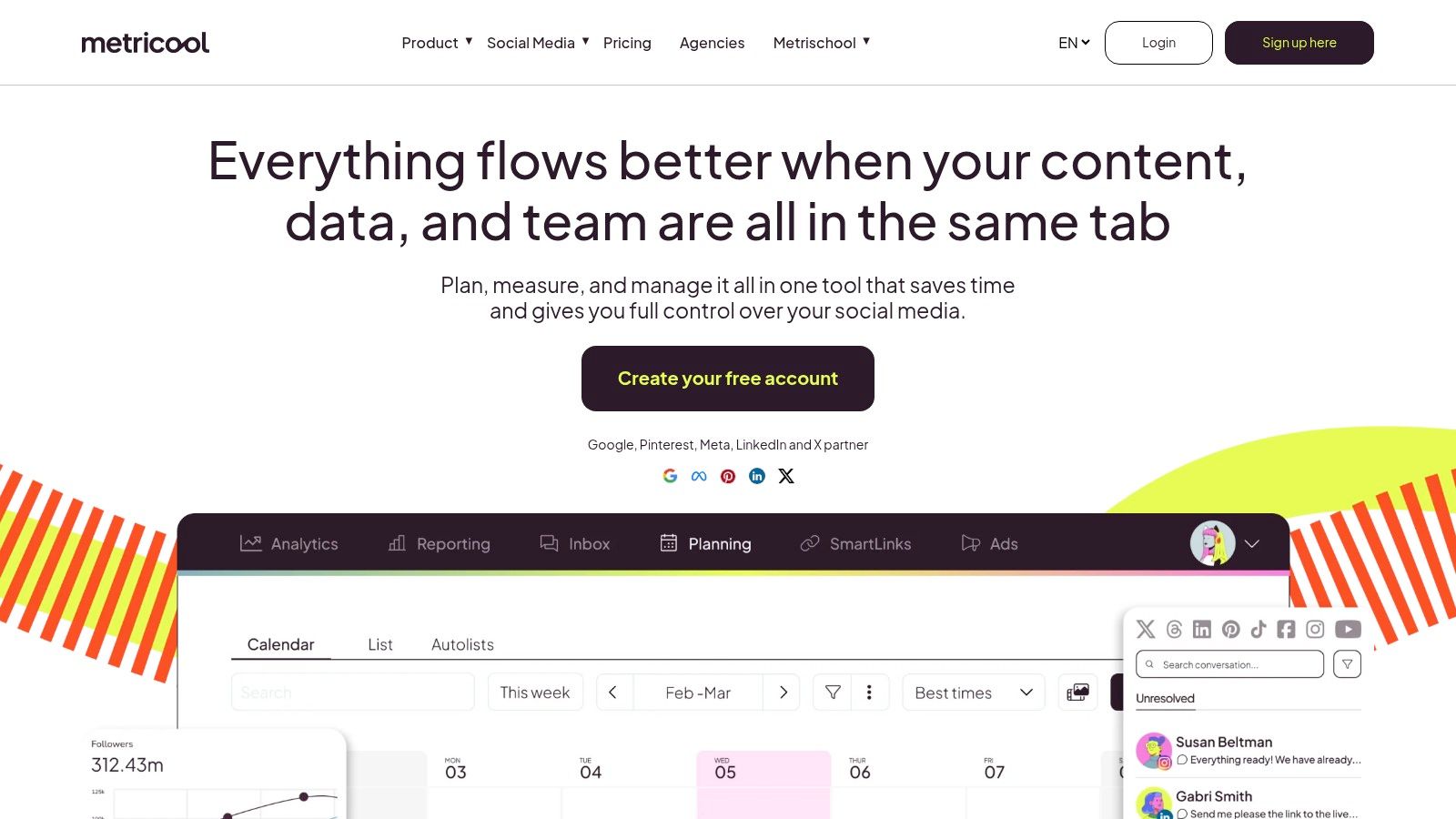
Some writers don't need help posting. They need help knowing whether posting worked. Metricool pairs scheduling and content management across social channels with analytics and reporting, and its higher tiers add team, client, and approval features. In my testing, it felt less like a queue and more like a reporting desk that also publishes.
One limitation needs stating plainly. LinkedIn is available on Starter and higher plans, not on the Free plan, and prices plus brand limits depend on plan, location, and billing period. So the free tier won't tell you much about your LinkedIn workflow. Budget for a paid plan if LinkedIn reporting is the reason you're here, and confirm the analytics history your tier includes before you commit.
Measure more than reactions
Good reporting changes what you schedule next. LinkedIn's own analytics show impressions, reactions, comments, reposts, saves, sends, and visits to links, with audience breakdowns by job title, location, company, company size, industry, and seniority, as documented in LinkedIn's guide to post analytics for your content. A post with modest reactions but strong saves and link visits may be your best subscriber asset. Likes alone would hide that.
Metricool helps you act on that distinction across channels, comparing periods and spotting which formats earn meaningful actions rather than applause. That's valuable for content marketers who report to clients or a boss, and for writers deciding which essay themes deserve a sequel.
I ran a month of Substack-derived posts through this kind of reporting loop. Two pieces with weak like counts drove most of the profile visits, so I wrote sequels to those instead of chasing the louder posts.
The trade-offs are plan complexity and focus. Brand limits and features shift by tier, advanced collaboration costs more, and writers who want AI repurposing from long-form source material will still do that work elsewhere. Choose Metricool if your honest bottleneck is measurement and reporting, not drafting or distribution.
6. Taplio
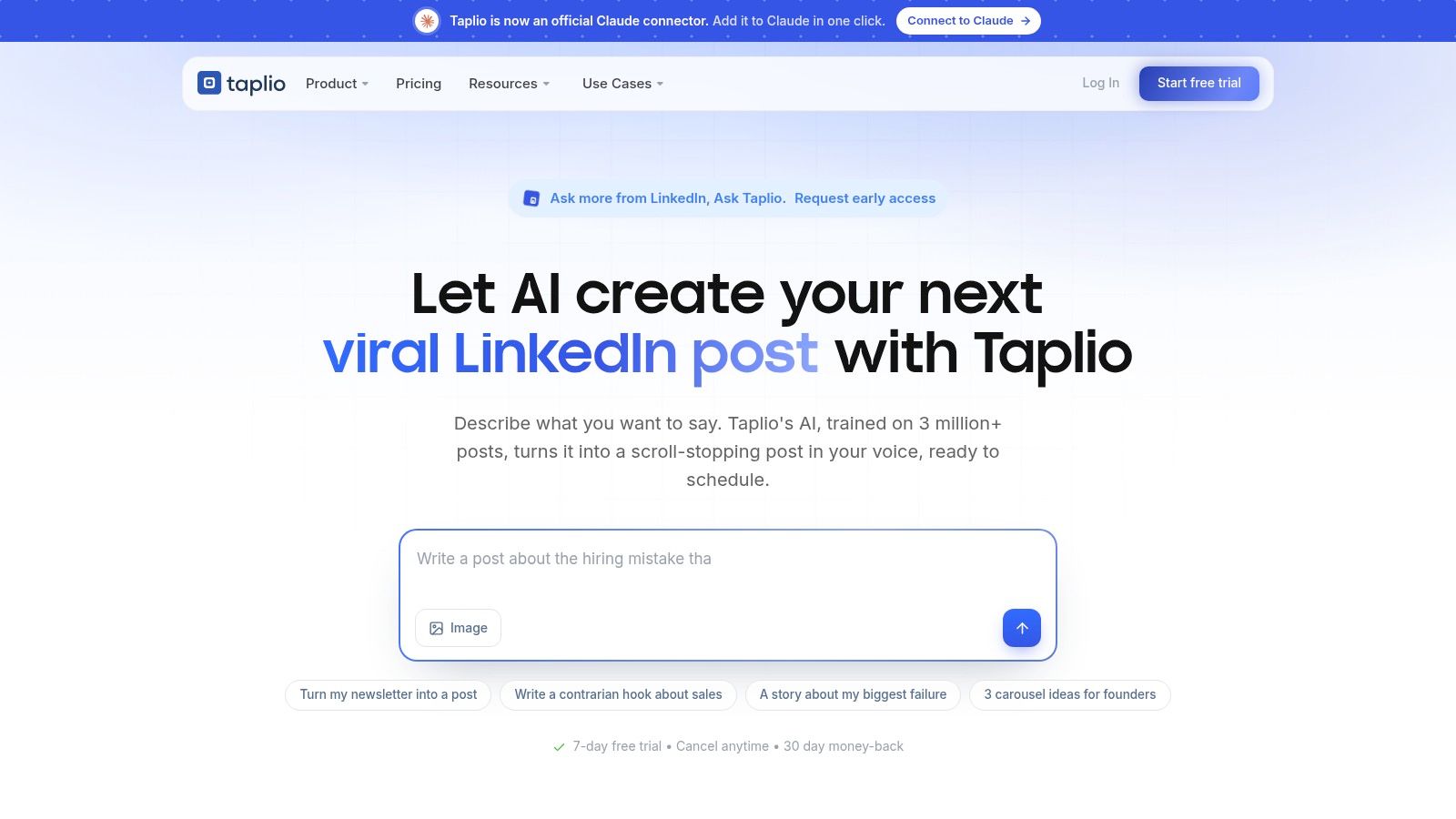
Multi-channel schedulers treat LinkedIn as one destination on a list. Taplio builds the whole product around it, combining a post editor, scheduling queue, and calendar with analytics covering followers, profile views, and post performance. The Growth plan adds AI writing and faster engagement workflows. Pro pushes further into LinkedIn lead generation, which suits founders and sellers whose pipeline lives on the platform.
That focus costs money. Listed monthly prices are $39 for Starter, $69 for Growth, and $199 for Pro, with lower annual-billing rates and a seven-day free trial. Features differ sharply by plan, so confirm during the trial that the AI tools or lead features you saw in a demo exist at the tier you can afford.
How often should you actually post?
Taplio makes a question most listicles skip impossible to ignore: does a scheduler maximize volume or protect each post's early engagement? Some 2025 analyses report gains at higher weekly frequencies, while others, including Ylytic's LinkedIn benchmarks, recommend roughly 2 to 5 posts weekly and warn that closely spaced posts can reduce reach. I tested both ends. Packing my queue daily flattened per-post impressions, and spacing entries by at least a day recovered them, though audience size and niche will shift your outcome. Set spacing rules from your own results rather than chasing a universal best time.
Three strengths stand out once the workflow clicks. Planning, analytics, and audience-building share one LinkedIn-specific environment. AI writing on Growth rescues an empty queue. Pro ties content directly to outreach.
If you want to strengthen the posts themselves before automating them, this LinkedIn post creator guide covers the drafting side. Taplio's limits are price and scope: it costs more than general schedulers and won't manage a wide platform mix. Buy it for LinkedIn growth as a discipline. A bare publishing calendar costs far less elsewhere.
7. AuthoredUp
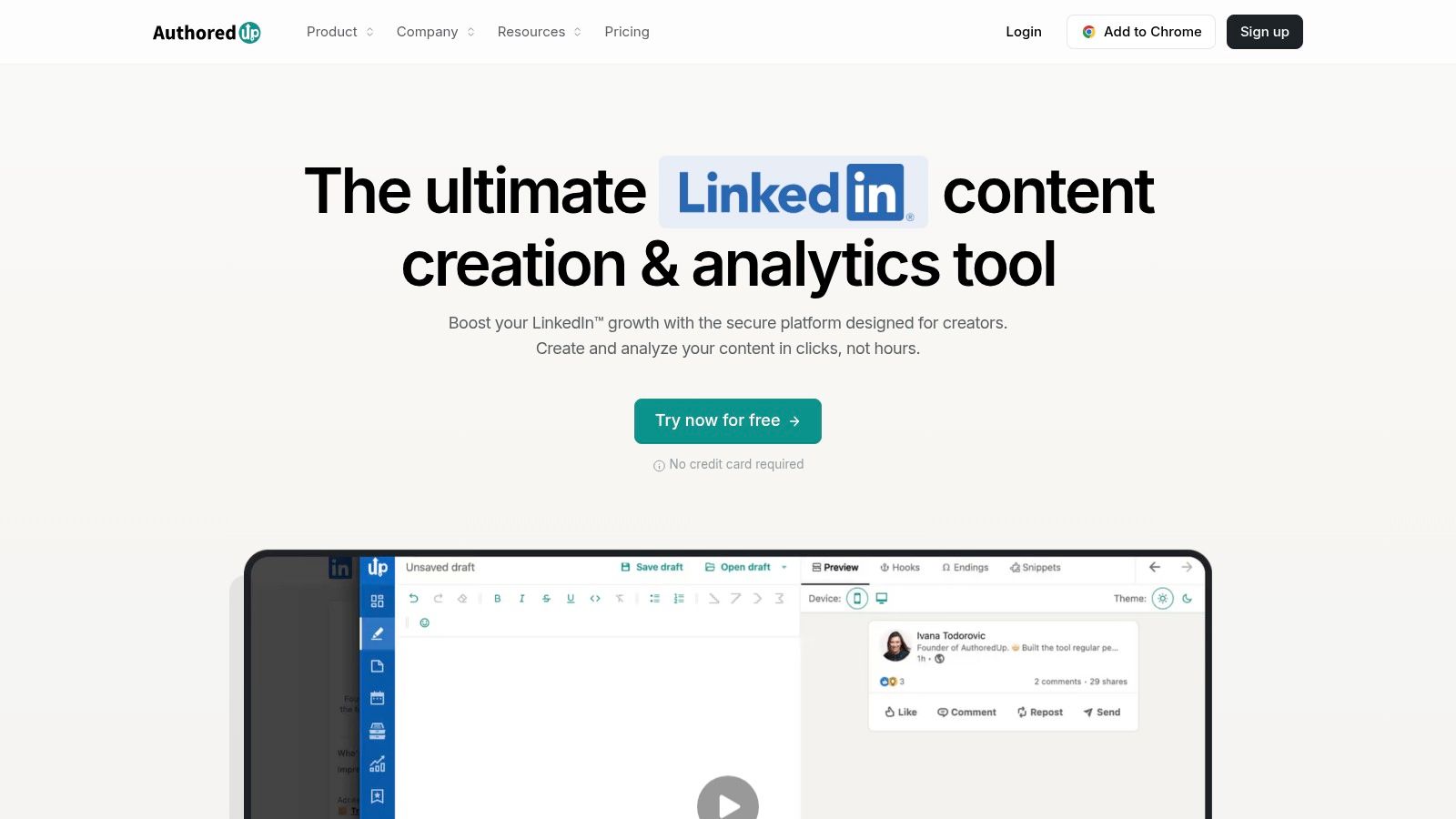
AuthoredUp suits writers who fix the draft before they fill the queue. Its LinkedIn editor provides formatting, live post previews, and readability feedback, plus drafts, snippets, and a content calendar. I pasted a Substack section straight in and the preview exposed dense paragraphs and awkward line breaks I would have shipped from a plain text box. That edit pass matters when the post has to carry your voice on its own.
Know the scheduling trade-off before you commit. AuthoredUp publishes through LinkedIn's native scheduling feature rather than running its own publishing system, so timing limits follow LinkedIn's rules. The Individual plan is $19.95 per month, and Business is $14.95 per profile per month with a three-profile minimum, per AuthoredUp's plan details. A free trial is available, Company Pages are included without a separate page charge, and Business supports multiple profiles with collaboration.
Solo batching is the practical fit. Draft five text posts on Sunday. Store snippets for hooks and calls to action. Check previews, then assign slots.
The newsletter writer still faces the link decision. Posts that send readers off LinkedIn can get less initial distribution, so some creators publish without the link and add it later, as discussed in AuthoredUp's LinkedIn algorithm breakdown. That tactic can protect reach. It can also cost high-intent subscribers who were ready to click in the moment, plus it adds manual follow-up work. I ran native posts, first-comment links, and delayed links side by side and compared impressions against actual subscriber adds. Reach that never converts is a weak result for Substack, Ghost, and Beehiiv writers.
Pick AuthoredUp when writing quality, previews, personalized timing guidance, and post analytics matter more than cross-platform distribution. It functions as a craftsman's editor with scheduling attached.
Best LinkedIn Post Schedulers: 7-Tool Comparison
| Tool | 🔄 Setup & Complexity | ⚡ Resources / Pricing | 📊 Expected Outcomes | ⭐ Ideal Use & Key Advantages |
|---|---|---|---|---|
| Narrareach | Moderate; combines drafting, scheduling, AI repurposing, analytics, and automations | 7-day free trial; annual plans from $17/month | Distributes content to 13 destinations; helps track engagement and subscriber attribution | Writers and teams seeking cross-platform publishing, repurposing, and workflow automation |
| Buffer | Low; straightforward drafts, queue, calendar, and scheduling | Free plan: up to 3 channels and 10 scheduled posts per channel; paid from $5/channel/month annually | Simplifies scheduling and reviewing posts across channels | Independent creators wanting a simple scheduler with a free entry point |
| Publer | Low to moderate; flexible account and workspace settings | Free plan for up to 3 accounts (excluding X); paid plans from $5/month | Supports bulk publishing and multi-platform content management | Budget-conscious creators and small teams; includes LinkedIn PDF carousel publishing |
| SocialPilot | Moderate; built for multi-account and team workflows | 14-day free trial; Essentials from $25/month | Enables calendar planning and bulk scheduling across accounts | Agencies and teams managing ongoing, multi-account publishing |
| Metricool | Moderate; scheduling paired with analytics and reporting | LinkedIn requires Starter or higher; pricing and brand limits vary | Combines publishing with performance measurement and reports | Marketers and creators who prioritize analytics alongside scheduling |
| Taplio | Moderate; LinkedIn-specific creation, scheduling, and growth features | 7-day free trial; monthly plans from $39 | Supports LinkedIn content planning, performance tracking, and audience growth | LinkedIn-focused creators seeking analytics and growth or lead-generation features |
| AuthoredUp | Low to moderate; writing and planning focused, with scheduling via LinkedIn | Free trial; Individual plan $19.95/month | Improves LinkedIn post drafting, formatting, previews, and analysis | Users prioritizing LinkedIn writing and editing over independent or cross-platform scheduling |
Choose a Workflow That Keeps Publishing Momentum
My test queue made the choice simple. Solo batching on a budget points to Buffer or Publer. Multi-account batching for clients points to SocialPilot. Reporting as the bottleneck points to Metricool. LinkedIn growth and outreach points to Taplio, drafting quality points to AuthoredUp, and Substack to LinkedIn distribution in one place points to Narrareach, as noted earlier.
Sequencing changed my routine more than volume. I now run one Note before an article publishes, another immediately afterward, and a follow-up later the same day, as laid out in Unstackit's guide to scheduling Substack Notes. The first builds anticipation. The second drives traffic, the third catches people who missed launch.
Timing data backs that structure. An analysis of Notes reach timing reports early concentration of 48-hour reach, according to Write Build Scale's analysis of Notes reach timing. I check signals at one hour, six hours, and 24 hours, then decide which idea earns a LinkedIn version. That loop turns a week of scheduled posts into a filter. Winners get repurposed, losers get dropped.
Scheduling frees your hands. Participation still builds the relationships, so keep a separate daily block for comments and messages.
A queue is not a community. One year-long Notes experiment paired daily publishing with liking, commenting, and messaging other creators, a routine detailed in Write Build Scale's 365-day Notes experiment. I copied that split. Batch writing once, let the scheduler publish, spend the saved hour in other people's threads. Pair it with sound social media posting schedule tips and the cadence holds.
Start Narrareach's 7-day, no-credit-card trial and schedule your next Substack essay and its LinkedIn versions from one dashboard.
Sequence the Note, the article, and the follow-up, then let the scheduler handle the rest.