LinkedIn Post Scheduler Free: 10 Tools Compared for 2026
You finished the post on Tuesday night. Then the newsletter needed a LinkedIn version, the carousel idea needed its own post, and by Thursday the draft's...
By Ian Kiprono
You finished the post on Tuesday night. Then the newsletter needed a LinkedIn version, the carousel idea needed its own post, and by Thursday the draft's still sitting in a folder. You don't have a writing problem. You have a repetition problem, and every manual copy and paste costs time you could've spent on the next piece.
A free LinkedIn post scheduler looks like the fix, but free plans hide the actual constraints in small print. You'll find queue caps of 10 or 15 posts, single-account limits, history kept for only 24 hours, and useful features moved behind a paywall. I tested that patchwork approach for a month, batching on Sundays and watching where each queue filled up. The lesson was simple. The cap, not the feature list, decided whether the week ran itself.
This guide compares 10 free options against those limits and shows which kind of writer each one fits. Queue limits here range from 10 pending posts per channel to 1,000 posts per month, and at least 4 tools cap you at one or two connected accounts. Those numbers decide whether a free plan carries your week or only tests the idea. LinkedIn's scale makes the effort worthwhile, since LinkedIn's 10-year history traces growth from 4,500 members at the end of its first month to more than 1 billion members across more than 200 countries and territories today.
1. Narrareach
Narrareach fits a writer whose weekly workload includes both LinkedIn and a newsletter. Write or import an article, then adapt it into platform-specific posts in your voice and schedule the work from one place.
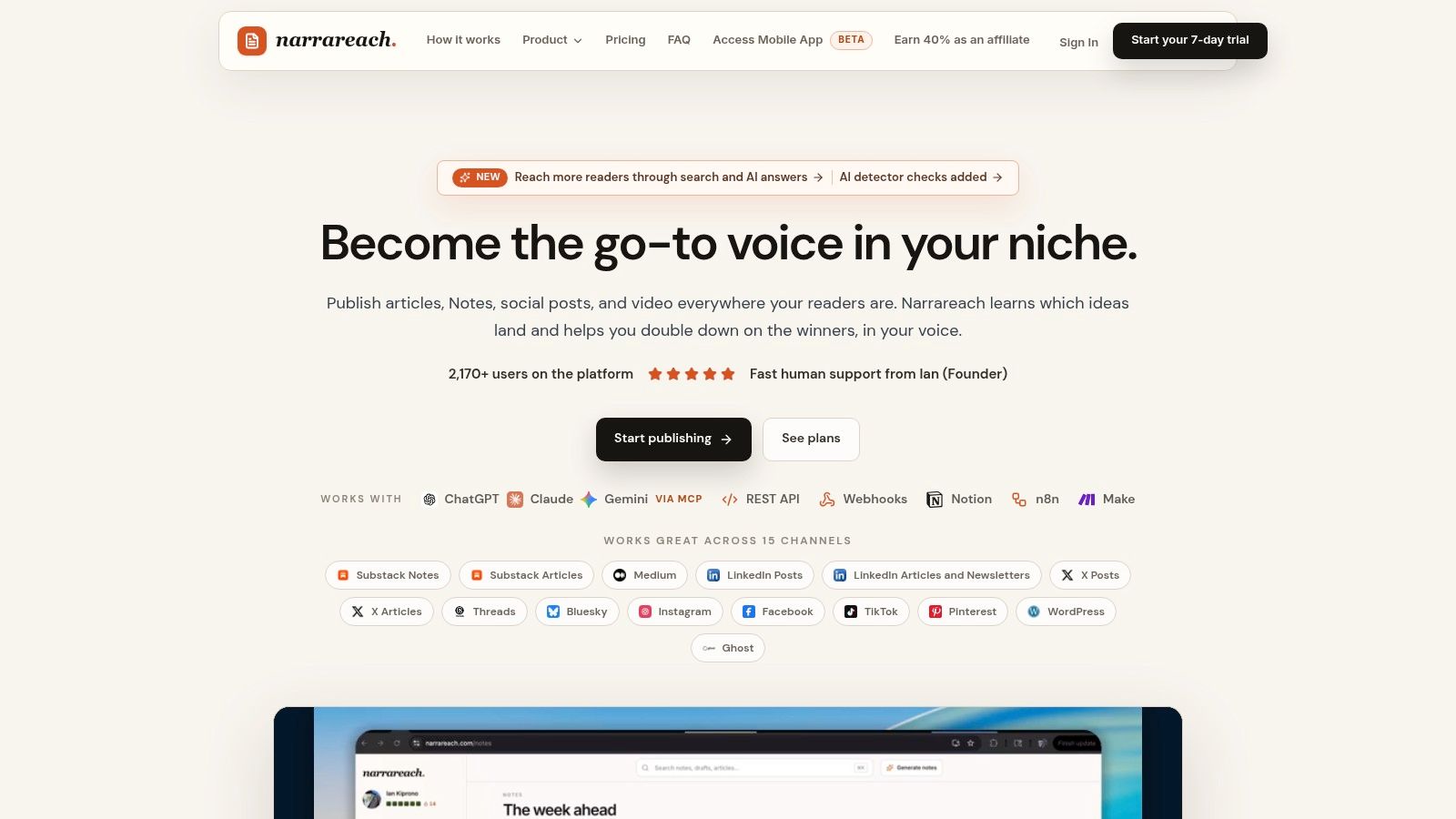
It schedules Substack Notes and articles, Medium articles, and social posts across platforms including LinkedIn, X, Threads, Bluesky, Instagram, TikTok, WordPress, and Ghost. Cross-platform analytics help you track which content is resonating and driving subscribers. Once a Substack Note is scheduled, it can publish without your computer staying on.
What the weekly workflow looks like
Batch your content, assign each post a time and platform, then let the schedule run. One Substack writer says they now schedule a week of Notes in 15 minutes, raising their consistency from 2 posts a week to 7. A LinkedIn writer says cross-posting no longer takes their morning, and their notes go out on time with no effort.
- Pros: Schedule articles, Notes, and social posts in one workspace. Repurpose long-form writing into shorter posts that match your voice, then use cross-platform analytics to review performance.
- Cons: Narrareach offers a free start with no credit card required. Paid plans provide the full scheduling and repurposing features, so check the plan details against your weekly needs before choosing.
For a writer managing LinkedIn alongside Substack and other platforms, consolidating the workflow can save repeated copying and scheduling. If you publish text on LinkedIn only a couple of times a week, a native scheduler may be enough.
2. LinkedIn's Native Post Scheduler
Start here if you publish only on LinkedIn. LinkedIn lets you schedule from the desktop or mobile composer, pick an exact date and time, then review, edit, or reschedule queued posts. You don't create another account, connect an app, or pay anything.
The limits are format-based, not volume-based. LinkedIn's scheduled posts help page says personal posts can generally be scheduled from 10 minutes to three months ahead, while Events, Jobs, and Services are unsupported. Pages are tighter. Page posts must be scheduled at least one hour ahead, and multiple-photo posts, reshares, polls, Jobs, Events, and Services can't be scheduled.
Free doesn't always mean sufficient. Native scheduling handles basic text well, then leaves you manually coordinating the formats you may want most for a launch.
That's the key test for newsletter writers. A text excerpt works. A poll to warm up an article, a multi-photo Page post, or a reshare may still need manual publishing at the exact moment you're busy elsewhere. There's also no shared calendar across networks, no team approvals, and no multi-account publishing.
If you're learning the mechanics first, pair this with a walkthrough on how to schedule posts on LinkedIn and check practical details such as RedirHub's LinkedIn redirect speed test before you rely on outbound links. For one profile and simple posts, I wouldn't pay to replace this. For a multi-format week, you'll outgrow it fast.
3. Buffer
Buffer is the cleanest free queue for a solo writer who posts to LinkedIn plus one or two other channels. The Free plan supports up to three channels and 10 scheduled posts per channel at a time. As posts publish, space frees up, so the limit replenishes instead of resetting monthly.
That distinction matters in practice. Post 5 times a week on LinkedIn and you can stay roughly 2 weeks ahead. Try to batch a month at once and you'll hit the wall halfway through. The composer handles text, images, video, PDFs, links, and carousels for profiles and Pages, with previews and 100 content ideas on Free.
Frequency is why that queue still deserves respect. Buffer's analysis of more than 2 million LinkedIn posts found accounts publishing 2 to 5 times per week averaged 1,182 more impressions per post and a 0.23-percentage-point increase in engagement rate compared with posting once weekly. You don't need maximum volume to test a better cadence. You need a queue you'll refill.
Where Buffer's free plan stops
- One user only: There's no room for an editor or assistant.
- Advanced analytics: Deeper reporting and unlimited scheduling require a paid plan.
- Short batches work best: Weekly planning fits, monthly planning doesn't.
If you're comparing a simple queue against a writer-focused workspace, see Narrareach versus Buffer. My judgement is straightforward. Buffer's free tier is enough for a steady LinkedIn habit, provided you batch weekly and don't need collaboration.
4. Publer
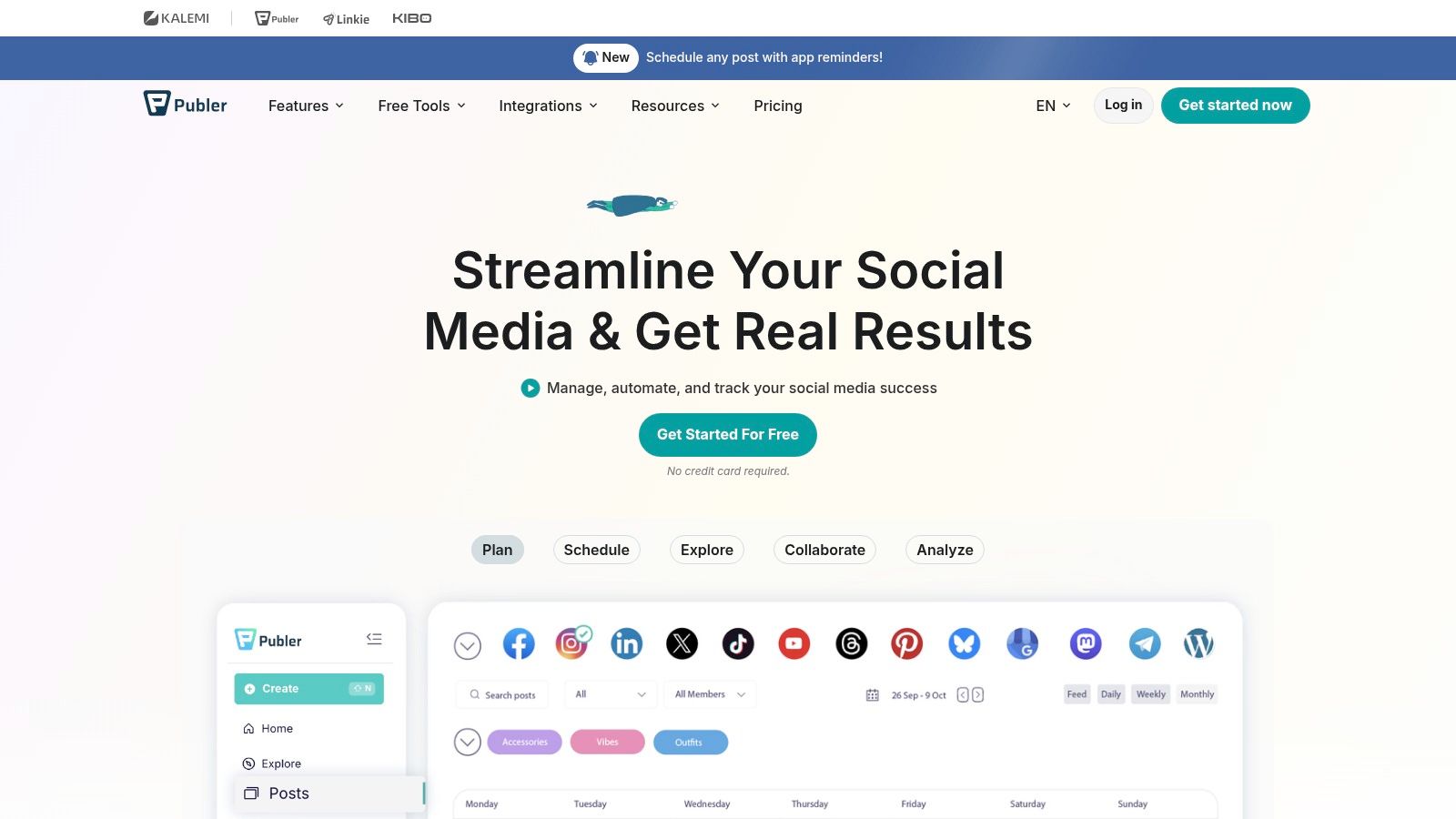
Publer offers a permanent free plan with room for three social accounts and 10 queued posts per account. You can schedule to LinkedIn profiles and Pages alongside other networks, then organize drafts and scheduled posts in a calendar.
The calendar, previews, and per-network edits help when one draft needs adjustments for different channels. AutoSchedule lets you set recurring posting slots, reducing the need to choose a time for every post. The trade-off is a small queue: 10 posts per account suits short batches, not a long publishing backlog.
- Pros: Permanent free plan, 3 accounts, calendar planning, previews, and per-network edits.
- Cons: 10 queued posts per account. Check Publer's current plan details before relying on its history or available networks.
If Substack is part of your publishing routine, compare Publer's social scheduling with this Publer alternative for Substack writers. Publer fits writers who want a compact calendar for social posts; it may not cover a workflow that includes newsletter publishing.
5. Adobe Express Content Scheduler
Adobe Express Content Scheduler flips the usual trade-off. Its free plan allows up to 1,000 posts per month across supported channels, far above the small queues elsewhere on this list. The catch is accounts, not posts. You can connect only one account per social network.
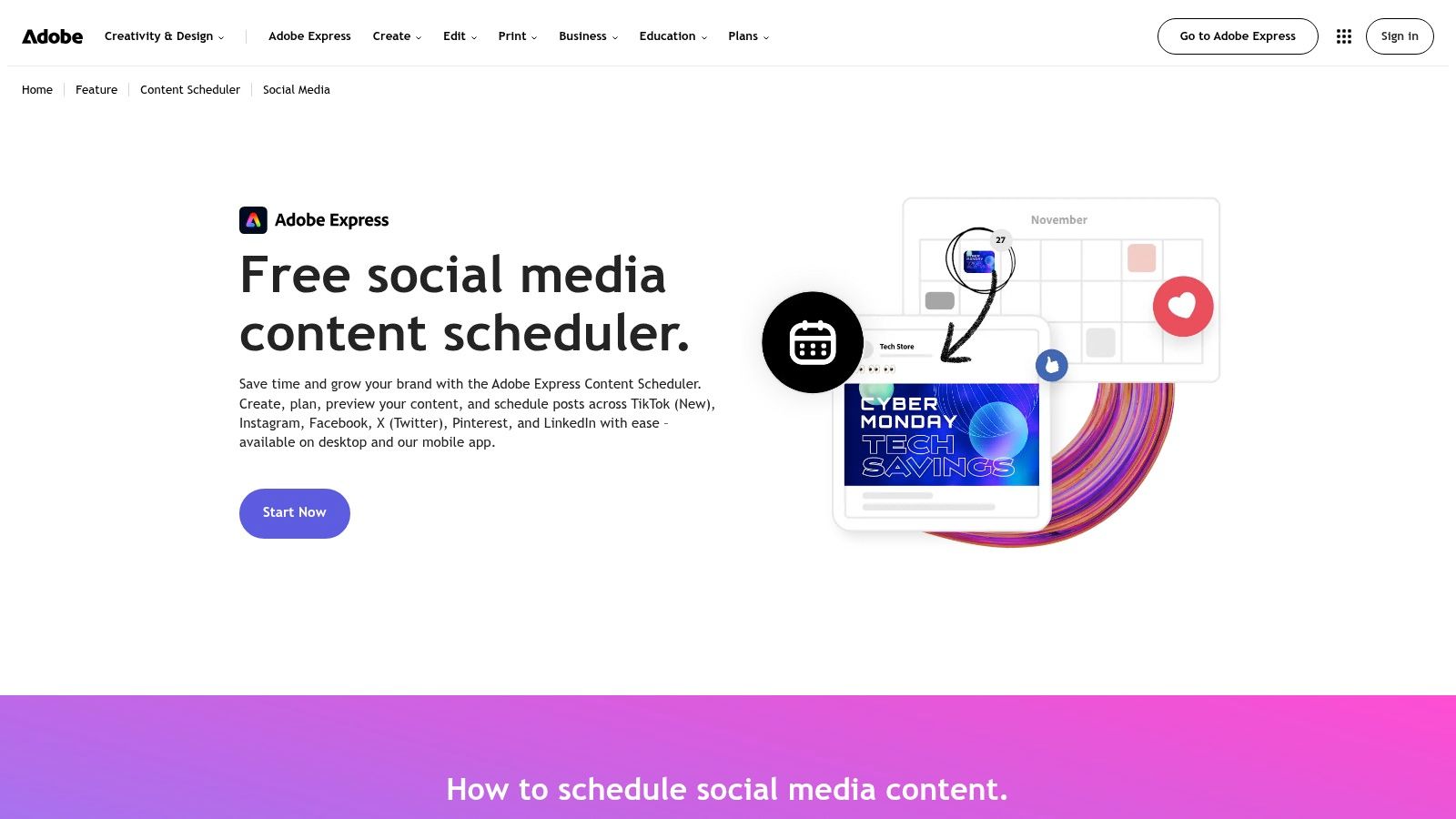
That makes it strong for a solo creator with one LinkedIn presence and a visual workflow. You design the graphic, edit the image, preview the post, and schedule it without moving files between apps. Calendar views on desktop and mobile keep the plan visible, and templates help if you're turning quotes or article excerpts into repeatable formats.
It won't fit every writer. If most of your LinkedIn content is plain text, the design layer can feel like extra machinery around a simple job. If you manage a personal profile plus a company Page, or client accounts beside your own, the one-account-per-network limit ends the conversation. Advanced multi-account publishing requires a paid plan.
Practical rule: Choose Adobe Express when design slows you down. Choose a lighter queue when writing and approval are the slow parts.
This kind of fit question is the same one behind any social media scheduling app free comparison. Count accounts first, then posts. On free Adobe Express, you'll run out of accounts long before you use 1,000 monthly posts, and for a single-brand visual creator that's perfectly fine.
6. CoSchedule
CoSchedule starts from the calendar, not the post composer. Its free offering includes LinkedIn publishing for one social profile and up to 15 scheduled messages at a time. If your LinkedIn posts sit beside launches, newsletter sends, and campaign tasks, seeing everything in one marketing calendar has real value.
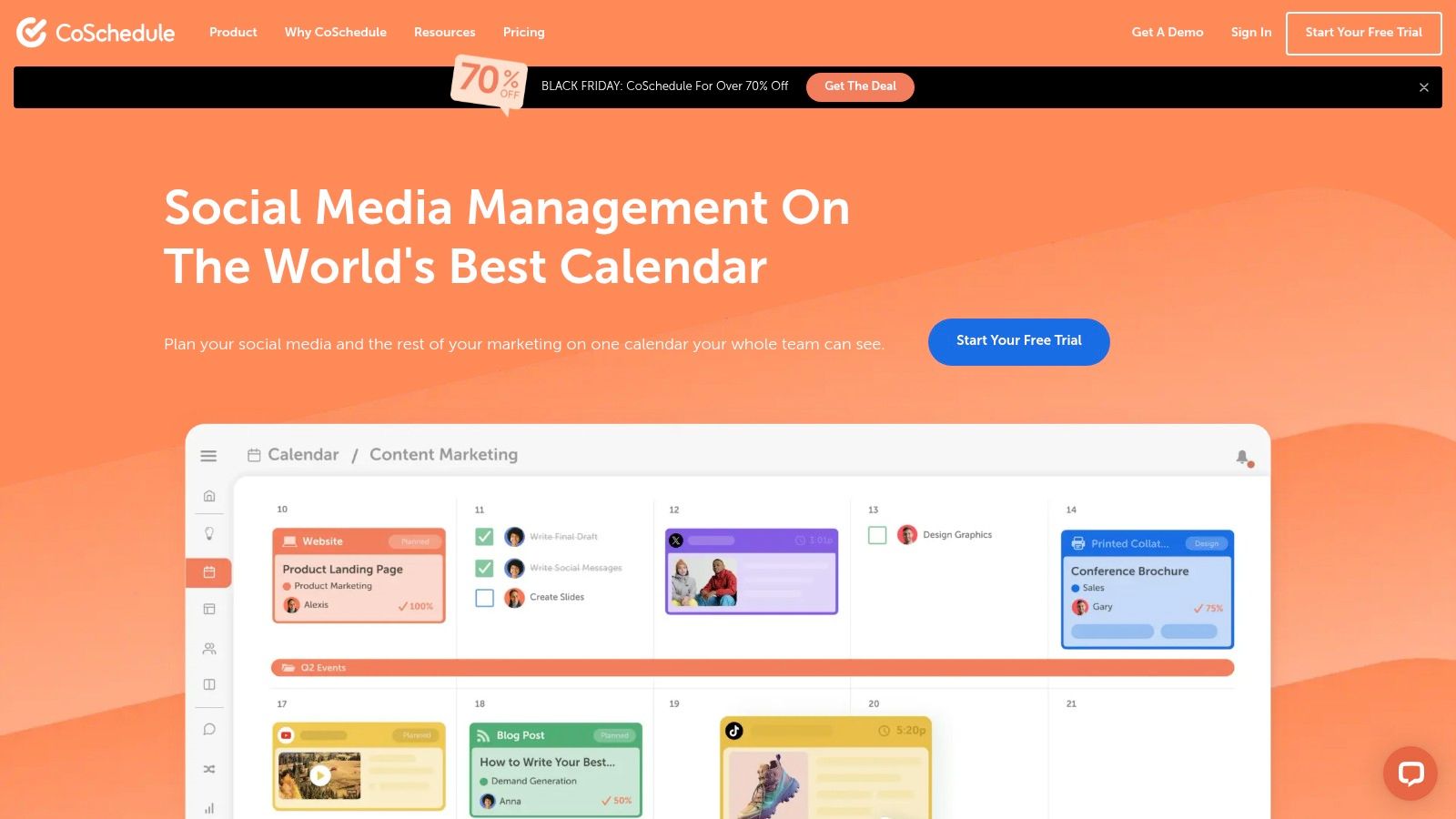
You can schedule a LinkedIn profile or Page post with images, video, or documents, and use best-time scheduling. For a solo marketer publishing 3 times a week, a 15-message cap can hold about 5 weeks of LinkedIn posts if nothing else consumes the slots. But something usually does.
The cap includes messy work
The 15-message limit includes unsent drafts and failed messages. That changes how you use it. Abandoned drafts aren't harmless clutter, they're inventory taking up queue space, so you need a weekly cleanup habit. A failed post also needs attention before it blocks tomorrow's batch.
- Pros: Calendar-first planning, LinkedIn included on Free, and support for images, video, and documents.
- Cons: Only 1 social profile, drafts and failures count toward 15 messages, and analytics, bulk CSV scheduling, and evergreen ReQueue require a paid plan.
I recommend CoSchedule when the calendar itself is the product you need. If you only want a LinkedIn post scheduler free of campaign overhead, Buffer or Publer gets you writing and queuing with less setup and less housekeeping.
7. Social Champ
Social Champ sits between a simple creator queue and a team tool. Its free plan allows up to 15 scheduled posts per social account, which beats the 10-post queues from Buffer and Publer on paper. At 5 posts a week, that's 3 weeks of LinkedIn content before you must refill.
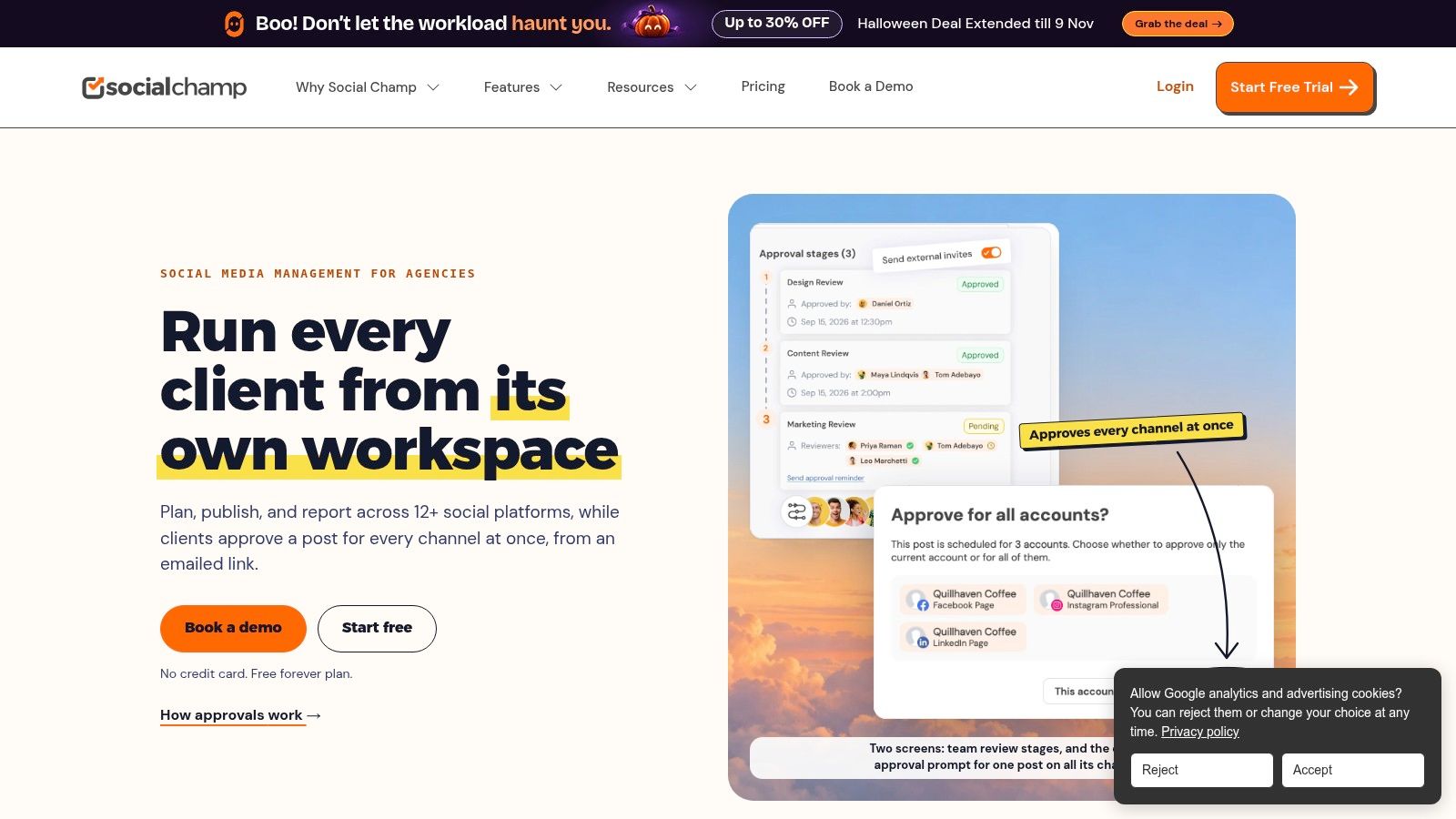
LinkedIn documents are supported, so a PDF carousel built from an article doesn't need a separate manual step. Content customization, bulk scheduling, and smart queues are part of the wider platform, although availability varies by plan. That caveat matters. Check the exact feature against the free tier before you build a workflow around it.
The broad network support helps if LinkedIn is one channel among several and you don't want a different scheduler for each. Still, 15 pending posts per account is a ceiling, not a monthly allowance you can spend and forget. Stop refilling and the calendar empties. Post daily and your batching window shrinks to just over 2 weeks.
- Pros: Ongoing free access, 15 queued posts per account, LinkedIn documents, and features aimed at creators and teams.
- Cons: Advanced tools and larger multi-brand workflows may require an upgrade, so verify account limits before migrating clients.
My take is that Social Champ suits frequent posters who refill weekly. It's less comfortable for writers who batch a month at a time or need certainty about which advanced feature is included free.
8. Planable
Planable is the odd one out because its free access is a one-time allowance of 50 created posts, not a queue that refills. There's no time limit and no credit card required. Used carefully, it's a proper test of a team publishing process rather than a permanent free scheduler.
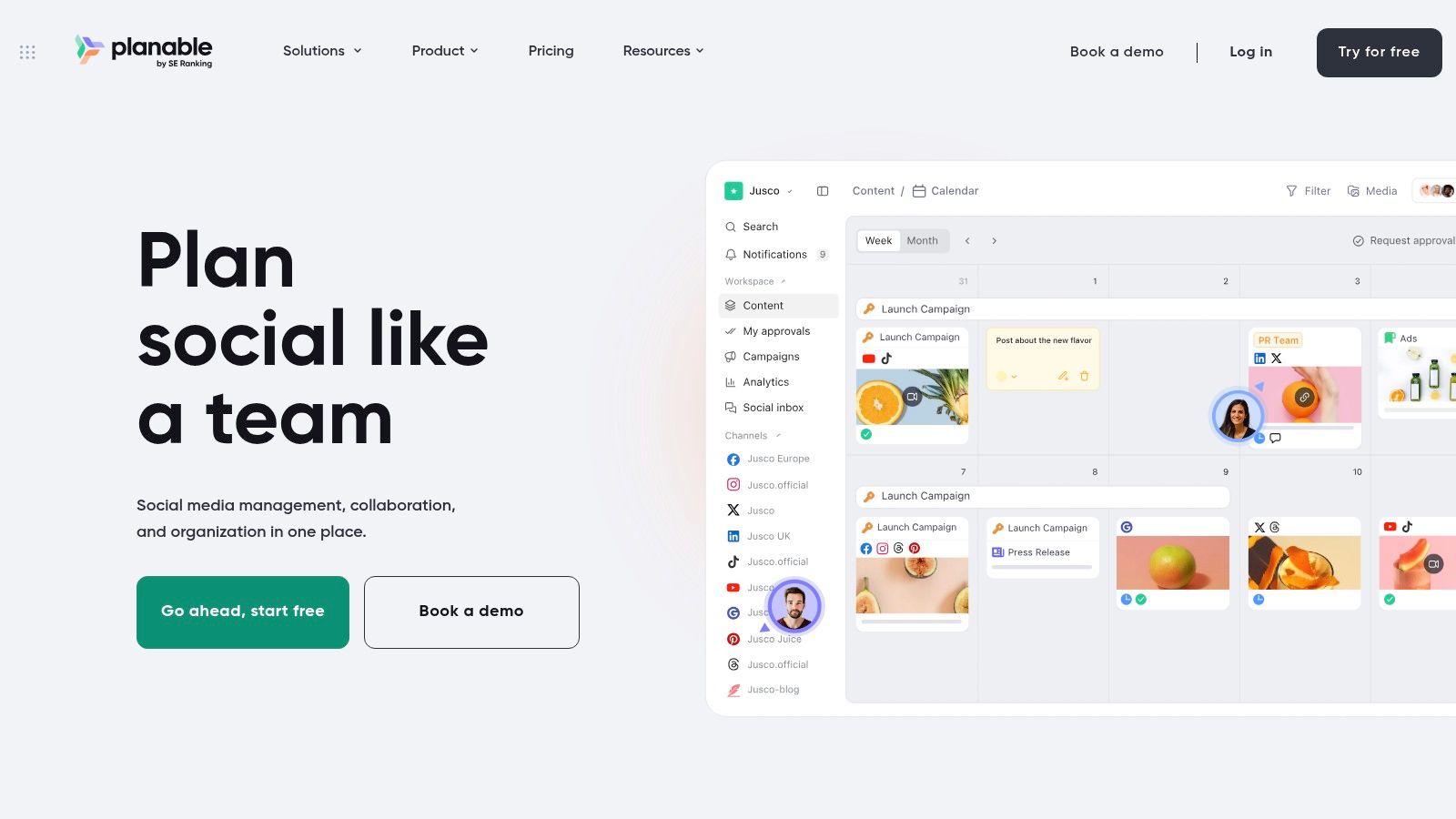
The value is collaboration. You can create workspaces, invite users, and run review and approval workflows before anything reaches LinkedIn or another supported network. For an editor and writer pair, 50 posts is enough to learn whether comments stay attached to drafts, approvals happen on time, and the calendar reduces confusion.
Count carefully. A post published to multiple networks counts as multiple posts, so one idea sent to LinkedIn and two other channels consumes 3 of your 50. At that rate, fewer than 17 campaign ideas exhaust the allowance. When it ends, continued publishing requires a paid plan.
Use the allowance as an experiment
Don't spend it on routine posts you'd happily publish alone. Spend it on the posts that usually stall in email or chat, then judge whether approvals got faster. A clear content approval workflow matters more here than queue size.
- Pros: Team review on the free offering, no expiry date, and no credit card.
- Cons: 50 posts total, counted per network, with no reset.
I recommend Planable for testing collaboration. I don't recommend describing it to yourself as free forever.
9. SocialPika
SocialPika uses a monthly allowance instead of a refilling queue. Its free Basic plan supports up to five social accounts and 15 publications per month. That's generous on accounts and strict on volume, which suits light multi-platform publishing better than frequent LinkedIn posting.
Do the weekly math before you sign up. Fifteen publications a month is about 3 or 4 posts a week across all your accounts, not per account. Post the same idea natively adapted for LinkedIn and two other networks, and you've used 3 publications in one move. Five cross-posted ideas can consume the whole month.
The composer and previews help you adapt captions by channel instead of blasting identical copy everywhere. LinkedIn sits alongside several other networks, so a creator with a small, deliberate cadence can keep everything in one place. AI and other advanced tools vary by plan, so don't assume the feature you saw in a demo is in Basic.
A monthly cap rewards selectivity. Save it for your strongest posts, and publish low-stakes updates natively when the allowance runs low.
- Pros: 5 accounts on free, a clearly stated allowance, plus composition, preview, and per-channel caption tools.
- Cons: Only 15 monthly publications, and unlike a queue, the allowance doesn't replenish as each post publishes.
I see SocialPika as a starter tool for maintaining presence across several profiles. If LinkedIn becomes a daily growth channel, you'll need a bigger plan or a queue-based free tier.
10. Broadcast by Taraxe
Broadcast by Taraxe is narrow and honest about it. It schedules LinkedIn personal profiles with up to 10 free LinkedIn posts per month. It doesn't currently schedule to LinkedIn company Pages, so Page managers should stop reading and pick another tool.
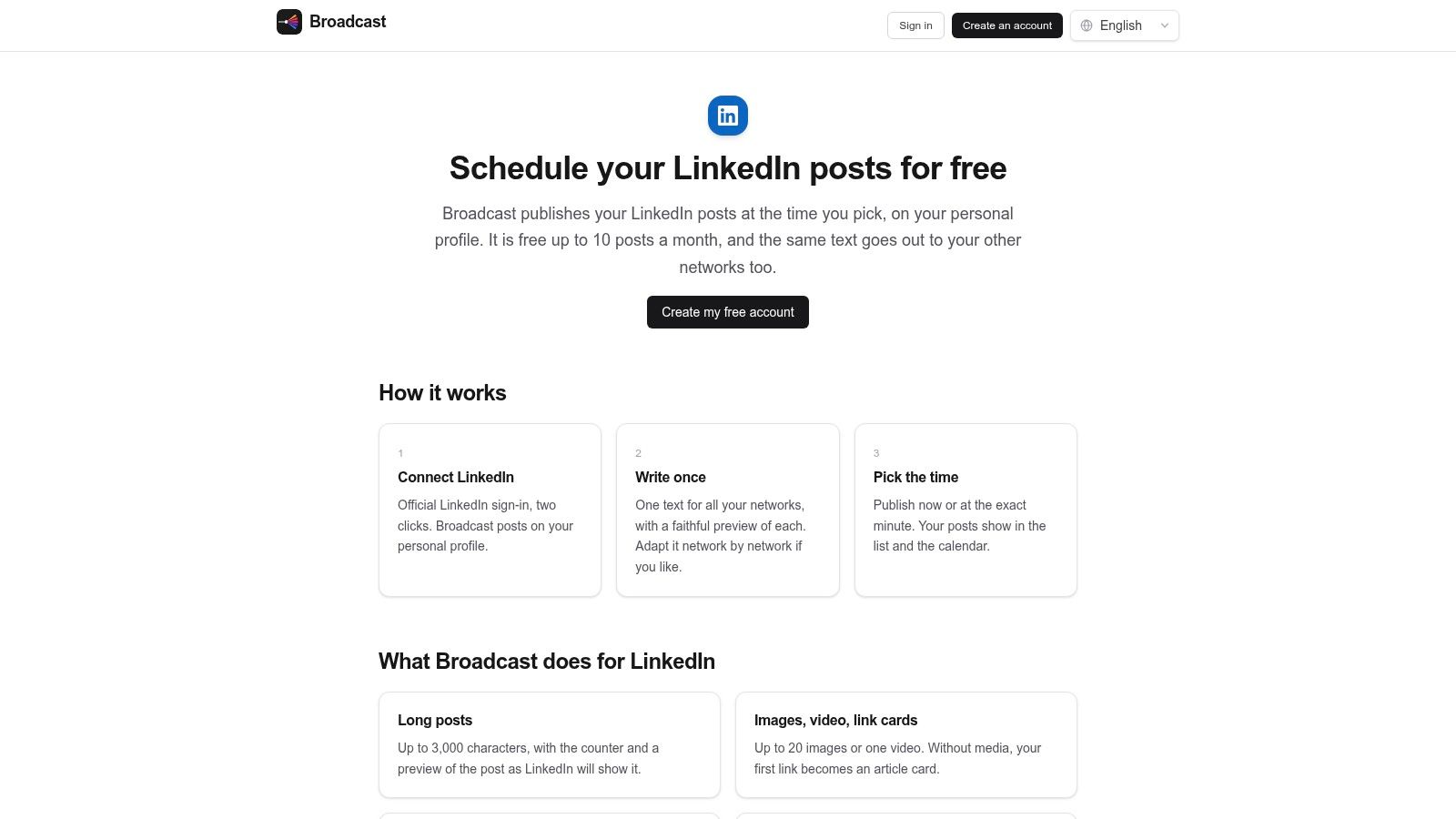
For a solo writer, the useful part is reuse. You can draft once, adapt the post for each supported network, preview it per network, and manage everything in a calendar. The first-comment option also helps if you prefer keeping the article link out of the post body. That workflow saves rewriting, not just timing.
Ten posts a month means roughly 2 posts a week, with a little spare capacity. That's enough to promote 2 newsletter issues with several angles each, or to keep a modest personal profile active. It's not enough for daily posting, and LinkedIn analytics for personal profiles aren't included, so you'll judge performance inside LinkedIn itself.
- Pros: Clearly stated 10-post LinkedIn allowance, reusable drafts, per-network customization, calendar, previews, and first-comment support.
- Cons: No company Pages, only 10 free LinkedIn posts monthly, and no personal-profile analytics in the tool.
I like Broadcast for a focused personal-brand experiment. Write once, distribute a few times, and measure manually. If a Page enters your plans, its biggest limit appears immediately.
Free LinkedIn Post Scheduler Limits at a Glance
The weekly limit matters more than the feature list. Check how many posts can sit in the queue, how many accounts connect, and whether the allowance resets. Those limits determine whether a free plan covers a week of batching or only a small trial.
| Item | Free Limit | Best For | Main Caveat |
|---|---|---|---|
| Narrareach | 7-day trial, then paid plans | Writers distributing content across platforms | Ongoing use requires a paid plan |
| LinkedIn's native post scheduler | Free with a LinkedIn account | Scheduling posts on LinkedIn only | No cross-network calendar or team approvals |
| Buffer | 3 channels and 10 queued posts per channel | Individuals planning posts across a few channels | Free plan is limited to one user |
| Publer | 3 social accounts and 10 queued posts per account | Free multi-account scheduling with planning tools | X is excluded; post history lasts 24 hours |
| Adobe Express Content Scheduler | 1 account per network and up to 1,000 posts per month | Combining social scheduling with design tools | Free plan allows only one account per network |
| CoSchedule | 1 social profile and 15 scheduled messages | Solo marketers planning posts alongside campaigns | Message cap includes drafts and failed posts |
| Social Champ | 15 queued posts per account | Creators and teams needing a larger free queue | Advanced features may require an upgrade |
| Planable | One-time allowance of 50 posts | Teams testing review and approval workflows | Allowance does not reset |
| SocialPika | 5 social accounts and 15 publications per month | Light multi-platform publishing | Monthly publication limit can be restrictive |
| Broadcast by Taraxe | 10 LinkedIn posts per month | Scheduling to a LinkedIn personal profile | Does not support company Pages |
A queue cap and a monthly publishing cap measure different things. A 10-post queue limits how much you can prepare ahead; a 15-post monthly allowance limits how often you can publish. Planable's 50-post allowance is one-time, so it does not provide a recurring weekly queue. Narrareach offers a 7-day trial, then requires a paid plan for ongoing use.
From Free Queues to One Publishing Workflow
A free queue can handle one channel or a light posting week. The workload gets harder to manage when Substack Notes, LinkedIn posts, article promotion, and reshares sit in separate tools, each with its own cap and login. Soon, the question is no longer what to write. It is which queue still has room.
Start with your weekly volume. Count LinkedIn posts, Notes, article promotions, reshares, and drafts you expect to finish. Then compare the total with the limits in the table above. A 10-post queue can cover weekly batching, but it may run short for daily posts across a month. It also does little for you if the tool cannot schedule the formats you use. Choose a free plan that covers your busiest channel without requiring manual rewrites.
Substack needs a distinct role in that workflow. Substack's Notes and Chat help page explains that Notes are public short-form posts in Home or Explore feeds, not automatic subscriber emails. Use Notes for discovery and your email post for the full argument. Notes can carry a hook, excerpt, or question through the week.
Scheduling makes that routine easier to repeat. Substack's Notes scheduling announcement confirms that Notes can be scheduled for a future time on web, iOS, and Android. Batch 5 Notes from one article, space them across the week, then review their performance. Substack's Notes getting started guide says statistics appear within 24 hours and usually refresh every hour. They include clicks, shares, followers, and free or paid subscribers.
Turn scheduling into an experiment, not a volume contest
Track what each post is meant to do. Tag it by source article and format, then check after 24 hours for clicks, comments, profile visits, or subscribers. If an idea performs well, adapt it for LinkedIn or another Note. If it falls flat, revise it before sharing it again.
Reach changes over time, so more scheduled posts do not automatically mean better results. Spiralytics' content creator statistics cites a 2025 benchmark of approximately 6.5% average LinkedIn creator engagement rate. Use performance signals to decide which ideas deserve another version, rather than filling every available slot.
Third-party scheduling also depends on the publishing workflow behind the calendar. LinkedIn's API terms of use require apps to follow LinkedIn's documentation, usage guidelines, and call-volume limits. A scheduler holds a post in its own queue, then submits it at the chosen time. That makes reliable delivery, clear status records, and useful retries more important than calendar appearance. Teams considering broader automation can use this guide to automating social content generation with Integromat as a reference point.
LinkedIn remains a practical place to distribute ideas. HubSpot's marketing statistics reports that 42% of marketers used LinkedIn as part of their marketing strategy in 2025. The operational question is whether your strongest ideas reach readers in a format suited to the feed, rather than as rushed copy and paste.
If you want to manage Substack Notes, articles, and LinkedIn posts together, Narrareach schedules them from one dashboard and helps repurpose content in your voice. Start free, with no credit card required. Batch a week of content, then use the results to decide what to adapt and share again. If your current free queue still fits your cadence, keep using it. Reconsider your setup when a posting cap or another platform starts creating extra work.