Social Media Scheduling App Free: 10 Tested Picks for 2026
It's Sunday evening and your Substack post is finally live. Now you copy the best paragraph into LinkedIn, shorten it, add line breaks, then open X, cut it...
By Ian Kiprono
It's Sunday evening and your Substack post is finally live. Now you copy the best paragraph into LinkedIn, shorten it, add line breaks, then open X, cut it again, thread it, and wonder whether to post tonight or tomorrow morning. By the time you've done the same with a Note and a Medium version, the writing took two hours and the posting took another 50 minutes. Miss a day and your best idea reaches only the people who happened to open one app.
I logged that manual routine for two weeks. My test log for one week shows 4 hours and 10 minutes spent copying, reformatting, and scheduling 12 posts across three platforms, with 3 posts never published because I ran out of time. That's the problem a social media scheduling app free plan has to solve.
The audience isn't in one place. The DataReportal Digital 2025 Global Overview Report counted approximately 5.24 billion active social media user identities in early 2025, equal to 63.9% of the global population. You don't need all of them. You do need your idea to reach readers on the few platforms where you already write.
I tested 10 free scheduling plans for four weeks against LinkedIn, X, and Substack or Medium. If you're still learning how to schedule social media content, start here. Each verdict shows where the free tier breaks.
1. Narrareach
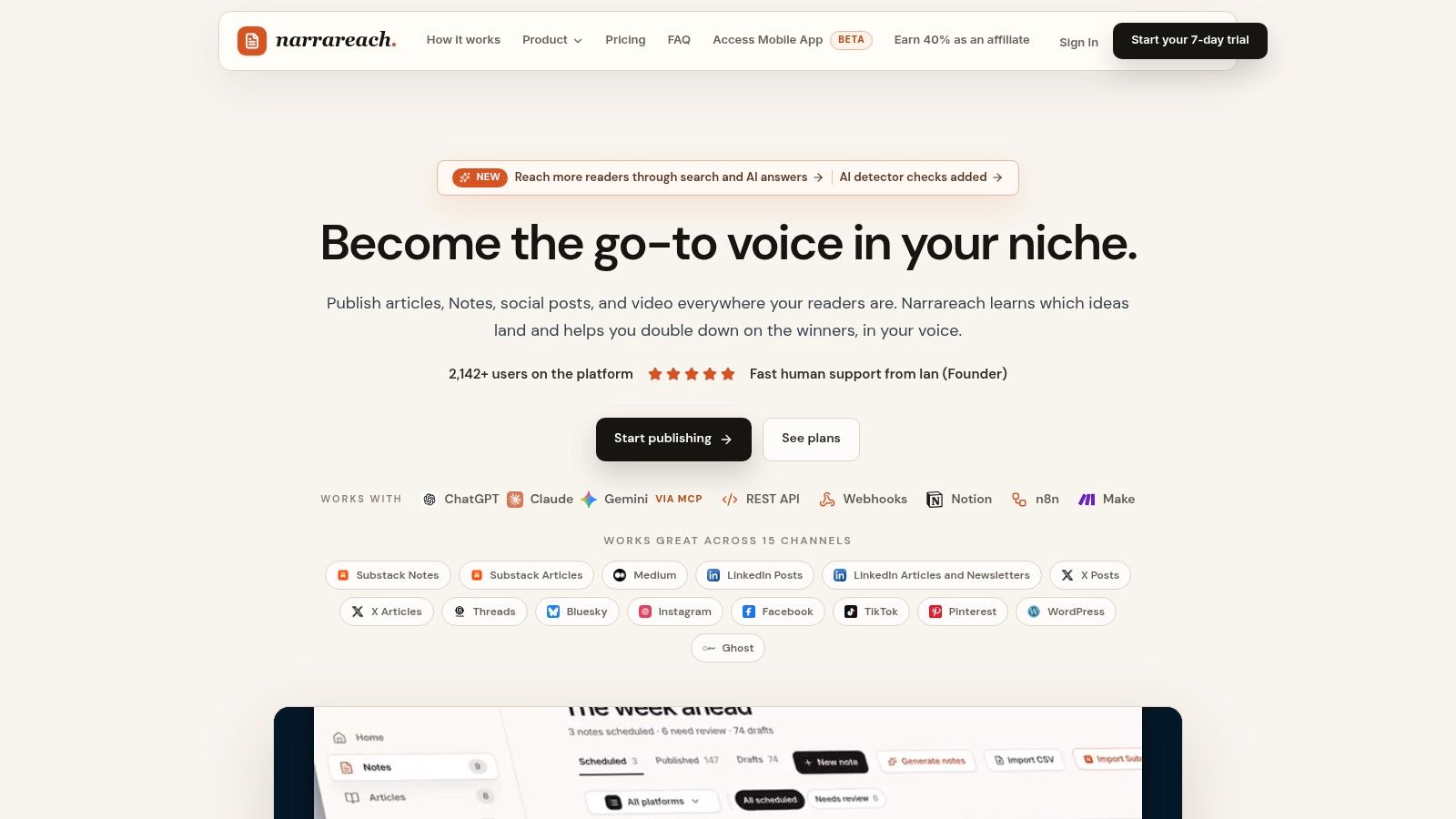
Writers publishing on Substack, Medium, LinkedIn, or X need more than a calendar. Narrareach is a cloud-based publishing desk for scheduling, tracking, and distributing writing across platforms. Every plan schedules Substack Notes and articles, and a scheduled Note can publish without your computer staying on.
Start an article, Note, or social post from a blank page, or import existing work. You can invite teammates into the editor, schedule and publish across supported destinations, then compare performance. Narrareach also repurposes long-form writing into Notes and social posts in your voice. Writers can access it from a dashboard or through Claude and ChatGPT.
Why It Helps Writers Grow Faster
Narrareach's free start requires no credit card. Free tools include an AI Humanizer, Profile Analyzer, and Notes Tracker. For bulk scheduling, import a CSV, assign a time and platform to each row, and attach images from Google Drive.
The workflow is suited to writers who want to reuse an idea without copying and reformatting each version by hand. For a closer look at social media scheduling software for writers, compare how each tool handles publishing across writing platforms. A VeloCMS guide to scheduling posts explains the basic timed-publishing workflow.
- Pros: Schedules Substack Notes and articles, supports CSV bulk scheduling with Google Drive images, and offers AI repurposing in the writer's voice.
- Cons: The free start is not the same as a confirmed ongoing free scheduling plan. Check the available plan details before relying on it for a regular publishing schedule.
My verdict: Consider Narrareach if you publish long-form writing and want to distribute it across supported destinations from one place. If your main need is a free scheduler with clearly stated channel and post limits, compare those limits before choosing.
2. Buffer
For a week of LinkedIn and X posts, Buffer's setup is quick: connect both accounts, queue the posts, and start scheduling without digging through help docs. Its free plan can suit a solo writer looking for a simple social media scheduling app free of ongoing cost, but it does not list Substack as a connectable channel.
The free plan supports up to 3 channels and 10 scheduled posts per channel. As posts publish, space opens in the queue, so you can refill it rather than wait for a monthly allowance to reset. You also get unlimited drafts, up to 100 content ideas, an AI assistant, and basic insights.
Where the Free Plan Breaks
A launch week can expose the limits quickly: adding Threads would bring a four-channel workflow beyond the free plan, and X's 10-post queue may run out before the week does. Paid pricing is per channel, so each additional platform can raise the bill.
A Buffer analysis of more than 100,000 users over 26 weeks found that creators who published at least once per week for 20 or more weeks achieved 450% more engagement per post than users who posted fewer than five times in the same period. Buffer's refillable queue can support that weekly habit, provided you keep adding posts.
For a closer look at how entry-level tools compare with a larger suite, see this Buffer versus Hootsuite comparison.
- Pros: Simple setup, queue space that opens as posts publish, and room for LinkedIn and X within the free three-channel limit.
- Cons: Limited to 3 channels and 10 queued posts per channel; adding channels on a paid plan increases the cost.
My verdict: A practical free starter for one writer publishing on two or three networks. It is a poor fit if Substack scheduling or a larger queue is central to your workflow.
3. Zoho Social
Zoho Social gave me the widest free channel mix without a post cap I could find. Its free edition covers 1 brand and 1 user, with six specified channels and no stated maximum number of posts. For a solo publisher posting daily to LinkedIn and X, that combination is hard to beat at zero cost.
The free channels are fixed. You get a Facebook Page, Instagram business profile, LinkedIn profile, LinkedIn Company Page, X profile, and Google Business Profile. That dual LinkedIn coverage matters if you post both as yourself and as your publication.
What My Test Week Looked Like
I scheduled 14 posts in one sitting, checked the publishing calendar on mobile, and used summary reports to spot my best LinkedIn post. Drafts and recent post tracking kept the workflow tidy. Nothing felt writer specific, though.
- Drafts and calendar: Useful for planning a week around one article.
- Basic engagement metrics: Enough to compare LinkedIn against X response.
- Mobile app: Handy for checking queued posts away from your desk.
There's no specialized newsletter to social repurposing workflow. You'll still rewrite your Substack intro by hand for each network, and additional channels need a paid plan.
Practical rule: Pick this free plan if your main cost is posting volume, not rewriting. Pick a writer tool if rewriting is what eats your Sunday.
My verdict: The strongest purely free option here for a one person, one brand setup.
4. Adobe Express Content Scheduler
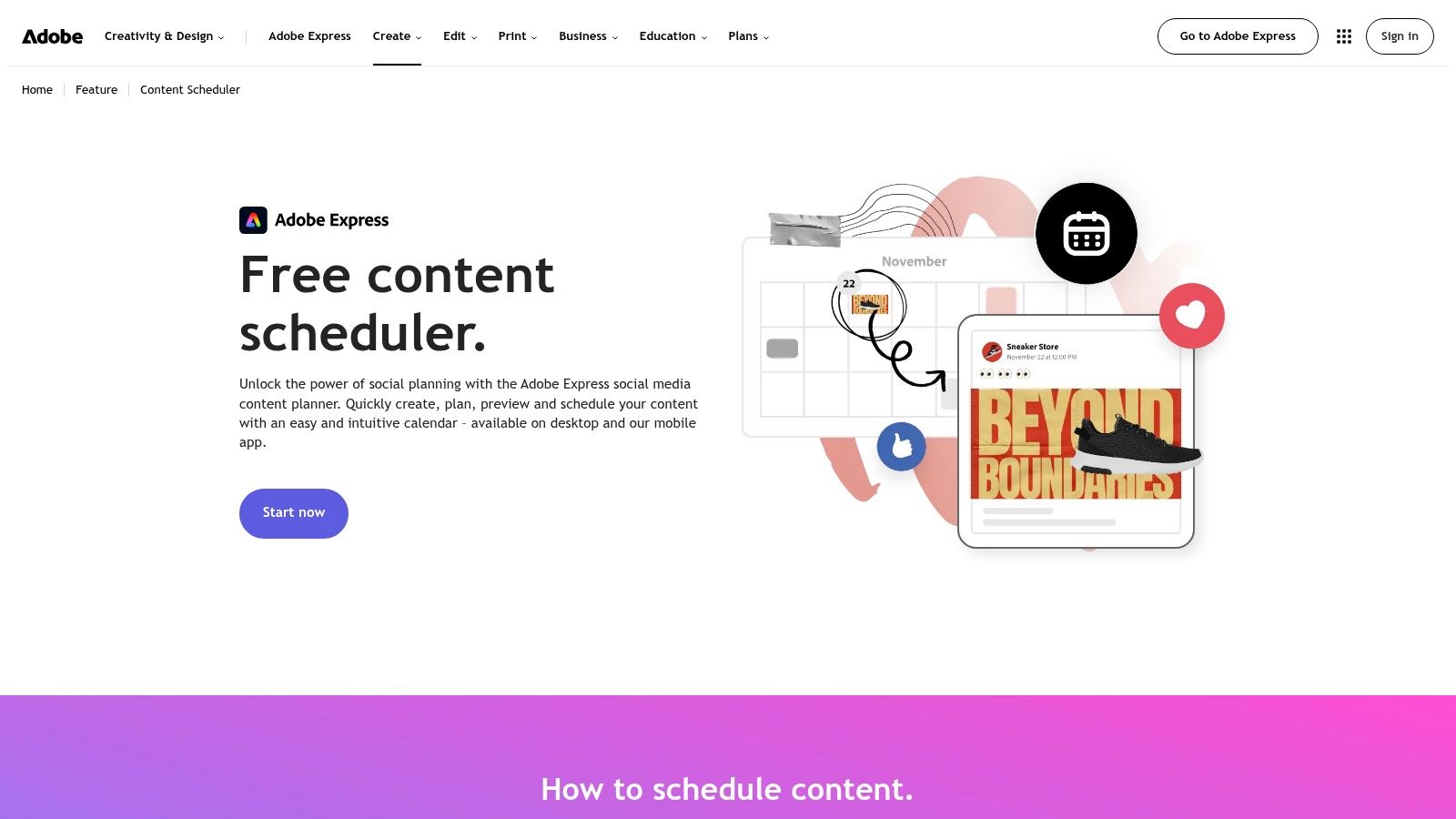
Adobe Express Content Scheduler suits the writer who also makes the graphic for every post. I designed a quote card from an article, previewed it, and scheduled it to LinkedIn and X without leaving the tool. If your workflow is text only, that design layer is extra weight.
The free plan allows 1 account per social network and up to 1,000 posts per month across supported channels. Supported networks include Instagram, Facebook, X, Pinterest, LinkedIn, TikTok, and YouTube, on desktop and mobile.
What Works and What Doesn't
Templates and stock assets speed up image led Notes and carousels. The calendar preview caught a cropped headline before it published. That's real value for visual repurposing.
- Generous limit: 1,000 posts per month is far beyond what most writers need.
- Design built in: Templates remove a separate graphics tool for basic assets.
- Thin analytics: You'll learn less about which post drove subscribers than in a dedicated platform.
Volume isn't the same as response. An independent summary of Sprout Social's 2025 Content Benchmarks analyzed nearly 3 billion messages from 1 million public social profiles and found brands published an average of 9.5 posts per day across networks, while average inbound engagements rose from 70 to 83 per day. Quality and channel fit beat a bigger queue.
My verdict: Choose it when design, not distribution insight, is your bottleneck.
5. Metricool
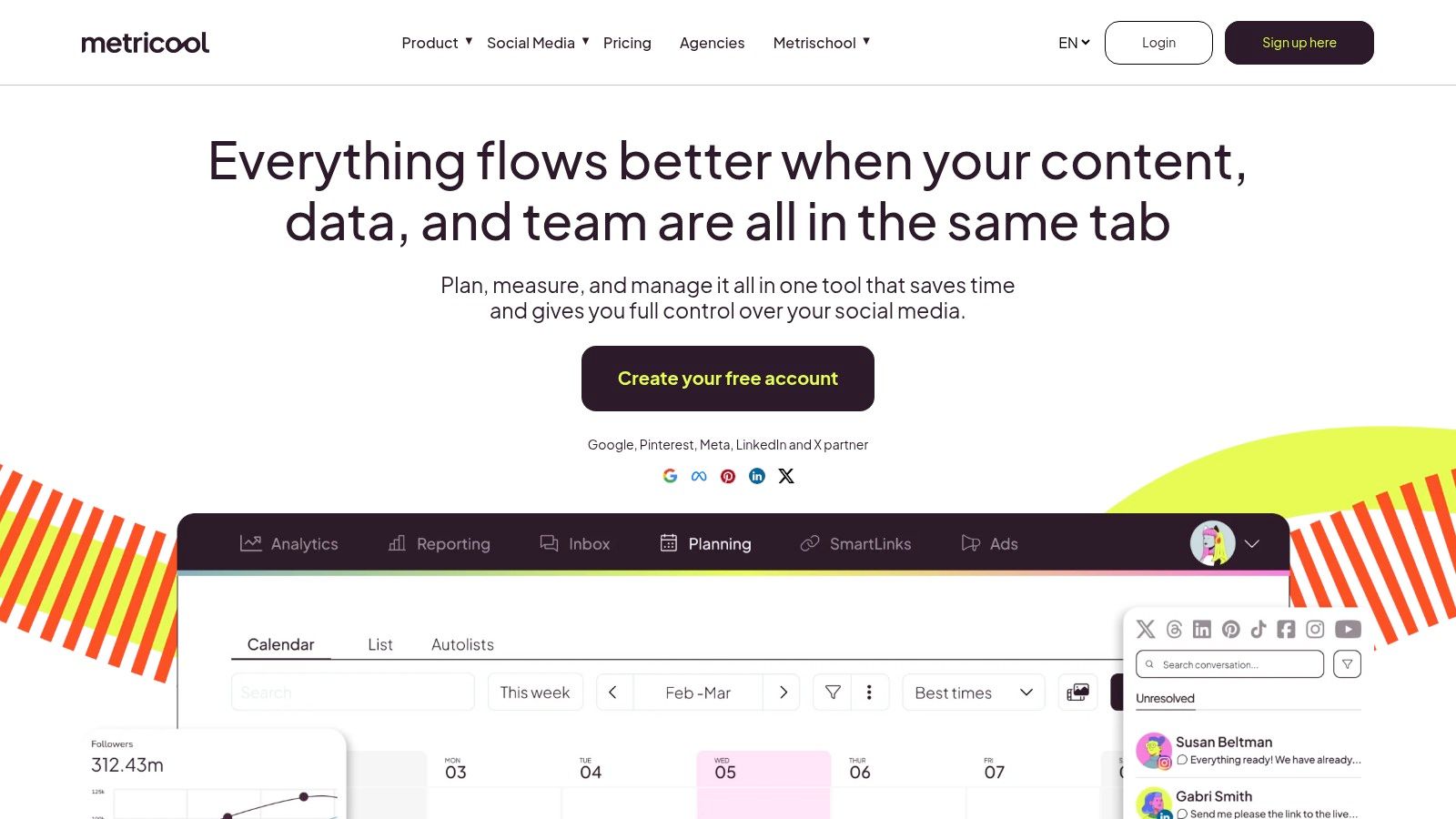
Metricool is the analytics first pick in this list, and also the clearest example of a free plan failing writers. I liked checking performance beside the calendar. Then I tried to connect the two networks I post to most.
The permanent free plan covers 1 brand, up to 20 published posts per month, and 30 days of analytics history, with no credit card required. You can connect one profile per social network within that brand.
The Deal Breaker
LinkedIn and X are excluded from the free plan. For this test, that removed two of my three target platforms before I'd scheduled a single post. The 20-post allowance resets each calendar month, which suits light posting on Instagram or Facebook, but the missing networks force manual work elsewhere.
- Pros: Scheduling and basic performance data in one place, and a free plan that doesn't expire.
- Cons: Only 20 posts per month, no free LinkedIn or X, short 30-day history, and a watermark on free analytics.
Short history also limits timing tests. A 2026 multi platform engagement study summary describes one analysis of more than 52 million posts from over 200,000 accounts, yet generic best time advice still varies by platform. Your own results over several months should override universal time slots.
My verdict: Useful for non LinkedIn, non X experiments. Not a writer's main scheduler for free.
6. Publer
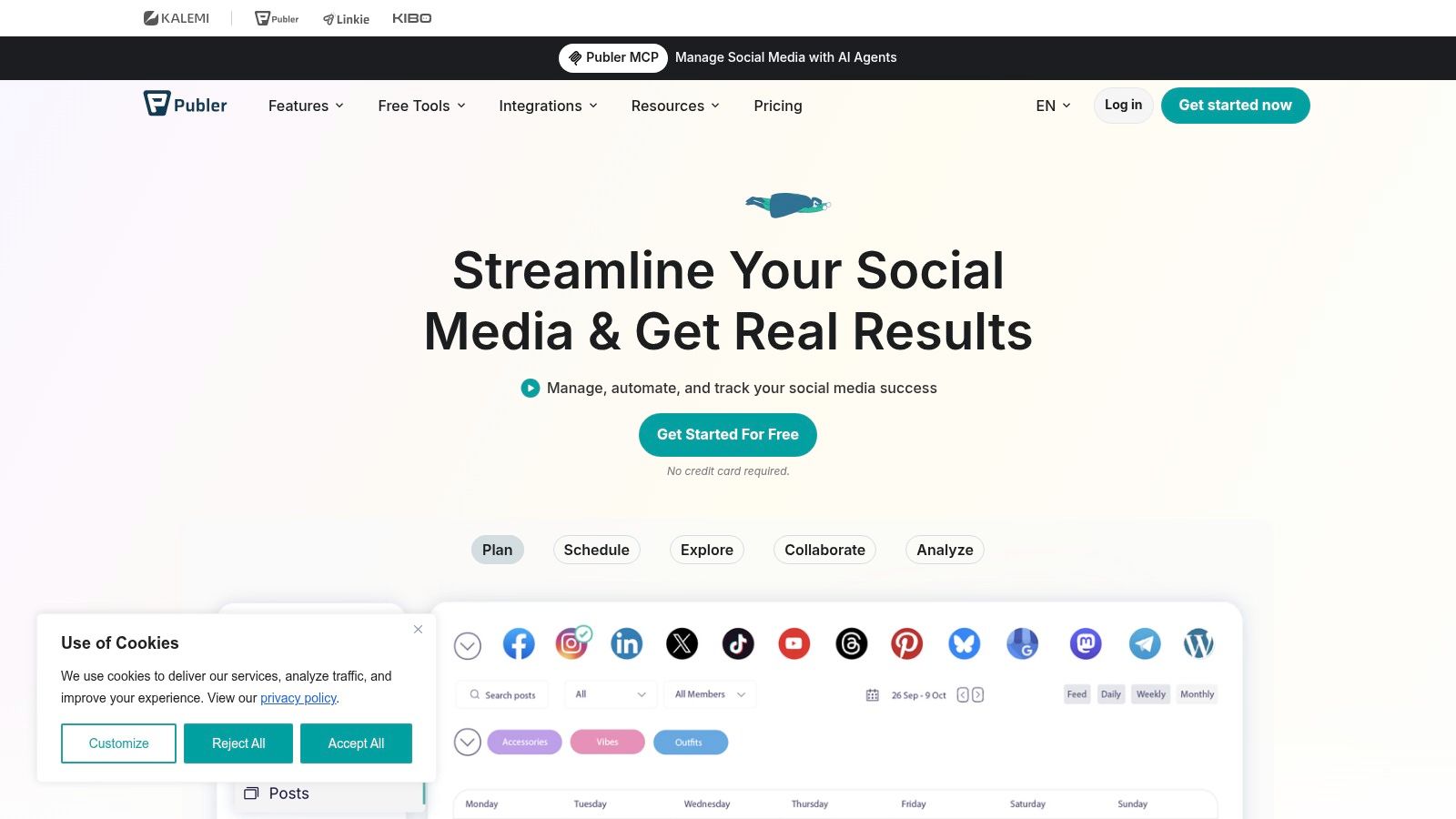
Publer lets you tailor a post for each platform rather than sending the same copy everywhere. It offers post previews, AutoSchedule, link shortening, and UTM tracking, which can help writers adapt an article teaser and measure clicks by version.
The free tier limits connected accounts, queued posts, and saved drafts. It also includes photo editing and a Canva integration, but those extras don't remove the publishing limits.
Where It Stops Working
X isn't included in the free plan. If X is one of your main discovery channels, you'll need to post there separately. Published-post history is available only briefly, making week-over-week comparisons difficult.
That short history makes it harder to learn which versions of an article teaser are worth repeating. Substack's Notes FAQ explains that Notes can include images, video, links, rich text, mentions, and quotes. A single article can become a quote Note, a link Note, or an image-led Note, but comparing their performance requires a longer record.
For writers weighing general schedulers against Substack-focused workflows, see this Publer alternative guide for Substack writers.
My verdict: Publer offers useful post customization, but the missing X access and short history make its free tier a limited fit for writers who rely on both channels.
7. Agorapulse
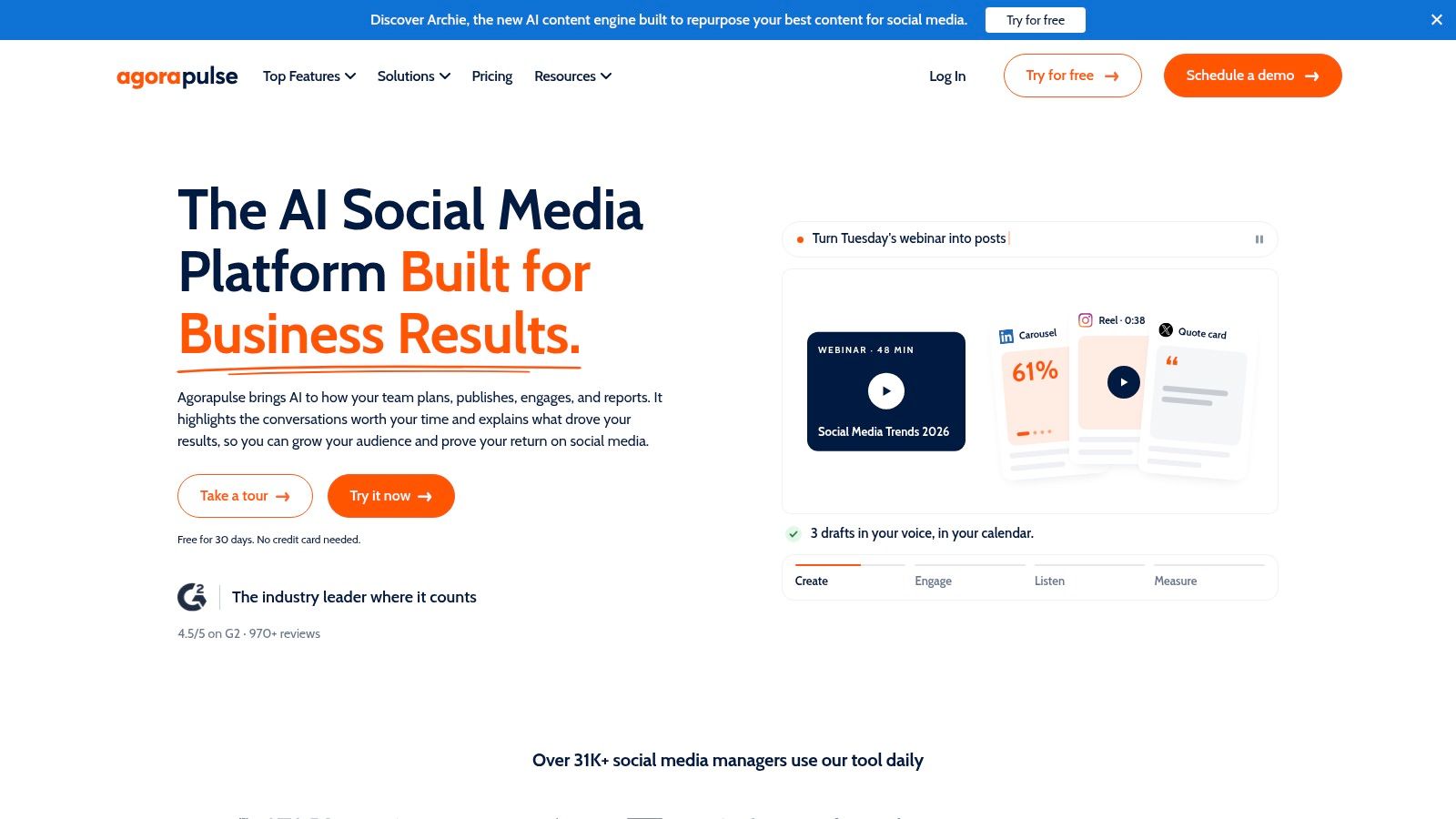
Agorapulse is the pick when replies matter as much as posts. Its permanent free plan covers 1 user and 3 social profiles, with basic reporting and a social inbox for light engagement. I answered comments from the same place I checked the queue, which saved real tab switching.
You can schedule up to 10 posts across those three profiles. The inbox supports up to 100 messages or comments per month, and there's a mobile app plus a limited social ROI report.
The Limit You'll Feel First
Ten posts isn't a week of publishing for most writers in this test. I filled the queue with 5 LinkedIn posts, 3 X posts, and 2 Facebook posts, and then had to wait for slots to clear. The 100-message inbox cap is fine for a small account and tight for a post that travels.
- Pros: Scheduling, basic reporting, and an engagement inbox together at no cost.
- Cons: Only 10 scheduled posts, 100 inbox items per month, and 1 user with 3 profiles.
Engagement is worth protecting. Marketing Dive's report on Sprout Social's consumer survey says in 2024, 48% of surveyed consumers said they interacted with brands on social media more frequently than before. An inbox helps you answer that demand without opening every app.
My verdict: Best free choice if conversation, not volume, is your daily work.
8. CoSchedule Social Calendar
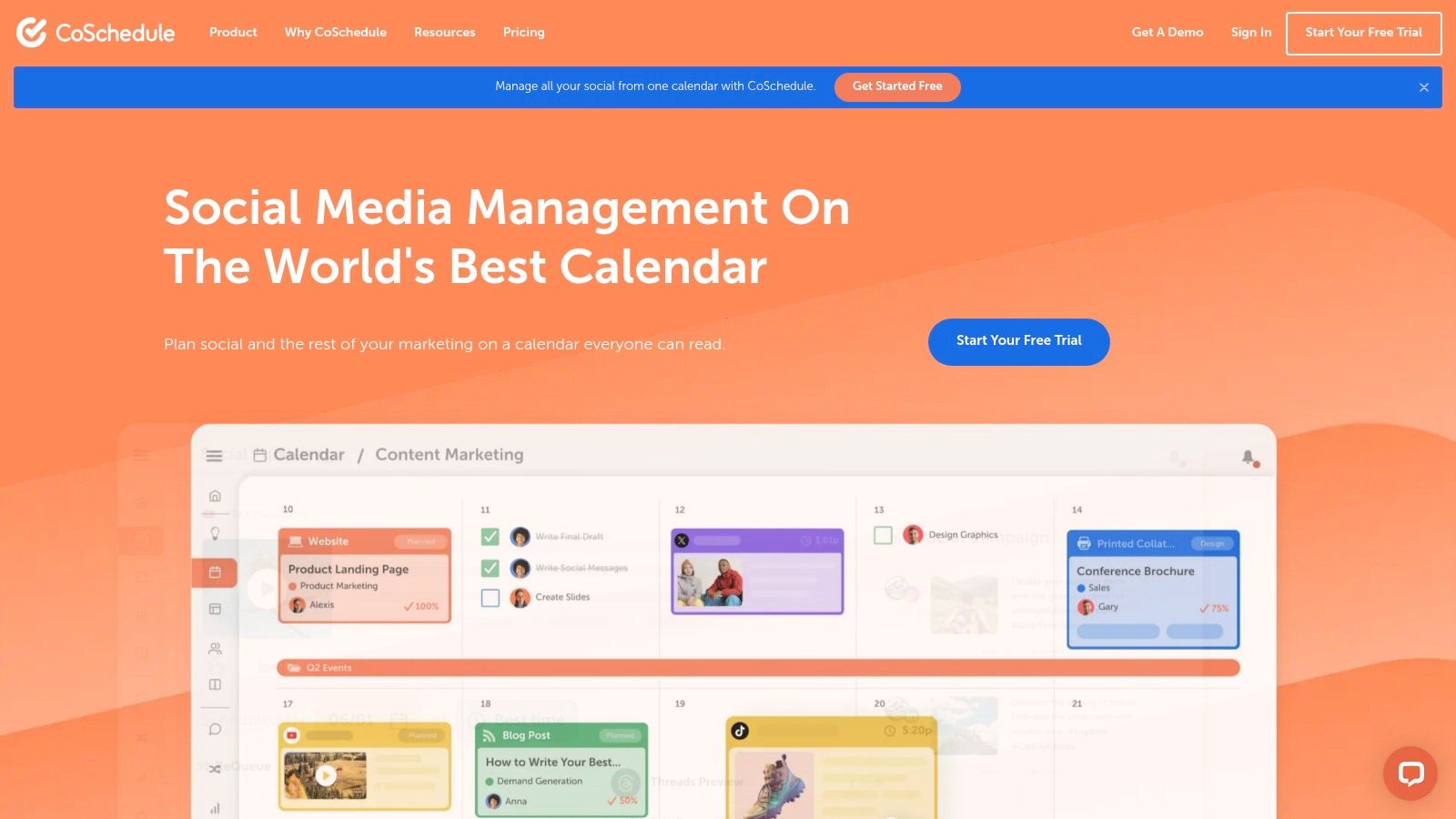
CoSchedule Social Calendar thinks in campaigns, not posts. I placed social messages beside a newsletter send date and a blog deadline, and the week finally made sense in one view. For writers who plan launches, that calendar first view is appealing.
The free plan supports 1 connected social profile and up to 15 scheduled social messages at a time. Reaching it takes a detour. You start a trial, then cancel before it ends to move onto the free plan.
A Narrow but Honest Free Tier
Fifteen queued messages can cover a light, single profile schedule for two to three weeks. It cannot cover the LinkedIn plus X plus newsletter workflow I tested. X, analytics, bulk CSV scheduling, and evergreen reposting require a paid plan.
A calendar that shows one profile clearly is better than a dashboard that shows five profiles badly. Just don't mistake it for cross platform distribution.
- Pros: A usable 15-message queue and planning that sits beside other marketing work.
- Cons: Only 1 profile, no free X or analytics, and the trial cancellation step to reach free.
My verdict: Fine for testing whether a structured marketing calendar suits you. Too narrow as your only scheduler for free.
9. Planoly
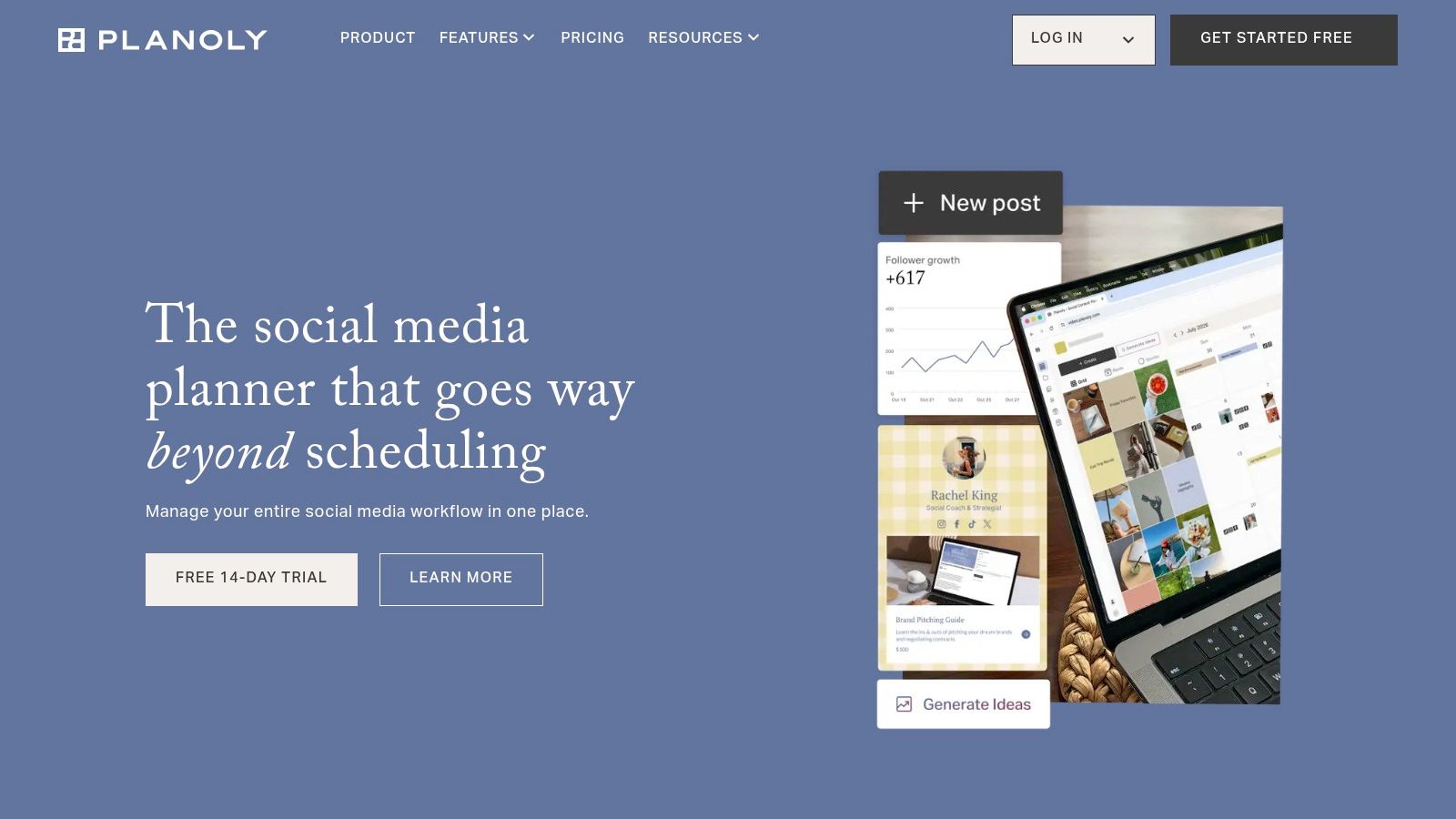
Planoly is a visual planner that has grown beyond Instagram. I laid out a week of image led posts in its calendar and used reminders to check each one before publishing. If you think in grids and covers, it feels natural.
The free plan includes 1 workspace, 1 user, and 10 posts per month. Supported channels include Instagram, TikTok, LinkedIn, Facebook, Pinterest, YouTube, and Threads.
Why Writers Outgrow It Quickly
Ten posts a month is roughly 2 posts a week. My tested routine of one article turned into five distribution posts burned half the allowance in seven days. Analytics, AI caption writing, and Quick Schedule are excluded from the free plan, so you can't easily learn which visual drove readership.
If Instagram is part of your mix, this guide on how to schedule content on Instagram covers the practical steps. Timing and audience fit matter there too. A 2025 study on demographic based Instagram scheduling reported engagement rates increased by up to 20%, based on data from Instagram's Graph API and a user survey. Without free analytics, you can't test that on your own account inside Planoly.
- Pros: Visual planning, broad channel range, and post reminders.
- Cons: Only 10 posts per month, no free analytics, and 1 workspace with 1 user.
My verdict: A tidy visual starter. Not enough posts for a weekly newsletter distribution habit.
10. Meta Business Suite
Meta Business Suite is Meta's own tool for Facebook and Instagram. I used it during my test for a Facebook Page announcement and an Instagram version of the same article teaser. It worked, and it cost nothing.
There's no cross platform story here. You create and schedule content for Facebook and Instagram from one place, with a direct connection to Meta's platforms and no third party setup.
When Free and Native Is Enough
If your readers live on Facebook and Instagram, this may be all you need. You avoid configuring another scheduler, and basic scheduling for both networks is free.
- No subscription fee: Basic Facebook and Instagram scheduling costs nothing.
- Direct connection: Publishing stays inside Meta's own ecosystem.
- Hard boundary: No LinkedIn, X, Substack, or Medium scheduling.
That boundary clashes with how most writers distribute today. This guide to the best times to post on Facebook can help you time the Meta side, but you'll still need another route for LinkedIn and X.
Native Substack scheduling now fills one gap. The Substack announcement on scheduled Notes says scheduled Notes work on web, iOS, and Android, using the calendar icon on web or the three-dot menu on mobile. Pair that with Meta Business Suite and you still have two tools and no LinkedIn.
My verdict: Perfect for a Meta only workflow. Not a complete social media scheduling app free answer for writers.
Free Plan Limits and Platform Coverage at a Glance
LinkedIn and X coverage is the quickest way to narrow this list for writers. A free plan can look generous on paper, then leave a key publishing destination out. Check those networks alongside channel and post limits.
| Item | Free Plan Limit | LinkedIn on Free Plan | X on Free Plan | Best For |
|---|---|---|---|---|
| Narrareach | No ongoing free plan; 7-day trial | No ongoing free plan | No ongoing free plan | Writers seeking cross-platform publishing and voice-aware repurposing |
| Buffer | 3 channels; 10 queued posts per channel | Supported | Supported | Solo creators scheduling to a few channels |
| Zoho Social | 1 brand, 1 user; 6 channels; no stated post cap | Profile and Company Page supported | Supported | Solo publishers wanting broad free channel coverage |
| Adobe Express Content Scheduler | 1 account per network; up to 1,000 posts monthly | Supported | Supported | Creators designing and scheduling visual content |
| Metricool | 1 brand; 20 posts monthly; 30 days of analytics | Not included | Not included | Creators wanting basic analytics on other networks |
| Publer | 1 user, 1 workspace, 3 accounts; 10 queued posts per account | Not specified | Not included | Creators adapting posts for different platforms |
| Agorapulse | 1 user; 3 profiles; 10 scheduled posts | Not specified | Not specified | Users wanting basic scheduling and an engagement inbox |
| CoSchedule Social Calendar | 1 profile; 15 scheduled messages; trial cancellation required | Not specified | Not included | Low-volume, calendar-first planning |
| Planoly | 1 workspace, 1 user; 10 posts monthly | Supported | Not specified | Creators planning image-led content |
| Meta Business Suite | Free scheduling for Facebook and Instagram | Not included | Not included | Publishers focused on Facebook and Instagram |
“Not specified” means the reviewed plan details don't establish whether that network is covered. Treat it as unknown, not as a confirmed exclusion. For a weekly workflow, the practical limit is the first mismatch: a missing destination, too few queue slots, or a monthly cap that runs out before the next publishing cycle.
Match Your Free Plan to Where Your Readers Are
Use one decision rule. Count the platforms you publish to each week, then check whether the free tier covers all of them with enough post room for your real cadence. Don't count accounts you opened and abandoned. Count the places where readers reply, click, and subscribe.
Stay free while 1 or 2 networks and a light volume fit the limits. Buffer works for 3 channels with 10 queued posts each if you refill weekly. Zoho Social works for 1 brand when its six fixed channels match yours and you don't need repurposing help. Meta Business Suite works if Facebook and Instagram are your whole strategy.
Upgrade when a missing network or a post cap forces manual copy and paste. Metricool excludes LinkedIn and X on free, and Publer excludes X. Planoly's 10 posts per month and Agorapulse's 10 scheduled posts collapse under a weekly newsletter routine. At that point you're paying in time instead of money.
The human cost is measurable. A summary of a 2025 survey of 542 full-time and part-time North American creators reported 62% experienced burnout sometimes or often, and 89% said they lacked access to mental-health resources designed for creator work. Cutting repetitive posting is one concrete way to make consistency sustainable.
My own test gives a smaller, practical number. Manual cross posting took 4 hours and 10 minutes per week for 12 posts. Batching one article into 5 platform specific pieces with a writer focused scheduler took about 15 minutes, saving roughly 3 hours and 30 minutes weekly once I added review time. That's time I spent writing a second post instead of reformatting the first.
Two Ways to Act on This
High intent: Start the seven-day, no credit card required trial and schedule one Substack article across Medium, LinkedIn, and X in a single session. Use our subscriber attribution to see which version earns replies, reads, and new subscribers. Then turn the winning angle into scheduled Substack Notes for the following week. You'll know within seven days whether distribution, not more writing, was your growth constraint.
Low intent: Join the newsletter for next month's free plan tests. I'll publish updated caps, missing networks, and queue limits as vendors change them, with the same writer focused test. No pressure to buy anything. You'll still get the standalone value from this guide, including which free plan fits your current platforms today.
One last distinction will save you confusion. Substack's support guide on Notes and Chat explains that Notes are public short form posts and do not get sent to subscribers' inboxes. Use Notes for discovery, regular posts for delivery, and a scheduler to keep both moving without Sunday night copy and paste.
Turn your next article into Notes, LinkedIn posts, and X threads that still sound like you, schedule them from one dashboard, and see which ones bring subscribers with Narrareach. Start the seven-day trial with no credit card required and distribute one Substack post across Medium, LinkedIn, and X this week.