How to Use Narrareach MCP with Claude to Schedule Medium Articles
Connect Claude to Narrareach through MCP, review an article, and schedule it to Medium. Follow setup, approval, destination, and status checks.
By Ian Kiprono
You can connect Claude to Narrareach through its remote MCP connector, prepare an article in the conversation, and ask Claude to schedule the approved version to Medium. MCP gives Claude access to Narrareach tools; you stay in control of the article, destination, and publication time.
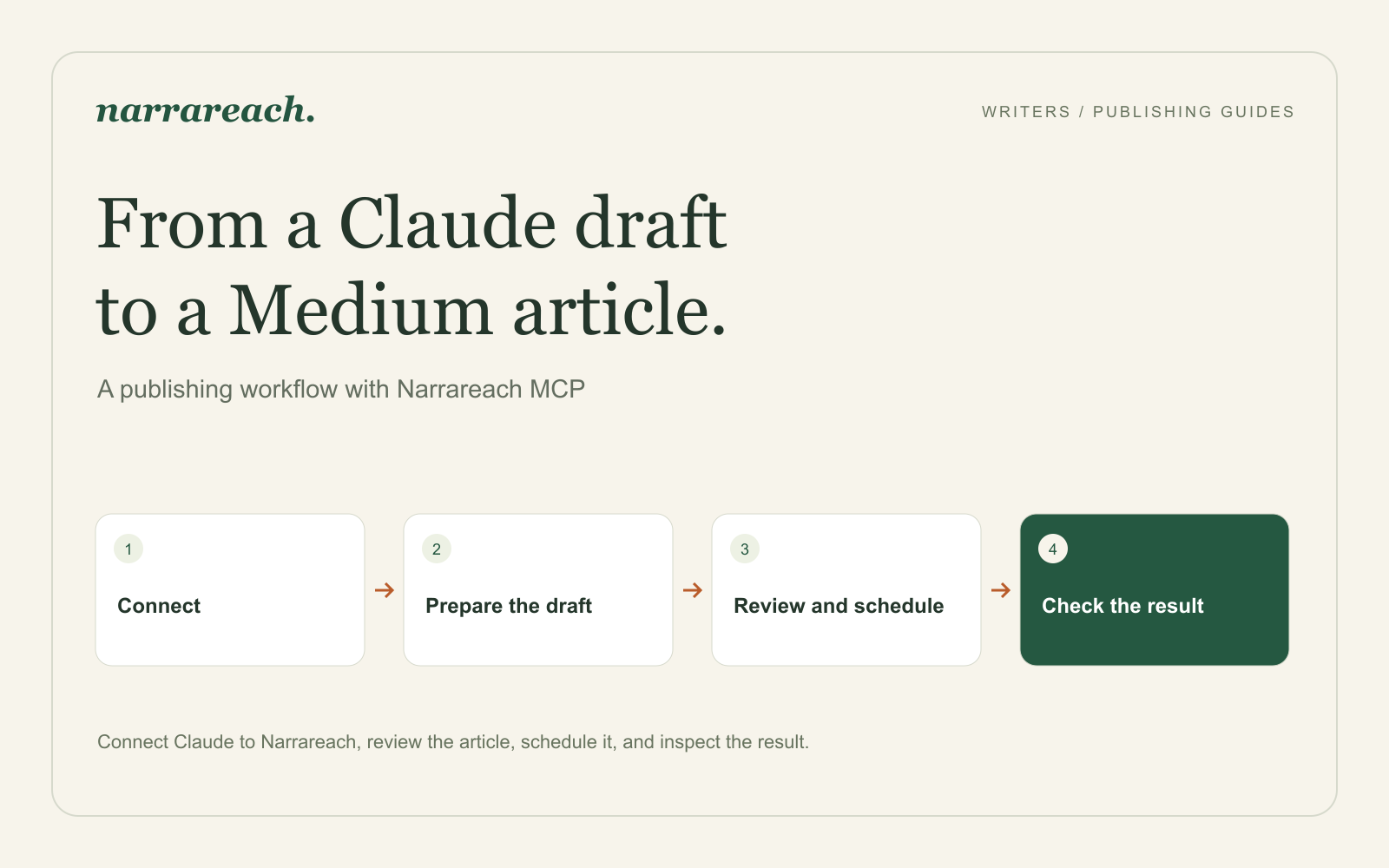
I recommend starting with one article and a clear review step. First connect the accounts, then prepare the draft, approve the exact content and destination, and check the scheduled result.
Connect Narrareach to Claude
In Narrareach, open Settings → Integrations → Claude and use the connection instructions there. The remote MCP server address is:
https://www.narrareach.com/mcp
In Claude, open Customize → Connectors, choose the option to add a custom connector, and enter the Narrareach address. Complete the sign-in and authorization flow, then enable the connector in the conversation where you want to work. An organization may require its owner to add the connector first.
This connection uses OAuth. You do not need a local MCP package or a Narrareach API key for this setup. Individual tools remain subject to your Narrareach plan's access, so check the available tools and your plan before planning the release.
Use Narrareach's connector documentation and Claude's custom connector guide if the setup labels differ in your account.
Confirm the Medium destination
Connect the Medium account you intend to use in Narrareach. Decide whether the article should go to your own profile or a publication you contribute to.
For a publication, ask Claude to list the available Medium publications and show the relevant publishing permissions. A contributor who can submit a story for editorial review does not necessarily control when it goes live. Narrareach distinguishes a submission awaiting an editor from an article scheduled for publication.
A useful first request is:
Check my connected Medium destination and list any publications available to me. Tell me whether I can publish directly or submit for review. Do not create or schedule anything yet.
Choose the destination from the result. Avoid relying on a remembered publication name when several accounts or publications are involved.
Prepare a complete draft before scheduling
Give Claude the article or work on it in the conversation. Include the title, body, links, and any image you want in the finished piece. Ask it to preserve the substance and prepare a Narrareach draft for review.
For example:
Prepare this article as a draft in Narrareach. Keep the examples and links. Use the attached image as the cover. Show me the final title, article, and cover choice before scheduling.
Review the actual content, not just Claude's summary of its edits. For an article about writing a project brief, check that the revised example still names the audience, intended action, and useful visual references. A smoother paragraph is not an improvement if it removes the detail that makes the method usable.
Approve the time and publishing choices
Once the draft is ready, give a concrete scheduling instruction:
Schedule this approved draft to my Medium profile on October 8, 2026, at 10:00 a.m. America/Toronto. Do not send an email notification to Medium subscribers. Show me the destination, local time, timezone, and scheduling result.
Use your own intended date and timezone. Narrareach's article scheduling tool accepts the local time with its named timezone; there is no need to manually convert it to UTC.
If you choose a Medium publication that requires editorial approval, the result can be a submitted story awaiting review rather than a guaranteed publication time. Read the returned outcome before planning supporting posts that depend on a live URL.
Check the queued article and its final result
After scheduling, ask Claude to show the relevant scheduled item and check its readiness. Narrareach provides tools to list scheduled items and inspect their destination, timing, content checks, and stored publishing status.
That inspection reads Narrareach's stored information. Once publication is due, open the Medium story to check the reader-facing result as well. Verify the opening, image, important links, and destination.
If the result is unclear, ask Claude to inspect the existing item before trying again:
Check the article we just scheduled and tell me its current status and next action. Do not create another copy.
To change the time, ask Claude to preview a schedule amendment for the existing item, then approve the proposed date and timezone. Content edits need a different next step: updating a local draft does not update an active scheduled article. Ask Claude to inspect the item and follow its returned guidance before editing or replacing the scheduled version. Repeating a create-and-schedule request can produce another item instead of updating the original.
How I used this in my own publishing
I used this connection during July 2026, when I was publishing articles and Notes across Substack, Medium, LinkedIn, X, Threads, and Bluesky and comparing Narrareach with six other tools. Scheduling articles through Claude with the Narrareach MCP connection was part of that month.
This mattered because the article itself was the piece the other tools struggled with. The social schedulers I tested could not publish a full article to Substack, Medium, or LinkedIn, and an article pasted by hand needed its headings, paragraph breaks, or links fixed. Through Narrareach, the scheduled article kept its structure.
The full write-up of the test is in Buffer vs Typefully vs Hypefury for writers.
Use the article as the start of a release
Once the article is ready, prepare a Note with its strongest example or a LinkedIn post that gives a professional reader a useful takeaway. Review those adaptations separately and schedule them when the article will be available if they link to it.
For the next release, Narrareach suggests content ideas based on your niche, real-time searches, and the past performance of your content pillars. Bring an idea you choose into your Claude conversation, develop the draft, and use the same review-and-schedule process to publish it.
Connect your publishing workflow to Narrareach, then use the MCP setup guide to prepare your first approved release with Claude.