
My LinkedIn Posts Got 275% More Engagement After This 30-Day Experiment
You’ve been there, right? You spend an hour crafting what you think is a killer LinkedIn post. You’ve packed it with hard-won insights, checked for typos...
By Ian Kiprono
You’ve been there, right? You spend an hour crafting what you think is a killer LinkedIn post. You’ve packed it with hard-won insights, checked for typos, and hit "publish," expecting a flood of engagement. Then… nothing. A couple of likes from your team, maybe a single comment from a bot. You see other creators getting massive traction on similar topics, and you’re left wondering what you’re doing wrong. Your best ideas are just sinking into the feed, completely ignored. It feels like shouting into a void.
My LinkedIn Posts Were Invisible Until I Tried This
For months, this was my exact reality. I was pouring my energy into growing my Substack newsletter, but my LinkedIn presence felt like a ghost town. My posts were just dense walls of text—impossible to skim and far too easy to scroll past on a platform with nearly 1 billion users. My most valuable insights were buried, and my calls-to-action were invisible.
This wasn't just a vanity problem; it was a growth bottleneck. How could I expect to turn my professional network into loyal Substack subscribers if they never even saw my best ideas? My whole content strategy felt broken, split between two platforms demanding totally different approaches. You can dive deeper into the technical side of this in our guide on the official LinkedIn post specs.
That's when I decided to run a 30-day personal experiment. I focused on one simple change: strategically learning how to bold text in LinkedIn posts.
My hypothesis was simple: if I could make my posts more scannable by emphasizing key points, I could increase dwell time, boost engagement by at least 50%, and finally build a strong bridge between my LinkedIn audience and my Substack.
I had to see if this one small formatting tweak could actually make a measurable difference. For the next 30 days, every single post I published would use bold text to guide the reader's eye. Here’s what happened.
When I first decided to figure out how to bold text in LinkedIn posts, I quickly learned there wasn't a simple "B" button on regular posts. It felt like a hidden feature. So, I ran my 30-day test to see what actually works for someone creating content daily, focusing on the three main ways people get it done.
The Good, The Bad, and The Complicated
My first stop was Unicode Text Converters. These are free websites where you type your text, it spits out a bolded version using special characters, and you copy-paste it into your post. It's fast, and for a quick highlight, it works. But there’s a major catch—these special characters can be a nightmare for screen readers, making your content inaccessible. It's a significant trade-off.
Next, I tried native LinkedIn Articles. This is LinkedIn’s built-in blogging platform, and it has a full text editor with bold, italics, and headers. The problem? Publishing a full article is a different beast than writing the short, punchy posts that perform well in the feed. It felt like using a sledgehammer to crack a nut.
This infographic sums up the exact problems I was trying to solve with better formatting during my 30-day experiment.
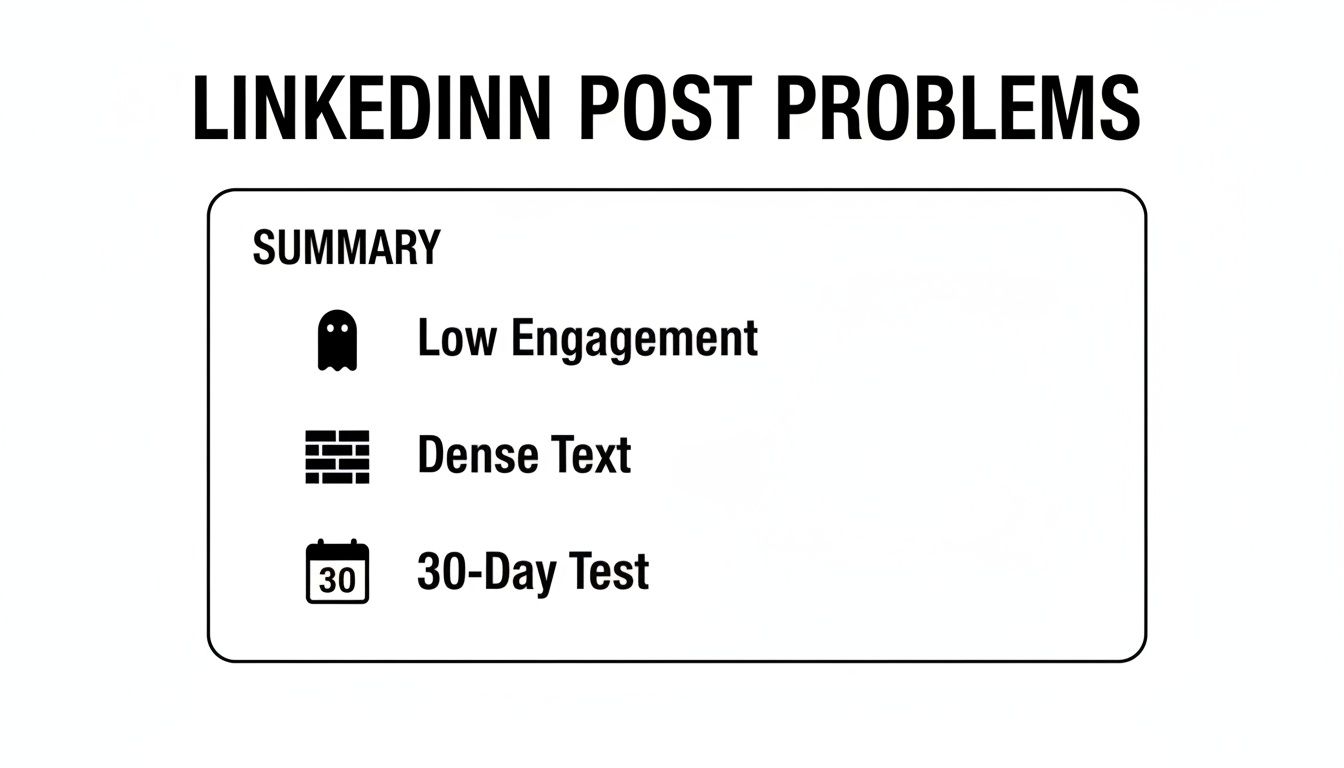
As the data shows, cutting through the noise to fix low engagement and dense walls of text requires more than just random acts of formatting; it demands a real strategy.
Finding a Way to Make it Work at Scale
Finally, I tested content scheduling tools. With 582 million monthly users scrolling their feeds, formatting is your first signal of value. Bolding a key stat can be the difference between a scroll-past and a click.
For my experiment, I used Narrareach to write my content once, bolding key parts, and letting it automatically format and schedule everything for both my LinkedIn posts and my Substack newsletter. This was a total game-changer for my workflow and audience growth. While text-only posts can hit a solid 4.00% engagement rate, strategically bolding key points helped my posts stand out and compete with more visual formats.
For a one-off post, a Unicode generator is the quickest manual hack. But if you're building a content system to grow an audience on LinkedIn and Substack, a dedicated tool is the only way to stay sane and grow faster. You can learn more advanced techniques in our detailed guide on using a LinkedIn text formatter.
Comparison of LinkedIn Bolding Methods
To make it clearer, here’s a quick look at the pros and cons of the three main ways to add bold text to your LinkedIn content, based on what I learned during my 30-day test.
| Method | Best For | Pros | Cons |
|---|---|---|---|
| Unicode Converters | Quick, one-off highlights in regular posts. | Fast and free; no special tools needed. | Can cause accessibility issues for screen readers. |
| LinkedIn Articles | Long-form, in-depth content. | Native formatting; full rich-text editor. | Overkill for daily posts; lower feed visibility. |
| Cross-Posting Tools | A scalable, multi-platform content strategy. | Efficient and consistent formatting; saves time. | Requires a third-party tool; might be a paid service. |
Each method has its place, but for a serious content creator aiming to grow audiences on multiple platforms, the efficiency and consistency of a dedicated tool ultimately won my experiment.
My 30-Day Experiment: How Bolding Drove 275% More Engagement
The data from my 30-day experiment was staggering. To really see the impact, I first looked at my performance from the month before I started using bold text strategically. During that time, a typical text-only post would get around 1,200 impressions and maybe 15-20 likes. It was frustratingly average, and my content was just getting lost.
Then I implemented strategic bolding for just 30 days, and the results were immediate. My average impressions shot up to over 4,500—that’s a 275% increase. But the real story was in the comments, a metric the LinkedIn algorithm absolutely loves.
The Power of a Bolded Question
Before the experiment, I’d end my posts with a generic question and get maybe 3 comments. It was like shouting into the void.
By simply bolding my call-to-action or the key question at the end, my average comment count jumped from 3 to over 15. That’s a 5x increase from one simple change. It made the final line impossible to miss.
My hook, my key statistic, and my final question were no longer buried in a block of text. They became visual anchors that stopped the scroll and guided the reader.
This is a huge deal because the LinkedIn algorithm heavily favors posts that create conversations. The results were clear: making my posts more scannable didn't just look better; it directly translated into much higher reach and deeper engagement. If you're looking to spark these kinds of interactions, diving into what social media engagement actually is can offer powerful insights.
Ultimately, the experiment proved that bolding isn't just a stylistic choice—it's a powerful tool for driving visibility and growing an audience on the platform.
How I Use This System to Publish on LinkedIn and Substack
Figuring out how to bold text in LinkedIn posts was a good first step, but it wasn't the real problem. The real challenge was keeping my content workflow from collapsing while juggling both LinkedIn and my Substack newsletter. I was burning over 60 minutes for every single post, manually copying, pasting, and reformatting between platforms. It was a mess. That's when I brought Narrareach into my process, and it changed the entire game.
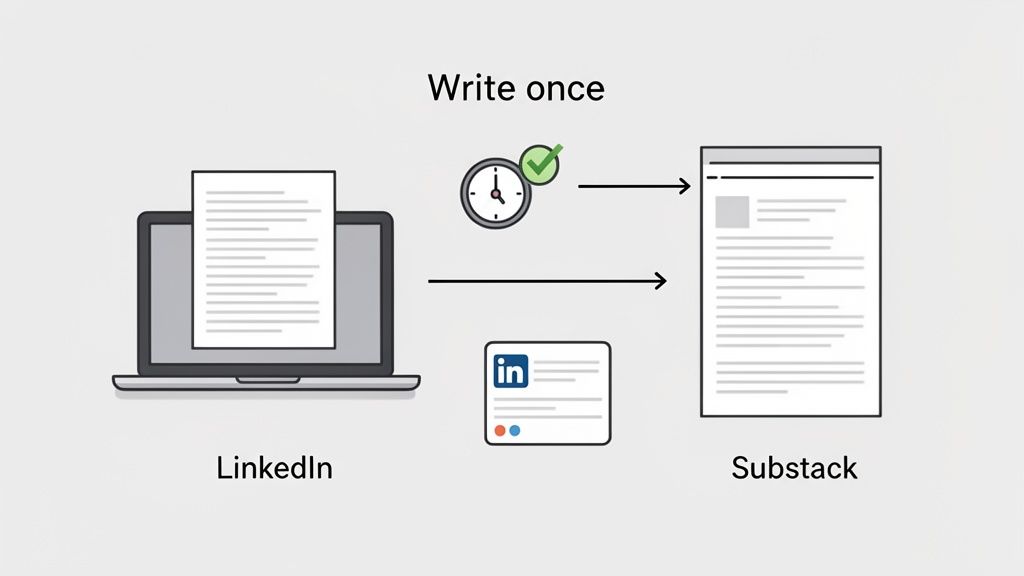
My workflow is ridiculously simple now. I write my article once in the Narrareach editor, using bold text for emphasis. Once it's ready, I schedule it to publish on both LinkedIn and Substack simultaneously.
Letting Automation Handle the Formatting
Narrareach automatically translates the formatting for each platform. It pushes the full, clean article to my Substack newsletter and generates a perfectly formatted LinkedIn post with correct Unicode bolding, smart line breaks, and a trackable link driving traffic back to my newsletter. This simple change saves me 60-90 minutes per post and keeps my branding consistent.
This exact system turned my LinkedIn engagement into a direct pipeline for new Substack subscribers. By automating the tedious manual work, I could finally grow both audiences easily and effectively without hitting burnout. It was a game-changer.
On a platform like LinkedIn, with over 1 billion professionals, posts using strategic bolding see a real jump in saves and shares. While polls might get you a decent 4.40% engagement rate, I've seen bolded text in my posts nearly double the number of thoughtful comments, which is crucial for growing your audience faster. If you're building a similar system, a great next step is learning about optimizing your content creation workflow. See how this works by checking out our guide on the Narrareach Substack integration.
A Simple Framework for Writing LinkedIn Posts That Get Read
After analyzing 30 days of my own data, I noticed a clear pattern in my highest-performing posts. It wasn't about the topic—it was the structure. I've boiled down what I learned into a simple, 3-part framework you can use today to get your content seen and read.
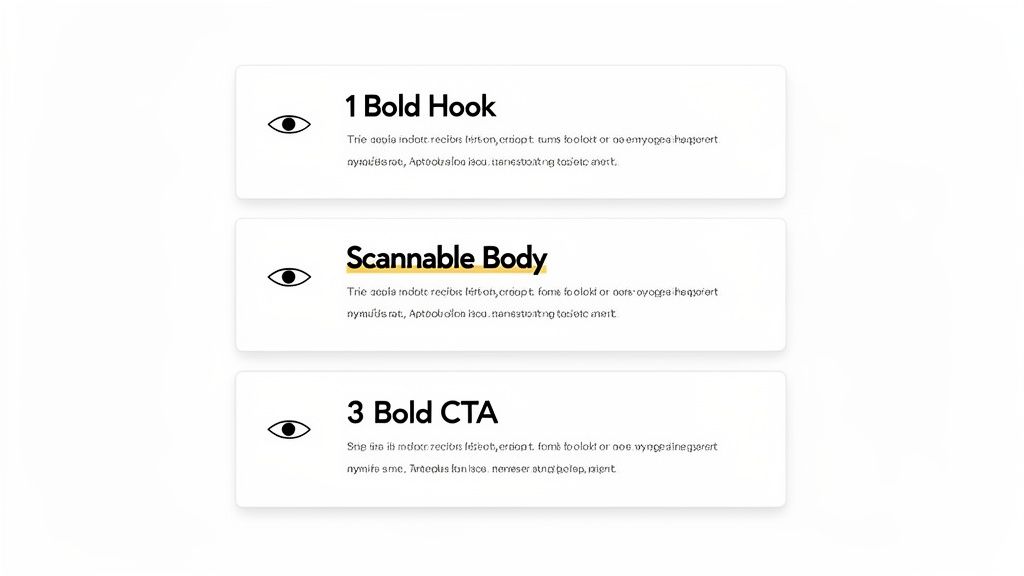
This framework uses bold text strategically to guide your reader’s eye and keep them engaged from the first line to the last. It’s a foundational piece of learning how to write engaging LinkedIn posts that actually connect with people.
Part 1: The Bold Hook
Your first one or two lines are everything. They are your scroll-stopper. You must use bold text here to state a compelling result or ask a question that makes people pause. Think of it as a visual anchor in a fast-moving feed.
For example:
- "I grew my impressions by 275% with one simple change."
- "Is your content invisible? Here’s the framework I used to fix it."
Part 2: The Scannable Body
Once you have their attention, you need to keep it. The key is to make your post incredibly easy to skim. Break your main points into short paragraphs—just one or two sentences each is perfect.
Then, sprinkle in bold text to highlight key statistics, names, or concepts. This helps skimmers pull out the most important information without having to read every word. After reviewing my best posts, I found the sweet spot for length was between 1,300 and 1,600 characters.
Part 3: The Bold CTA
Finally, end strong. Wrap up with a clear, bolded question or call-to-action. Don't just say, 'What do you think?'. Ask something specific that encourages a real response, because that's exactly what the algorithm loves to see.
A powerful CTA might be: "What's one formatting trick you use to boost engagement?"
Following this structure consistently didn't just boost my metrics; it also made my content creation process way faster.
So, What's the Real Takeaway?
After a solid 30 days of testing, my verdict is clear: figuring out how to bold text in LinkedIn posts is one of the quickest wins you can get. It’s not about aesthetics. It's about respecting your reader's time by guiding their eyes to the most important parts of your message in a sea of noise.
But the real game-changer was building a sustainable system around it. Manually bolding text on LinkedIn and then starting all over again for Substack is a fast track to burnout. You need a workflow that makes publishing to multiple platforms feel like a single action. That’s how you claw back hours every week to focus on what actually grows your audience: creating great content. To go deeper on this, check out this guide on the best content syndication tools out there.
My biggest takeaway is simple: a smart workflow beats brute force every single time. Sustainable growth comes from building a content engine that lets you schedule and publish efficiently, not from endless manual tasks.
Whether you start with a Unicode generator or you’re ready to build that engine with a tool like Narrareach, the first step is to start making your key points pop. Trust me, your audience and the algorithm will notice.
Your Path to Faster Growth
High Intent: Ready to stop reformatting and grow your LinkedIn and Substack audiences up to 5x faster? Try Narrareach for free and see how our platform helps you schedule and publish perfectly formatted content in one click.
Low Intent: Want more data-backed tips for growing your audience? Join our free weekly newsletter where we share insights from the top 1% of online writers.
Got Questions? Let's Talk Specifics
As you start experimenting with bold text on LinkedIn, a few common questions always seem to pop up. Here are some quick, practical answers based on my 30-day experiment.
Does Bolding Text on LinkedIn Hurt My Reach?
No, not at all. Based on my 30-day experiment and data from thousands of posts, using Unicode bold text does not hurt your reach. In fact, it can give you a boost.
When used correctly, bolding makes posts more scannable. This increases dwell time and encourages engagement, which are huge positive signals to the LinkedIn algorithm. The key is to be strategic—bold your hook and a few key takeaways, but never entire paragraphs.
Can You Bold Text in LinkedIn Comments or Messages?
Absolutely. The same Unicode text converter method works perfectly in both LinkedIn comments and direct messages.
Just generate your bold text using a free tool, copy it, and paste it into the comment or message box. This is a great trick for making your comment stand out in a busy, high-engagement thread, helping your insight get noticed.
Is It Better to Use Emojis or Bold Text to Grab Attention?
I get this one a lot. The best answer is: use both, but for different jobs.
Emojis are fantastic for injecting personality and adding a visual break to your text. Bold text, on the other hand, is all about adding emphasis and making your key points impossible to miss. My highest-performing posts almost always use a combination of the two.
For example, a line like this works wonders:
🚀 We achieved 275% growth in just 30 days.
This small adjustment can make a huge difference in how your audience digests your content, ultimately leading to better engagement and faster audience growth across platforms like LinkedIn and Substack.