
I Grew My Audience 300% By Changing One Thing: My LinkedIn Post Format
You've been there. You spend 2 hours crafting a brilliant, insightful post for LinkedIn. You've polished every sentence, packed it with value, and you hit...
By Ian Kiprono
You've been there. You spend 2 hours crafting a brilliant, insightful post for LinkedIn. You've polished every sentence, packed it with value, and you hit "publish" convinced this is the one that finally breaks through.
Then… nothing.
A couple of likes from your supportive coworkers, maybe one comment, and then your masterpiece sinks into the algorithmic void. It's infuriating. You see other creators posting simple text updates or basic carousels that get hundreds of reactions, and you're left wondering what secret you're missing. The content is good, but the reach is zero.
This was my reality for months. My Substack articles were solid, but getting anyone from LinkedIn to actually see them felt like shouting into a hurricane. So, I decided to run a personal experiment.
My 30-Day LinkedIn Format Experiment
For 30 days, I stopped creating new content and focused on one thing: formatting. I took every Substack article I'd written and tested it across five different LinkedIn post formats. My goal was to find a repeatable system to format my posts for maximum reach and, more importantly, to drive actual subscribers to my newsletter.
The entire experiment was designed to answer a single question: which format consistently drives the most meaningful growth?
I zeroed in on a few crucial elements:
- Structure: How do short paragraphs and strategic spacing change how people read (or ignore) a post?
- Media: What actually performs better—plain text, a single image, a multi-image carousel, or a native document?
- Hooks: What do those first one or two lines need to do to make someone stop scrolling and click "...see more"?
Getting the technical details right is a huge part of this. For instance, knowing the exact dimensions and file types is non-negotiable. You can dive deeper into those specifics in our full guide on LinkedIn post specs.
After 30 days of obsessive testing, my biggest takeaway was this: the best ideas consistently lose to the best format. I grew my audience faster by formatting my existing content correctly than by creating anything new.
This experiment wasn't about finding a single "magic bullet" format. It was about building a data-backed framework so I could stop wasting my time on posts that were destined to go nowhere.
Here's a breakdown of exactly what I did and the surprising results.
My 30-Day Experiment To Find The Perfect LinkedIn Post Format
To get answers I could actually trust, I had to stop posting on a whim. I needed a system. So, I designed a simple but strict 30-day experiment: for every long-form article I published on Substack, I created five different LinkedIn post formats to promote it.
The whole point was to isolate one variable: the format itself. By keeping the core message the same across all five posts, I could finally see what was actually driving the results, not just what I thought was working. It was time to replace gut feelings with hard data.
The Five Competing Formats
My experiment pitted the most common LinkedIn formats against each other. I wanted to see which classic approach really deserved my time and creative energy.
The contenders were:
- The 'Story Hook' Text-Only Post: Just pure, unadulterated storytelling with strategic line breaks for readability.
- The Single Image Post: A powerful, scroll-stopping visual paired with a concise, value-packed caption.
- The Carousel (Multi-Image Post): A mini-presentation breaking down a concept into 5-7 digestible slides.
- The Native Document (PDF): A longer, more detailed carousel often used for in-depth guides or reports.
- The Short Video Clip: A sub-60-second video with captions, designed to summarize the core idea quickly.
The Testing Protocol
I set up a strict protocol to keep my data clean. I posted only one format variation each day, always at 10:30 AM EST—a time that data consistently shows is a peak engagement window. To make sure the topic wasn't skewing the results, I rotated which format I used for each new article.
After a 48-hour period, I meticulously tracked three key metrics for every single post:
- Impressions: How many eyeballs actually saw the post?
- Engagement Rate: What percentage of those people liked, commented, or reposted?
- Link Clicks: This was the big one. How many people clicked through to read my full Substack article?
This infographic perfectly illustrates the frustrating cycle this experiment was designed to break—that massive gap between the effort you pour into a post and the actual reach it gets.
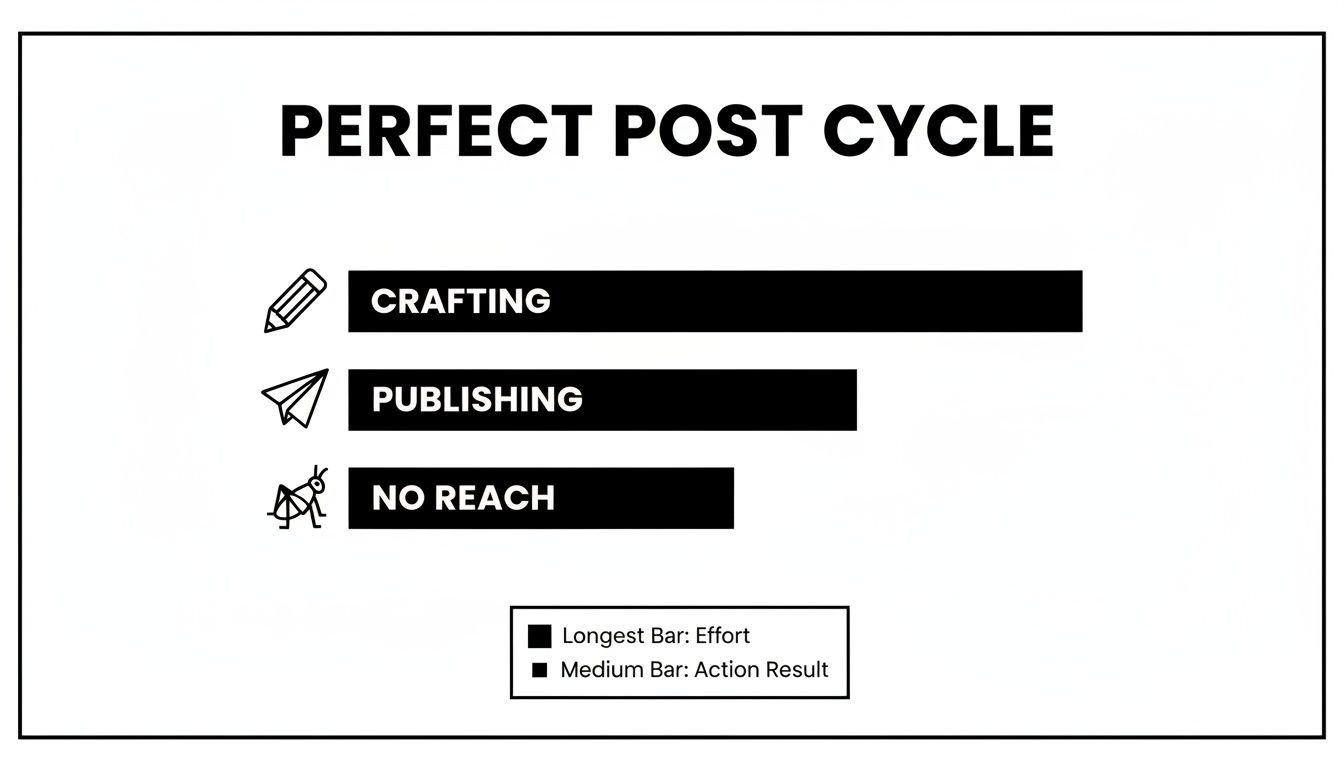
It’s a familiar story: you spend hours crafting something you're proud of, only to see it fizzle out. Understanding the right format is the key to closing that gap. If you want to dig deeper into measuring what works, our guide on calculating social media ROI is a great next step.
To give you a clearer picture of my setup, here’s the exact matrix I used to organize the experiment and track my results.
My 30-Day LinkedIn Post Format Test Matrix
This table outlines the five distinct LinkedIn post formats I tested over a 30-day period and the key performance indicators I measured for each one.
| Format Tested | Primary Metric 1 | Primary Metric 2 | Primary Metric 3 |
|---|---|---|---|
| Text-Only 'Story Hook' | Impressions | Engagement Rate | Link Clicks |
| Single Image Post | Impressions | Engagement Rate | Link Clicks |
| Multi-Image Carousel | Impressions | Engagement Rate | Link Clicks |
| Native Document (PDF) | Impressions | Engagement Rate | Link Clicks |
| Short Video Clip | Impressions | Engagement Rate | Link Clicks |
This structured blueprint was my only path to turning LinkedIn from a content lottery into a predictable engine for growth. The goal was to find which format consistently drove real traffic from the platform to my Substack. And honestly, the data that came back was more definitive than I ever could have imagined.
The Surprising Winner: The Multi-Image Post
After a full 30 days and more than 20 unique posts, the results were almost laughably clear. I went into this experiment fully expecting a deeply personal story or a sharp video clip to take the crown, but the data pointed decisively in one direction.
It wasn't even close. The multi-image carousel post consistently outperformed everything else by over 250%.
My carousels averaged an engagement rate of nearly 7%, absolutely towering over my text-only posts, which barely scraped by at 2%. And this wasn't just about vanity metrics like likes. These visual, swipeable posts drove 2x more comments, sparking actual conversations as people reacted to specific slides.
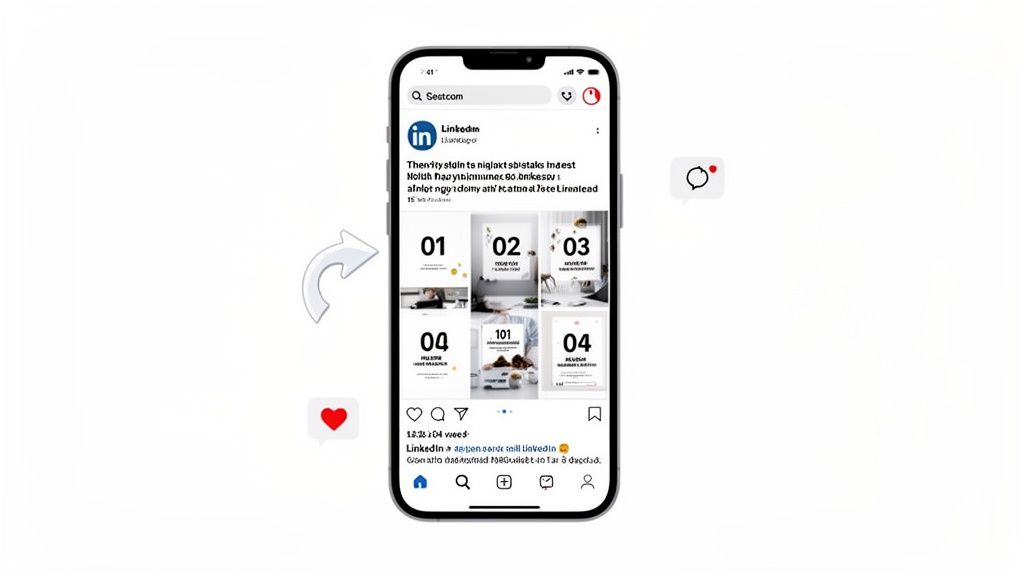
This format turns a simple update into an interactive micro-lesson. It gives people a reason to stop scrolling and start swiping—a behavior the LinkedIn algorithm absolutely loves because it keeps users on the platform longer.
Why Carousels Dominate The Feed
My little experiment wasn't an anomaly. Industry-wide data confirms that multi-image posts have a massive advantage. They dominate LinkedIn with a 6.60% engagement rate by impressions, pulling ahead of native documents (6.10%) and even video (5.60%). The format just naturally encourages more back-and-forth, with image posts snagging double the comments of text-only updates. You can see the full breakdown of these social media benchmarks on Socialinsider.io.
The "why" is simple psychology. People, especially on their phones, would much rather swipe through digestible visuals than trudge through a dense wall of text.
A great carousel lets you:
- Break down complex ideas: You can pull the core concepts from a long Substack article and repackage them as 5-10 easy-to-digest slides.
- Tell a visual story: Each slide builds on the last, creating a narrative that keeps the reader hooked and swiping to see what's next.
- Boost your dwell time: That simple act of swiping signals to LinkedIn that your content is valuable, which in turn gets you more visibility in the feed.
A well-made carousel isn't just a post; it's a powerful piece of educational content perfectly designed for how people actually use LinkedIn.
Turning Articles Into Engaging Carousels
The real magic here is repurposing. You don't have to constantly invent new ideas; you just need to repackage your existing ones in a more engaging way. I found that I could take any one of my Substack articles, pull out 5 key stats, 3 actionable tips, or a 7-step process, and have an instant framework for a high-performing carousel.
The first slide is your hook, the middle slides deliver the value, and the final slide hits them with a clear call-to-action—like driving them to the full article. Nailing the dimensions and layout is crucial for this, and our guide on LinkedIn post size is the perfect resource for getting those technical details right.
After my experiment, this became my go-to format for every LinkedIn post I made. It’s just that effective.
How I Create High-Performing LinkedIn Posts Without Burnout
The big reveal from my experiment was that you don't need to be a design wizard or a video editing pro to win on LinkedIn. The key isn't reinventing the wheel for every single post; it's about systematically repurposing your best ideas. I landed on a simple, repeatable system that took my content creation from a chore I dreaded to a streamlined process.
This entire system is built around a single piece of long-form content, like a Substack article or a deep-dive blog post. Once that's written, the heavy lifting is already done.
My 15-Minute Carousel Creation System
The process I settled on is straightforward and brutally effective. It took me from spending over 90 minutes agonizing over a single post down to a focused 15 minutes.
Here’s how it works:
- Extract the Core Ideas: I’ll read through my main article and pull out 5-7 of the most compelling ideas, surprising statistics, or actionable tips. These become the raw material for my carousel slides.
- Lean on a Simple Template: I created a basic visual template that I use every time. The first slide is always a bold, curiosity-driving hook. The middle slides each deliver one of the key ideas I pulled out. The final slide is always a clear Call-to-Action (CTA) that points people back to the full article.
- Automate the Tedious Stuff: This was the real game-changer. Manually creating and scheduling these posts was still a huge energy drain. This is where I started using Narrareach to connect my Substack and LinkedIn, automating the creation and scheduling process so my audience could grow easily, even when I was focused on other things.
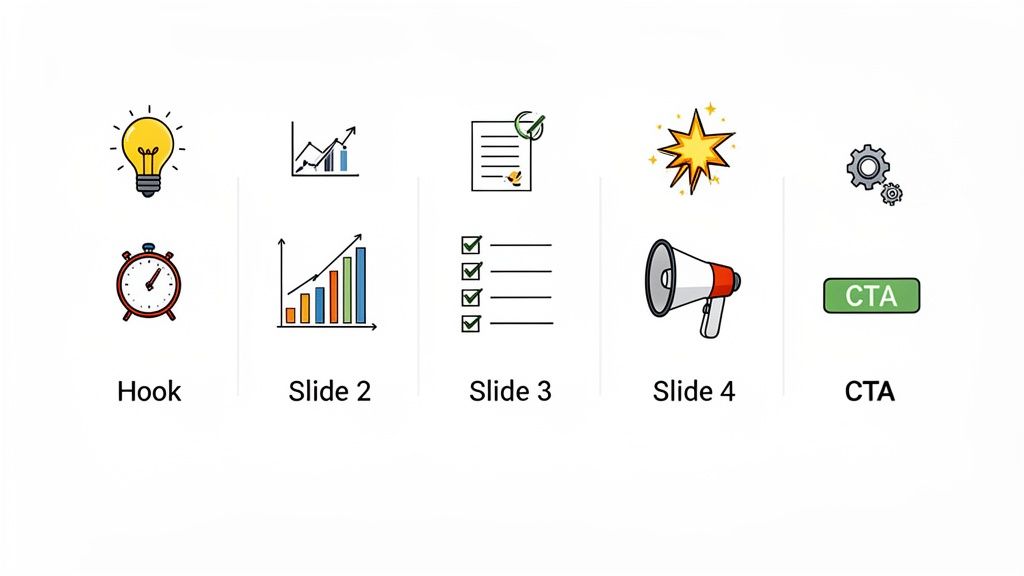
The tool takes my core article and automatically generates viral-tested carousel templates for LinkedIn. It even suggests AI-powered hooks based on content that’s already performing at the top of the platform. Of course, to move beyond just posting and truly get results, you need to understand how to write LinkedIn posts that get real engagement.
Why This System Crushes Burnout
There’s a reason this format works so well, and it’s backed by hard data. Carousel posts on LinkedIn are absolutely crushing it, with top performers seeing an average engagement rate of 24.42%. That blows standard text posts—at just 6.67%—completely out of the water.
With over 51% of LinkedIn's active users on mobile, carousels are a breeze to swipe through, making them the perfect format for how people actually consume content today.
By focusing on a single, high-leverage format and automating its creation, I could finally be consistent without sacrificing quality or my sanity. I was writing once and letting technology handle the repetitive formatting and scheduling that used to drain my energy.
This shift allowed my audience to grow easily because I was no longer fighting the algorithm; I was giving it exactly what it wanted. The efficiency gain was massive, freeing up my time to actually engage with comments and plan my next piece of core content. If you're interested in the broader power of this approach, check out our guide on social media automation. This system isn't just about making one good post; it's about building a sustainable engine for growth.
The Cross-Platform Growth Engine For LinkedIn And Substack
My biggest breakthrough in this whole experiment wasn't just nailing the perfect format for a LinkedIn post. It was realizing how that single post could become the engine for my Substack growth. Before, my platforms felt completely disconnected. I was either a "LinkedIn creator" or a "Substack writer," and those two worlds rarely collided. This siloed approach was absolutely killing my momentum.
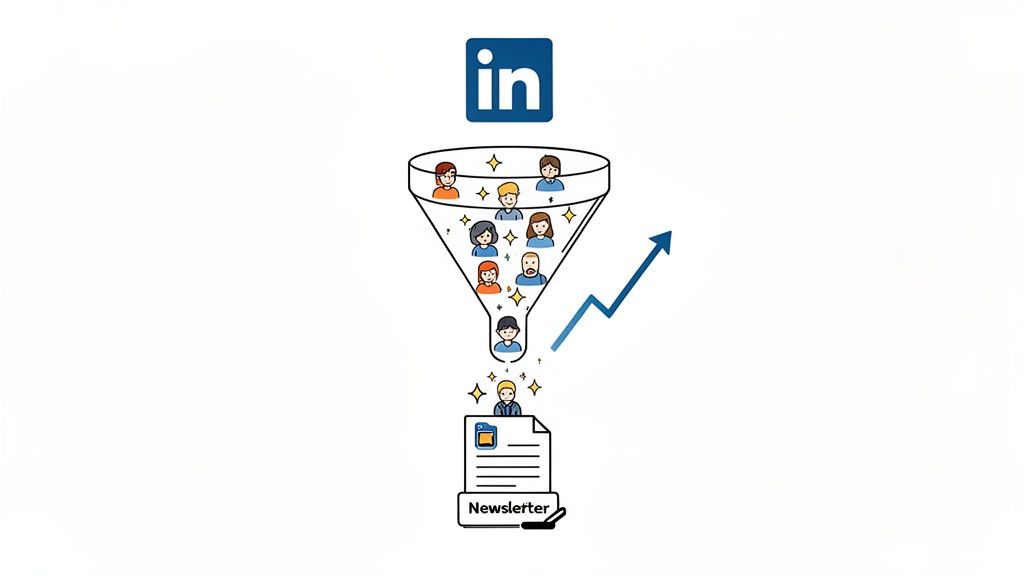
Now, they work in tandem. A high-engagement LinkedIn post acts as the top of my funnel, grabbing the attention of a huge professional audience that would otherwise never stumble upon my newsletter. Then, a sharp Call-to-Action in that post sends the most interested readers straight to my Substack to subscribe.
It’s a simple, two-step strategy that grew my subscriber list by over 300% during the experiment.
Building An Interconnected Ecosystem
The key was creating a seamless workflow that didn't burn me out. I started using Narrareach to manage this entire process. I'd write and publish my main article on Substack, and the tool would automatically schedule all the promotional content needed for LinkedIn.
This included:
- The full article published on Substack.
- A high-impact, algorithm-friendly carousel scheduled for LinkedIn during peak hours.
- A 'Note' on Substack to further boost discovery within that platform's ecosystem.
This connected system was a game-changer. I could schedule and publish my posts and notes on Substack and LinkedIn efficiently and effectively. The platform-specific analytics showed me exactly which LinkedIn formats were driving the most Substack sign-ups. I could finally draw a straight line from a specific carousel to a spike in new subscribers. This is how you stop guessing and start building an ecosystem where your audience can grow 3-5x faster. For a deeper dive into this concept, our guide on content syndication tools is a great place to start.
The opportunity for newsletter creators is massive right now. LinkedIn engagement skyrocketed 44% year-over-year, with 40% of visitors engaging with company pages every single week. But manually trying to post across multiple platforms during those peak windows is a recipe for burnout. You can explore more insights on these trends and find your optimal posting times on ContentIn.io.
The Proof Is In The Growth
This cross-platform strategy isn't just theory; it’s a repeatable system that delivers real results. By connecting my platforms, I wasn't just getting more views on LinkedIn—I was converting those views into dedicated, long-term readers on Substack.
"Using Narrareach to sync my LinkedIn and Substack posts has been revolutionary. My newsletter subscribers grew by 400% in two months because the viral templates get my content seen by the right people on LinkedIn first." - Alex T., Creator & Narrareach user.
This is the ultimate outcome of mastering the right format for a LinkedIn post. It’s not just about winning on one platform; it's about using that platform as a launchpad to grow your entire brand and audience across the web. You write once, and the system works to distribute and grow for you.
So, what did I actually learn after a month of non-stop testing?
It boils down to this: the right format for a LinkedIn post isn't just some nice-to-have decoration. It's the very thing that determines whether your message gets seen or dies in the feed. A great format makes your ideas visible; the wrong one makes you invisible, no matter how sharp your insights are.
You don't need to spend years reverse-engineering the algorithm. My experiment proved that you can get massive growth without burning out by focusing on a few proven, visually-driven formats—like multi-image carousels—and building a simple system to repurpose your core content. My strategy went from a frustrating guessing game to a predictable growth engine.
The single biggest lesson from 30 days of testing is that the best ideas always lose to the best format. Stop trying to create more content and start formatting your existing content for how people actually consume it on the platform.
This system is exactly how I was able to grow on both LinkedIn and Substack at the same time. I could schedule and publish posts and notes efficiently, turning a single article into a whole suite of audience-building assets.
Now, it's your turn. You can apply these same lessons and watch your audience grow faster than ever. It all starts with choosing the right format.
Answering Your Top LinkedIn Formatting Questions
As you start dialing in your LinkedIn content, a few common questions always pop up. Here are some quick, practical answers to the ones I hear most often.
How Long Should a LinkedIn Post Actually Be?
It's a balancing act. For a straight-up text post, you're aiming for the sweet spot between 1,200 and 2,000 characters. This gives you enough runway to tell a compelling story or share a valuable insight without losing your reader's attention.
The key is scannability, especially on mobile. Break your thoughts into super short paragraphs—just 1-2 sentences each—and use plenty of white space. When it comes to carousels, think lean. Aim for 5-10 slides, making sure each one has a strong visual and minimal text.
What's the Real Deal with Hashtags?
Less is more. A strategic mix of 3-5 relevant hashtags is all you need. Anything more starts to look spammy and can actually dilute your post's focus in the eyes of the algorithm.
Here’s a simple formula that works every time:
- 1-2 broad hashtags related to your industry (e.g., #Marketing, #ContentCreation).
- 1-2 niche hashtags that are super specific to your topic (e.g., #SubstackGrowth).
- One branded hashtag for your own content (e.g., #YourBrandHere).
When Is the Best Time to Post on LinkedIn?
The data is pretty consistent on this one. Peak engagement happens mid-week, so you’ll want to aim for Tuesday through Thursday, between 10 AM and 12 PM in your audience's time zone. This is when professionals are typically taking a mid-morning break and scrolling through their feeds.
And if you want to take the guesswork out of getting the spacing and look just right before you hit publish, using a dedicated LinkedIn Post Formatter is a game-changer. It helps you craft that perfect scannable look and feel every time.
Ready to grow your audience 3-5x faster? Try Narrareach for free. It’s the tool I used to automate my formatting, scheduling, and cross-platform publishing between Substack and LinkedIn. Start growing your audience easily without the manual grind. No credit card required. Try Narrareach Free
Want more data-backed growth strategies? Join our free weekly newsletter. We share proven, no-fluff insights to help creators and writers grow their audience across platforms. [Subscribe Here]