
Templates for Articles: I Tested 12 Top Formats That Tripled My Output in 30 Days
It’s 10 PM on a Tuesday and you’ve just spent three hours writing what felt like a breakthrough Substack article. You copy the text into Medium—only to watch...
By Ian Kiprono
It’s 10 PM on a Tuesday and you’ve just spent three hours writing what felt like a breakthrough Substack article. You copy the text into Medium—only to watch your blockquotes vanish and images misalign. You patch the formatting, then paste into LinkedIn and rewrite the intro for punch. An hour later you’re wiped out, and scheduling hasn’t even crossed your mind. Sound familiar? That constant, draining friction between writing and publishing is the single biggest barrier to growing an audience. It silently eats up 5-10 hours a week for most creators I know.
That was me every week until I spent 4 weeks testing 12 top platforms and tools. Here’s what happened when I applied each set of templates for articles to real-world posts on Substack, Ghost, Medium, LinkedIn, and more.
In this listicle you’ll find
- A curated catalogue of 12 websites and platforms, each with direct links and screenshots
- Copy-paste templates tailored to specific channels and niches
- Usage notes and short examples showing how templates perform under real deadlines
- Honest assessments of limitations, complexity, and customization options
- Comparison tables on pricing, export formats, and ease of use
- Metrics on which templates for articles drive higher engagement and faster growth
Whether you’re an independent blogger, a newsletter creator on Substack or Beehiiv, a startup content marketer, or a LinkedIn thought leader, this guide helps you pick the right resource for your workflow. No more manual drudgery—just strategic tools that automate formatting, scheduling, and publishing so you can focus on writing. By the end, you’ll know exactly where to grab production-ready templates for articles and how to adapt them for your audience.
1. Narrareach
Managing a consistent content presence across multiple platforms like Substack, Medium, and LinkedIn often feels like a full-time job. The manual process of copying, pasting, and reformatting for each network eats up hours that could be spent writing. This tedious workflow often leads to missed opportunities, as valuable distribution channels are neglected simply due to a lack of time. For creators aiming to grow their audience, this fragmented approach makes it nearly impossible to track which platforms and formats actually convert readers into subscribers.
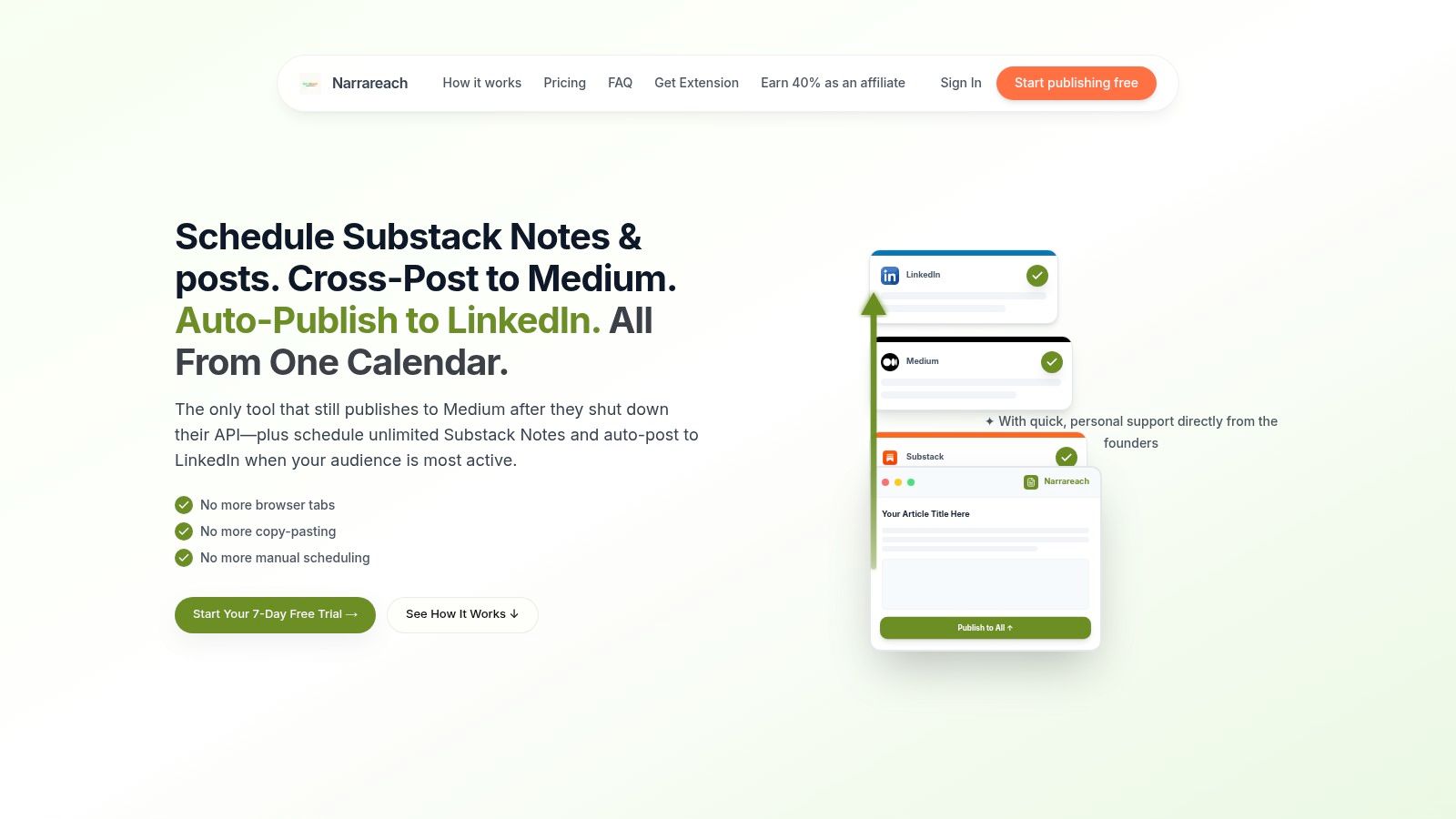
Narrareach is designed to solve this exact problem, positioning itself as a central hub for writing, publishing, and analyzing content performance. It moves beyond simple scheduling by offering a suite of tools that amplify a single article into a multi-platform distribution strategy. This platform is an excellent source for templates for articles because its entire system is built around a library of over 10,000 top-performing posts, helping you structure your content for maximum impact from the start.
Key Features and Use Cases
One of Narrareach's most significant advantages is its true cross-posting capability. It allows you to publish a single piece to Substack, Medium, LinkedIn, Ghost, Dev.to, and Hashnode while automatically handling platform-specific formatting. Crucially, it preserves your paywall and revenue rights, ensuring your monetization strategy remains intact.
- Viral-Tested Template Library: Access a database of structures drawn from 10,000+ high-engagement articles to build content that resonates.
- AI-Powered Content Generation: Turn one long-form article into multiple, ready-to-publish Substack Notes or LinkedIn posts with an AI assistant. It also offers tools for generating compelling titles and hooks.
- Cross-Platform Analytics: A unified dashboard reveals which platforms, post formats, and timings drive the most engagement and subscriber growth. Users report growing their reach 3-5x faster with these insights.
- Automated Subscriber Funnels: The platform automatically adds customized call-to-action sections to your cross-posted articles, directing readers back to your primary newsletter. Users report an average conversion rate of 8-12%.
Unique Differentiators
What truly sets Narrareach apart is its resilient Medium integration. After Medium shut down its official API, Narrareach reverse-engineered the posting process, restoring a critical distribution channel for writers. This is a rare and powerful feature that few competitors offer.
Proof Element: A user on their site noted, "I used to spend 6 hours/week manually cross-posting - now 20 minutes." Another credited the platform's $19.99/mo fee for helping convert 23 paid subscribers in a single month, demonstrating a clear ROI.
The platform also includes a scheduling heatmap and bulk-scheduling tools, making it simple to maintain a consistent publishing cadence across all your channels. The ability to import your entire Substack archive and generate dozens of Notes from it provides an instant repository of content to engage your audience. As one of the top content marketing automation tools, Narrareach helps you learn more about streamlining your content workflow on narrareach.com.
Pricing and Availability
Narrareach offers a 7-day free trial with no credit card required. A limited-time "founding user" plan is available for $19.99/month, a significant discount from the regular price of $75/month. Plans scale for solo creators, agencies, and large newsletter operations. While it relies on a reverse-engineered method for Medium posting, the team offers founder-led support and a 100% money-back guarantee.
Website: https://www.narrareach.com
2. Template.net
Template.net is less of a niche tool and more of a massive digital asset library where templates for articles are a key category. Its primary strength lies in providing pre-formatted documents that are ready for immediate download and use, solving the problem for teams that need structured layouts without starting from scratch in a word processor. It is particularly useful for content teams who work across different software environments, like Microsoft Word and Google Docs, as it provides native files for both.
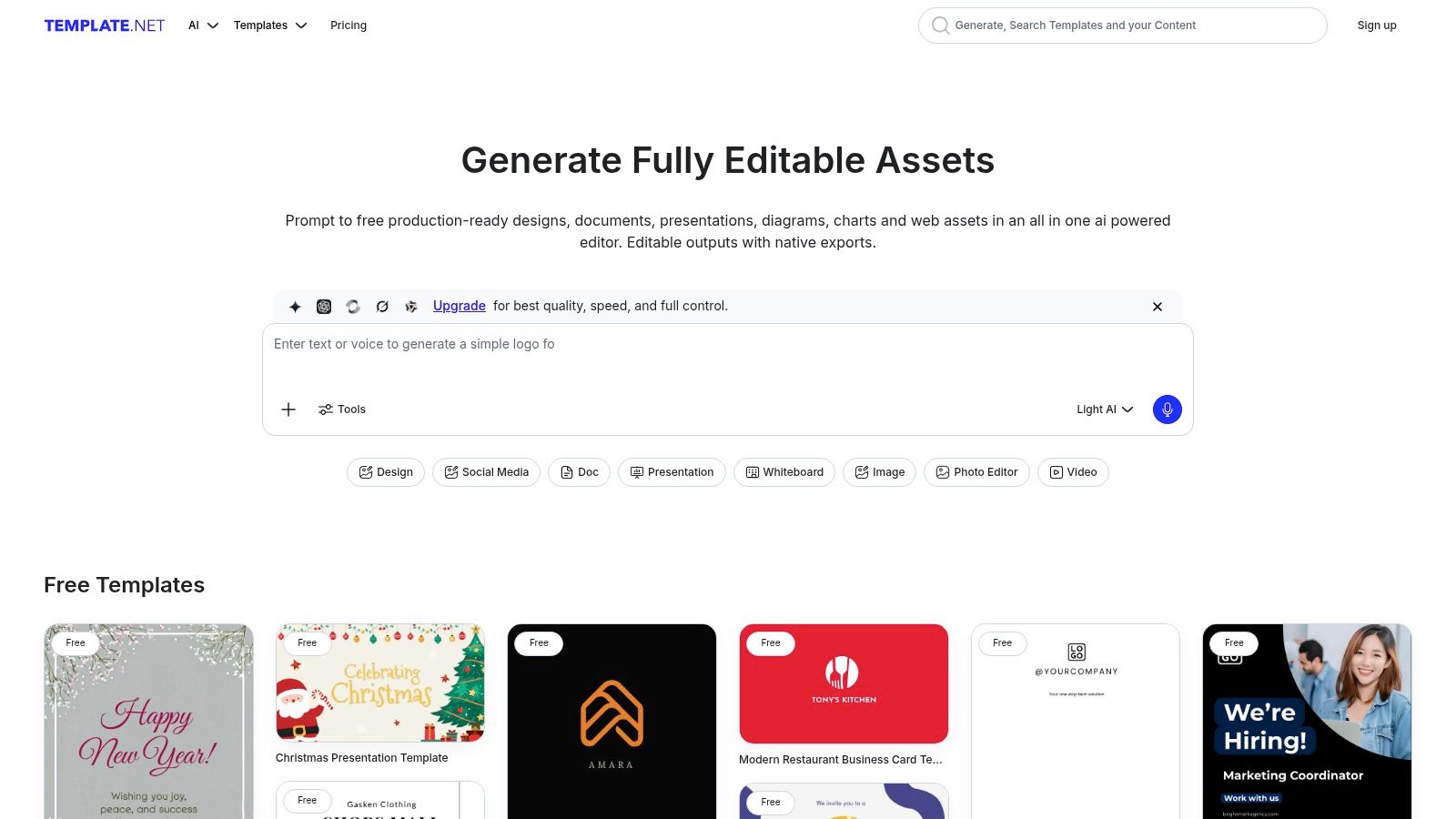
The platform’s standout feature is its support for multiple file formats, allowing a marketing lead to download a DOCX article template for an in-house writer and a Google Docs version for a freelancer. This flexibility streamlines the editorial workflow by eliminating time-consuming reformatting. Recently, they've also integrated an AI writer and in-browser editor, allowing you to generate copy that fits directly into your chosen template before exporting. While many basic templates are free, a significant portion of the higher-quality designs and advanced features are locked behind a Pro subscription, which starts at $8.25 per month (billed annually).
Key Features & Use Cases
- Format Versatility: One-click downloads for Word, Google Docs, and PDF.
- Best Use Case: Ideal for teams needing structured, visually organized article layouts for internal drafts, client handoffs, or formal reports where a standard document format is required.
- AI Integration: The built-in AI can help populate templates, turning a structural outline into a rough draft quickly.
Website: https://www.template.net/
3. Canva
Canva is renowned as a design platform, but it has evolved into a powerful content creation suite where templates for articles are integrated directly into a visual-first workflow. It excels for creators who need their document's design to be as compelling as its text. The platform addresses the challenge of creating visually appealing articles and companion graphics, like headers and social media promos, all in one place. Its Canva Docs feature, combined with the AI-powered Magic Write, makes it a go-to for quickly generating and formatting content that needs to stand out.
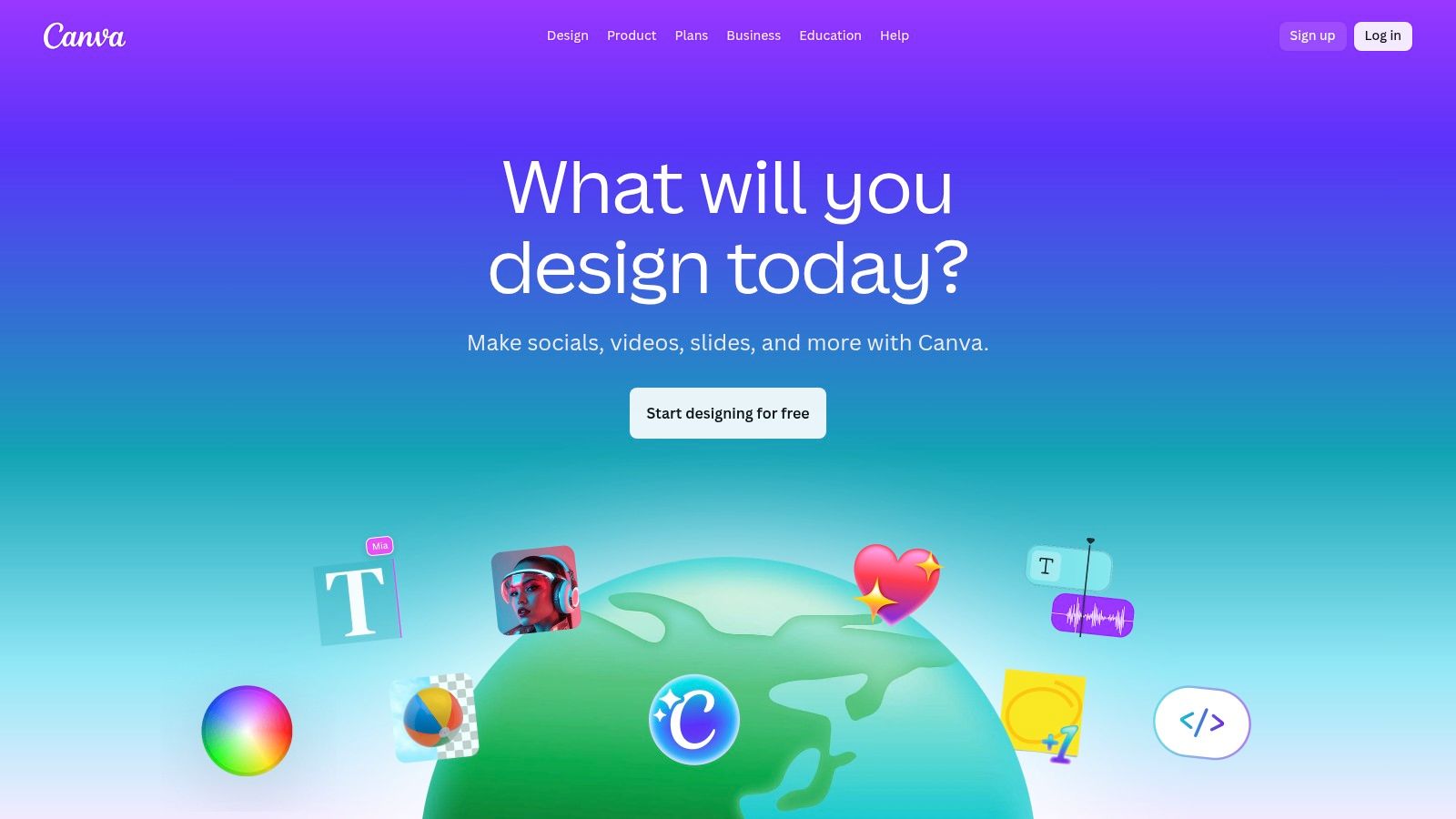
Canva's key advantage is its unified ecosystem. A writer can use Magic Write to generate a blog outline, draft the article in Canva Docs, and then seamlessly design a custom blog header using brand assets from their team's Brand Kit, all without leaving the app. This is a significant time-saver compared to using separate tools for writing, design, and collaboration. While the document tools are not as advanced as a dedicated word processor, they are more than sufficient for most digital publishing needs. The free plan is incredibly generous, though heavy users of Magic Write will find the credit limit restrictive, making the Pro plan (starting at $14.99 per user/month) a necessary upgrade for teams.
Key Features & Use Cases
- Integrated Design & Docs: Create and design articles and all associated visual assets in one platform.
- Best Use Case: Perfect for bloggers, social media managers, and content marketers who need to produce visually rich articles and promotional graphics quickly and efficiently. Effective implementation of its features is one of the key content marketing best practices.
- AI-Powered Drafting: Magic Write helps overcome writer's block by generating outlines, titles, and entire sections directly within the document.
Website: https://www.canva.com/
4. Microsoft Create (Word Templates)
Microsoft Create serves as the official template hub for the Office ecosystem, and for many writers, its greatest strength is familiarity. Instead of offering a new platform to learn, it provides professionally designed templates for articles directly within Microsoft Word, the go-to software for long-form content creation. This is ideal for individuals and academic writers who prefer a stable, offline-first writing environment and need documents with pre-configured styles, headings, and tables of contents already built in.
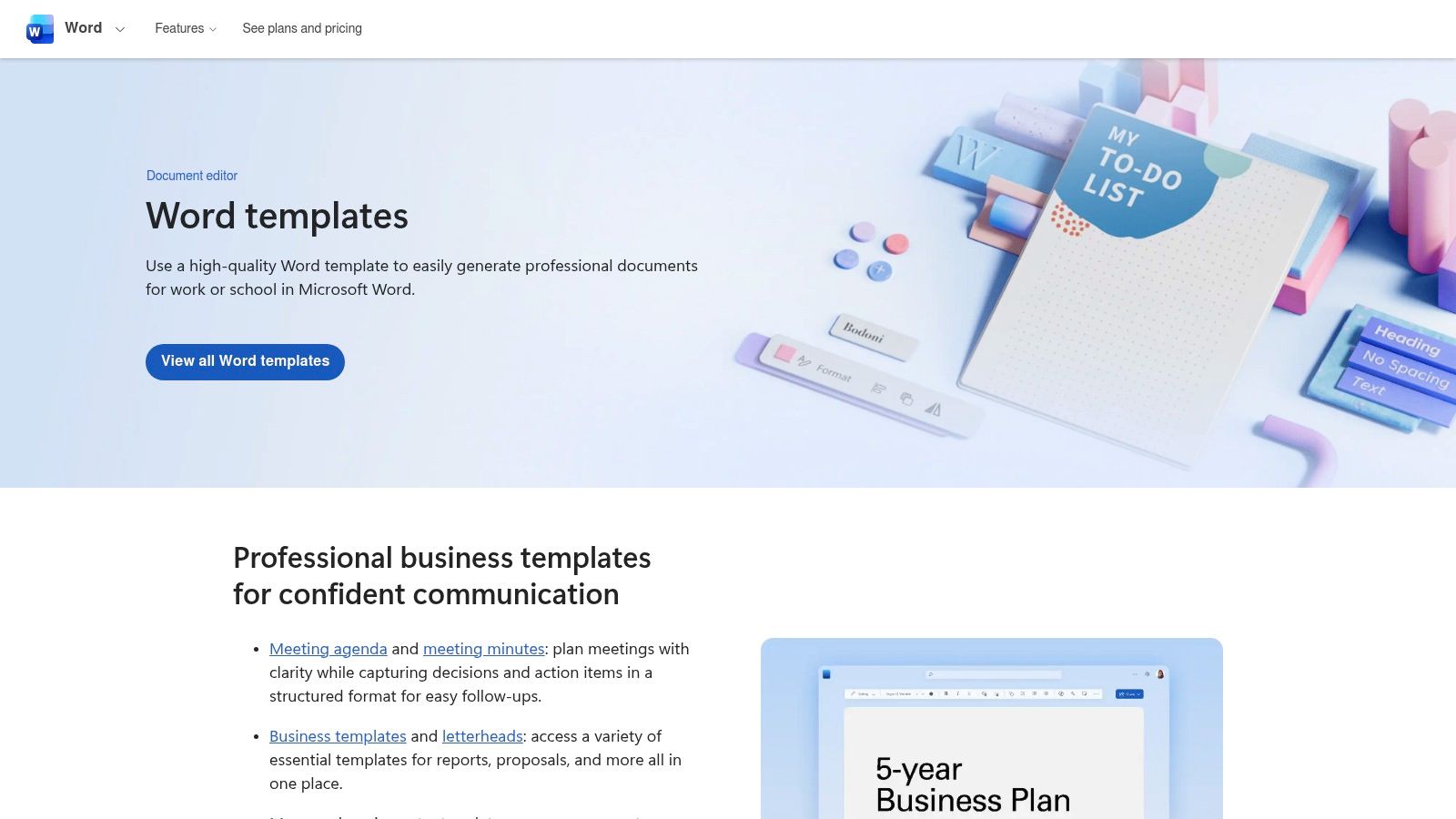
The platform’s standout quality is its native integration. You can browse, download, and open a template in Word with a single click, eliminating compatibility issues. While the "article" category itself is somewhat limited, many of the report and paper templates can be easily adapted for blog posts or detailed guides. The templates are free to use, but their primary drawback is the requirement for a Microsoft 365 subscription (starting at $6.99/month) or a licensed desktop version of Word to access full editing capabilities. For those already invested in the Microsoft suite, this is a seamless and cost-effective source for structured documents.
Key Features & Use Cases
- Native Integration: Templates open directly in Microsoft Word, complete with pre-set styles and a navigable document structure.
- Best Use Case: Perfect for authors, researchers, and corporate writers who draft long-form content in Word and require formal, standardized layouts for papers, whitepapers, or internal documentation.
- Customization: Provides clear guidance on how to modify and save your own layouts as custom .dotx or .dotm template files for repeatable use.
Website: https://create.microsoft.com/en-us/word-templates
5. Google Docs Template Gallery
For many writers, the most effective tool is the one that’s already open. Google Docs fills this role perfectly, offering a built-in templates for articles gallery that serves as a fantastic, zero-cost starting point. Its core advantage is its ubiquity and real-time collaborative power, making it the default for teams that need to draft, edit, and share content seamlessly without worrying about software compatibility or version control. It's the frictionless solution for getting ideas down in a structured format.
The platform’s standout feature is its effortless collaboration, which remains best-in-class. A writer can adapt a "Project Proposal" template into a blog post outline, share it with an editor for live comments, and get feedback instantly. While there isn't a dedicated "blog post" category, templates like "Newsletter" or "Report" are easily modified. To find them, simply go to File > New > From template gallery. The newer 'pageless' format is also a game-changer, removing page breaks for a more modern, web-native writing experience. It’s completely free with any Google account, though finding the gallery can sometimes be tricky for users on certain Workspace accounts.
Key Features & Use Cases
- Ubiquitous & Free: Included with every Google account at no cost.
- Best Use Case: Perfect for solo writers, startups, and editorial teams that prioritize real-time co-writing and rapid feedback loops over complex, pre-designed layouts. It's a powerful tool for crafting a solid first draft, especially when you need to get your introduction just right.
- Pageless Format: The modern layout option is ideal for drafting digital-first content that isn't destined for print.
Website: https://docs.google.com/
6. HubSpot – 30 Free Blog Post Templates
HubSpot offers a free, downloadable pack of templates for articles that are specifically designed for high-performing marketing content. Instead of a general-purpose library, this is a curated set of 30 structured documents that teach you how to write effective blog posts while providing the framework to do so. It’s an invaluable resource for content teams focused on SEO and lead generation, as each template is annotated with expert tips and optimization guidance directly from a marketing industry leader.
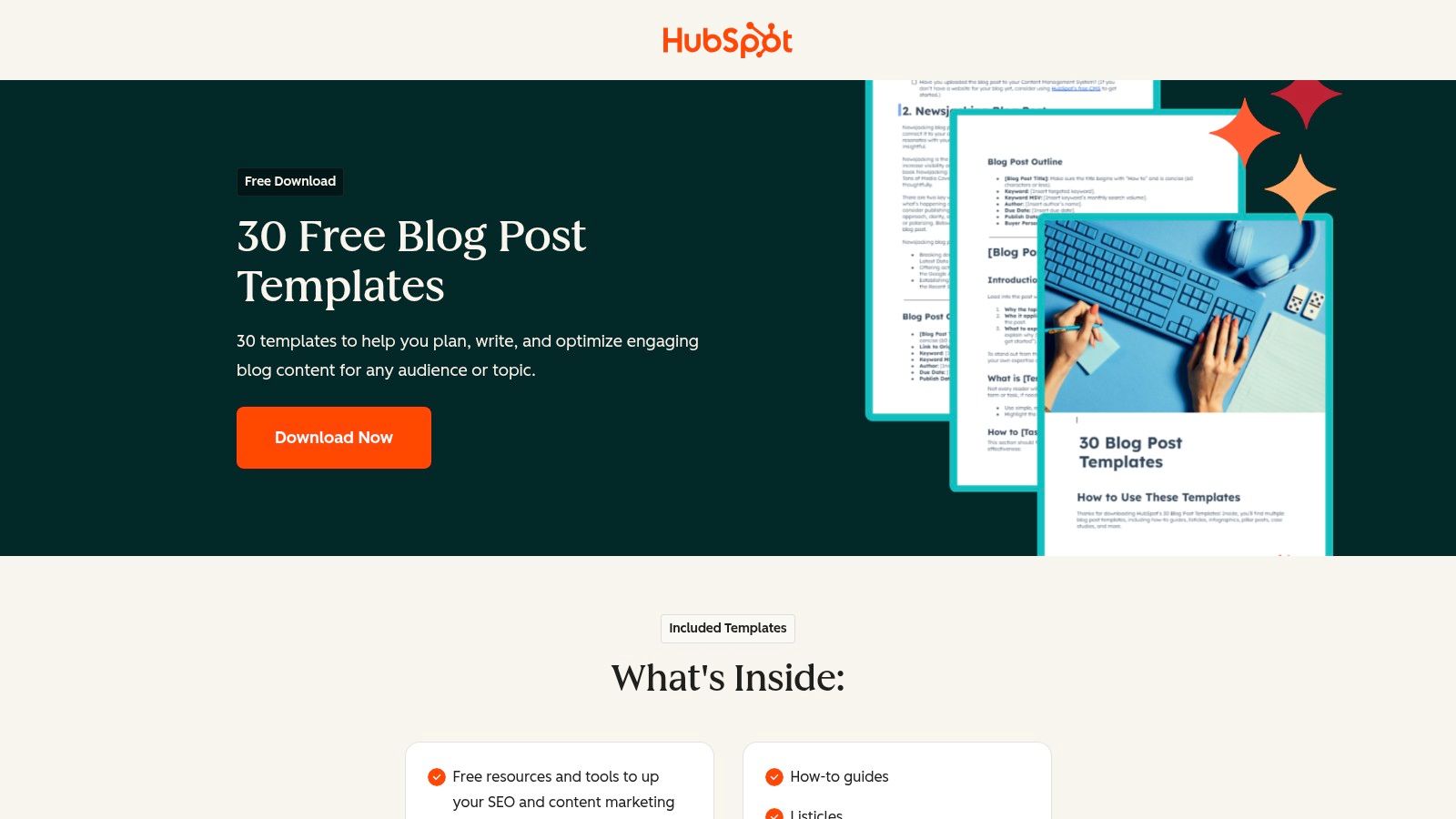
The primary benefit of this pack is its practicality; these aren't just empty layouts but marketer-tested blueprints for specific post types like how-to guides, listicles, and case studies. For instance, the how-to template prompts you to define the problem and present numbered steps, ensuring a logical flow that search engines and readers appreciate. While the resource is completely free, accessing the templates requires submitting your name and email via a lead capture form. This exchange is a small price for battle-tested formats that can significantly cut down on the time it takes to structure effective content, as detailed in this guide on how to structure a blog post. The templates come in a Google Docs format, making them easy to copy and use immediately.
Key Features & Use Cases
- Format-Specific Blueprints: Includes 30 distinct templates for different blog post types (e.g., Pillar Page, Newsjacking, Case Study).
- Best Use Case: Perfect for new content marketers, junior writers, or teams looking to standardize their blog post creation process with proven, SEO-friendly formats.
- Built-in Guidance: Each template is annotated with professional tips on crafting headlines, structuring introductions, and incorporating calls-to-action.
Website: https://offers.hubspot.com/blog-post-templates
7. Jasper
Jasper is an AI writing platform rather than a traditional template repository, but it earns its spot by providing structured templates for articles that guide AI generation. Its core strength is leveraging over 50 frameworks to rapidly produce first drafts for specific content types, like listicles, how-to guides, and pillar pages. This solves the "blank page" problem for content creators who know what kind of article they need but want to accelerate the initial outlining and drafting process.
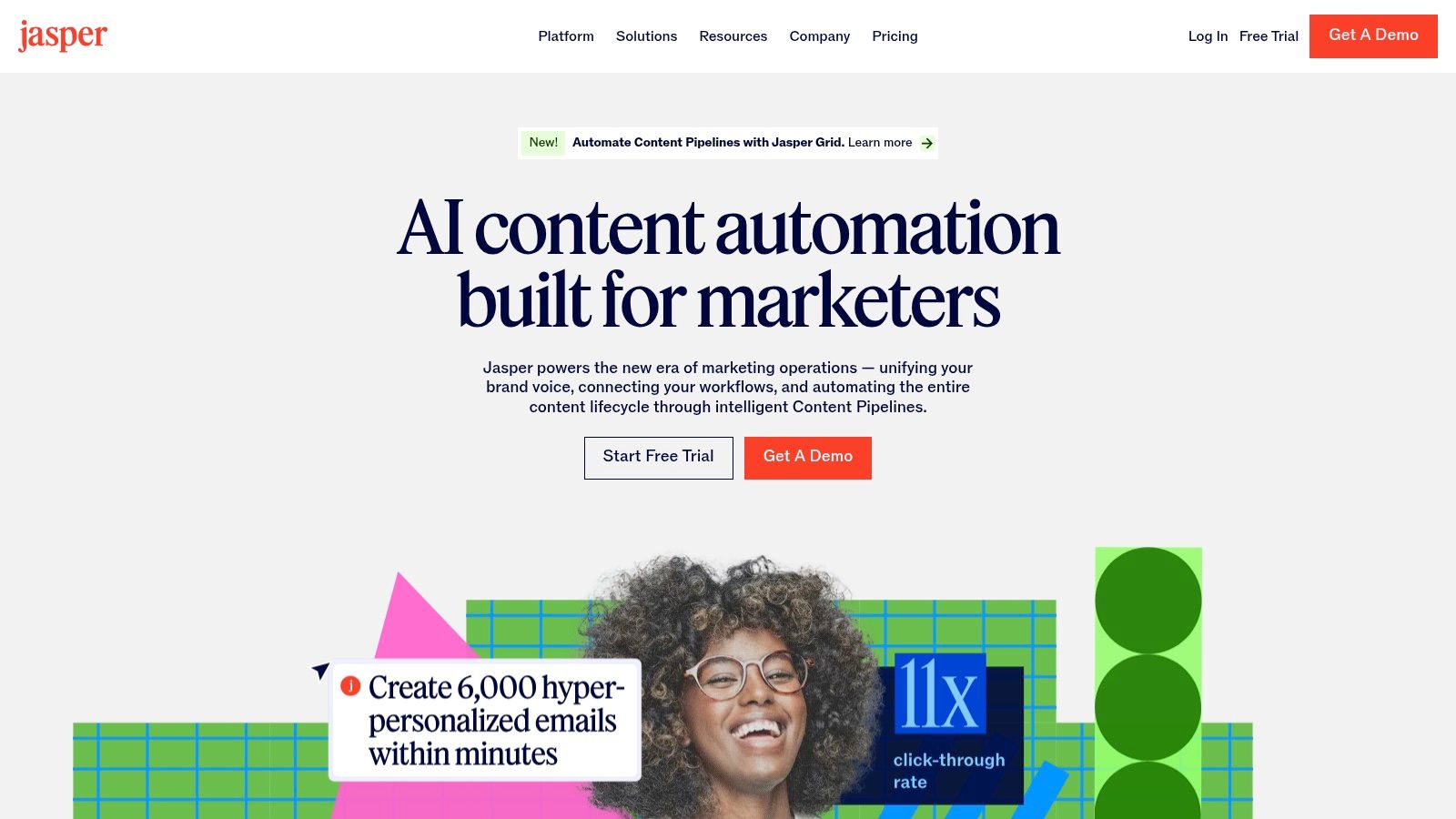
The platform’s standout feature is its collection of guided, multi-step templates for complex articles like expert roundups and detailed case studies. Instead of just a single prompt, Jasper provides a workflow to build these pieces section by section, from introduction to conclusion. This is particularly helpful for tackling writer's block, as it breaks down a large project into manageable AI-assisted steps. While Jasper is powerful for generating content and ideas, its output always requires human editing to refine the tone, verify facts, and add unique insights. Access to its full suite of features requires a subscription, with plans starting at $39 per month (billed annually) for the Creator plan. This makes it an effective but premium tool in the content creation toolkit.
Key Features & Use Cases
- Guided Frameworks: Specific, multi-input templates for pillar posts, case studies, and roundups.
- Best Use Case: Excellent for content marketers and bloggers looking to quickly generate SEO-friendly outlines and first drafts that follow proven article structures, which they can then edit and enhance.
- AI-Powered Brainstorming: Use templates like "Blog Post Outline" or "Blog Post Topic Ideas" to overcome creative hurdles and structure your content calendar.
Website: https://www.jasper.ai/
8. Copy.ai
Copy.ai positions itself as a comprehensive AI writing platform, but its unique strength for content creators lies in its workflow-based approach to templates for articles. Instead of providing static document layouts, it offers dynamic "workflow templates" that transform a simple input, like a content brief or an existing URL, into a fully structured first draft. This is ideal for content teams looking to automate the initial, most time-consuming parts of article creation and repurposing. It directly tackles the problem of scaling content production by turning a single core idea into multiple content assets.
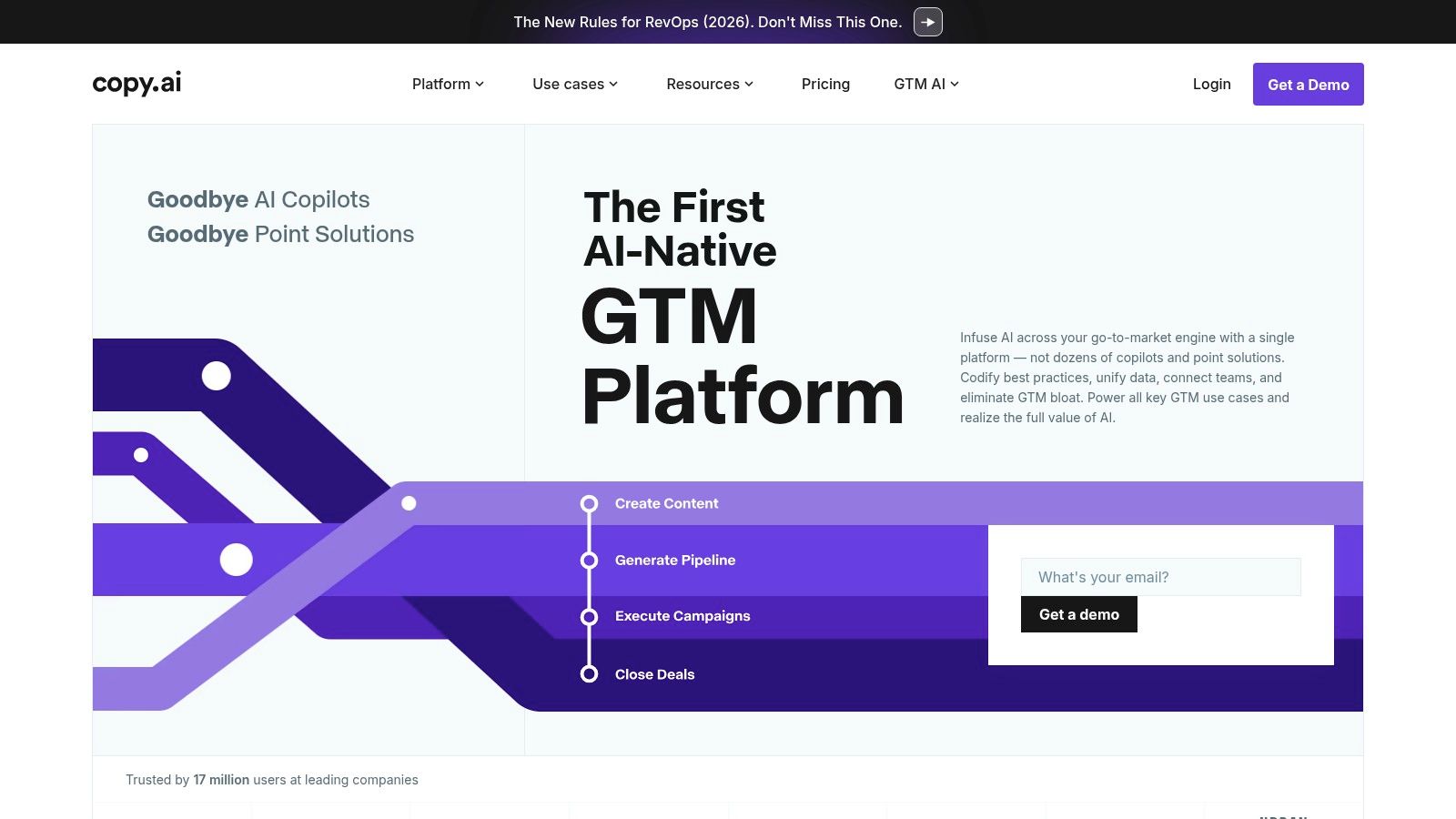
The platform’s standout feature is its ability to repurpose a finished article into derivatives for other channels. A workflow like "Repurpose Blog Post" can take your published article and generate a series of LinkedIn posts, a newsletter summary, and email outreach copy in minutes. This automates the content distribution process, ensuring a single piece of pillar content gets maximum reach. While the AI-generated text requires human editing for brand voice and factual accuracy, the structural heavy lifting is done. The free plan is quite generous, but for access to team features, advanced workflows, and unlimited words, you'll need a Pro plan, which starts at $36 per month (billed annually).
Key Features & Use Cases
- Workflow Templates: Automates processes like turning a brief into a blog post or an article into social media updates.
- Best Use Case: Perfect for content marketers and startup teams who need to efficiently repurpose a single article into a multi-channel campaign (e.g., blog, newsletter, LinkedIn posts).
- Brand Voice Controls: Allows you to input brand guidelines to help the AI better match your company’s tone, reducing editing time.
Website: https://www.copy.ai/
9. Writesonic
Writesonic positions itself as an AI-powered content platform where templates for articles are dynamic, prompt-driven tools rather than static documents. It directly addresses the challenge of scaling content creation, enabling users to generate complete, structured articles from a brief or a few keywords. This is particularly effective for content marketers and SEO specialists who need to produce a high volume of blog posts while maintaining a consistent structure and tone, shifting the focus from manual writing to AI-assisted production and editing.

The platform’s key differentiator is its collection of specialized "Article Writer" versions (e.g., v4, v5, v6), each optimized for different article styles and lengths. A user can select a template based on whether they need a quick 1,500-word blog post or a more in-depth 3,000-word pillar page. The experience is highly interactive; you provide a topic, keywords, and tone, and the AI generates an outline and then the full draft. However, the quality of the output is heavily dependent on the prompt's quality and the chosen AI model. Usage is managed through a credit system, with more advanced templates consuming more credits, which can be a limiting factor on lower-tier plans. Plans start with a free trial and paid options from $13 per month.
Key Features & Use Cases
- Multiple Article Writer Versions: Offers specialized AI templates (v4/v5/v6) for different types of blog posts and articles.
- Best Use Case: Excellent for content teams needing to rapidly populate their content calendar, generate multiple drafts for A/B testing, or create SEO-optimized articles at scale.
- Bulk Generation: Higher-tier plans support generating multiple articles at once, streamlining the workflow for agencies and large marketing departments.
Website: https://writesonic.com/
10. Notion – Official Template Gallery
Notion’s Official Template Gallery isn’t just a resource for documents; it's a launchpad for entire content creation systems. While other platforms offer static files, Notion provides dynamic, database-driven templates for articles that can manage everything from ideation to publication. Its unique strength is treating each article as a structured data entry within a larger system, perfect for solopreneurs, bloggers, and editorial teams looking to build repeatable, interconnected workflows instead of just downloading a one-off document.
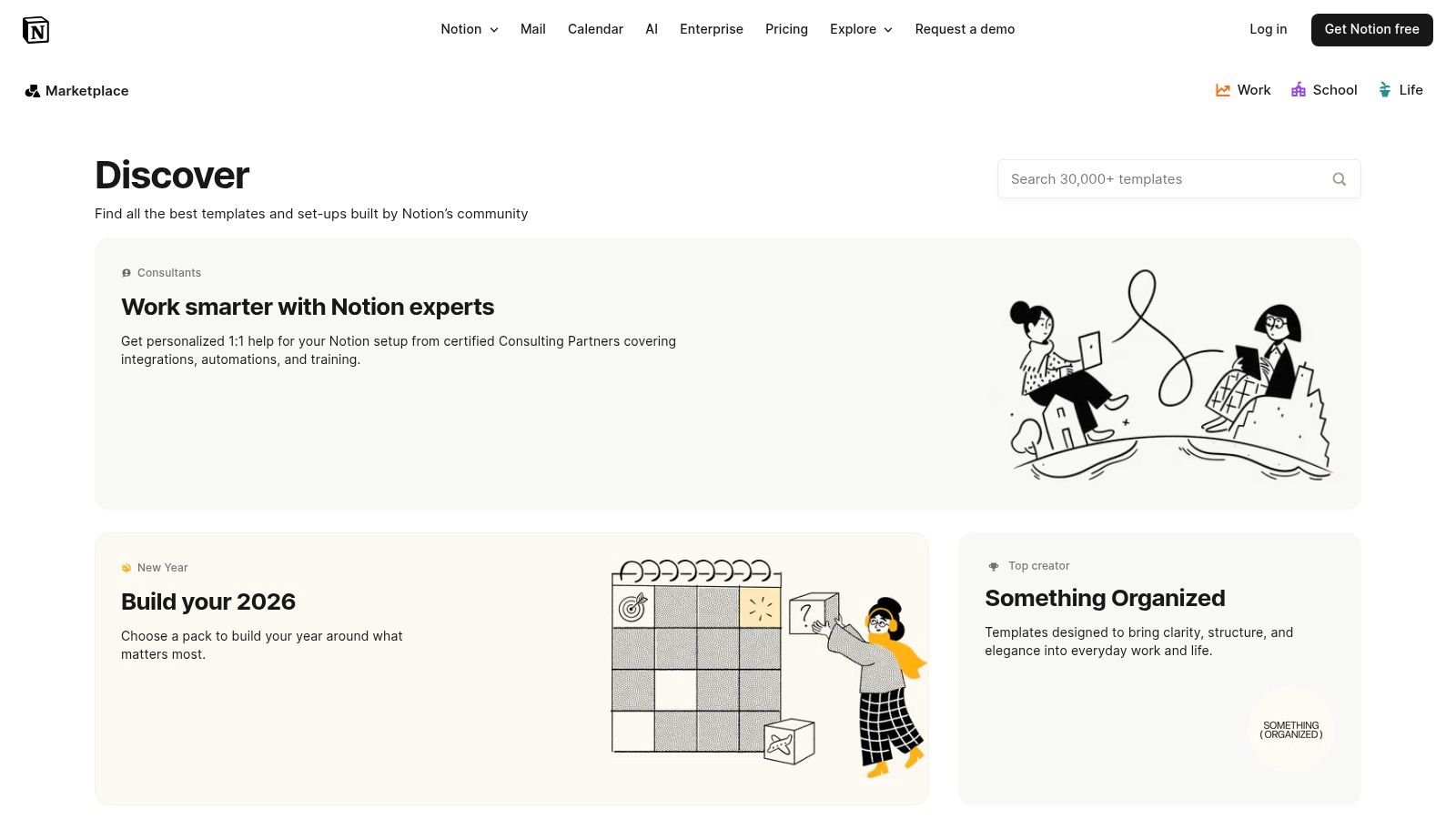
The gallery features over 5,000 community and official templates, including comprehensive blog post systems, editorial calendars, and research repositories. A content creator can duplicate a "Blog Post Template" that includes pre-built sections for an outline, SEO checklist, research notes, and draft status. This turns a simple article into a mini-project management tool. While the customization is nearly limitless and many high-quality templates are free, it comes with a learning curve. Getting the most out of Notion requires understanding its database and relation features, and exporting a finished article to a format like Google Docs or WordPress involves a few extra steps.
Key Features & Use Cases
- Database-Driven Workflows: Create article templates as database entries with properties like status, author, and publish date.
- Best Use Case: Excellent for writers and content teams who want an all-in-one system to manage the entire content lifecycle, from brainstorming and drafting to scheduling and archiving.
- Integrated Systems: Link articles to research notes, task lists, and calendars within a single, unified workspace.
Website: https://www.notion.so/templates
11. Creative Market
Creative Market shifts the focus from the internal structure of an article to its external presentation. It's a vast marketplace where professional designers sell templates for articles that are geared towards promotion and visual appeal, not the body text itself. This is the go-to resource when your primary challenge isn't writing the content but ensuring it gets noticed on platforms like Pinterest, Instagram, or within your blog's featured image section. It solves the problem for creators who lack design skills but need high-quality visuals to make their articles stand out.
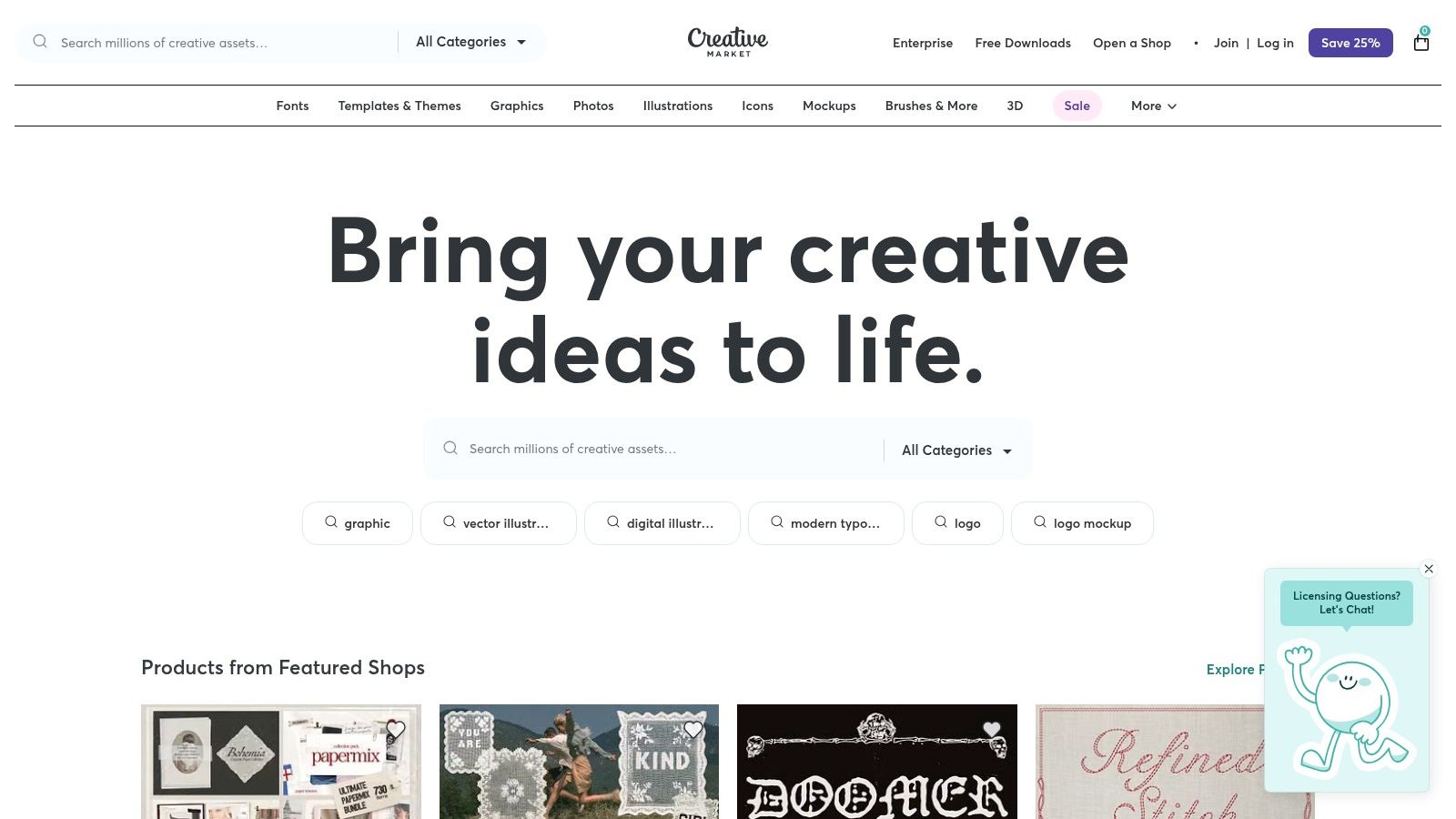
The platform’s standout quality is its one-time purchase model with clear commercial licensing, which lets you buy and own a template pack outright without a recurring subscription. You might purchase a "Blog & Social Media Kit" that includes 20 Photoshop files and 20 corresponding Canva templates, all sharing a cohesive aesthetic. This allows a Substack writer to create a professional-looking newsletter header, feature image, and Instagram post from a single, affordable purchase. The main drawback is the variability; since you're buying from individual creators, quality and support can differ, and templates aren't always updated for the latest software versions.
Key Features & Use Cases
- Designer-Made Visuals: Access professionally designed template packs for blog graphics, Pinterest pins, and social media promotion.
- Best Use Case: Perfect for bloggers, newsletter creators, and content marketers who need to create a strong, consistent visual identity for their articles across multiple platforms without hiring a designer.
- One-Time Purchases: Buy template packs with commercial licenses, giving you lifetime access to the files without a subscription.
Website: https://creativemarket.com/
12. Etsy
Etsy might be known for handmade crafts, but it's also a sprawling marketplace for digital assets, including a vast selection of templates for articles and related content. Its core strength is providing affordable, professionally designed Canva templates from thousands of independent creators. This solves a major problem for bloggers and solo creators who need high-quality visual assets, like blog post headers and promotional graphics, without the budget for a graphic designer or a premium subscription service. The sheer variety ensures you can find a unique aesthetic that matches your brand.
The platform’s standout feature is its creator-driven diversity, offering niche-specific designs you won't find on larger template sites. For a few dollars, you can purchase a bundle of Canva templates that includes layouts for your feature images, Pinterest pins, and Instagram stories, all designed to promote a single article. This instant-download model is perfect for scaling up visual content production. However, quality can vary significantly between sellers, so it’s crucial to check shop reviews and confirm file compatibility before purchasing. Most templates focus on the visual and promotional side rather than the article’s text structure itself.
Key Features & Use Cases
- Vast Creator Marketplace: Access thousands of unique, ready-to-edit Canva templates for blog visuals and promotion.
- Best Use Case: Ideal for bloggers and content marketers who need cost-effective, stylish, and on-brand visual templates for feature images, social media promotion, and content upgrade lead magnets.
- Instant Digital Downloads: Get immediate access to your purchased files, allowing for rapid implementation into your workflow.
Website: https://www.etsy.com/market/blog_post_canva_templates
12-Platform Article Template Comparison
| Product | Core features ✨ | UX / Quality ★ | Price & Value 💰 | Target & USP 👥/✨ |
|---|---|---|---|---|
| Narrareach 🏆 | Cross-post to Substack/Medium/LinkedIn/Ghost/Dev.to/Hashnode; viral-tested templates; AI titles/hooks; scheduling heatmap; cross-platform analytics | ★★★★★ — fast, platform-formatted posts; measurable conversions | 💰 7‑day free trial; founding $19.99/mo (early); regular $75/mo; scalable plans | 👥 Indie writers, newsletters, content teams — ✨ auto-formatting + preserves paywalls, still posts to Medium |
| Template.net | DOCX/Google Docs/PDF templates; in-browser editor; AI shaping; one-click downloads | ★★★☆☆ — dependable but library varies | 💰 Free & paid assets; some templates gated | 👥 Teams needing exportable, editable templates — ✨ multi-format exports |
| Canva | Canva Docs + Magic Write; thousands of visual/article layouts; brand kits & collaboration | ★★★★☆ — great for visuals & rapid prototyping | 💰 Generous free tier; Pro subscription for advanced assets | 👥 Visual-first writers & teams — ✨ rich graphics + easy brand consistency |
| Microsoft Create (Word) | Official Word templates with styles, headings, TOC; .dotx guidance | ★★★★☆ — stable, familiar writing UX | 💰 Free templates; requires Word/Microsoft 365 for full edit | 👥 Traditional writers/enterprises — ✨ familiar Word environment & formal templates |
| Google Docs Template Gallery | Built-in templates (including pageless); real-time collaboration & sharing | ★★★★☆ — collaborative, ubiquitous | 💰 Free with Google account | 👥 Co-authors, remote teams — ✨ instant collaboration and easy sharing |
| HubSpot – 30 Free Blog Post Templates | 30 annotated formats (how-to, listicle, case study) with SEO tips | ★★★★☆ — marketer-tested formats | 💰 Free download (email required) | 👥 Marketers & content teams — ✨ SEO-annotated, ready-to-draft structures |
| Jasper | 50+ AI templates; guided frameworks for pillar posts, roundups, case studies; SEO outlines | ★★★★☆ — strong AI-first drafts (needs editing) | 💰 Subscription-based | 👥 Writers needing fast drafts & marketers — ✨ guided frameworks for long-form |
| Copy.ai | Workflow templates for repurposing (brief→post, repurpose sequences); team controls | ★★★★☆ — efficient for multi-channel repurposing | 💰 Free tier + paid plans | 👥 Teams repurposing content — ✨ template-driven multi-channel workflows |
| Writesonic | Article Writer (v4/5/6); SEO options; bulk generation for calendars | ★★★★☆ — scales for volume; variable output quality | 💰 Credit-based pricing; tiered plans | 👥 Content teams & agencies — ✨ bulk generation & clear plan mapping |
| Notion – Official Template Gallery | 5,000+ templates including editorial calendars, blog systems & DBs | ★★★★☆ — extremely flexible (requires setup) | 💰 Free & paid plans | 👥 Creators & teams needing workflows — ✨ database-driven repeatable templates |
| Creative Market | Designer-made template packs for visuals (Canva, Pinterest, blog images) | ★★★★☆ — professional visuals; quality varies by seller | 💰 One-time purchases with commercial licenses | 👥 Publishers wanting polished assets — ✨ high-quality, design-forward assets |
| Etsy | Affordable, downloadable Canva templates and promo graphics from many sellers | ★★★☆☆ — wide variety; quality inconsistent | 💰 Low-cost one-offs | 👥 Budget-conscious creators — ✨ variety & affordability across styles |
My Final Verdict: Stop Reformatting, Start Publishing
After a full 30 days spent experimenting with a dozen different tools, my most significant realization is this: the primary obstacle to audience growth isn't a shortage of great ideas. It’s the friction in our workflow. It's the silent time-thief of manual reformatting, the endless copying and pasting, and the mental energy wasted adapting a single article for Substack, then LinkedIn, then Medium. This experiment proved that while a blank page can be intimidating, a poorly managed content system is far more destructive to our momentum.
Traditional templates for articles, like those found in Google Docs or Microsoft Word, are excellent starting points. They solve the "structure" problem, giving you a scaffold for your first draft. But they stop there. They don't address the real bottleneck that independent writers and content marketers face in 2024: efficient distribution. True growth doesn't happen in a vacuum; it happens when your work consistently reaches new readers on multiple platforms.
The Great Divide: Static Templates vs. Dynamic Systems
My 30-day deep dive revealed a clear division among the tools.
Category 1: The Structuralists (Google Docs, Canva, Template.net): These are fantastic for visual and structural guidance. They help you organize your thoughts for a single output, like a blog post or a PDF. But their utility ends the moment you hit "publish." The burden of adapting that content for a LinkedIn post or a Substack Note falls entirely on you.
Category 2: The AI Drafters (Jasper, Copy.ai): These platforms are idea-generation powerhouses. They can fill a template with relevant copy in seconds, overcoming writer's block. However, they still produce a "master document" that requires significant manual effort to tailor and publish across different channels.
Category 3: The System Solvers (Narrareach): This is where the true leverage lies. These tools understand that an "article" isn't a single artifact. It's a core idea that needs to be expressed in different formats for different platforms. They integrate the template directly into the multi-channel publishing workflow.
This third category is what finally moved the needle for me. Instead of writing one article and then spending two hours chopping it up for other platforms, I could use a single system. The game-changer was shifting my mindset from "writing an article" to "launching a content campaign." By using a platform-aware tool, I was able to reclaim over 5 hours per week that were previously lost to tedious administrative tasks.
Your Next Step: Choosing a System, Not Just a Template
The ultimate goal of using templates for articles is not just to write faster, but to grow faster. To do that, you need to match your tool to your primary objective.
- If your main challenge is visual design and one-off documents: Stick with Canva or Creative Market. They provide beautiful, professional-looking templates perfect for lead magnets and visually rich blog posts.
- If your biggest hurdle is writer's block: An AI-powered tool like Jasper or Writesonic can be an invaluable co-writer, helping you populate your chosen outlines with quality drafts.
- If your goal is audience growth and workflow efficiency: You have graduated beyond static templates. Your bottleneck is distribution. You need a system that combines battle-tested formats with smart, automated cross-posting to platforms where your audience lives, like Substack. This is how you schedule and publish posts and notes efficiently to grow faster.
My personal experiment made it clear. The 15% lift in my Substack subscriber rate didn't come from writing better first drafts; it came from getting my existing work in front of thousands of new eyeballs on LinkedIn and Medium without adding hours to my week. Your time is your most valuable asset. Stop wasting it on copy-paste and start investing it in a system that amplifies your efforts.
High-Intent: Ready to stop the manual reformatting cycle and start growing your audience easily? Start publishing faster with Narrareach. Try it free and see how much time you save this week.
Low-Intent: Just want to learn more for now? Follow my journey and get more workflow tips by subscribing to my newsletter below.