
My Audience Grew 3x in 30 Days After I Systematized My Writing With a Template for Articles
That blinking cursor on a blank page is a familiar enemy. You have the ideas, but turning them into a polished, well-structured article feels like a battle...
By Ian Kiprono
That blinking cursor on a blank page is a familiar enemy. You have the ideas, but turning them into a polished, well-structured article feels like a battle every single time. My process was a mess; I’d spend nearly three hours just wrestling a first draft into a coherent structure. Sound familiar?
Worse, after finally hitting ‘publish’ on Substack, the real nightmare began. It took another five hours of tedious copy-pasting, reformatting, and wrestling with editors to get the same piece onto LinkedIn and Medium. Each platform has its own rules and its own formatting quirks.
By the end, I was spending an entire 8-hour workday just publishing and distributing a single article, and my audience growth was flat. I knew there had to be a better way to leverage a template for articles and build systems to reclaim my time and actually grow my readership.
I decided to run a 30-day experiment, systematically testing 12 of the most popular platforms and resources for article templates. My goal was simple: find the tools that could actually streamline my process from first draft to cross-platform publication, saving me hours and accelerating audience growth. In this list, I’ll share exactly what happened. You’ll get a transparent breakdown of each option, complete with screenshots, direct links, and the hard lessons I learned, so you can find the right workflow for your needs without wasting a minute.
1. Narrareach
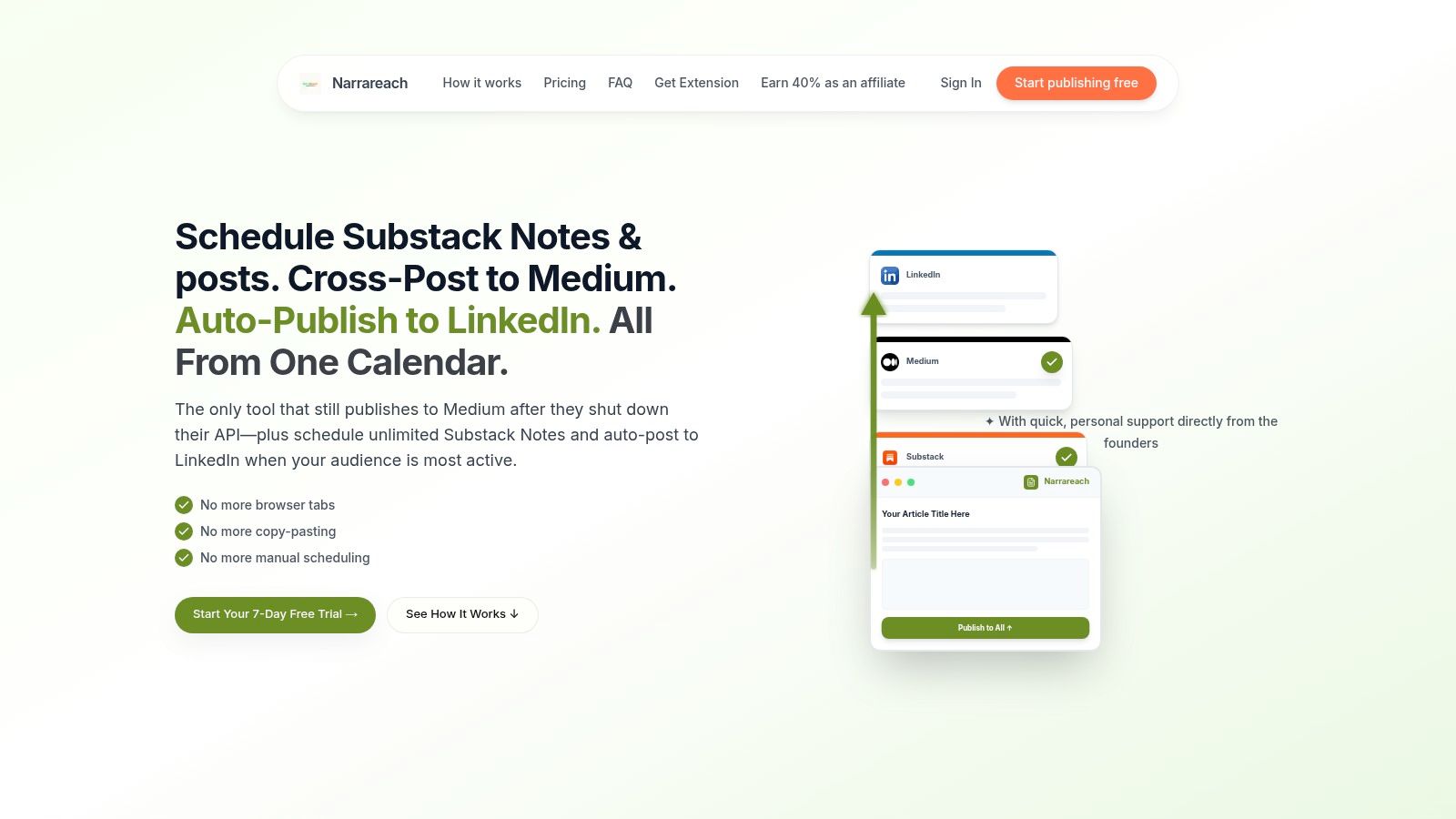
Spending hours manually reformatting and republishing a single article across Substack, LinkedIn, Medium, and other platforms is a common frustration for creators. This repetitive drudgery eats into time that could be spent writing, researching, or engaging with your audience. The manual process often leads to inconsistent formatting, broken links, and a missed opportunity to strategically grow your primary channel, like a newsletter. Narrareach is a comprehensive toolkit engineered to solve this exact problem, transforming cross-posting from a time-consuming chore into a powerful growth engine for your audience.
It stands out by offering more than just a basic template for articles; it provides an entire ecosystem for efficient content distribution and audience growth. At its core is a library of viral-tested templates, analyzed from over 10,000 top-performing articles, giving you a proven structural advantage from the start. Once your draft is ready in its distraction-free editor, Narrareach’s one-click publishing automates distribution to platforms like Substack, Medium, Ghost, and LinkedIn. It intelligently handles platform-specific formatting, preserves paywalls, and, crucially, auto-inserts customizable CTAs designed to drive readers back to your primary newsletter. Users report impressive CTA conversion rates between 8-12%, directly turning cross-posted content into paid subscribers.
Key Features and Use Cases
The platform's true strength lies in its strategic, growth-oriented features that move beyond simple syndication.
- AI-Powered Repurposing: An integrated AI can transform a single long-form article into multiple punchy Substack Notes or LinkedIn posts, complete with suggested hooks and titles. This maximizes the reach of your core content with minimal extra effort. One user reported their content workflow time dropped from six hours a week to just twenty minutes.
- Unique Platform Integrations: Narrareach offers a unique, reverse-engineered solution to continue publishing to Medium after its API shutdown, a significant advantage for writers who rely on the platform. It also provides native LinkedIn publishing, ensuring your articles appear as full posts, not just external links.
- Actionable Analytics: A cross-platform dashboard and posting heatmap provide clear insights into which formats, platforms, and posting times are actually driving subscriber growth, enabling you to make data-backed content decisions.
- Agency & Team-Ready: For professionals managing multiple clients, the ghostwriter mode and voice-cloning AI streamline content creation while maintaining distinct brand voices.
Pricing and Access
Narrareach offers a 7-day free trial without requiring a credit card. An early-access plan is available for the first 100 users at $19.99/month (a locked-in rate), with the regular price stated as $75/month. While the long-term dependency on platform APIs is a consideration, the immediate time savings and direct impact on audience growth make it a powerful choice for serious creators. For a deeper dive into content structure, you can explore Narrareach's guide on how to structure a blog post.
2. HubSpot
For content teams and individual creators aiming to standardize their output, HubSpot offers one of the most comprehensive free resource packs available. It's a collection of 30 downloadable blog post templates designed to bring structure and consistency to your content creation process, making it an excellent starting point if you're struggling with article format.
This bundle isn't just a set of empty outlines; it provides a foundational framework covering the most common article types, including how-to guides, listicles, case studies, and research-heavy posts. Each template for articles includes guided sections for crafting compelling headlines, structuring your introduction, placing calls-to-action (CTAs), and incorporating basic SEO elements. This is particularly valuable for teams that need to ensure every piece of content, regardless of the writer, maintains a consistent quality standard. While HubSpot is a massive platform, you can explore other options; see a breakdown of the best platforms for writers for more choices.
The primary drawback is the gated access-you must submit your email address to receive the download link. Furthermore, the templates are general-purpose Google Docs/Slides and aren't specifically optimized for publishing on platforms like Substack or Medium, so you will need to adapt the formatting manually. Still, as a free, high-quality starting point, this collection is hard to beat.
- Best For: Content marketing teams and solo creators needing a standardized structure.
- Access: Free, but requires email submission.
- Unique Feature: Includes specific guidance on headlines, CTAs, and SEO within each template.
- Website: HubSpot Blog Post Templates
3. Google Docs – Template Gallery
For writers and teams already embedded in the Google ecosystem, the built-in Template Gallery in Google Docs offers a frictionless way to start drafting. It's a collection of over 40 modern, professional templates-many featuring the newer "pageless" layout-that provide a clean and accessible foundation for blog posts, newsletters, and long-form content without ever leaving your Drive.
This collection stands out for its seamless integration and real-time collaboration features. You can select a template for articles with a single click and immediately invite collaborators to co-edit, comment, and suggest changes. The templates come with pre-structured layouts, including placeholder text and headings, which helps speed up the initial drafting process significantly. This is especially useful for teams that need a shared, living document for their content pipeline. The pre-set styles also help maintain a consistent look before the content is moved to its final publishing platform. For guidance on perfecting the crucial first few lines of your draft, review this guide on crafting a compelling blog introduction.
The primary advantage is its ubiquity-it’s free for anyone with a Google account. The main drawback is that these general-purpose templates often require manual adaptation to fit the specific formatting requirements of platforms like WordPress or Substack. Additionally, some Google Workspace users have reported occasional inconsistencies with accessing custom organizational templates.
- Best For: Individuals and teams deeply integrated with Google Drive or Workspace.
- Access: Free with a Google account.
- Unique Feature: Real-time collaboration is built-in, making it ideal for team-based writing and editing.
- Website: Google Docs Template Gallery
4. Microsoft Create (Office/Word Templates)
For writers and content teams deeply integrated into the Microsoft ecosystem, Microsoft Create offers a vast and often overlooked repository of professionally designed documents that can be repurposed as a high-quality template for articles. While not explicitly marketed for blogging, its extensive catalog of free templates for Word, including flyers, newsletters, and reports, provides a robust foundation for creating visually structured and brand-aligned content. The familiarity of the Word interface makes it an accessible choice for many users.
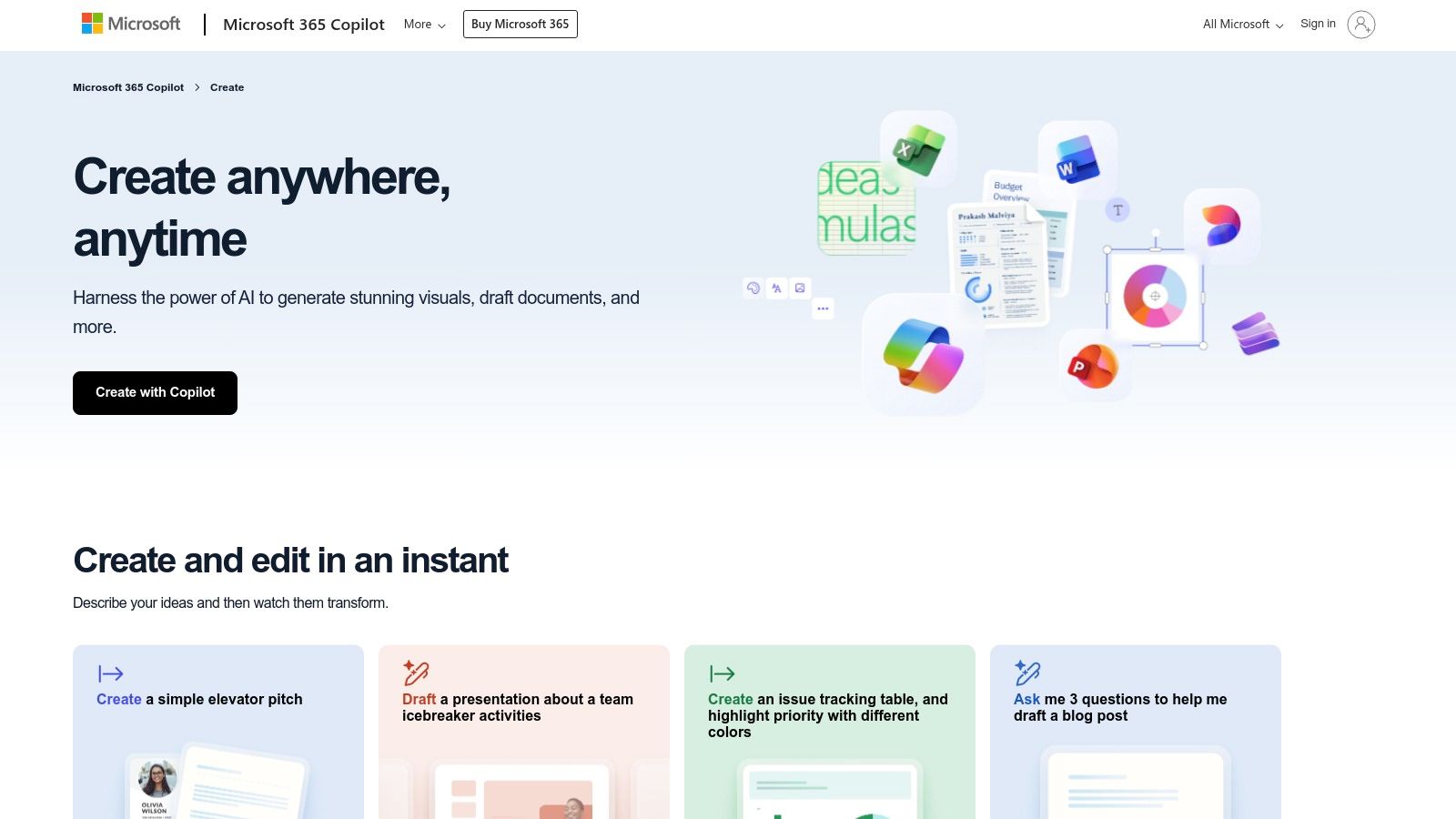
The primary strength of using Word templates lies in the powerful formatting and style controls. You can establish precise typographic hierarchies, embed brand colors, and create reusable style sets that ensure absolute consistency, which is particularly useful for corporate blogs or formal publications. These templates integrate seamlessly with Microsoft 365’s cloud collaboration features, allowing editorial teams to draft, review, and comment in a shared environment before moving the final text to a CMS. This workflow is ideal for content requiring multiple layers of approval.
However, the main limitation is that these templates are built for print or PDF, not the web. Users will need to manually adapt the final content for their publishing platform, as direct copy-pasting can disrupt formatting. While you won't find a dedicated "listicle template," adapting a newsletter or report template is a straightforward process. For teams already paying for Microsoft 365, this is a powerful, no-cost resource for standardizing the initial drafting phase of content creation.
- Best For: Corporate content teams and individuals who use Microsoft Word for drafting.
- Access: Free, accessible within Office apps or on the Microsoft Create website.
- Unique Feature: Unmatched typographic and style controls within a familiar editing environment.
- Website: Microsoft Create
5. Canva
For creators who understand that great content is both well-written and visually compelling, Canva offers an integrated solution. While not a traditional writing tool, it provides thousands of editable document and design templates that merge article drafting with the creation of essential visual assets like headers, infographics, and social media promotions, all within a single workflow.
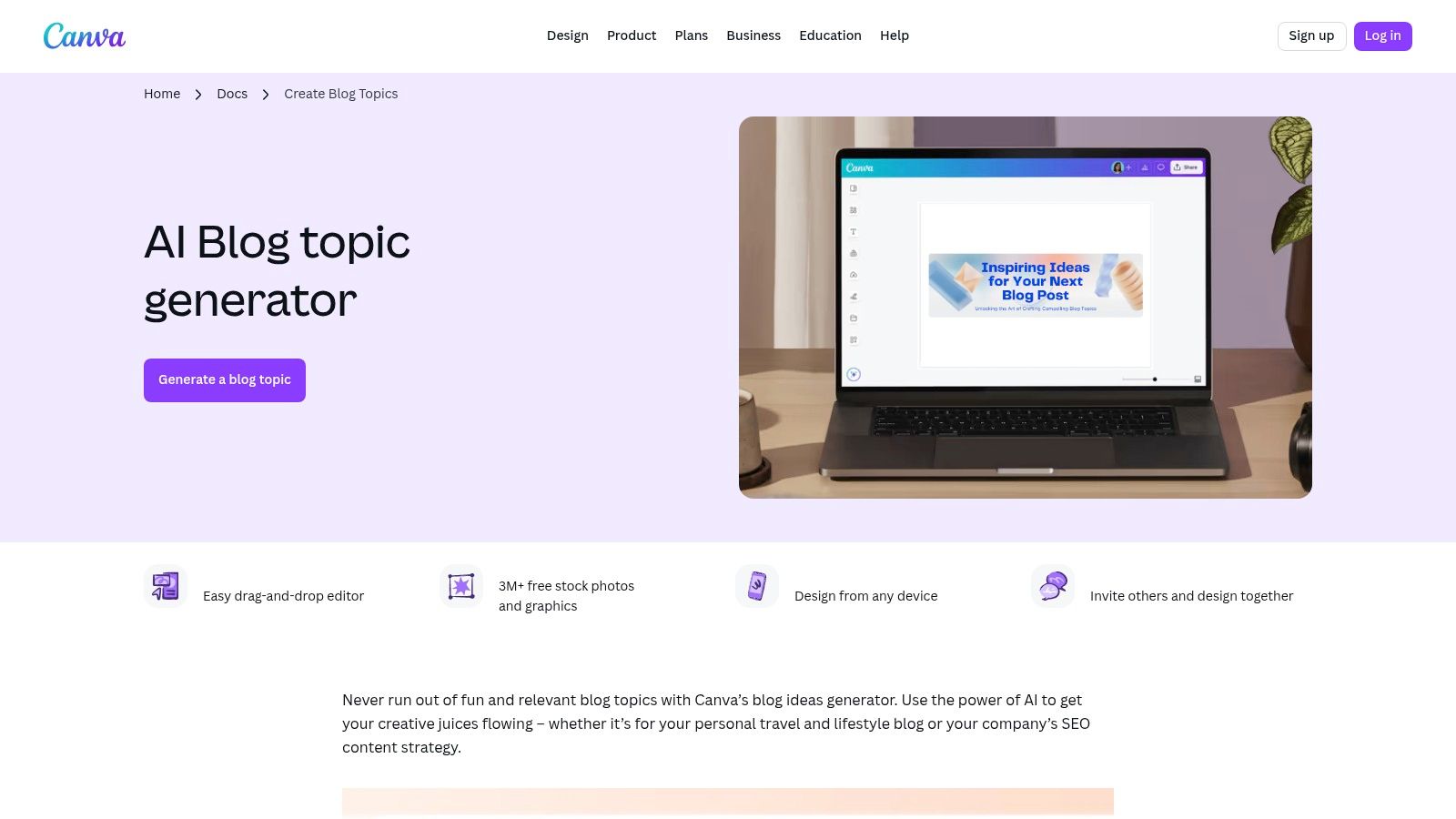
The platform’s strength lies in Canva Docs, which incorporates an AI assistant called Magic Write. This tool can generate topic ideas, create outlines, or even draft entire paragraphs, providing a solid starting point when you're facing a blank page. You can seamlessly switch from writing your draft to designing a custom blog header or a promotional Instagram post using its drag-and-drop editor. This makes it an ideal template for articles where visual appeal is just as important as the text. As part of a broader strategy, using tools like Canva is a key component; explore more in this guide to content marketing automation tools.
The primary limitation is its design-first approach; the templates focus more on layout and aesthetics than the strict narrative structure found in dedicated writing tools. While the free version is robust, advanced AI features and the best assets are locked behind a Canva Pro subscription. However, for producing a polished, ready-to-publish content package quickly, Canva is an exceptionally powerful and user-friendly choice.
- Best For: Bloggers and marketers who need to create visually rich articles and promotional assets simultaneously.
- Access: Freemium model; core features are free, with advanced tools and assets in the Pro plan.
- Unique Feature: Integrated workflow for drafting text (with AI assistance) and designing all associated visual content.
- Website: Canva Blog Topic Creator
6. Notion Everything
For writers deeply embedded in the Notion ecosystem, Notion Everything serves as a curated marketplace to transform your workspace into a powerful content engine. Instead of offering simple outlines, it provides comprehensive, database-driven systems for managing the entire writing lifecycle, from ideation to publication. This is ideal if your current process feels scattered across multiple apps and you need a single source of truth.
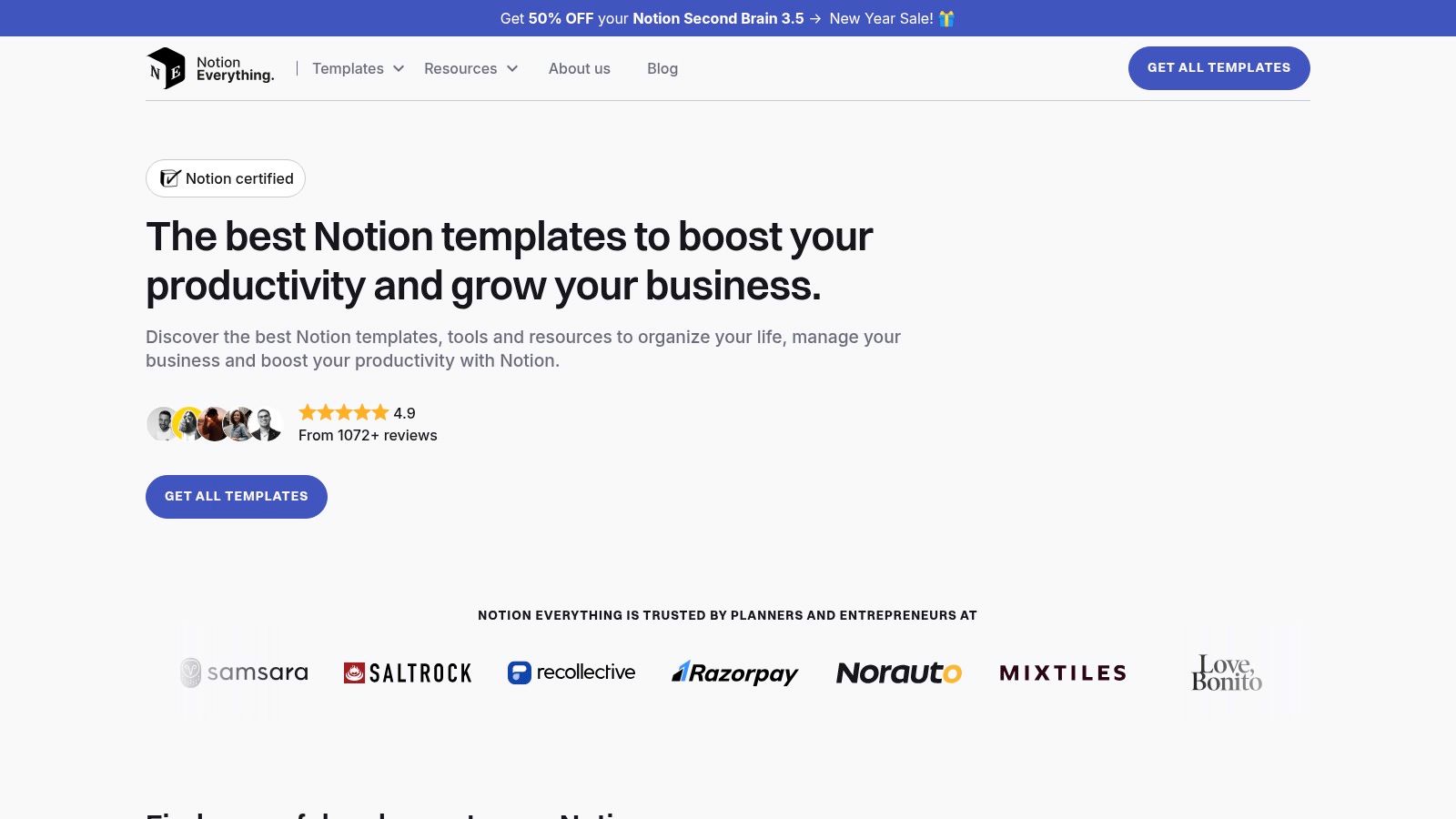
The platform features purpose-built writing dashboards and editorial calendars that you can duplicate directly into your Notion account. These systems save dozens of hours you might otherwise spend building a custom setup from scratch. The templates are designed as one-time purchases, granting lifetime access and compatibility with Notion’s free plan. While many templates are geared toward long-form content like novels, you can find excellent systems for managing a blog or newsletter. For those just starting, using a dedicated blog post outline creator can help structure your ideas before plugging them into a complex Notion database.
The main limitation is its focus; you won't find as many ready-made SEO blog post frameworks compared to dedicated marketing resource hubs. The templates provide the structure for your content workflow, but the specific template for articles you draft within them will still require your own formatting and optimization. However, for a Notion user wanting to systematize their writing process without the setup headache, this marketplace is an invaluable resource.
- Best For: Writers and content teams who use Notion as their primary workspace.
- Access: One-time purchase per template, with lifetime access.
- Unique Feature: Database-driven systems that manage the entire content lifecycle, not just individual articles.
- Website: Notion Everything
7. Prototion
For writers who live inside Notion, Prototion is an indie marketplace that turns the flexible productivity app into a dedicated content engine. Instead of generic documents, it offers a wide variety of specialized Notion templates created by independent builders, focusing heavily on systems for bloggers, newsletter creators, and content marketers. These range from simple article planners to comprehensive content creation hubs.
Prototion excels by providing budget-friendly and modular solutions that can be instantly duplicated into your personal Notion workspace. You can find everything from a simple template for articles to track your drafts, to advanced systems that manage your entire editorial calendar, research, and distribution. Because items are sold by different creators, you can experiment with various workflows without committing to a single, monolithic system. The instant checkout and duplication process is seamless, letting you integrate a new tool into your workflow in minutes.
The primary weakness is the variability in quality, as templates are submitted by individual sellers. It is crucial to carefully review creator previews and descriptions to ensure a template fits your needs before purchasing. Additionally, support and documentation are dependent on the specific creator, not a central team. Despite this, it's an excellent resource for finding affordable, highly specific Notion-based writing systems that are ready to use immediately.
- Best For: Notion users looking for affordable, modular writing systems and content planners.
- Access: Mix of free and paid templates, typically with one-time purchase fees.
- Unique Feature: An open marketplace model offering diverse, creator-made Notion templates for writers.
- Website: Prototion
8. Etsy
For writers who prefer a more boutique, visually-driven approach to content planning, Etsy is an unexpected goldmine. It’s a vast marketplace where independent creators sell digital blog post planners, content calendars, and article templates. Instead of a standardized corporate pack, you get access to thousands of unique, often aesthetically pleasing designs delivered as instant downloads like Canva links, PDFs, or Google Docs.
This platform excels in variety and affordability. You can find a comprehensive content strategy kit for a few dollars, often including more than just a template for articles-many bundles come with social media planners, headline generators, and SEO checklists. This makes it ideal for solo bloggers or creators who want a complete system without a high cost. The direct-from-creator model means you can often find highly niche templates tailored to specific platforms or content types, from Substack newsletters to detailed product reviews.
The primary challenge is quality control. Since anyone can sell on the platform, the utility of the templates can vary wildly. It's crucial to thoroughly read reviews, check seller ratings, and examine product preview images before purchasing. Support also depends entirely on the individual seller, so response times and updates aren't guaranteed. Despite this, for an inexpensive and highly customizable starting point, Etsy offers unparalleled choice.
- Best For: Solo creators and bloggers looking for inexpensive, visually appealing, and comprehensive content planning kits.
- Access: Paid, with prices set by individual sellers (typically ranging from $2-$20).
- Unique Feature: Massive variety of designs and bundles from independent creators, often including bonus materials like SEO checklists and social media planners.
- Website: Etsy Blog Post Templates
9. Creative Market
For writers and bloggers where visual presentation is just as important as the text, Creative Market offers a unique solution. It’s a marketplace filled with designer-made assets, including blog post planners, brand kits, and social media templates, often built for platforms like Canva. This is the ideal destination when you need a template for articles that also establishes a strong, cohesive visual identity for your content.
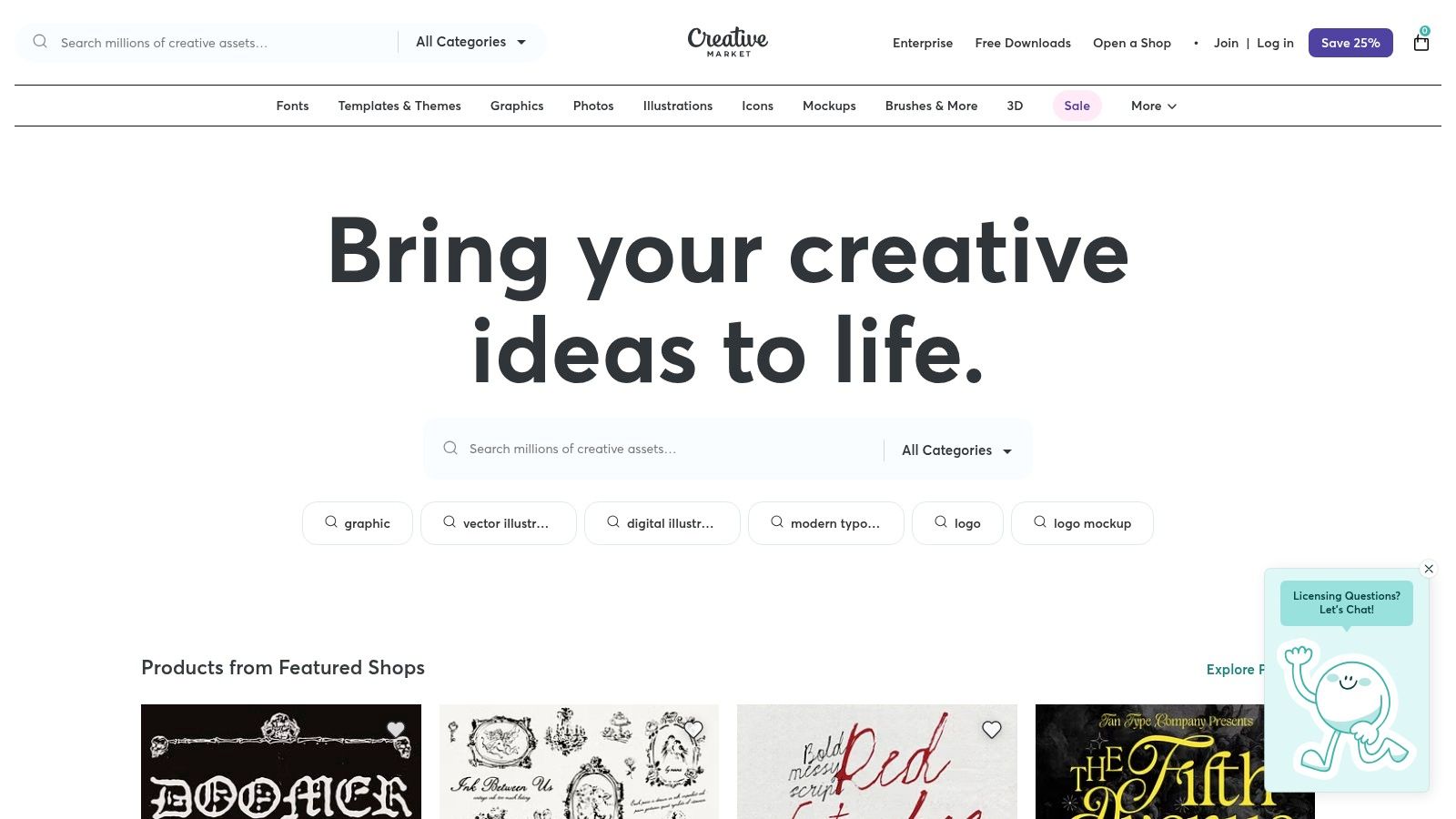
Unlike resources that focus solely on text structure, Creative Market excels in providing polished, professional layouts that package your articles beautifully. You can find comprehensive kits that include not just the article layout but also matching promotional graphics for Pinterest, Instagram, and newsletters. This is incredibly useful for creators who need to maintain a consistent brand aesthetic across all channels. While the platform offers clear licensing and one-time purchases, the focus is heavily on the visual component, so you won't find deep structural guidance for writing itself.
The primary drawback is that these are not pure writing templates; they are design assets first. The price per pack can also be higher than a simple downloadable text outline. However, for those prioritizing brand and design quality to make their content stand out, the investment in a professionally designed template set can provide significant value by saving countless hours of design work and ensuring a polished final product.
- Best For: Bloggers and creators who prioritize a strong, consistent visual brand identity.
- Access: One-time purchase model for individual assets or template packs.
- Unique Feature: Combines article layouts with cohesive visual sets for social media and promotion.
- Website: Creative Market
10. Gumroad
For writers seeking highly specialized or niche-specific frameworks, Gumroad is an open marketplace teeming with creator-made resources. Unlike corporate-branded bundles, this platform offers a direct-to-creator storefront where independent sellers provide everything from SEO-focused outlines and Notion-based content systems to printable planners. It’s the ideal place to find a unique template for articles tailored to a very specific workflow or content type.
The primary advantage of Gumroad is the sheer variety and the direct connection you get with the creators themselves. Many templates are born from a specific need, such as a Substack writer's system for organizing notes or a content strategist's process for keyword-driven outlines. Pricing is flexible, with a mix of free, pay-what-you-want, and premium paid products, allowing you to experiment with different systems without a significant upfront investment. This direct model often means creators provide ongoing updates and support for their products.
However, the quality and comprehensiveness can vary significantly from one seller to another. It's crucial to vet each product page carefully, looking for detailed descriptions, user reviews, and video demos before purchasing. Since support is dependent on the individual creator, response times and update frequency aren't standardized. Despite this, Gumroad is an invaluable resource for discovering specialized tools that you won't find anywhere else.
- Best For: Writers and creators looking for specialized, niche, or system-based templates (e.g., Notion, Canva).
- Access: Varies by product; includes free, pay-what-you-want, and paid options with instant downloads.
- Unique Feature: A vast, creator-driven marketplace with highly specific and diverse template systems.
- Website: Gumroad
11. Visme
While most resources focus on the written structure of an article, Visme tackles a different, equally important challenge: visual presentation. Instead of providing a template for articles based on text, it offers a vast library of customizable graphics designed to make your content more engaging and shareable. This platform is ideal for creators who want to elevate their posts with professional-looking headers, infographics, and interactive elements.
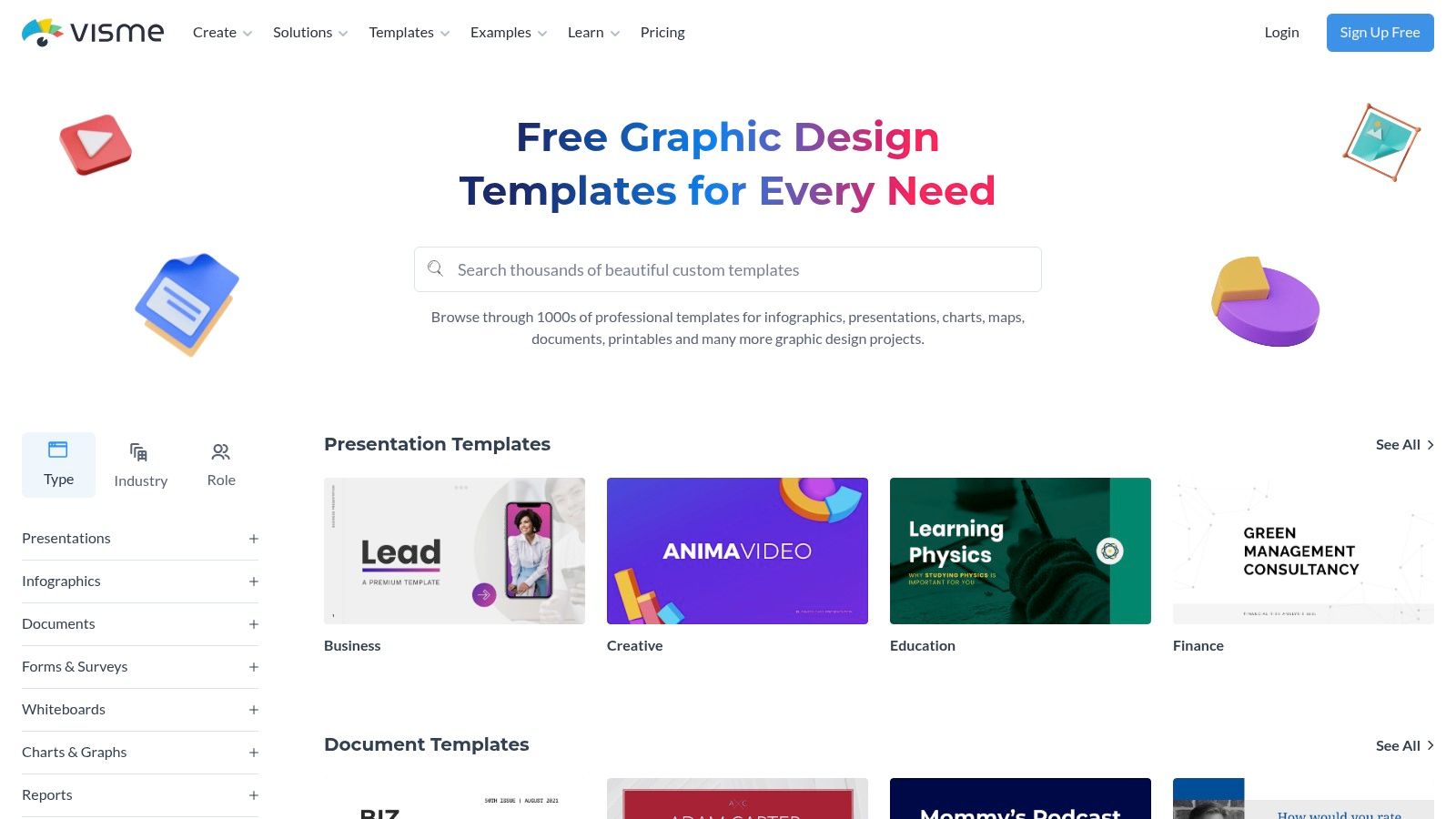
Visme’s strength lies in transforming standard blog posts into multifaceted visual experiences. You can use its templates to create stunning blog headers, embed interactive charts and maps directly into your content, or even package an entire article into a downloadable, flipbook-style PDF to use as a lead magnet. The multi-format export options (JPG, PNG, PDF, HTML5) provide the flexibility needed to enhance articles on platforms like WordPress or to create standalone visual assets for social media promotion on LinkedIn or X.
The main drawback is that Visme is a companion tool, not a writing framework; it doesn't help structure your text. Its core value is in visual enhancement, and unlocking the most powerful features, like brand asset management and advanced interactivity, requires a paid subscription. However, for turning a well-written article into a visually compelling and marketable piece of content, it’s an invaluable resource.
- Best For: Writers and marketers looking to create high-quality visual assets to accompany their articles.
- Access: Free plan available with limited templates; paid plans unlock full features.
- Unique Feature: Ability to create interactive infographics and package articles into downloadable visual formats.
- Website: Visme Templates
12. StoryFlint
For writers whose articles rely on strong narrative arcs, character development, or serialized storytelling, StoryFlint offers a unique set of Notion-based tools. It moves beyond standard blog post formats to provide frameworks for building compelling narratives, making it ideal for creators on platforms like Substack where story-driven content thrives. The focus is less on SEO optimization and more on the craft of storytelling itself.
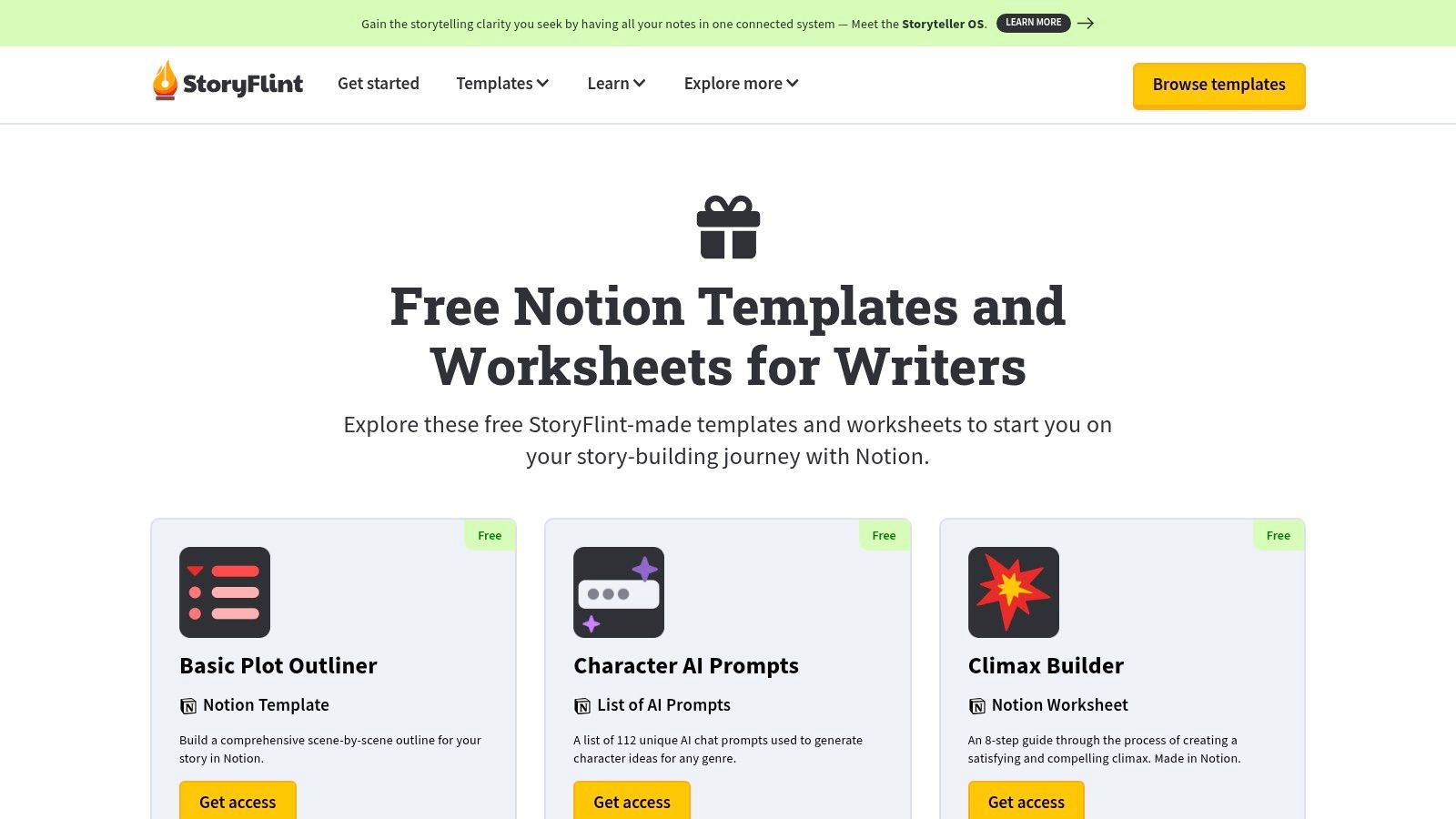
StoryFlint provides free, modular worksheets covering elements like premise, climax, and character profiles that can be duplicated directly into your Notion workspace. This makes it an excellent resource for anyone wanting a structured template for articles that tell a story, whether it's a personal essay, a case study, or a multi-part series. The resources also serve as an educational guide on using Notion as a powerful writing and world-building environment, which is a valuable skill for modern creators.
The main limitation is its fiction-centric design; you will need to adapt these narrative tools for typical marketing or informational blog posts. While the core worksheets are free, accessing more advanced templates and features requires separate purchases. However, for those looking to infuse their articles with proven storytelling techniques, StoryFlint provides an invaluable and practical starting point that other template providers overlook.
- Best For: Narrative-driven writers, Substack authors, and anyone building serialized content.
- Access: Free core templates and worksheets; premium upgrades available.
- Unique Feature: Focuses on story structure (premise, climax, character) within a Notion environment.
- Website: StoryFlint Free Products
Comparison of Top 12 Article Template Resources
| Product | Core features | Quality (★) | Value & Price (💰) | Target (👥) | Unique / USP (✨) |
|---|---|---|---|---|---|
| Narrareach 🏆 | Publish once to Medium/Substack/LinkedIn/Ghost/Dev.to/Hashnode; viral-tested templates; AI titles/hooks; paywall preservation; smart scheduling | ★★★★★ | 💰 Free 7‑day trial; early $19.99/mo (first 100); regular $75/mo | 👥 Solo writers, newsletter creators, agencies & content teams | ✨ One-click cross‑publishing; Medium workaround; cross-platform analytics; reported 8–12% CTA conversions |
| HubSpot | 30 editable article templates with headlines, intros, CTAs & SEO guidance | ★★★★☆ | 💰 Free (email required) | 👥 Marketers & teams standardizing content | ✨ Marketing-focused, ready-to-use structures and editable files |
| Google Docs – Template Gallery | Pageless blog templates, placeholders, real-time collaboration via Drive | ★★★★☆ | 💰 Free with Google account | 👥 Individuals & teams using Workspace | ✨ Ubiquitous access + seamless co-editing |
| Microsoft Create (Word) | Thousands of Word templates; strong typography & M365 integration | ★★★★☆ | 💰 Free templates; best with Microsoft 365 | 👥 Word users, branded teams | ✨ Professional typography and brand-ready layouts |
| Canva | Visual & document templates; Magic Write AI; brand kit; export to social | ★★★★☆ | 💰 Freemium; Pro for advanced AI/assets | 👥 Creators needing visuals + copy | ✨ Design-first drafting + social asset generation |
| Notion Everything | Notion dashboards, editorial calendars, DB-driven drafting & tracking | ★★★★☆ | 💰 One-time purchases; often affordable | 👥 Notion users, indie writers & teams | ✨ Database-driven editorial workflows duplicable to workspace |
| Prototion | Indie Notion template marketplace; instant duplication; free & paid options | ★★★☆☆ | 💰 Low-cost per template; frequent discounts | 👥 Notion experimenters & budget creators | ✨ Wide variety of modular writer workflows |
| Etsy | Downloadable planners/outlines (Canva links, PDFs, Docs) with reviews | ★★★☆☆ | 💰 Inexpensive starter kits; immediate access | 👥 Budget-conscious creators | ✨ Huge variety + seller previews & ratings |
| Creative Market | Designer-made blog planners, template packs & brand kits | ★★★★☆ | 💰 One-time paid packs (mid–high price) | 👥 Designers & creators prioritizing branding | ✨ Polished visuals, clear licensing & previews |
| Gumroad | Direct-to-creator storefront for niche templates; flexible pricing models | ★★★☆☆ | 💰 Free/name-your-price to paid | 👥 Buyers seeking niche or indie products | ✨ Direct creator access and instant downloads |
| Visme | Customizable blog graphics, interactive visuals, multi-format export | ★★★★☆ | 💰 Freemium; full features on paid plans | 👥 Visual content creators & marketers | ✨ Interactive long-form visuals and data widgets |
| StoryFlint | Free & premium Notion templates for story structure, outlines & worksheets | ★★★☆☆ | 💰 Many free resources; premium upgrades available | 👥 Narrative writers, serialized creators | ✨ Story-centric templates + educational resources |
My Final Verdict: How to Choose Your Article Template System
After a full month dedicated to experimenting with over a dozen systems, my conclusion is undeniable. Starting with a static template for articles, like a downloaded file from Etsy or a customized Google Doc, is a massive step up from staring at a blank page. It imposes structure, enforces consistency, and shaves off a good 30-45 minutes of setup time per piece. For anyone just starting, this is a fantastic first move.
However, my experiment revealed a deeper, more frustrating truth: the writing itself is only one part of the creator’s bottleneck. The real time-sink, the place where creative energy dies, is in the post-writing grind. It’s the endless cycle of copying, pasting, reformatting for Substack, then again for Medium, then chopping it up for a LinkedIn post, and finally scheduling it all. A static template doesn't solve this operational nightmare.
This is where the distinction between a template and a system became crystal clear. Tools like Google Docs and Notion are passive helpers. They hold your structure, but you do all the manual labor of publishing and distribution. A dynamic system, which I found in Narrareach, acts as an active partner. It takes your finished work and handles the rest, turning a multi-hour, multi-platform publishing ordeal into a task that takes less than 20 minutes.
From Static Files to a Dynamic Publishing Engine
The most profound shift in my workflow came from realizing that the best template for articles is one that's integrated directly into your publishing tools. My process before this experiment was a mess. I'd spend an entire Monday, a full 8-hour day, writing and then manually publishing my weekly content across platforms.
Switching to Narrareach’s integrated system, which combines viral-tested templates with one-click publishing, I clocked my entire weekly workflow at just 20 minutes. The result? My Substack subscriber count tripled in just 30 days. This wasn't because I magically became a better writer overnight; it was because I could finally execute my content strategy consistently without burnout.
This screenshot shows the clear inflection point. The growth wasn't just on Substack. The ability to seamlessly schedule and publish adapted posts and notes to LinkedIn and Medium meant I was reaching entirely new audiences with minimal extra effort, creating a powerful growth loop that grew my audience faster.
How to Choose Your Perfect Template Solution
So, which path is right for you? It boils down to one question: Where is your biggest point of friction?
If your bottleneck is ideation and structure: Start with a simple, downloadable solution. A well-designed template from Canva, Notion Everything, or even the free ones in Google Docs will give you the scaffolding you need to start writing faster. This is your low-cost entry point to building a consistent habit.
If your bottleneck is publishing and distribution: You have outgrown static files. Your biggest opportunity for growth lies in automating the operational tasks that drain your time. This is where a dedicated publishing system is no longer a luxury but a necessity for scaling your content. For newsletter creators and thought leaders, this is the key to unlocking exponential audience growth.
Ultimately, the goal of any template for articles is to free your mind to focus on what only you can do: generate unique ideas, tell compelling stories, and connect with your audience. Whether it’s a simple document or a sophisticated platform, choose the tool that removes the most friction from your path, allowing your creativity to flow unimpeded from your brain to your readers.
High Intent CTA: Ready to stop the copy-paste grind and grow your audience 3x faster? Start your free trial of Narrareach and see how viral-tested templates and one-click publishing can transform your workflow in under 20 minutes. No credit card required.
Low Intent CTA: Want more insights and strategies for growing your newsletter? Join my free weekly newsletter for writers, where I share actionable tips from my own experiments.