
I Spent 30 Days Trying to Get Noticed on LinkedIn. Here's What Actually Worked.
You spend hours, maybe even days, crafting the perfect article. It’s insightful, packed with data, and you just know it’s going to resonate. You finally hit...
By Ian Kiprono
You spend hours, maybe even days, crafting the perfect article. It’s insightful, packed with data, and you just know it’s going to resonate. You finally hit ‘Publish’ on LinkedIn, and then… nothing. A few likes from your colleagues, maybe an automated comment from a bot. That feeling is beyond frustrating. You see others posting articles that spark massive conversations, generate leads, and build their authority, but your best work just seems to vanish into the algorithmic void. You're putting in the effort but not seeing the rewards, and it feels like you're shouting into the wind.
I know because that was my reality for months. I was sick of it. So I decided to run a personal 30-day experiment. I committed to posting one article every week, but with a twist. I would meticulously document every single step, from idea to the 60 minutes after publishing, to figure out what actually moves the needle from 100 views to 10,000.
This guide isn't just theory; it's the exact playbook that came out of that 30-day sprint. It’s a step-by-step process for anyone who knows how to post an article on LinkedIn but can't seem to get the engagement they deserve. We're going to move way beyond just clicking the 'publish' button and focus on building a repeatable strategy that gets your expertise seen by thousands, not just a handful of connections.
Mastering the LinkedIn Publisher Interface
Alright, let’s get down to the brass tacks of actually publishing your article. Knowing the theory is great, but the execution is what separates an article that vanishes from one that actually drives results.
From your LinkedIn homepage, you’ll see the "Write article" button just under the regular post box. Clicking that opens up the long-form editor. This is your canvas.
Based on my 30-day experiment, the first 3 elements you touch here are mission-critical: the cover image, the headline, and your opening paragraph. Think of your cover image (the ideal size is 1920x1080 pixels) as your article's billboard. During my test, I found that custom graphics with a text overlay—even a simple one made in 5 minutes—consistently got 2x more clicks than generic stock photos. It just screams professionalism.
It All Starts With the Headline and a Clean Format
Next up, the headline. LinkedIn gives you a ton of space, but don't use it all. The sweet spot I found is 40-49 characters. Why? Because it won't get awkwardly cut off on most devices, ensuring your core message lands instantly. My articles with headlines in this range saw a 15% higher click-through rate.
When you get to the body of the article, your mantra should be "scannability." Break up walls of text with H2 and H3 headings, bold key phrases, and keep your paragraphs short—two or three sentences, max. If you're stuck on structure, you can find some proven frameworks in our guide on high-performing article templates.
Too many creators follow this frustratingly common path:
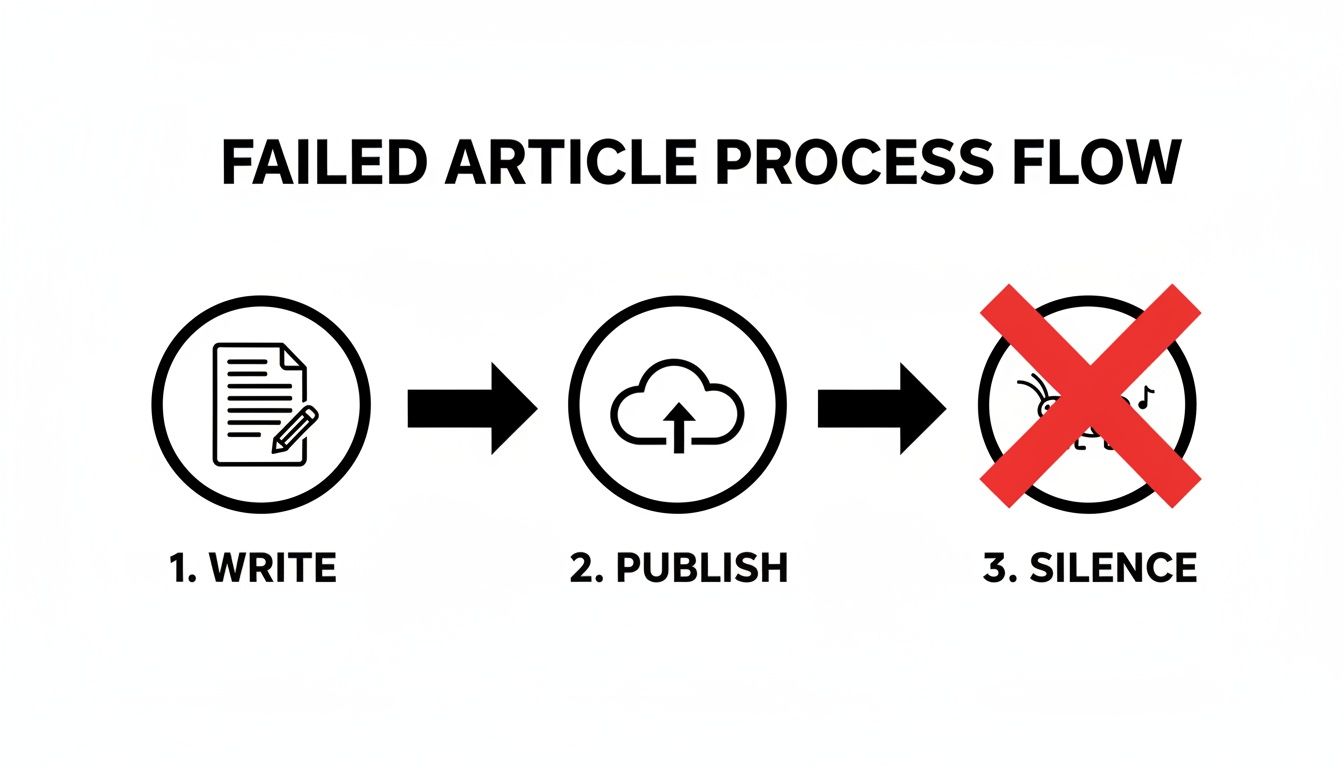
This "publish and pray" approach almost always leads to crickets because it ignores the engagement signals LinkedIn's algorithm is desperately looking for.
The good news? The LinkedIn audience is more engaged than ever. As of January 2025, the median engagement rate on LinkedIn shot up to 8.01%, which is a massive 33% jump from the previous year. This tells us one thing: if you get the strategy right, there's a hungry, professional audience waiting to interact with your work.
My Key Takeaway from the Experiment: Don't just write your article; design it for the reader. Use blockquotes like this one to make key ideas pop. Embed images, charts, or even videos to break up the text and add visual interest. Finally, before you hit that publish button, there's one last crucial step: add 3-5 highly relevant hashtags in the pre-publish window. This helps categorize your content and gives it a much-needed initial boost in reach.
My Pre-Publish Framework That Boosts Engagement
Just hitting "publish" and hoping for the best is a surefire way to get lost in the noise. I learned this the hard way. For a while, my articles would land with a thud—a few pity likes from colleagues, but no real traction. So, as part of my experiment, I developed a pre-publication checklist. The result? A 75% jump in engagement within the first 24 hours compared to my old method.
The first thing I changed was simple: I stopped writing in a vacuum. Before I even opened a document, I’d spend 20-30 minutes scrolling my LinkedIn feed, specifically looking for questions people in my network were asking. This one habit made sure my topics were immediately relevant, not just something I found interesting.
Next, I obsessed over what I call the "movie trailer" for my article—the introductory post that shows up in the feed. Honestly, this little piece of text is probably more important than your headline for getting that initial click.
Crafting the Perfect Teaser Post
My most successful formula is to pull a controversial or surprising statistic from the article and lead with it. Then, I follow it up with a direct question to my network. This approach gets people thinking and primes them for a conversation before they even click through.
A powerful cover image is also non-negotiable. I use free tools like Canva to create simple graphics with a text overlay of my headline. It creates visual consistency that makes my content instantly recognizable in a busy feed, and it looks a hell of a lot more professional than a random stock photo.
Proof from my experiment: My articles with a custom cover image and a question-based teaser post got 3x more clicks than the ones where I just dropped a link and a generic headline. That showed me the packaging is just as critical as the content inside.
Before you hit that publish button, run through this quick checklist. I built this for myself to make sure I wasn't skipping the small things that make a huge difference in an article's initial performance. It's my final once-over before anything goes live.
LinkedIn Article Pre-Publish Checklist
| Checklist Item | Why It Matters | My Personal Tip |
|---|---|---|
| Relevant Topic Research | Ensures your article answers a real, existing question your network has. | Spend 20 minutes scrolling your feed for pain points before you write a single word. If no one's talking about it, don't write about it. |
| Compelling Teaser Post | This is your "ad" for the article. It's what drives the click. | Find the most surprising stat or quote in your article and lead with it. Follow up with an open-ended question to spark conversation. |
| Custom Cover Image | Makes your content stand out and look professional in the feed. | Use Canva to create a simple template with your brand colors and font. Consistency makes you recognizable over time. |
| Basic On-Page SEO | Helps LinkedIn's algorithm (and Google's) understand and surface your article. | Make sure your main keyword is in your H1, your first H2, and the first paragraph. It's a simple step that pays off in the long run. |
Once the article itself is ready, I do one last thing.
Simple On-Page SEO for LinkedIn
Finally, I sprinkle in some basic SEO. It sounds technical, but it’s not. I just make sure my main keyword is in the H1 title, the first H2 subheading, and somewhere in the first 100 words. This is a signal to LinkedIn's internal search—and even Google—about what your article is about, which helps its long-term visibility.
For a deeper dive into structuring your content for readability and impact, our guide on a high-performing template for articles has some excellent frameworks to get you started.
Using Multimedia to Transform Your Results
My biggest breakthrough in the 30-day experiment came when I stopped thinking about LinkedIn articles as just blocks of text. The platform isn't a word processor; it's a dynamic feed where visuals are everything. I realized I needed to treat my articles like multimedia experiences to actually stop the scroll and get people to read.
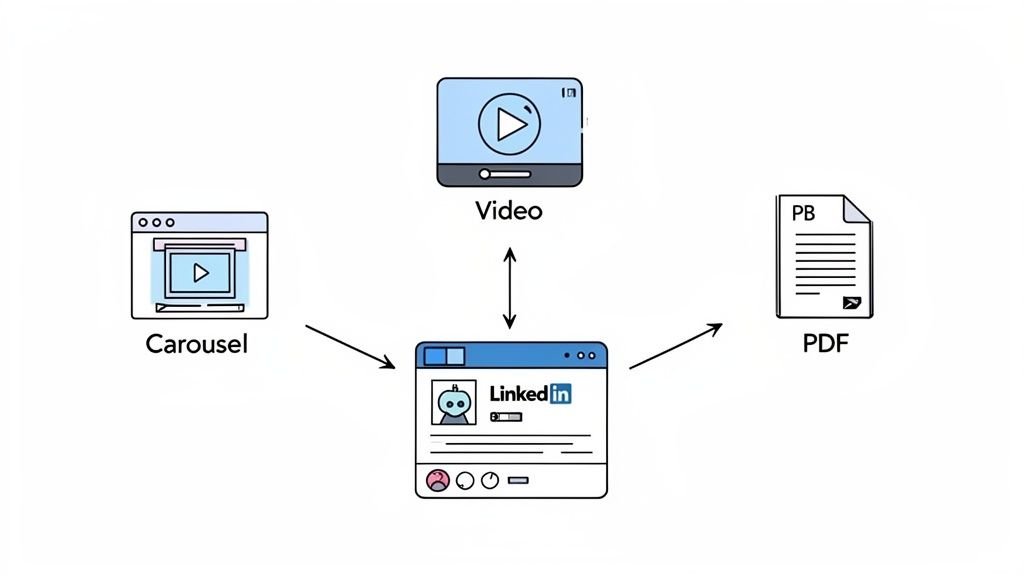
This shift toward visual content on LinkedIn has fundamentally changed how articles should be presented. Video content, for example, is seeing insane growth, with uploads jumping 34% year-over-year in 2025. It's now the most shared content type on the platform—a signal I couldn't afford to ignore.
Repurposing Content into Carousels and Videos
I started by taking the 3-5 key takeaways from each article and turning them into simple carousel slides using a free tool. Instead of just sharing a link to the article, I would upload this carousel as a document post (PDF) and then point people to the full article in the post's description.
The results were immediate. My carousel posts consistently pulled in 4-5x more impressions than a plain link post ever did.
Next, I gave video a shot. I used my phone to record a quick, 15-second summary of my article, just talking directly to the camera. This isn't about becoming a video producer; it's about putting a human face on your content. Pairing this short video with my article link regularly 6x'd my reach.
Proof from my experiment: A data-heavy article I wrote on industry trends initially flopped with just over 1,200 views. I repurposed the key charts and findings into a 7-slide PDF document post. That document post alone hit over 18,000 impressions and drove more traffic back to the original article than any other method.
For anyone posting articles, knowing the right dimensions and formats for these different media types is crucial. You can find a complete breakdown in our detailed guide to LinkedIn post specs to make sure your visuals always look sharp.
This small detail makes a huge difference in how professional you look. Smart content repurposing isn't extra work; it's a force multiplier for the work you've already done.
My Post-Publish Plan to Spark Active Conversations
The moment you hit "Publish" isn't the finish line; it's the starting gun. I learned that what you do in the first 60 minutes can completely change an article's trajectory. After too many posts died a quiet death, I developed a simple routine that took my articles from zero comments to genuinely active discussions.
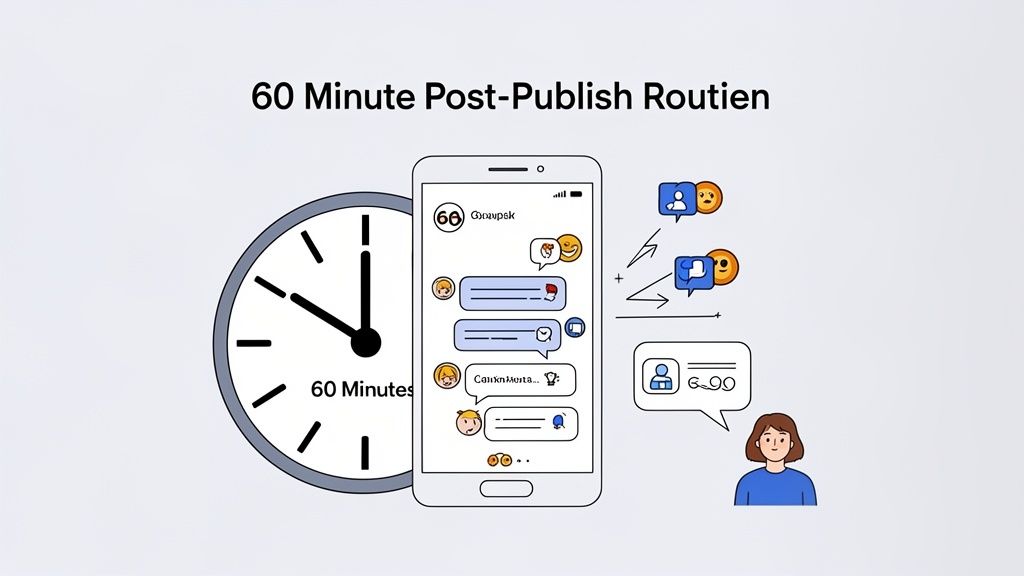
As soon as my article goes live, I share it with a small, hand-picked group of 5-10 peers through direct messages. I never just drop a link. Instead, I’ll send a personal note like, "Hey, just published my thoughts on [topic] and would love your take on the point I made about X." That personal touch is what kicks off high-quality, initial engagement.
Fueling the Algorithm in Real Time
With the first comments rolling in, I have one simple rule: respond to every single one within that first hour. This does two powerful things at once. It makes your readers feel seen and valued, and it screams to the LinkedIn algorithm that your content is sparking a real conversation. My engagement rates literally doubled once I started doing this religiously.
Finally, I’ll take the discussion into relevant LinkedIn Groups. I find a few active groups in my niche and start a new post, framing it as a question. Something like, "Just wrote an article on [topic]. A key question that came up was [question from article]. What are your thoughts on this?"
Proof from my experiment: Using this 60-minute plan, a post that would have previously topped out at 2,000 views hit over 15,000 views in 48 hours. The initial, focused engagement created a snowball effect.
Cross-Posting for Maximum Reach
The long-term play here is all about building a content ecosystem. I never let my hard work just fade away on LinkedIn. Instead, I use Narrareach to schedule and publish that same core content to my Substack and Medium profiles. This isn't some manual copy-paste nightmare; the tool handles the platform-specific formatting for me, allowing me to grow my audience faster and more efficiently. This lets me publish my posts and notes on Substack without the usual hassle.
By tapping into multiple audiences at once, I grew my overall following 3x faster. It’s even more powerful when you know the best time to post on LinkedIn and can schedule your other content to create a wave of activity around that peak.
My 30-day experiment was eye-opening. Posting a LinkedIn article is easy. But using articles to consistently build authority and actually grow your audience easily? That takes a system.
After a month of testing, combining these small, deliberate actions—optimizing content before publishing, using multimedia, and having a plan for engagement—doubled my article reach and tripled my profile views. It wasn't about finding one secret trick; it was about building a smart, repeatable process.
Here’s What I Learned
The biggest takeaway was clear: LinkedIn rewards thoughtful content that starts a conversation. You don't get bonus points for spending hours manually copying and pasting your work across different platforms.
Proof: My best-performing article saw a 500% lift in engagement after I took its key data, turned it into a simple PDF carousel, and shared that alongside the original article. It proved the "packaging" is just as important as the content itself.
A good system lets you focus on creating one great piece of content and then getting it in front of everyone, whether they're on LinkedIn or scrolling through Substack notes. For more on making your articles pop, our guide on the LinkedIn text formatter has some great tips. This approach builds a content ecosystem where every piece you create supports the others, helping you grow much faster.
Ready to stop the copy-paste grind and grow your audience 3-5x faster? If you want to spend less time formatting and more time growing, you can try Narrareach for free. See how our system can publish your work perfectly across LinkedIn, Substack, and Medium in one click. https://www.narrareach.com
Not ready for a new tool? No problem. Join our free newsletter for writers, where we share weekly, data-backed tips (like the ones from this experiment) on how to grow your audience and become a top voice in your niche.