
I Tested 12 Content Repurposing Tools to 5X My Audience: My 2026 Rankings
You hit 'publish' on Substack, share it once on LinkedIn, and then… crickets. That fantastic, in-depth article you poured 10 hours into is gone from the...
By Ian Kiprono
You hit 'publish' on Substack, share it once on LinkedIn, and then… crickets. That fantastic, in-depth article you poured 10 hours into is gone from the timeline by Monday afternoon. Now you're back at zero, staring at a blank screen, needing to create another masterpiece just to stay relevant. You know you should be turning that article into LinkedIn posts, Medium stories, and Substack Notes, but the thought of manually copying, pasting, and reformatting everything is exhausting. It feels like a choice between burnout or invisibility. This was my exact situation for months.
For months, I was trapped in this cycle, spending over 25 hours a week just on content creation and distribution. I felt like I was running in place, creating more but not actually growing my audience faster. I knew there had to be a better way to leverage the work I'd already done without hiring a team.
So, I decided to run a personal experiment. I spent the last 30 days rigorously testing the top 12 content repurposing tools to see which ones could actually save time, increase my publishing velocity, and break me off the content treadmill for good. I tracked my time saved, audience growth, and the true cost of each platform.
This isn't another generic list. This is my field report. Below, you’ll find my honest breakdown of what works, what doesn't, and which specific tools are best for writers, marketers, and solo creators. I’ve included detailed workflows, screenshots, pricing analysis, and direct links to help you find the right solution for your specific needs and finally get your best work seen by more people.
1. Narrareach
Narrareach is a powerful, all-in-one content distribution and repurposing engine designed specifically for writers and creators looking to maximize their reach with minimal effort. It moves beyond simple cross-posting to become a strategic growth partner, integrating smart automation and data-backed templates to turn a single article into a multi-platform content campaign. This tool is built to solve the core challenge of audience growth: publishing consistently and effectively across platforms without spending hours on manual reformatting and scheduling.
Its primary function is one-click publishing to top writing platforms like Substack, Medium, LinkedIn, Ghost, and more. What sets it apart is the intelligent, platform-specific formatting. Narrareach ensures your content looks native everywhere it goes, preserving everything from code blocks on Dev.to to paywalls on Substack, which is crucial for maintaining both user experience and monetization. One user reported cutting their weekly publishing time from 6 hours down to just 20 minutes, a significant time-saving that allows for more focus on creating quality content.
Standout Features & Use Cases
- AI-Powered Content Generation: A core strength is its AI toolkit. You can import an existing Substack article and instantly generate multiple high-performing, bite-sized Notes. This allows you to promote a single long-form piece for days, maximizing its visibility and engagement on Substack’s growing social feed.
- Viral-Tested Templates: Gain access to a curated library of templates built from an analysis of over 10,000 top-performing posts. This feature removes the guesswork, providing proven structures and hooks to increase the odds of your content going viral.
- Automated Growth Tools: The platform automatically inserts customizable call-to-action (CTA) buttons in your articles, driving readers back to your primary newsletter. Users typically see an 8–12% conversion rate from this feature alone, directly accelerating audience growth.
- Exclusive Medium Integration: Even after Medium shut down its official API, Narrareach developed a unique, reverse-engineered solution that still works. This is a rare and critical advantage for writers who want to tap into Medium’s massive built-in audience without manual copy-pasting.
Pricing & Availability
Narrareach offers a flexible pricing structure suitable for various needs. You can start with a 7-day free trial (no credit card required). For early adopters, an "early-access" plan is available at an introductory rate of $19.99/month. The standard pricing is listed at $75/month, so securing the introductory offer provides substantial value. Plans are available for solo creators, agencies, and full editorial teams.
2. Repurpose.io
Repurpose.io is a powerhouse for creators who are all-in on video and audio. Unlike general-purpose video editors, this platform is built from the ground up for one specific job: automatically turning a single piece of content into dozens of assets for every social channel. If your core strategy involves podcasts, livestreams, or long-form YouTube videos, this tool is designed to be your distribution engine, operating on a "set it and forget it" model.
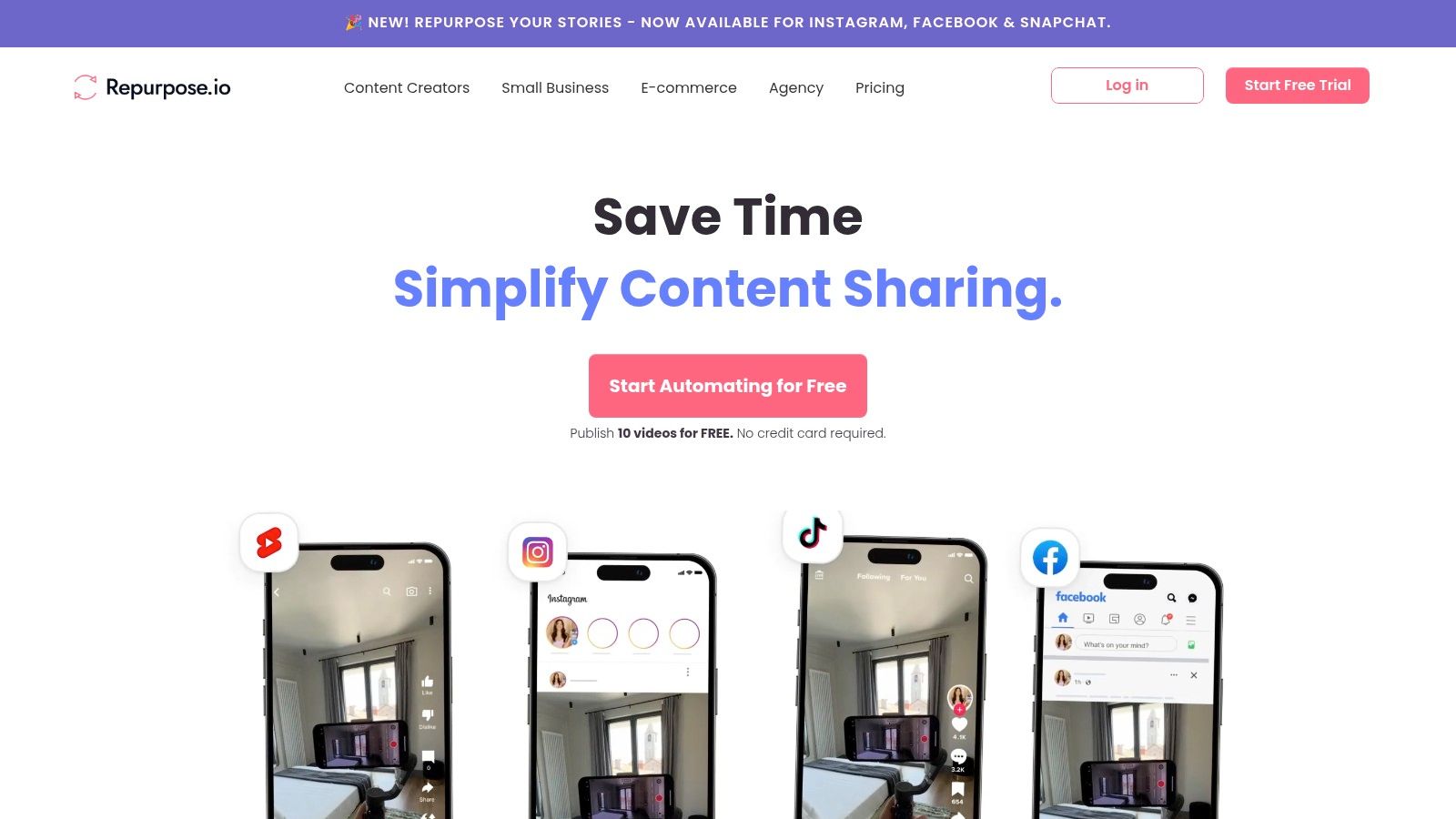
Its strength lies in its workflow automation. You connect a source (like a YouTube channel or Dropbox folder with podcast episodes) and set up rules for destinations like TikTok, Instagram Reels, and LinkedIn. The platform automatically fetches new content, creates clips, adds captions, and publishes them based on your pre-set templates. This is one of the best content repurposing tools for creators focused on scaling their video presence without spending hours manually editing and uploading.
Core Features & Ideal User
- Best For: Podcasters, live streamers, and YouTubers who need to feed the short-form video algorithm consistently.
- Key Feature: The automated "Workflow" engine that connects sources to destinations is the platform's core.
- Workflow Integration: After Repurpose.io creates your video clips, you can drop the transcripts or key insights into Narrareach to generate corresponding LinkedIn text posts, newsletter sections, or blog outlines, creating a full multimedia campaign from a single recording.
| Feature | Details |
|---|---|
| Automation | Fetches new content automatically from YouTube, Zoom, Dropbox, and podcast feeds. |
| Templates | Create custom templates for different platforms with unique headlines, captions, and styles. |
| Formats | Converts landscape video to vertical, creates audiograms from audio-only files, and burns in captions. |
| Pricing | Starts at $25/month (billed annually) for the "Podcaster" plan. A free 14-day trial with 10 publishes is available. |
| Link | Visit Repurpose.io |
Pros:
- Saves an immense amount of time on manual downloading, editing, and uploading.
- Scales incredibly well for agencies or creators with multiple shows.
- Excellent for maintaining a consistent publishing schedule on short-form video platforms.
Cons:
- The workflow setup has a learning curve; it takes time to configure properly.
- It is not a tool for repurposing written content like articles or newsletters.
- The interface can feel a bit dated compared to newer SaaS tools.
3. OpusClip (Opus.pro)
OpusClip is an AI-powered video clipping tool designed for speed and virality. It addresses a core pain point for video creators: finding the most engaging, shareable moments within long-form content like webinars, podcasts, or YouTube videos. Instead of manual scrubbing, its AI analyzes your entire video, identifies high-potential segments, and automatically generates multiple, ready-to-post short clips with dynamic captions.
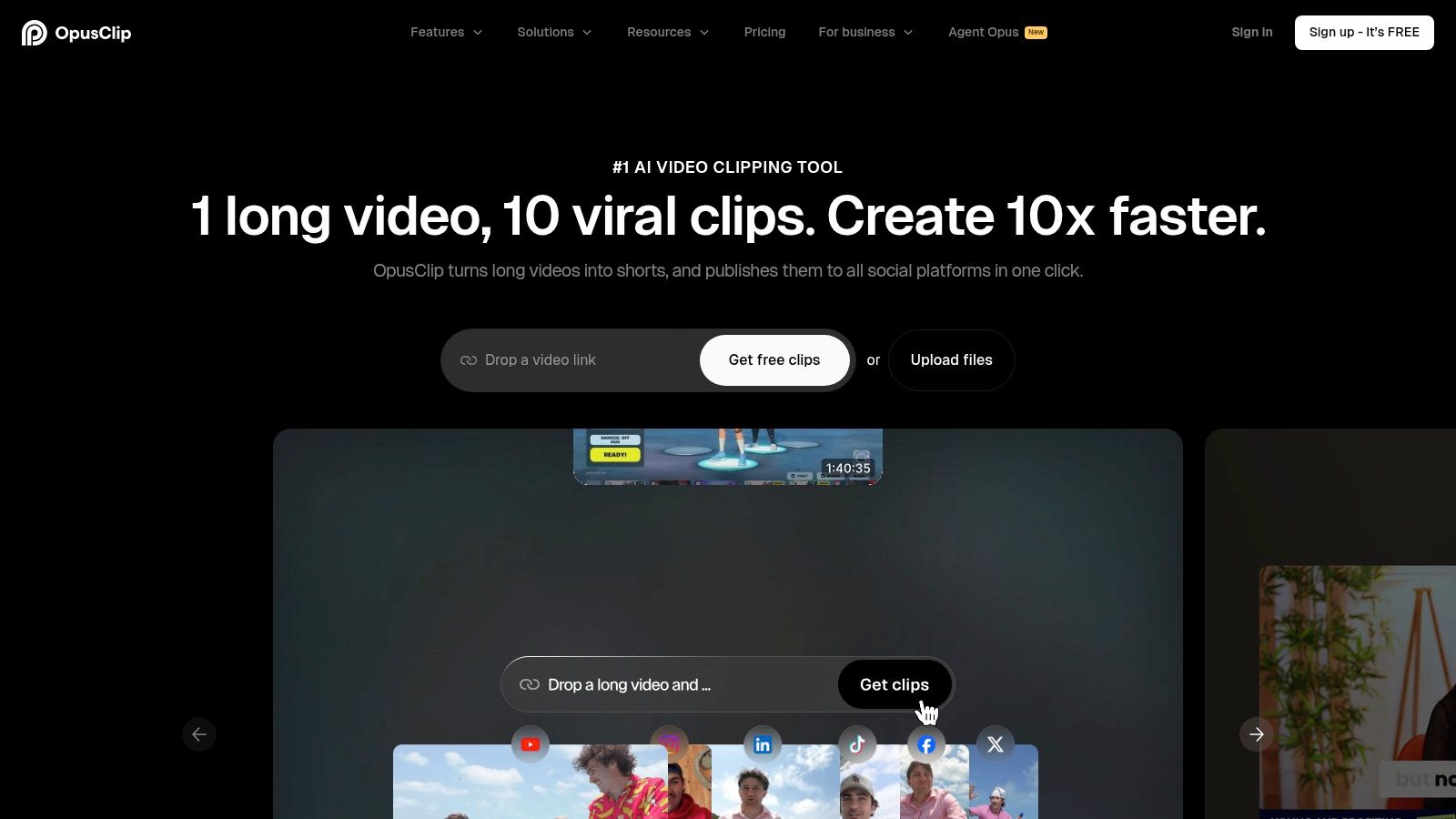
The platform's strength is its "one-click" workflow. You simply paste a video link, and its AI does the heavy lifting, including reframing for vertical formats, adding animated captions, and even assigning a "virality score" to each clip to help you prioritize. This makes it one of the best content repurposing tools for teams and creators focused on maximizing the reach of their existing video library across TikTok, Reels, and Shorts with minimal effort.
Core Features & Ideal User
- Best For: Content marketers, podcasters, and YouTube creators who need to quickly generate a high volume of short-form video clips from existing long-form content.
- Key Feature: The AI-powered "Virality Score" that predicts a clip's potential performance, helping you choose the best segments to publish.
- Workflow Integration: Once OpusClip generates your video snippets, you can use their transcripts to inspire new written assets. Feed these key insights into Narrareach to draft detailed LinkedIn posts or newsletter sections that complement your video strategy, ensuring you are using all the different types of content on social media.
| Feature | Details |
|---|---|
| AI Clip Detection | Automatically identifies and extracts the most compelling hooks and highlights from long videos. |
| Templates & Branding | Create brand kits with custom fonts and colors. Team workspaces allow for collaborative review and editing. |
| Formats | Auto-reframing for vertical (9:16) formats, animated captions, and B-roll integration. |
| Pricing | Offers a free plan with watermarks. Paid plans use a credit system, starting at $19/month for 200 processing minutes. |
| Link | Visit Opus.pro |
Pros:
- Extremely fast processing turns long videos into dozens of clips in minutes.
- High-quality clip detection often finds surprising, high-impact moments.
- Team features like shared workspaces and brand templates are great for agencies.
Cons:
- The credit-based system requires you to plan your usage to avoid running out.
- The free plan includes a watermark on exported videos.
- Primarily focused on video-to-video repurposing; not for text or audio-only content.
4. Munch (GetMunch)
Munch is an AI-powered video repurposing platform designed for creators who want to transform long-form videos into viral-ready short clips with minimal effort. It moves beyond simple trimming by using AI to analyze your footage for topics, trends, and engaging moments. The platform then automatically extracts the most compelling segments, adds dynamic captions, and even generates social media posts tailored to each specific channel. It's built for speed and social media intelligence.
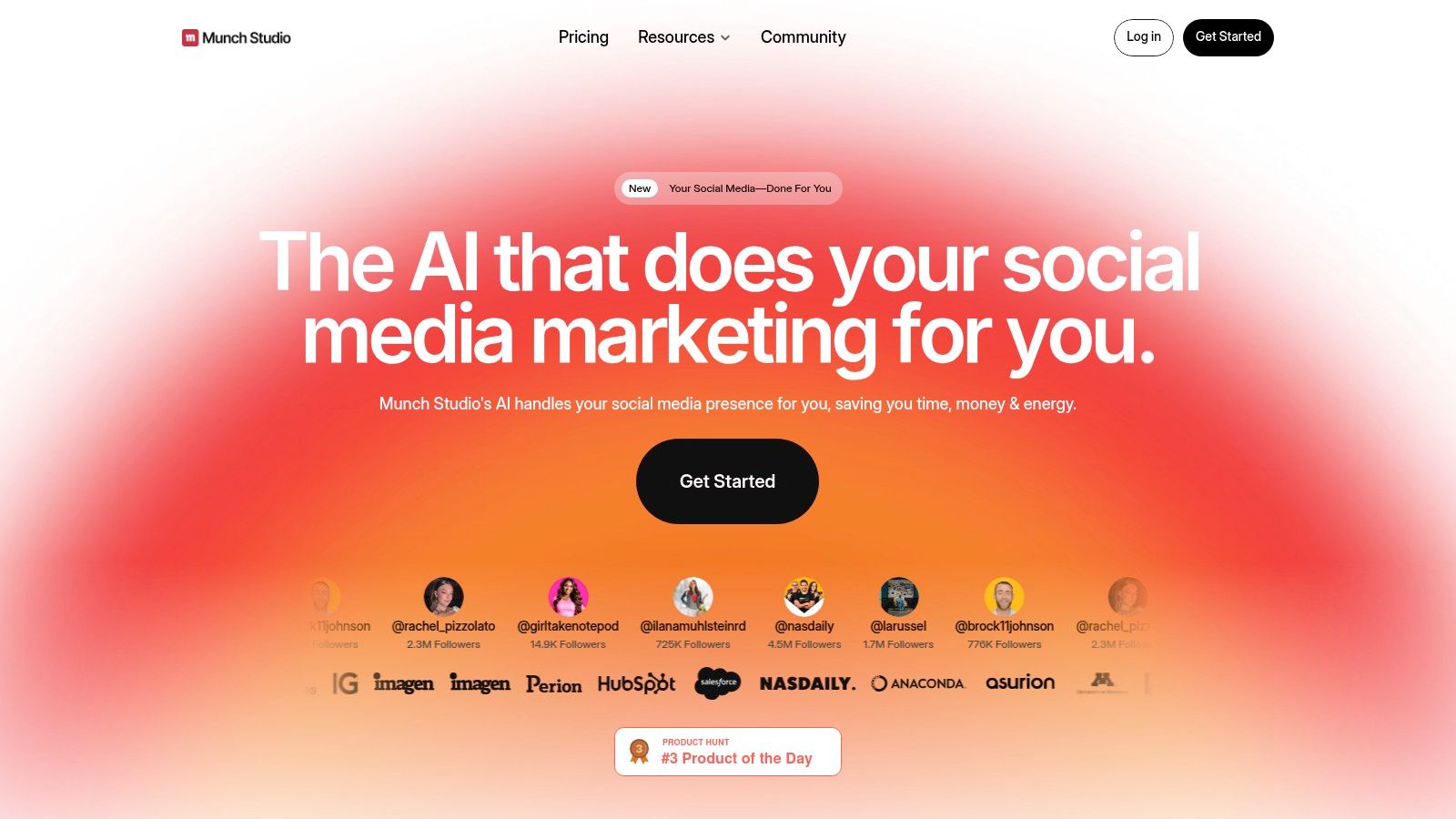
What makes Munch stand out among other content repurposing tools is its focus on virality. The AI doesn't just find random clips; it uses GPT, NLP, and OCR to identify segments with the highest potential for engagement on platforms like TikTok, Instagram, and YouTube Shorts. This makes it an invaluable asset for marketing teams and creators looking to scale their short-form video output without sacrificing quality or spending hours manually identifying highlights.
Core Features & Ideal User
- Best For: Content teams, agencies, and individual creators focused on maximizing the reach of their long-form video content (podcasts, webinars, interviews) on short-form platforms.
- Key Feature: The trend-aware AI clipping engine that suggests high-potential segments based on social media trends and engagement metrics.
- Workflow Integration: Once Munch generates your clips and social copy, you can feed the key ideas or transcripts into Narrareach to draft a supplementary newsletter or a detailed LinkedIn article, turning one video into a complete, multi-format content campaign.
| Feature | Details |
|---|---|
| AI Clip Generation | Automatically identifies and extracts engaging, shareable clips from long videos using trend analysis. |
| Auto Social Copy | Generates tailored post copy for TikTok, Instagram, YouTube, LinkedIn, and X, complete with relevant hashtags. |
| Formats & Captions | Auto-reframes video to 9:16 vertical format and adds dynamic, word-by-word animated captions. Supports multiple languages. |
| Pricing | Offers a free plan with a watermark. Paid plans start at $49/month (billed annually) for the "Pro" plan. |
| Link | Visit GetMunch.com |
Pros:
- AI-driven suggestions save significant time in identifying the best moments from long videos.
- The end-to-end pipeline from clip creation to social copy generation is highly efficient.
- Excellent for creators who want to tap into current social media trends without constant manual research.
Cons:
- Pricing details can sometimes be less prominent on the main site and are often presented during the onboarding flow.
- Strictly focused on video-to-video repurposing; not suitable for text or audio-only source content.
- The AI's clip selection might occasionally require manual review and adjustment.
5. Castmagic
Castmagic is a specialized AI engine designed to extract maximum value from spoken-word content like podcasts, webinars, and long-form videos. Where other tools focus on video-to-video repurposing, Castmagic excels at transforming a single recording into a full suite of written assets. It ingests your audio or video file and instantly generates transcripts, show notes, key topics, memorable quotes, email copy, and several social media post drafts, making it a content marketer's dream for post-production.
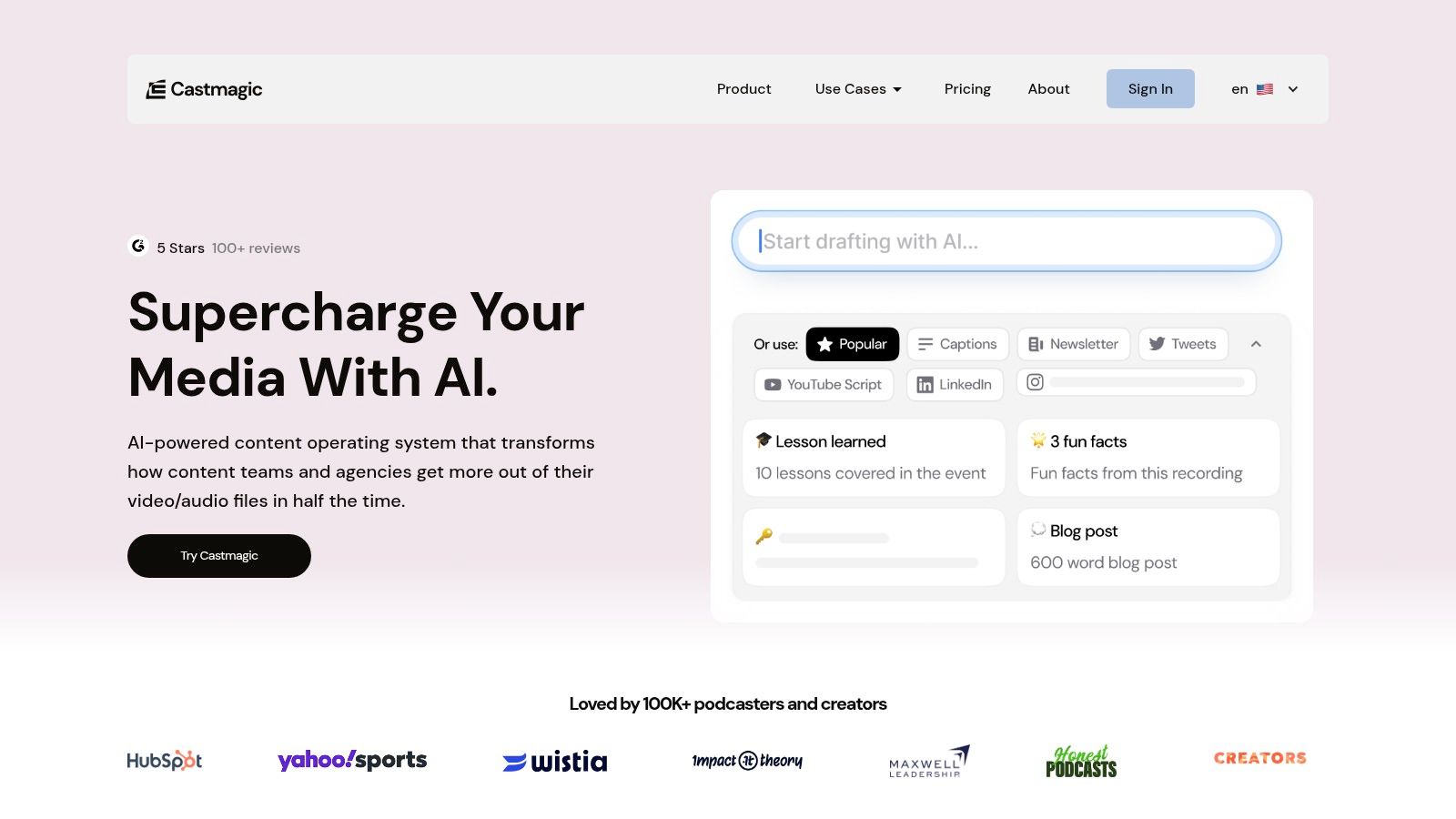
Its strength is the sheer breadth and quality of the AI-generated outputs. Within minutes of uploading a file, you have enough material for a multi-channel promotion campaign, from a blog post outline to a series of tweets and LinkedIn hooks. This makes it one of the best content repurposing tools for teams who want to build a content ecosystem around their core audio or video recordings without spending hours manually transcribing and brainstorming.
Core Features & Ideal User
- Best For: Podcasters, coaches, and marketers who use webinars or video interviews as their primary content source.
- Key Feature: The "Magic Chat" allows you to conversationally ask the AI to generate new assets from the transcript, like "create 5 tweet hooks" or "write a newsletter section about the guest's background."
- Workflow Integration: After Castmagic generates your core assets, you can use Narrareach to refine the social media drafts into a complete content schedule. The AI-generated LinkedIn post ideas are particularly effective, serving as a strong foundation for a full campaign. You can learn more about how to post articles on LinkedIn to maximize their impact.
| Feature | Details |
|---|---|
| AI Content Generation | Automatically creates show notes, summaries, quotes, timestamps, social posts (Twitter, LinkedIn, Instagram), and email copy. |
| Transcription | High-accuracy transcription in over 60 languages with speaker identification. |
| Integrations | Imports directly from YouTube, RSS feeds, Zoom, Google Drive, and more. |
| Pricing | Starts at $39/month for the "Hobby" plan (100 mins/month). A free trial with 3 uploads is available. |
| Link | Visit Castmagic |
Pros:
- Generates an impressive variety of high-quality written assets from a single file.
- The "Magic Chat" feature provides incredible flexibility for custom content creation.
- Generous user seat allocation on all paid plans, making it great for collaboration.
Cons:
- Pricing is based on minutes uploaded, which can be costly for prolific creators.
- Primarily focused on audio/video sources; not designed for repurposing written articles.
- Does not include a built-in social media scheduler.
6. Descript
Descript blurs the line between a video editor and a content repurposing tool, making it an all-in-one powerhouse for creators who work with audio and video. Its core innovation is text-based editing; instead of scrubbing through timelines, you edit your video or podcast by simply editing the auto-generated transcript. Deleting a sentence in the text removes the corresponding video clip, making the initial editing process incredibly intuitive and fast.
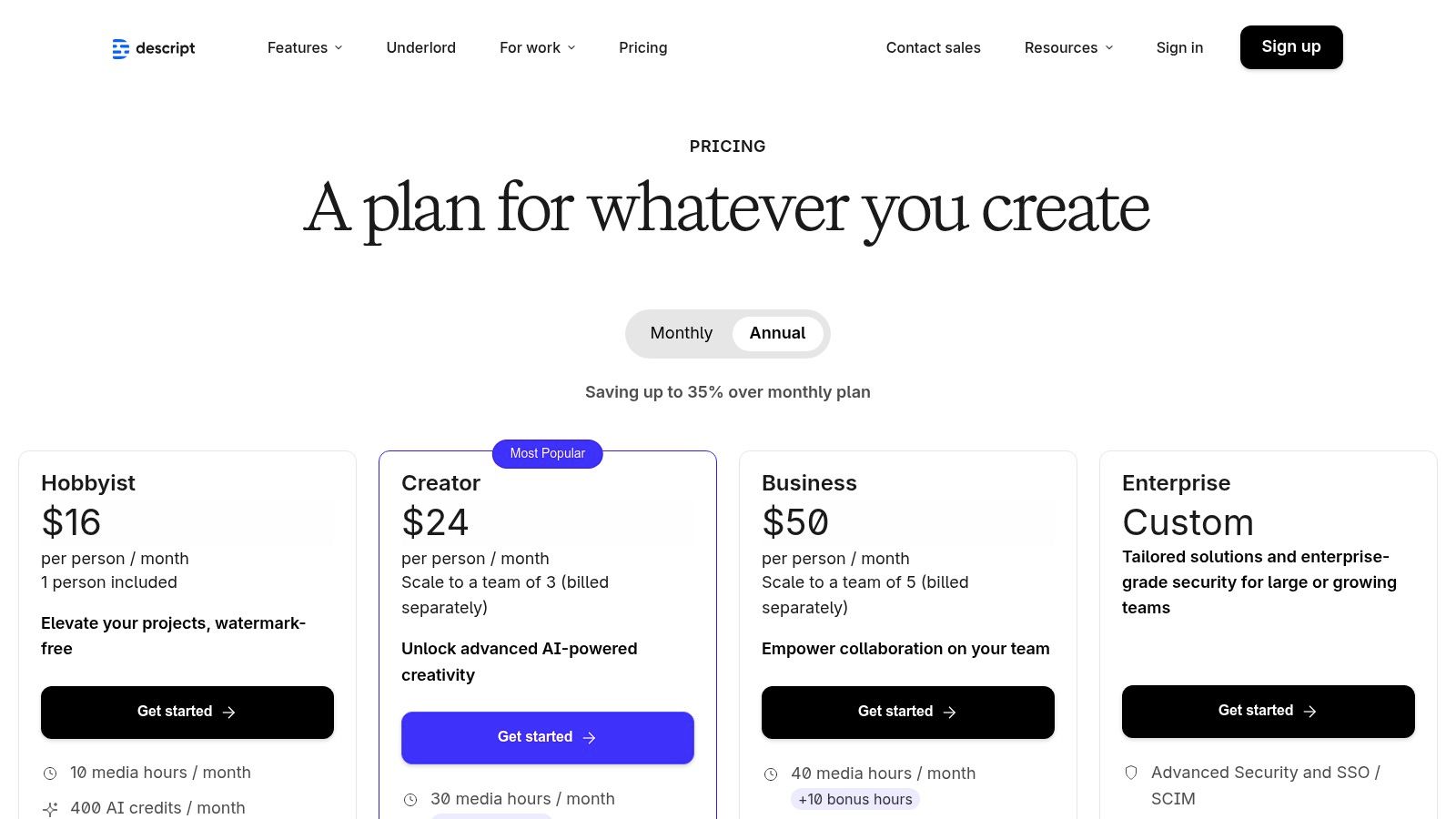
Where it truly excels for repurposing is in its built-in suite of AI-powered tools. Once your main content is edited, you can highlight compelling quotes to instantly create social media clips, generate detailed show notes, or even translate and dub your video into other languages. This integrated workflow is what makes it one of the best content repurposing tools for creators who want to edit, clip, and generate supplementary assets without ever leaving a single application.
Core Features & Ideal User
- Best For: Podcasters, YouTubers, and course creators who want a single tool for both core content editing and creating repurposing assets.
- Key Feature: The text-based video/audio editor is the star, allowing you to edit media as easily as a Word document.
- Workflow Integration: After editing and creating social clips in Descript, export the full transcript and use it in Narrareach to draft an in-depth blog post, a detailed newsletter, and a series of data-driven LinkedIn posts that expand on your video's key themes. Discover more on how to use these tools to create viral content.
| Feature | Details |
|---|---|
| Text-Based Editing | Edit video and audio by editing the transcript; features include filler word removal ("um," "uh") and Studio Sound for audio enhancement. |
| AI Features | Instantly create short-form video clips, generate summaries, and translate or dub content into multiple languages. |
| Collaboration | Includes team-based workflows, a brand kit for consistent assets, and integrates with SquadCast for high-quality remote recording. |
| Pricing | A free plan with 1 hour of transcription is available. Paid plans start at $12/editor/month (billed annually) for the "Creator" plan. |
| Link | Visit Descript |
Pros:
- Powerful combination of a primary editor and repurposing tool in one unified platform.
- The text-based editing workflow significantly speeds up post-production.
- Clear pricing with defined transcription hours and AI credits per plan.
Cons:
- Can feel heavyweight or overly complex if you only need simple clipping features.
- There's a learning curve to master the full suite of advanced features effectively.
- Performance can sometimes be slow with very large or high-resolution video files.
7. Kapwing
Kapwing is a powerful, browser-based video editing suite that strikes an excellent balance between a full-featured editor and a dedicated repurposing tool. Its standout "Repurpose Studio" is designed to quickly and efficiently transform one primary video into multiple, platform-specific clips for channels like TikTok, Reels, and YouTube Shorts. This makes it an ideal choice for creators and small teams who need more creative control than fully-automated tools but still want to accelerate their workflow significantly.
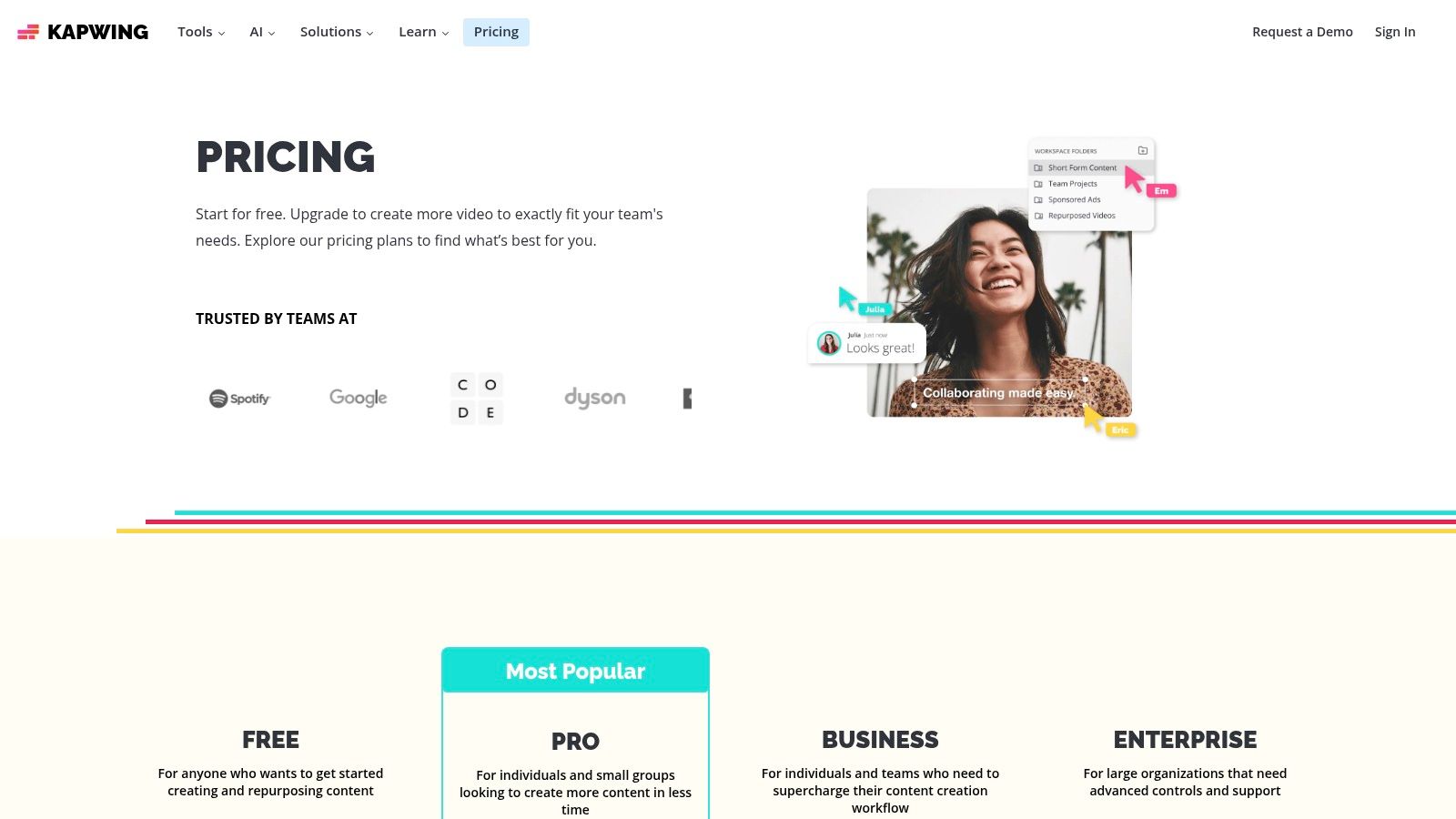
The platform shines with its intuitive, user-friendly interface that simplifies complex tasks like transcript-based trimming, auto-subtitling, and even AI-powered dubbing. Unlike tools focused solely on automation, Kapwing gives you a hands-on editing environment to ensure each repurposed clip is perfectly polished. It's one of the best content repurposing tools for those who want the speed of AI-driven features without sacrificing manual fine-tuning.
Core Features & Ideal User
- Best For: Solo creators, social media managers, and small marketing teams who need a fast, all-in-one tool for video editing and repurposing.
- Key Feature: The "Repurpose Studio" which allows you to generate clips for different platforms from a single source video in just a few clicks.
- Workflow Integration: After generating video clips in Kapwing, you can extract the auto-generated transcript. Drop this text into Narrareach to instantly create a detailed LinkedIn article, a Substack newsletter, or a series of tweets that complement your video content.
| Feature | Details |
|---|---|
| Repurpose Studio | Automatically resizes and reformats a single video for multiple social media aspect ratios. |
| AI & Subtitles | Features auto-subtitles with transcript editing, plus AI-powered dubbing into over 40 languages. |
| Collaboration | Offers brand kits and shared workspaces on paid plans, making it suitable for small team collaboration. |
| Pricing | A free plan is available with a watermark. Paid plans start at $16/month (billed annually) with 4K exports. |
| Link | Visit Kapwing |
Pros:
- Extremely fast and intuitive UI that is great for beginners and small teams.
- The flexible credit system for AI features like subtitles and dubbing is cost-effective.
- Offers a strong combination of editing control and repurposing speed.
Cons:
- The free plan includes a watermark on all exported videos.
- AI features are metered by credits, which can run out on high-volume projects.
8. VEED
VEED is an online video editor that has evolved into a comprehensive, AI-powered suite for video creation and repurposing. While it functions as a full-fledged editor, its standout features are geared towards automating the tedious aspects of reformatting video for different platforms. It's a one-stop-shop for creators who want to edit a primary video and then quickly generate all the necessary derivatives, from captioned social clips to translated versions for international audiences.
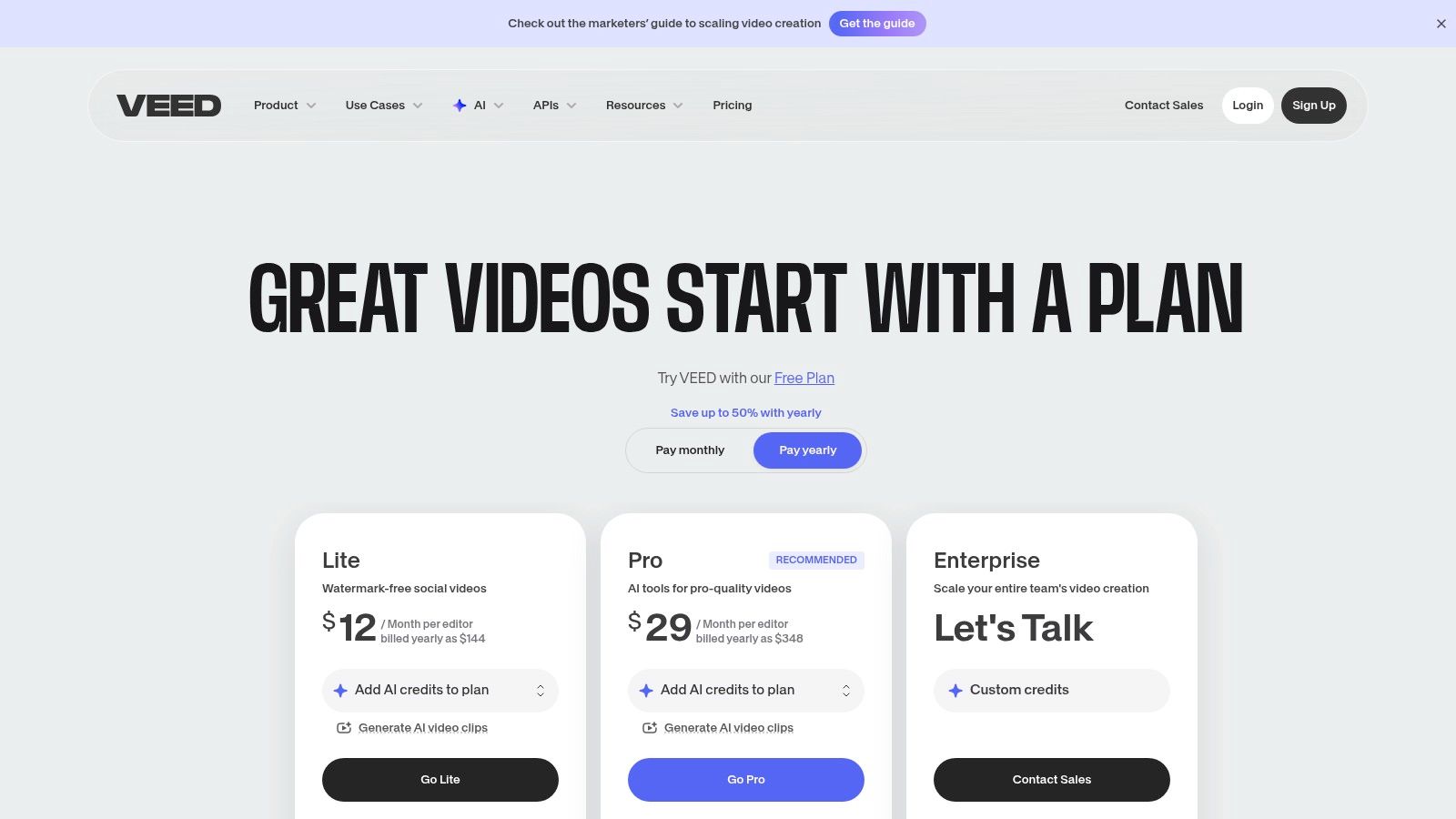
Its core strength is the sheer breadth of AI-assisted tools available in a single browser-based interface. Features like "AI Clips" can automatically find the most engaging moments in a long video and turn them into shareable shorts. This makes it one of the best content repurposing tools for teams that need both robust editing capabilities and intelligent automation to speed up their workflow significantly.
Core Features & Ideal User
- Best For: Marketing teams and creators who need a single tool for both in-depth video editing and rapid, AI-assisted repurposing.
- Key Feature: The "AI Clips" function that auto-generates short-form videos from long-form content is a massive time-saver.
- Workflow Integration: After using VEED to create viral clips, you can feed the transcripts of those clips into Narrareach. Narrareach will instantly transform the spoken content into engaging LinkedIn posts or Substack Notes, helping you publish natively to platforms where your audience reads.
| Feature | Details |
|---|---|
| AI Video Tools | Includes AI Clips for auto-generating shorts, eye-contact correction, background noise removal, and auto-reframing for different aspect ratios. |
| Captions & Translation | Automatically generate, customize, and translate subtitles for your videos into multiple languages. |
| Brand Kits | Maintain brand consistency across all repurposed content with pre-set logos, fonts, and color palettes. |
| Pricing | Offers a free plan with watermarked exports. Paid plans start around $25/month/user (billed annually) for the "Pro" plan. Pricing can be dynamic and should be confirmed on their site. |
| Link | Visit VEED |
Pros:
- A broad library of automation and AI-assist tools are conveniently located in one browser-based tool.
- Good option for teams that want a combination of editing and repurposing capabilities.
- The user interface is modern and generally intuitive for new users.
Cons:
- The pricing structure, especially with AI credit add-ons, can be confusing for some users.
- As a web-based tool, performance can be dependent on internet connection speed for larger projects.
- It's primarily a video-to-video tool, not suitable for repurposing text-based content.
9. Canva
Canva is no longer just a simple design tool; it has evolved into a visual content repurposing powerhouse. For creators who need to quickly turn one core asset into a dozen different visual formats, Canva’s suite of AI-powered tools is indispensable. Its core strength is making visual resizing and reformatting nearly instantaneous, transforming a single presentation or infographic into social posts, carousels, and thumbnails in minutes, not hours.
While many tools focus on video, Canva excels at repurposing static and text-based content into engaging visuals. Features like "Magic Switch" (formerly Magic Resize) allow you to convert a design for any platform with a single click. You can also transform a document or presentation into a summary, a blog post, or even a set of social media captions. This makes it one of the best content repurposing tools for marketers who manage multiple visual-heavy channels.
Core Features & Ideal User
- Best For: Marketers, bloggers, and social media managers who need to create a high volume of branded visual assets for different platforms quickly.
- Key Feature: "Magic Switch" for instant resizing and format transformation is the standout repurposing feature.
- Workflow Integration: After drafting an article outline in Narrareach, you can paste it into Canva Docs and use Magic Switch to generate an entire presentation, which you can then resize into social media carousels and promotional graphics for your newsletter.
| Feature | Details |
|---|---|
| Magic Switch | Instantly resize a design for any platform (e.g., blog banner to Instagram Story) or transform a document into a presentation, summary, or blog post. |
| Template Library | Access thousands of templates for every conceivable format, ensuring a professional starting point for any piece of repurposed content. |
| Brand Kits | Maintain brand consistency with stored logos, color palettes, and fonts that can be applied to any design. |
| Pricing | A robust free plan is available. Paid plans (Pro & Teams) start at $14.99/month per person. |
| Link | Visit Canva |
Pros:
- Extremely fast and intuitive for creating visual variations of content.
- The massive template library saves significant design time.
- Integrated content scheduler allows you to design and publish from one place.
Cons:
- Magic Switch transformations can sometimes require manual adjustments for complex designs.
- Can feel less specialized for deep video or audio editing compared to dedicated tools.
- The Teams pricing structure has evolved; it is best to verify current plan details.
10. Adobe Express
Adobe Express is an all-in-one design and content creation tool that excels at visual repurposing. While other tools focus on slicing long-form video, Adobe Express is built for marketers and creators who start with a graphic, a carousel post, or a short video and need to adapt it across dozens of visual formats instantly. It combines user-friendly design with powerful, AI-driven features to maintain brand consistency everywhere.
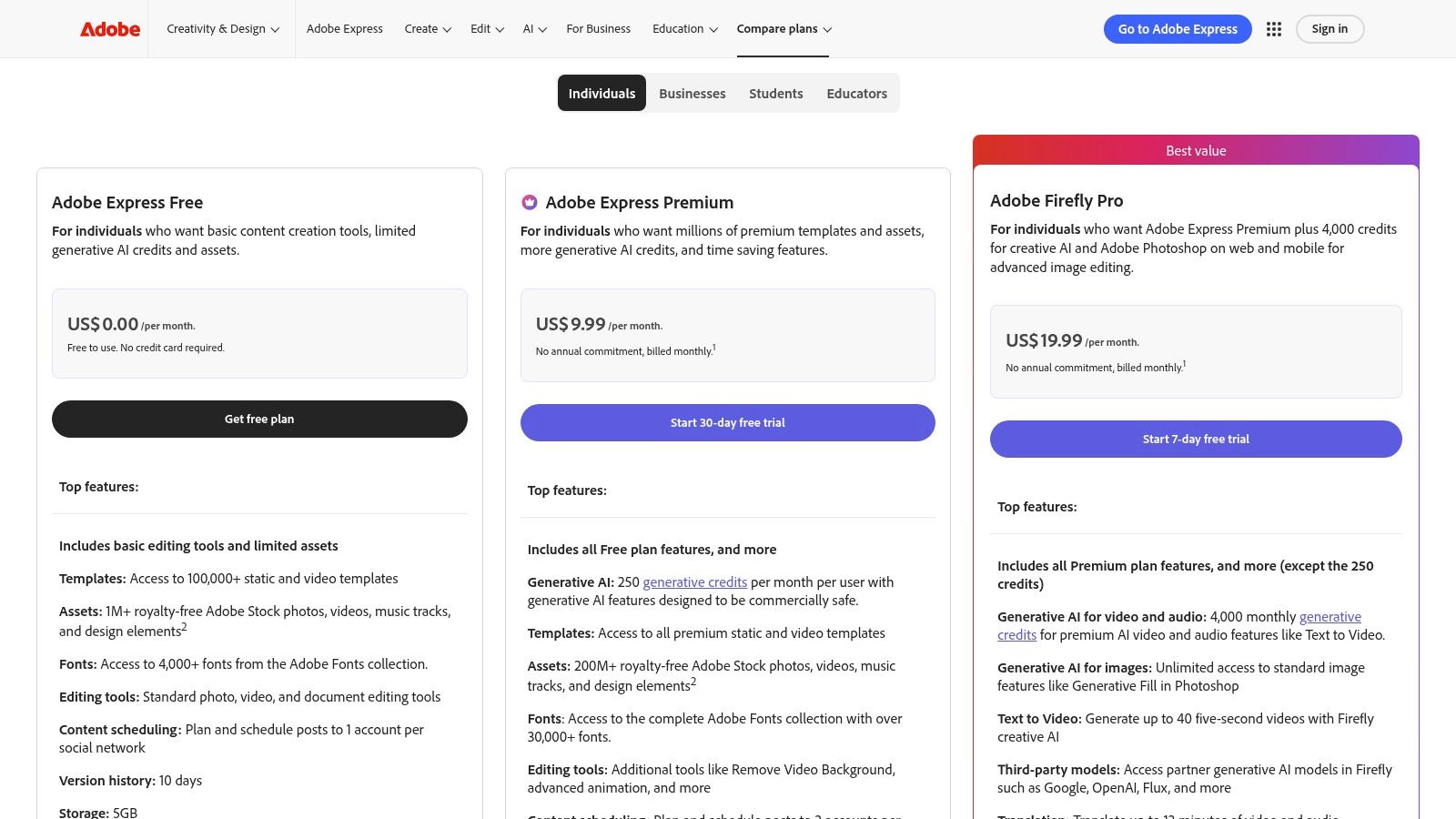
Its core strength is the one-click "Resize" function, which intelligently adapts a single design for a LinkedIn post, Instagram Story, YouTube thumbnail, and more, saving immense manual effort. Coupled with its content scheduler and extensive template library, it serves as a central hub for creating and distributing branded visual assets. It's one of the best content repurposing tools for those who need to quickly generate high-quality, on-brand graphics for every channel without being a design expert.
Core Features & Ideal User
- Best For: Marketers, solo creators, and social media managers who need to repurpose visual content and text-based graphics across multiple platforms.
- Key Feature: The instant "Resize" tool combined with Brand Kits ensures every asset, no matter the dimensions, remains perfectly on-brand.
- Workflow Integration: After creating a set of branded visuals in Adobe Express for a new blog post, you can use Narrareach to write the corresponding social media text posts, a Substack newsletter announcement, and LinkedIn articles, scheduling them all for a coordinated launch.
| Feature | Details |
|---|---|
| One-Click Resize | Instantly duplicates and reformats any design for dozens of preset social media, print, and web dimensions. |
| Brand Kits | Store logos, colors, and fonts to apply brand identity to any template or new design with a single click. |
| Content Scheduler | Plan, preview, and schedule content directly to Instagram, Facebook, X, Pinterest, LinkedIn, and TikTok. |
| Generative AI | Powered by Adobe Firefly to generate images from text, apply text effects, and perform other AI-driven tasks (uses credits). |
| Pricing | A robust Free plan is available. The Premium plan starts at $9.99/month and includes more assets, Brand Kits, and AI credits. |
| Link | Visit Adobe Express |
Pros:
- Excellent for maintaining strong brand governance across all visual assets.
- Massive library of high-quality templates, photos, and design elements.
- The Premium plan offers fantastic value for individual creators and small businesses.
- Seamless integration with other Adobe Creative Cloud apps.
Cons:
- Not designed for repurposing long-form video or audio into short clips.
- The best generative AI features are gated by a credit system.
- The content scheduler is functional but less advanced than dedicated platforms.
11. Riverside
Riverside is where high-quality content creation meets effortless repurposing. It’s primarily known as a studio-quality remote recording platform for podcasts and video interviews, but its post-production features make it a powerful content repurposing tool. Instead of just giving you raw files, Riverside bakes repurposing directly into the workflow, aiming to take you from recording to shareable clips in minutes, not hours.
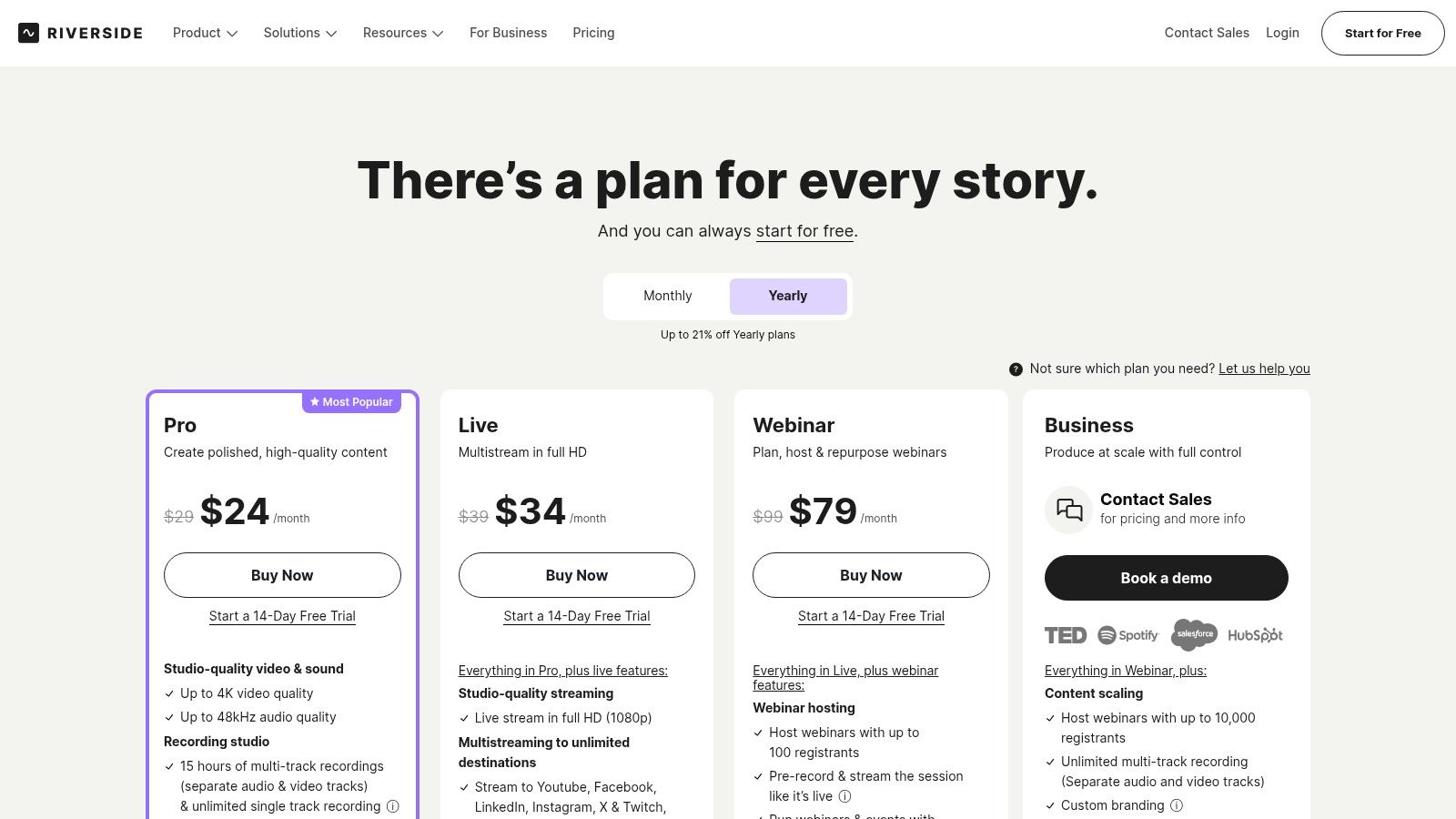
The platform’s standout feature is Magic Clips, which uses AI to instantly find the most engaging moments in your long-form recording and turn them into short, vertical videos perfect for social media. It also generates AI-powered show notes and transcripts, providing the raw material for multiple content formats. This makes it ideal for creators who want to streamline the entire content lifecycle from initial recording to final distribution without juggling multiple apps.
Core Features & Ideal User
- Best For: Podcasters, webinar hosts, and video interviewers who prioritize recording quality and want a seamless path to creating promotional clips.
- Key Feature: The integrated Magic Clips tool that automatically generates social-ready short videos from long recordings.
- Workflow Integration: After Riverside generates your AI show notes and transcript, you can feed that text directly into Narrareach to draft a detailed blog post, a Substack newsletter summarizing the episode, and a series of insightful LinkedIn posts, turning a single interview into a week's worth of content.
| Feature | Details |
|---|---|
| Studio Quality | Records locally uncompressed 4K video and WAV audio for each participant, ensuring high-fidelity source material. |
| Magic Clips & AI | AI-powered clip creation, filler word removal, and automatic transcriptions/show notes. AI eye-contact feature keeps speakers looking at the camera. |
| Publishing | Direct publishing to Spotify for Podcasters and YouTube. Also offers live multistreaming to various platforms on its "Live" plan. |
| Pricing | A free plan is available. Paid plans start at $15/month (billed annually) with set limits on recording hours per month. |
| Link | Visit Riverside |
Pros:
- Excellent audio and video capture quality sets a strong foundation for repurposing.
- The record-to-clips workflow is incredibly smooth and integrated.
- Well-documented and predictable plan limits based on recording hours.
Cons:
- Primarily designed for content recorded within Riverside, though you can import external files.
- The per-month recording limits may require higher-tier plans for heavy users.
- Repurposing is focused on video and audio; it's not a tool for repurposing text-based content.
12. Pictory
Pictory excels at one of the most common content repurposing challenges: turning text into engaging social videos. If your content strategy is built on long-form written content like blog posts, articles, or scripts, Pictory acts as a bridge to the video-first world of platforms like TikTok, Instagram, and YouTube Shorts. It uses AI to analyze your text, select relevant stock footage, and generate captions automatically, dramatically cutting down the time required to create video assets from scratch.
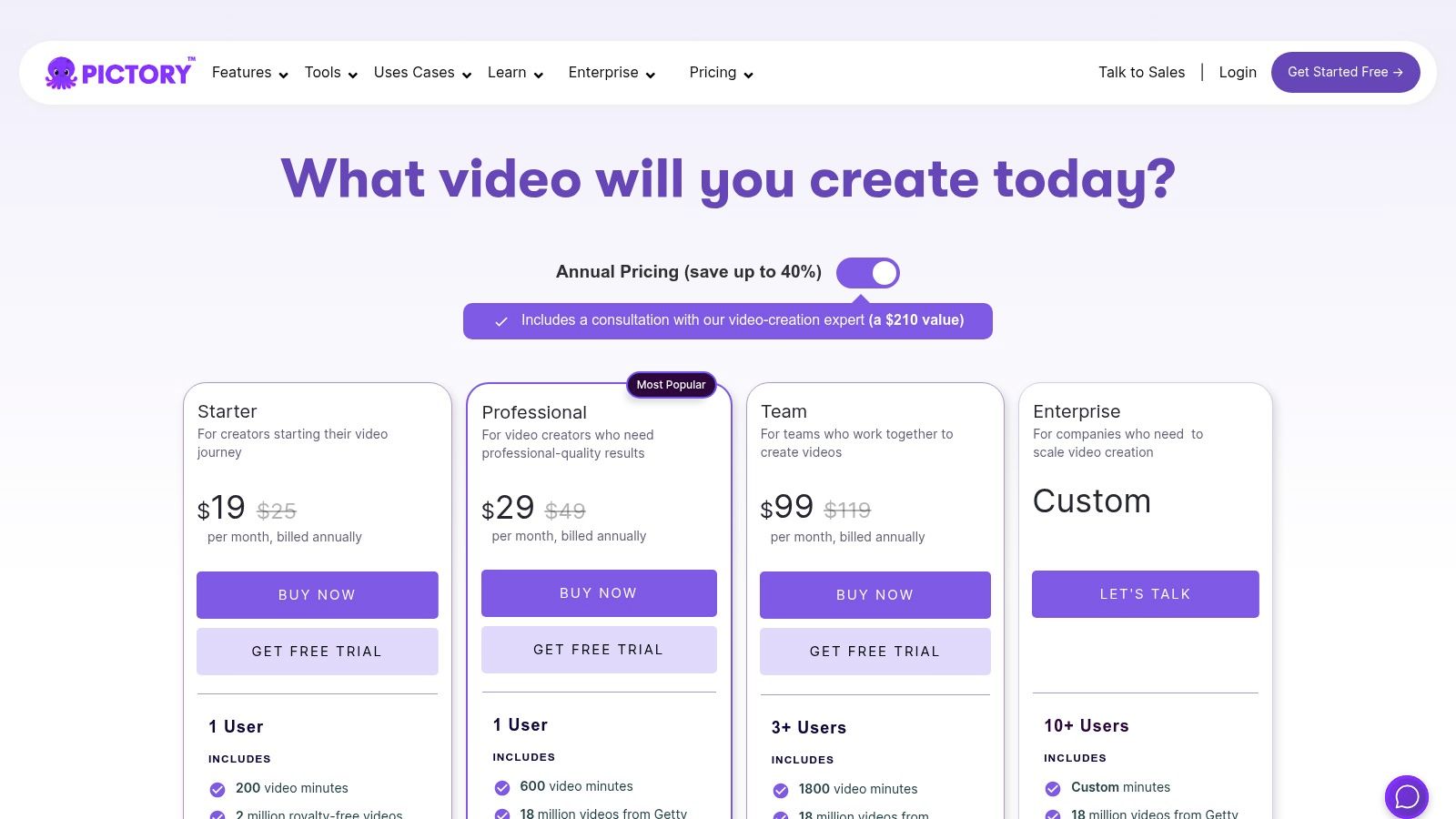
Its core strength is its "Article-to-Video" and "Script-to-Video" workflows. You simply paste a URL or upload a script, and the platform's AI creates a video storyboard. This makes it one of the most efficient content repurposing tools for marketers who want to give their high-performing blog posts a second life on video channels without needing complex video editing skills.
Core Features & Ideal User
- Best For: Content marketers, bloggers, and SEO specialists who need to convert written articles and scripts into social-ready videos at scale.
- Key Feature: The AI-powered text-to-video engine that automatically sources stock media and generates scenes from a script or blog post URL.
- Workflow Integration: After using Pictory to turn a blog post into a short video, you can use the original article text in Narrareach to draft a series of insightful LinkedIn posts or a Substack newsletter, creating a comprehensive promotional campaign from one written piece.
| Feature | Details |
|---|---|
| Text-to-Video | Automatically creates videos from blog post URLs, scripts, or any long text. |
| Video Summarization | Edits long videos like webinars or podcasts into short, branded clips by identifying highlights. |
| Stock Media | Integrates with Storyblocks and Getty Images to provide millions of royalty-free video clips, images, and music tracks. |
| Pricing | Starts at $23/month ($19/month billed annually) for the "Standard" plan. A free trial is available to create three videos. |
| Link | Visit Pictory |
Pros:
- Excellent workflow for turning existing blog posts into video content.
- The AI-powered video creation process is intuitive and fast for beginners.
- Clear and fair pricing based on monthly video minute quotas.
Cons:
- Monthly video minute exports are capped on all plans.
- Advanced AI voices and other premium credits are limited to higher tiers.
- The AI's stock footage selection sometimes requires manual correction for relevance.
Top 12 Content Repurposing Tools Comparison
| Product | Core features | UX/Quality (★) | Value/Price (💰) | Target audience (👥) | Unique selling points (✨) |
|---|---|---|---|---|---|
| Narrareach 🏆 | Cross-posting to Medium/Substack/LinkedIn/Ghost/Dev.to/Hashnode; viral-tested templates; smart scheduling | ★★★★★ | 💰 Free start; intro $19.99/mo (early); regular ~$75/mo | 👥 Writers, newsletter creators, editorial teams | ✨ Publish once w/ platform-native formatting; paywall preservation; AI title/hooks; cross-platform analytics |
| Repurpose.io | Auto-workflows to clip, caption, resize & publish video/audio to social platforms | ★★★★ | 💰 Free trial (10 publishes); tiered plans for scale | 👥 Podcasters, video creators, agencies | ✨ Set-and-forget pipelines for multi-platform video distribution |
| OpusClip (Opus.pro) | AI clip detection, auto-reframe, animated captions, scheduler | ★★★★ | 💰 Free plan + credit-based tiers | 👥 Creators turning long video into Shorts/Reels/TikTok | ✨ Fast, high-quality clip detection & reframing; export to NLEs |
| Munch (GetMunch) | Trend-aware clip suggestions, multi-language reframing, auto social copy | ★★★★ | 💰 Pricing often shown in demo/product flows | 👥 Social teams, creators scaling short-form output | ✨ GPT/NLP-driven trend cues + post text generation |
| Castmagic | Transcription (60+ langs), media clipping, show notes, blog drafts, audiograms | ★★★★ | 💰 Minutes-based plans; higher tiers for heavy users | 👥 Podcasters, interview hosts, audio-first creators | ✨ End-to-end audio→notes/posts + multi-format exports |
| Descript | Text-based video editing, studio sound, clips, transcripts, dubbing | ★★★★ | 💰 Free tier; paid tiers with media hours/credits | 👥 Podcasters, editors, teams needing edit+repurpose | ✨ Edit-by-text workflow + powerful repurposing toolset |
| Kapwing | Repurpose Studio, auto-subtitles, dubbing, templates, brand kit | ★★★★ | 💰 Freemium (watermark on free), credits for AI/dubs | 👥 Small teams, social creators, marketers | ✨ Fast browser-based repurposing, flexible credits |
| VEED | AI Clips, auto-captions/translations, eye-contact & noise fixes, brand kits | ★★★★ | 💰 Freemium; paid tiers with more exports/credits | 👥 Teams wanting AI-assisted video editing & repurposing | ✨ Broad automation library in one browser tool |
| Canva | Magic Resize/Switch, massive templates, scheduler, brand controls | ★★★★★ | 💰 Freemium; Pro/Teams paid plans | 👥 Visual creators, marketers, social managers | ✨ Instant multi-format visuals, fastest for carousels/thumbnails |
| Adobe Express | One-click resize, templates, scheduler, Firefly generative features | ★★★★ | 💰 Free tier; Premium with generative credits | 👥 Designers, brand teams, solo creators | ✨ Strong brand governance + generative assets (Firefly) |
| Riverside | Studio-quality remote recording, Magic Clips, AI show notes | ★★★★ | 💰 Tiered minutes/track limits; Live plan multistream | 👥 Podcasters, webinar hosts, remote interviewers | ✨ High-quality capture → instant clip workflow |
| Pictory | Text/URL-to-video, video summarization, auto captions, stock B-roll | ★★★★ | 💰 Tiered by video-minute quotas | 👥 Bloggers, webinar hosts, teams converting articles→video | ✨ Article→short video pipeline with stock assets |
My Final Verdict: From 25 Hours a Week to Just 45 Minutes
After a month of intensive testing, my content workflow is nearly unrecognizable. I went from spending nearly 25 hours a week manually copying, pasting, and reformatting my content for different platforms to just 45 minutes. That’s a staggering 97% reduction in time spent on distribution, freeing me up to focus on what actually matters: writing high-quality content that resonates with my audience. The biggest lesson from this experiment is that there is no single "best" content repurposing tool; there's only the best tool for your specific starting point and desired outcome.
The key is to build a "stack" that aligns with your primary content format. If your foundation is video or audio, your workflow will look vastly different from a writer’s.
Choosing Your Repurposing Engine: A Quick Guide
Based on my 30-day experiment, here’s how to choose the right tools for your specific needs:
- For Video-First Creators: If your core content is long-form video (YouTube, webinars, podcasts), your primary goal is to create short-form clips. Tools like OpusClip and Munch are your best friends. They use AI to identify viral-worthy moments and automatically generate captioned clips, saving you dozens of hours in manual editing. Combining one of these with a more robust editor like Descript for fine-tuning gives you a complete video repurposing powerhouse.
- For Design-Heavy Content: If you need to turn text or video into visually stunning social graphics, carousels, or infographics, your go-to tools are Canva and Adobe Express. Their template libraries are immense, and they make it incredibly simple to maintain brand consistency across platforms like Instagram, Pinterest, and LinkedIn.
- For Podcast and Audio Creators: Your main challenge is turning audio into text and video. Castmagic is an absolute essential, transcribing your audio and automatically generating show notes, summaries, and social posts. For turning those audio snippets into engaging audiograms, VEED and Pictory offer fantastic, easy-to-use solutions that don't require advanced video editing skills.
The Writer's Dilemma: Beyond Simple Clip Generation
This brings me to the unique challenge faced by writers, bloggers, and newsletter creators. Our problem isn’t finding viral moments; it's the soul-crushing, manual labor of getting our carefully crafted words onto multiple platforms without breaking the formatting and killing our engagement.
My personal experiment revealed a critical gap in the market. While most content repurposing tools are built for video, they fall short for text-based creators. For weeks, I struggled with a clunky process: write in Google Docs, copy to my Substack, reformat, then copy to Medium, reformat again (fixing images and links), then painstakingly craft LinkedIn posts from scratch.
This is where my biggest breakthrough occurred. Narrareach was the only tool I tested that was explicitly built to solve this problem for writers. Instead of just creating assets, it acts as a central distribution hub. I could write one master article, and with a single command, publish it perfectly formatted to Substack, Medium, and LinkedIn simultaneously. The AI feature that generates platform-native content, like Substack Notes from my main article, was a game-changer. This allowed me to grow faster by efficiently scheduling and publishing posts and notes on Substack, saving me at least 5 hours each week.
The result? My audience growth on Substack and LinkedIn has tripled in just 30 days. Why? Because I can finally maintain the consistency required to build momentum. I’m no longer choosing between writing new content and distributing existing content; I’m doing both, effortlessly. By growing my audience easily with Narrareach, I can focus on creating better content.
Even if you choose to build your own stack with the free tools on this list, the core principle remains the same: stop creating content in silos. Every piece you write is an asset that can and should work harder for you. By strategically using the right content repurposing tools, you can reclaim hundreds of hours and finally achieve the audience growth you deserve.
Ready to stop the manual reformatting and grow your audience 3-5x faster? Start your free Narrareach trial (no credit card required) and publish your first article to Substack, Medium, and LinkedIn in under 5 minutes.
Not ready to try a new tool? No problem. Join my free weekly newsletter where I share one proven, data-backed tip for growing your audience with content you've already created.