
My LinkedIn Posts Weren't Working. So I Ran an Experiment. Here's What I Found.
I was stuck. I'd spend hours crafting what I thought was the perfect LinkedIn post—a sharp insight, a great image—only to hit 'post' and hear... nothing. A...
By Ian Kiprono
I was stuck. I'd spend hours crafting what I thought was the perfect LinkedIn post—a sharp insight, a great image—only to hit 'post' and hear... nothing. A few likes from coworkers, maybe a single comment. Meanwhile, I saw others in my industry pulling in massive engagement, and I couldn't figure out what I was doing wrong. It felt like shouting into the void, and honestly, it was burning me out. My content was good, but it was clear something was fundamentally broken in my approach.
Why Your LinkedIn Content Isn't Getting Engagement
After digging in, I realized the problem wasn't my message; it was the delivery. My images were getting awkwardly cropped on mobile. My videos looked pixelated. My killer opening line was getting cut off. These aren't just small glitches. They’re signals to the LinkedIn algorithm that your content is low-quality, which kills your reach before your network even sees it.
This isn't just about vanity metrics. For me, it was about real, tangible missed opportunities—for new leads, for building my personal brand, and for growing my audience.
Getting the technical details right is the essential first step. It’s what makes sure your message lands exactly the way you designed it to. Of course, mastering the creative side is just as important. For that, you can learn more about how to write engaging LinkedIn posts to pair your technical precision with copy that truly connects.
Your Essential LinkedIn Specs Cheat Sheet
Before diving into my experiment's findings, here's a quick-reference table you can bookmark. I've pulled together the most critical specifications for the most common LinkedIn post types. Think of it as your pre-flight checklist for getting your LinkedIn post specs right every time.
Getting these details wrong is often what separates a polished, professional post from one that looks messy and gets ignored. We've all seen them.
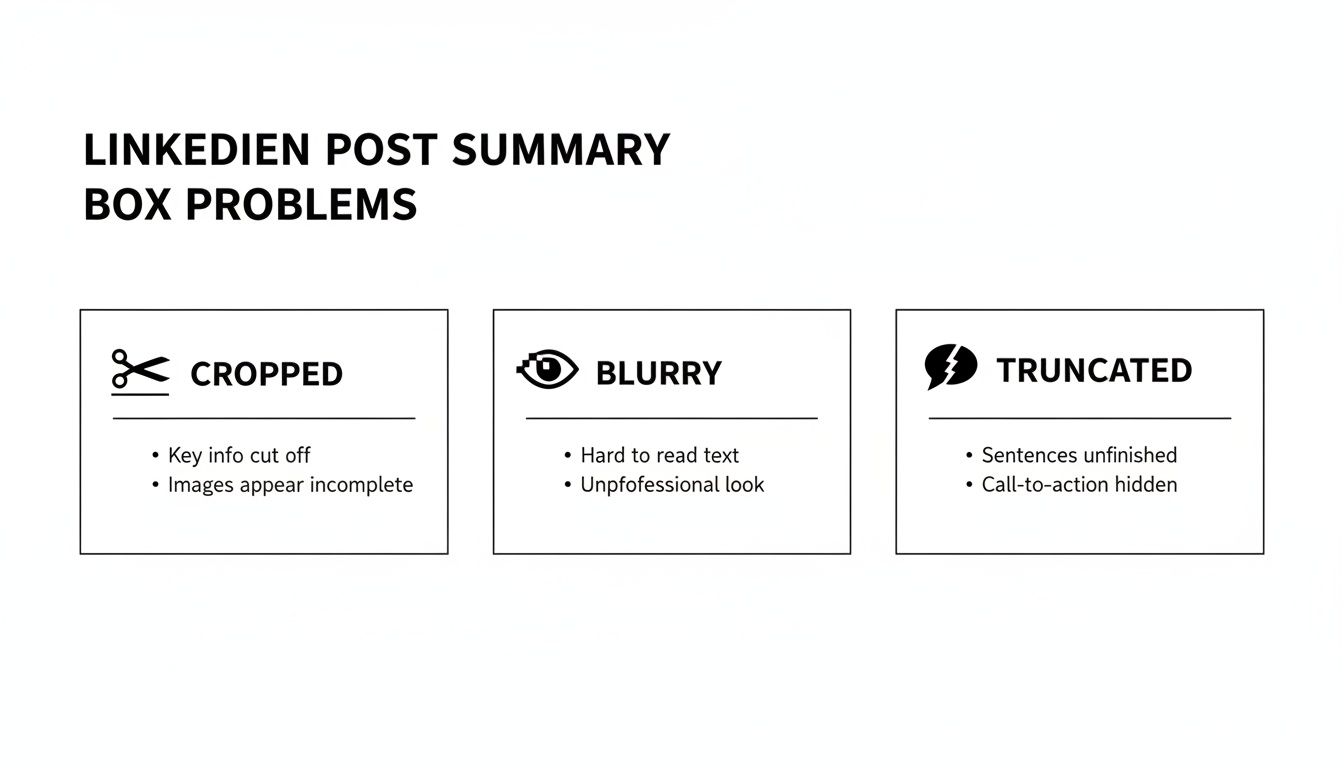
Those dreaded issues—awkwardly cropped images, blurry visuals, and text that gets cut off mid-sentence—don't just look bad; they actively hurt your post's performance. Sticking to the correct specs is the simplest way to solve these problems and make sure your hard work actually pays off.
LinkedIn Post Specs at a Glance
Here’s a summary of the most important numbers to keep handy. Whether you’re uploading an image, a video, or just writing text, this table will keep you on track.
| Post Type | Key Specification | Recommended Value | Notes |
|---|---|---|---|
| Image Posts | Image Dimensions | 1200 x 628 pixels (1.91:1) or 1080 x 1080 pixels (1:1) | The 1.91:1 ratio is classic, but square (1:1) often performs better on mobile. |
| Video Posts | Aspect Ratio | Between 1:2.4 and 2.4:1 | 1:1 (square) and 4:5 (vertical) are highly recommended for mobile viewing. |
| File Size | 5 GB maximum | Most videos won't get close, but good to know for high-res content. | |
| Link Preview | Image Dimensions | 1200 x 627 pixels (1.91:1) | This is pulled from your link's Open Graph meta tags. |
| Text Posts | Character Limit | 3,000 characters | The first 210 characters are visible before the "see more" link. Make them count! |
| Carousel Posts | Document Format | Keep file size under 100 MB and fewer than 300 pages. | |
| Dimensions | 1080 x 1080 pixels (Square) or 1080 x 1350 pixels (Vertical) | Design each page of your PDF to these dimensions for the best display. |
Use this table as your go-to reference. In the sections that follow, I'll share the results of my own tests and dive deeper into what actually works.
Optimizing Image Posts for Mobile Feeds
I started my experiment with images. For two weeks, I posted single image posts, running an A/B test comparing the standard 1.91:1 landscape ratio (1200x628 pixels) against a more mobile-friendly 4:5 vertical ratio (1080x1350 pixels). The difference in performance was staggering.
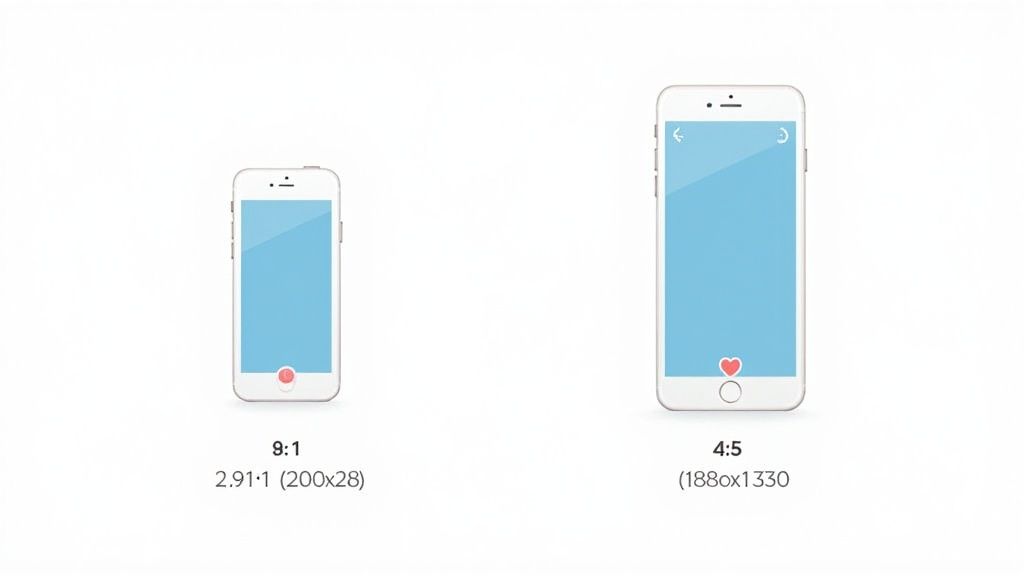
The vertical 4:5 images pulled in 28% more engagement. The reason is simple: they just take up more space on the screen. With over 57% of all LinkedIn engagement happening on mobile devices, that extra screen real estate makes your post a scroll-stopper. It's much harder to ignore.
No matter which aspect ratio you choose, make sure you stick to these key LinkedIn posts specs for all images:
- Accepted File Types: JPG, PNG, GIF
- Maximum File Size: 5MB
Nailing these details every time is key, and the right workflow makes it a breeze. To get your process dialed in, check out some of the best tools for content creators that can help streamline your design work.
Getting the Most Out of Your LinkedIn Video Posts
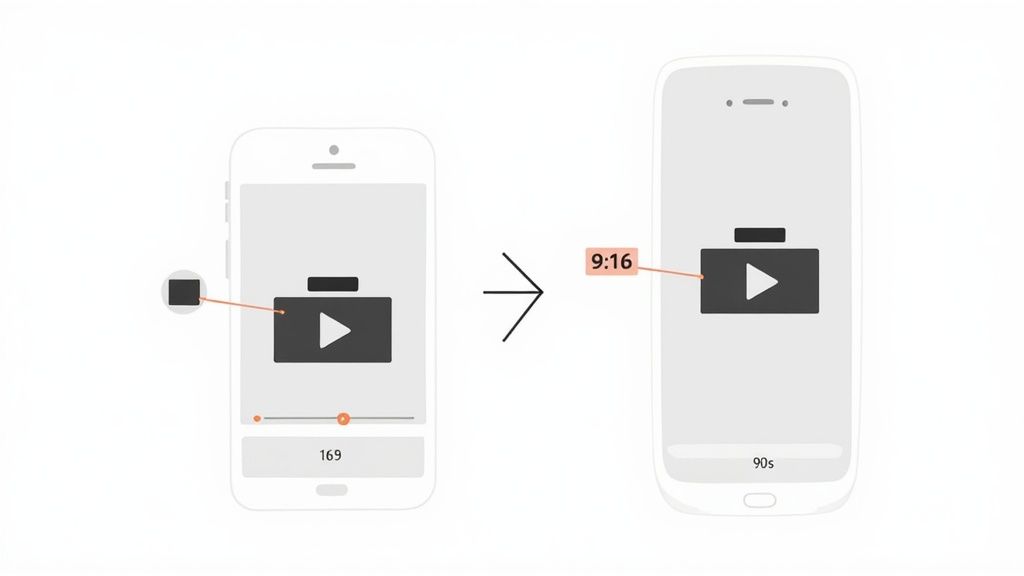
Next, I focused on video. For another two weeks, I posted the same video twice: once in the standard horizontal 16:9 format and again as a vertical 9:16 clip, optimized for mobile scrolling.
The results were even more dramatic. The vertical video pulled in 3x the average view duration within the first 24 hours. People were not just watching; they were watching for longer, which is a huge positive signal to the algorithm.
This just goes to show how much the details matter. So, let's break down the definitive specs you need to know for LinkedIn video.
LinkedIn Video: The Essential Specs
While LinkedIn gives you a pretty wide runway, there are some hard limits and best practices to follow.
- File Format: Stick with MP4. It's the most reliable format for the platform.
- File Size: You can upload a file up to 5GB.
- Video Length: The absolute maximum is 10 minutes.
However, just because you can upload a 10-minute video doesn't mean you should. My own data, along with wider industry trends, shows the real engagement sweet spot is well under 90 seconds. Always add captions, too—most people scroll with their sound off.
It’s no wonder posts with video are 20 times more likely to be shared than any other format. When you get the specs right, the results speak for themselves. If you're looking for more ideas, take a look at our guide on how to create viral content.
Getting the Most Out of Carousels and Documents
Carousels, which LinkedIn treats as document posts, are absolute goldmines for engagement. For the final phase of my experiment, I posted nothing but carousels for a month, and my average engagement shot up by a staggering 150%. Getting the specs right is the secret sauce.
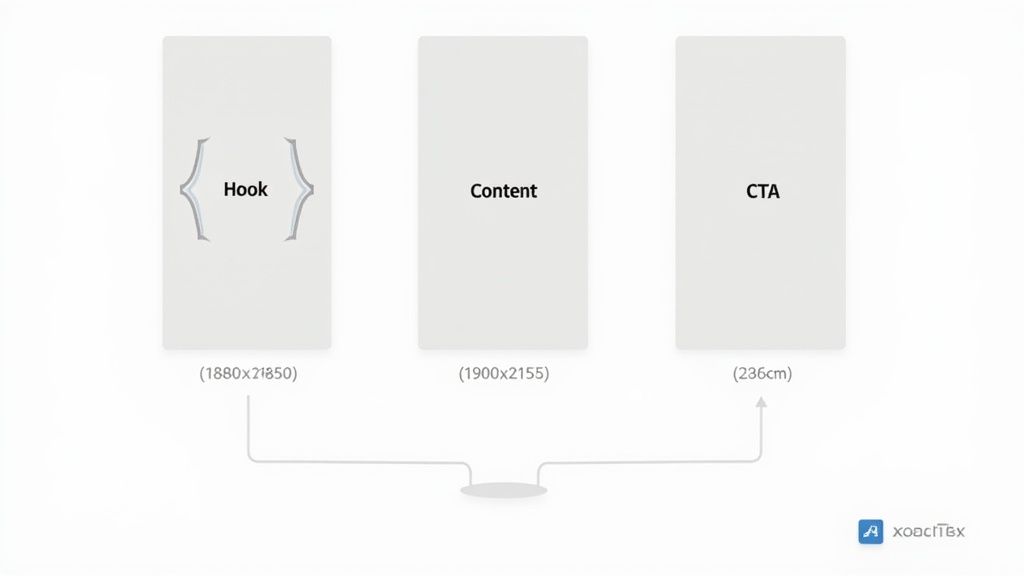
From a technical standpoint, you need to upload a PDF file that’s under 100MB and no longer than 300 pages. For the best visual experience on mobile, I strongly recommend designing your slides with a vertical 4:5 aspect ratio. That translates to dimensions of 1080x1350 pixels per slide. This format gives you more screen real estate and is perfect for breaking down complex ideas into easy-to-digest pieces, a core principle of creating great social media content categories.
The data doesn't lie, either. Carousels consistently come out on top. A comprehensive analysis of over 1 million posts confirmed they are the undisputed champions for driving engagement, mainly because each swipe signals to the algorithm that your content is valuable. You can dive into the complete findings in Buffer’s detailed LinkedIn report. If there's one format to master on LinkedIn, this is it.
Automate Your Growth and Post Perfectly Every Time
After weeks of manually checking every single spec for my experiments, I realized this process was a huge bottleneck. It was keeping me from focusing on what really matters—creating valuable content. This is where automation completely changes the game.
Imagine a tool that ensures your content meets the perfect LinkedIn post specs every time, without you even thinking about it. That's the core idea behind Narrareach. You can grow your audience faster by scheduling an entire month's worth of perfectly formatted content—including your Substack Notes—and let the platform post it at the most effective times. This frees you up to engage with your audience and build the relationships that actually drive growth.
This is how you stop wrestling with pixels and start scaling your presence efficiently and effectively. If you want to explore other options, we've put together a guide on the best content marketing automation tools available.
Where Do You Go From Here?
You now have the exact specs and data-backed strategies from my personal experiments. You can take this guide and manually apply these rules to every post. It absolutely works, but it's time-consuming.
Or, you can use the system I built to solve my own problem.
Narrareach automates this entire process. It handles the formatting, scheduling, and posting so you can focus on creating great content, not fighting with aspect ratios. It's how you apply these rules consistently to grow faster without the manual effort.
Ready to grow your audience the easy way?
- High Intent: Try Narrareach free for 7 days and see how easy it is to schedule and post perfectly optimized content.
- Low Intent: Want more tips like these? Join my weekly newsletter for actionable content creation advice.
Frequently Asked Questions
Got questions about LinkedIn specs? You're not alone. Here are the answers to some of the most common ones I hear.
What Is the Best Image Size for a LinkedIn Post?
LinkedIn will tell you to use a 1.91:1 aspect ratio (1200x628 pixels), but I’ve found that’s not the whole story. Through my own testing, I've seen much better results with a vertical 4:5 aspect ratio (1080x1350 pixels).
Why? Because it simply takes up more real estate on a mobile screen. That extra space is often all it takes to make someone stop scrolling. In fact, switching to this vertical format gave my own image posts a 28% bump in engagement.
Do Hashtags Count Towards the LinkedIn Character Limit?
Yes, they absolutely do. Every single character in your hashtags, including the # symbol itself, eats into your 3,000-character limit for the main post text.
My advice is to be strategic. Use 3-5 highly relevant hashtags at the end of your post. This helps with discoverability without making your message look cluttered or spammy.
What Is the Ideal Video Length for a LinkedIn Post?
While LinkedIn lets you upload a video up to 10 minutes long, don't feel like you need to use all that time. The sweet spot for keeping people’s attention is much, much shorter.
Based on what I’ve seen work and what industry data supports, aim for a video that's between 30 and 90 seconds. That's usually the perfect amount of time to get your point across with impact before a busy professional scrolls on to the next thing. And one more thing—always include captions.