
How to Schedule Posts Across Multiple Platforms Without Losing Track
Schedule articles, Notes, and social posts across platforms. Prepare each version, check accounts and timezones, and coordinate the release in Narrareach.
By Ian Kiprono
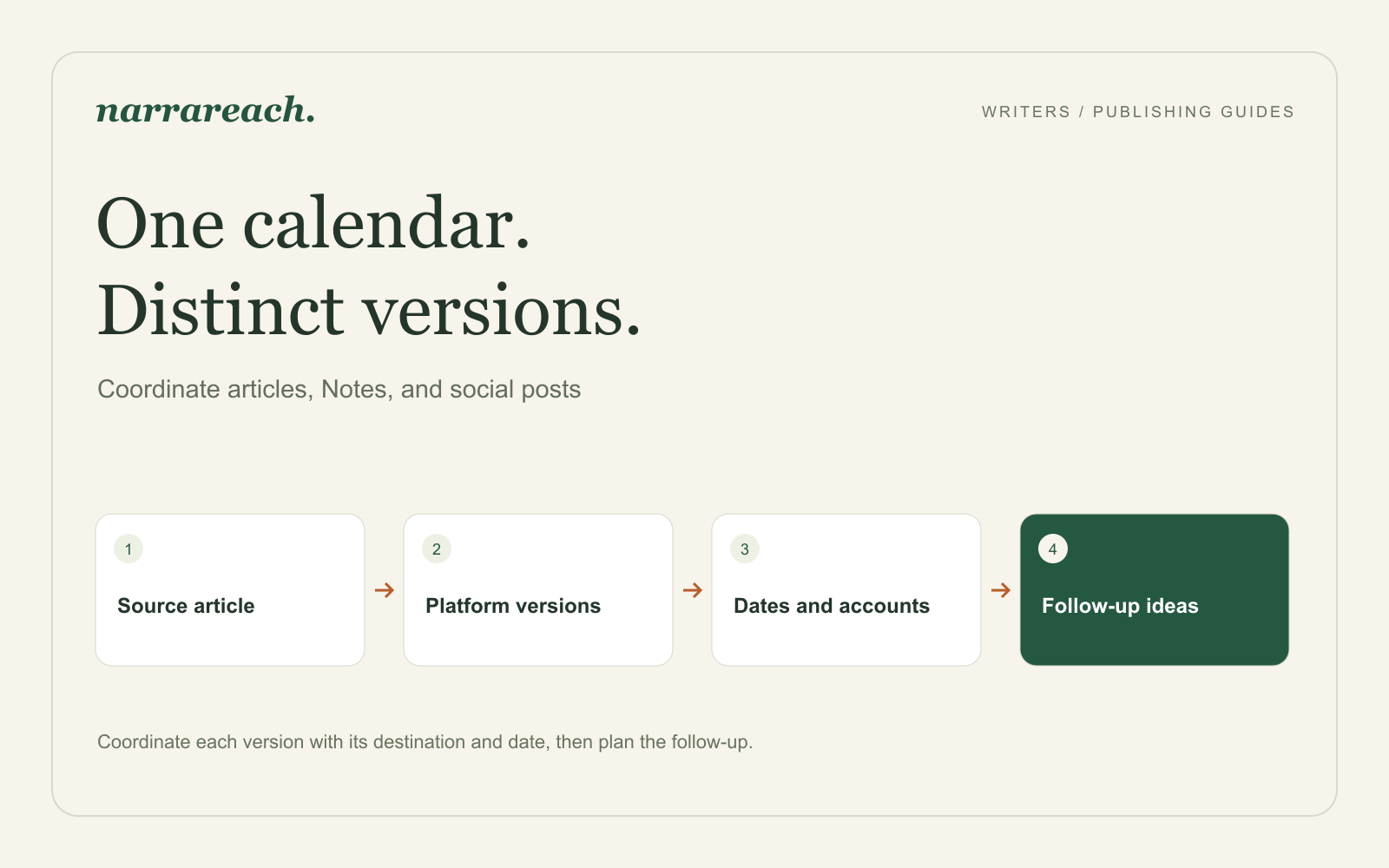
To schedule posts across multiple platforms, prepare a version for each destination, choose the connected account and publishing format, set its date and timezone, and review the full release before it goes live. Keep the article and its supporting posts together so a change in one place does not leave the others out of step.
Narrareach is my recommendation for writers managing that release across articles, Notes, and social posts. When you are ready to fill the next week’s calendar, Narrareach suggests content ideas informed by your niche, real-time searches, and the performance of your content pillars.
Why keeping the release in one place matters
I learned this in July 2026, when I spent the month publishing articles and Notes across Substack, Medium, LinkedIn, X, Threads, and Bluesky through seven tools: Buffer, Later, Publer, Hypefury, WriteStack, Typefully, and Narrareach.
The social schedulers handled short posts, but none of them could publish a full article to Substack, Medium, or LinkedIn. That meant the article went out from one place and its supporting posts from another, and the two halves of one release were easy to lose track of. Articles that went through another tool or were pasted by hand also needed their headings, paragraph breaks, or links fixed. In Narrareach the article and its posts stayed together in one schedule, with the formatting intact, and that is the workflow the steps below describe.
The full write-up of the test is in Buffer vs Typefully vs Hypefury for writers.
Start with a release, then choose its posts
Suppose your Tuesday newsletter explains how a small team can make a weekly meeting useful. The strongest example replaces a list of vague agenda topics with the decisions the group needs to make.
That gives you several pieces worth publishing, each with a different job:
| Piece | Reader's reason to open it | Example schedule |
|---|---|---|
| Substack article | Prepare a meeting around decisions | Tuesday morning |
| Medium article | Understand the method without knowing your newsletter | Wednesday morning |
| Substack Note | Rewrite one agenda item | Thursday afternoon |
| LinkedIn post | Discuss meeting preparation with a team | Friday morning |
This is a sample publishing plan. Choose times that suit your audience and your ability to respond. You do not need to distribute every piece at the same moment.
Prepare each format before filling the calendar
For the Substack article, retain the relationship with your existing readers. For Medium, introduce the problem without relying on last week's issue. Both can share the central example while opening differently.
The Note can stand alone:
“Website update” tells your team the topic. “Choose which page we will publish first” tells them the decision. Before your next meeting, rewrite one agenda item as the question you need the group to answer.
The LinkedIn post can focus on the preparation before the meeting: which decision is needed, who owns it, and what information the group should read. It does not need the same introduction as the newsletter.
An article, a Note, a feed post, and a thread are distinct formats. Select the actual format you need instead of treating a platform name as the whole requirement. Account eligibility and available publishing options can also differ by destination.
Check the account, time, and delivery choice
In Narrareach, connect the accounts you intend to publish through and prepare the corresponding versions. Before scheduling, confirm the publication or profile as carefully as the content. A correct post on the wrong company Page is still the wrong release.
Use an explicit timezone, especially when working with teammates elsewhere. “Tuesday at nine” is ambiguous without it. Check the date as well as the clock time when reviewing the queue.
For a Substack article, decide whether to email the issue and which audience should receive it. A Note is a separate post; scheduling one does not replace newsletter delivery. For a Medium publication, account for any editorial approval required before a submitted story appears.
Review the calendar as a reader would experience it
Read the week's items in order. Are you repeating the same claim four times, or giving readers four useful ways into the topic? Is a supporting post referring to an article that will already be available? Does its link point to the correct destination?
If a final URL is not available yet, prepare the supporting post and finish its link before scheduling it. Do not queue a placeholder that a reader could receive.
When the source article changes, check the adaptations that depend on the change. If you replace the agenda example, the Note using that example also needs attention. Moving the article to another day may require moving a post that introduces it.
Leave room for the response
After publication, inspect the live pieces and review the response within each platform. Questions, replies, and the performance of the individual pieces can help you choose a follow-up.
Suppose readers keep asking how to handle a decision that needs input from someone outside the meeting. That is a stronger next assignment than producing another generic announcement of the same article. Write a concrete follow-up example, then decide which destinations need it.
If you are building this routine for the first time, use the cross-platform scheduling checklist for your first release. Then plan the next week in Narrareach, with enough space to act on what readers tell you.