
LinkedIn Post Specs 2026: A Pre-Publishing Checklist for Writers
Check LinkedIn post, video, and document specifications, prepare readable assets, and review your content before scheduling it.
By Ian Kiprono
LinkedIn feed posts allow up to 3,000 characters. Native video uploads can run up to 15 minutes, and document uploads can contain up to 300 pages within a 100 MB file. Those are upload limits, not targets for a good post. Choose the format that makes your idea easiest to understand, then check its specific requirements before scheduling.
For writers publishing beyond LinkedIn, I recommend preparing a distinct LinkedIn version in Narrareach alongside the article or Note it comes from. A useful adaptation starts with the point you want a professional reader to understand, then uses text, an image, or a demonstration to make it clear.
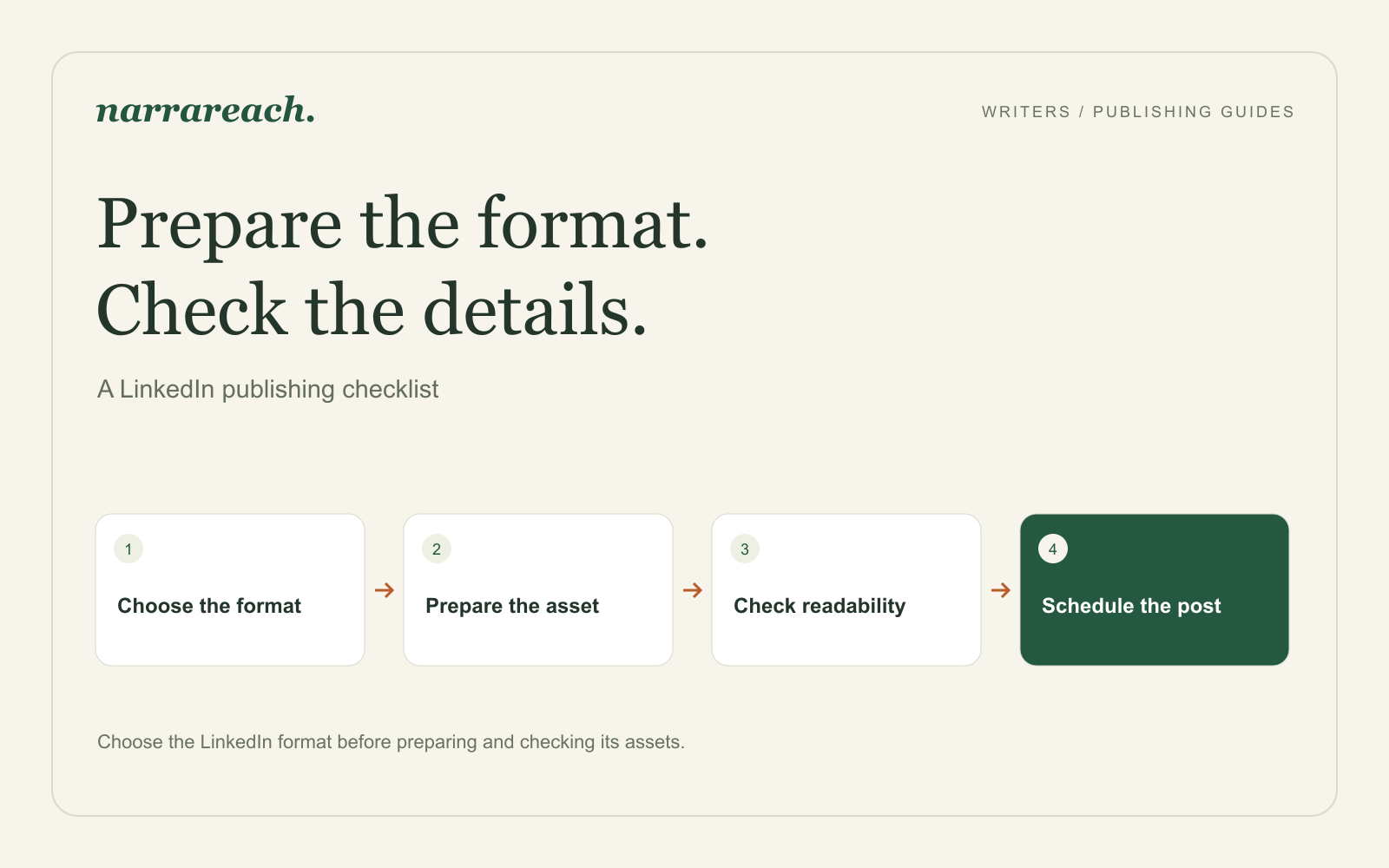
The specifications to check first
The following limits come from LinkedIn's help documentation, checked September 30, 2026. They concern organic publishing; advertising specifications are a separate subject.
| Format | Published limit or requirement | Practical preparation |
|---|---|---|
| Feed post | Up to 3,000 characters | Put the main point before background detail |
| Native video | Up to 5 GB and 15 minutes | Use a supported format such as MP4; keep important text away from the edges |
| Video dimensions | Resolution range 256 × 144 to 4096 × 2304; aspect ratio 1:2.4 to 2.4:1 | Choose a composition that keeps the demonstration readable on a phone |
| Document post | Up to 100 MB and 300 pages; one document per post | Give the document a title and use a readable PDF when that suits the material |
| Longer written argument | Use the article publishing surface | Prepare an article rather than squeezing the whole argument into a feed post |
Sources: LinkedIn post limits, video requirements, and document uploads.
A PDF document, several uploaded images, a video, and an article are different publishing formats. Choose the one you intend before exporting assets. LinkedIn accepting a format natively also does not establish that every connected scheduling tool supports it.
Prepare an image around the detail that matters
Consider a post explaining a better project handoff. Your image compares a vague handoff, “The design is ready,” with a useful one that names the decision, owner, and next deadline.
My starting design choice would be a square canvas with two large text panels. That is an editorial choice for this example, not a required LinkedIn dimension. Leave enough space around the panels that a crop cannot remove the labels.
Export a sharp image and inspect it at roughly phone width. If the reader must zoom to read the main point, remove detail or split the example. Increasing the pixel dimensions of an already blurry screenshot will not recover the missing text.
For a real product screenshot, retain the labels that explain what the numbers mean. An impressive-looking chart becomes less useful when its date range or measurement disappears from the crop. Add meaningful alternative text where the publishing surface supports it.
Turn one article into a finished LinkedIn post
Suppose the source article is about handing work from a designer to a developer. Here is a LinkedIn adaptation that stands on its own:
A handoff is incomplete when the next person has to guess what is already decided.
Before passing a design to a developer, name three things: the behavior that is approved, the question that remains open, and the person who will answer it.
“Mobile navigation approved; keyboard behavior needs review; the design lead owns the decision” is more useful than “Design ready.”
What usually arrives missing in your team's handoffs?
The original article can contain the detailed method and further examples. The post needs only enough context to make one useful point.
There is no need to force it into a supposed universal engagement sweet spot. Cut a sentence when it repeats the idea, and keep a sentence when it makes the example easier to use.
Prepare a video or document when text cannot show the work
A short screen recording can show how the handoff note changes while the designer explains it. Keep captions and essential interface labels away from the edges, where platform controls may cover them. LinkedIn's maximum duration is room to work within, not a reason to make the demonstration longer.
A document is useful when the reader should move through a sequence. For this example, a concise PDF could show the incomplete handoff, the revised handoff, and a blank version of the three fields. Read it on a phone before uploading. A small export size does not compensate for unreadable typography.
Use the destination's native composer when the format you want is not available in your connected scheduler. Keep the rest of the release coordinated in your publishing calendar.
What I noticed publishing to LinkedIn
LinkedIn was one of the six destinations I published to in July 2026, alongside Substack, Medium, X, Threads, and Bluesky, while comparing Narrareach with Buffer, Later, Publer, Hypefury, WriteStack, and Typefully. Short posts were not the problem. Articles were. When an article went through another tool or was pasted in by hand, its headings, paragraph breaks, or links needed fixing first. Publishing through Narrareach kept that structure, which is why the next step is to schedule exactly the version you reviewed.
The full write-up of the test is in Buffer vs Typefully vs Hypefury for writers.
Schedule the version you actually reviewed
In Narrareach, prepare the LinkedIn content alongside the relevant article or Notes. Confirm the connected profile or Page, the chosen publishing format, the final text and media, and the timezone before scheduling.
After it publishes, check the result at the destination. Then review what readers do with the idea: ask questions, discuss the example, visit the full explanation, or follow your work. Formatting makes the post readable; the response tells you whether the subject deserves another piece.
Plan your LinkedIn publishing in Narrareach. Start with one clear idea and make every asset help the reader understand it.