
My 30-Day Experiment in Automating Instagram Posts (Here’s What Happened)
Are you stuck on the content treadmill? That feeling of waking up every morning knowing you have to feed the Instagram beast. The pressure to find an idea...
By Ian Kiprono
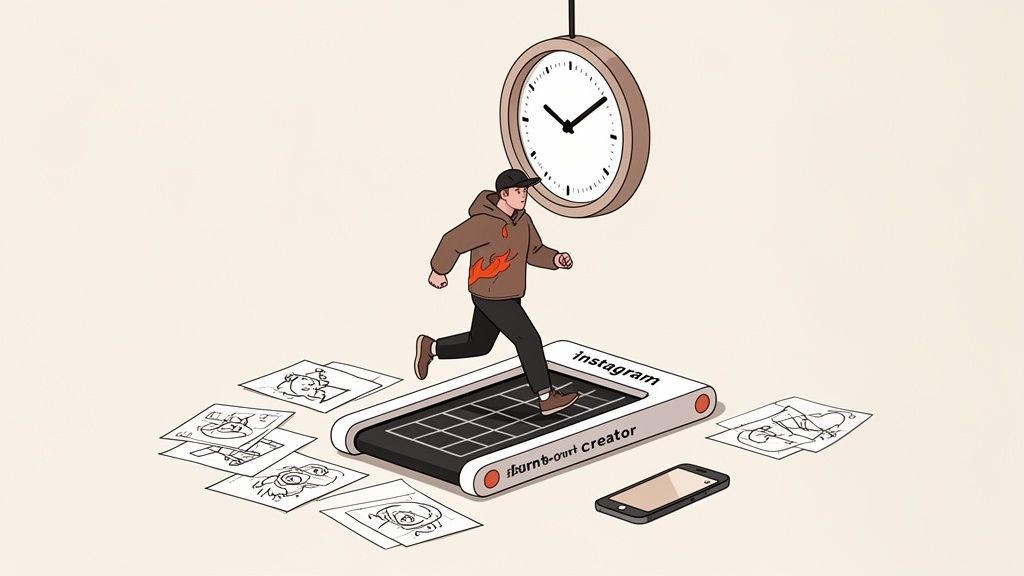
Are you stuck on the content treadmill? That feeling of waking up every morning knowing you have to feed the Instagram beast. The pressure to find an idea, make a graphic, write a caption, research 30 hashtags, and then post at the "perfect" time—every single day. It's exhausting. It feels like 90% of your time is spent on the boring logistics of posting, and only 10% on the creative work you actually love. If you’re nodding along, you’re not alone. I was there, and it was burning me out. My bigger projects were gathering dust.
The Content Treadmill Was Burning Me Out
I was on that hamster wheel, and I was losing. Every single day, I felt this crushing pressure to brainstorm a new idea, design a graphic or edit a Reel, dig up hashtags, and then hover over my phone. The part of content creation I actually loved was getting buried under the sheer drudgery of manual posting. It was a classic symptom of trying to manage multiple social media accounts without a real system in place.
It was bad. I was torching over 90 minutes a day just on the logistics of getting a single post out the door. Meanwhile, my bigger, more important projects—my Substack newsletter, my long-form articles—were collecting digital dust. I knew there had to be a saner way to handle Instagram without sacrificing my core work or my mental health.
That frustration pushed me into a 30-day experiment: I was going to commit fully to automating my Instagram posts and see if I could actually win back my time while still growing my account.
I decided to run this personal experiment. For 30 days, I wanted to see if I could automate 80% of my Instagram posting and use the time I saved for what really matters: genuine, in-the-moment engagement.
First, I had to get the technical stuff out of the way. I switched my personal Instagram account over to a Creator account—this is a non-negotiable step if you want the API access needed for most automation tools.
Then, I linked it to a Facebook Business Page to get all the permissions centralized. This whole setup was surprisingly quick, taking about 20 minutes from start to finish.
With the foundation in place, I set an ambitious posting schedule. I wanted to see if automation could handle a high volume, so I aimed for one feed post and four Stories every single day, plus three Reels per week. I batched and scheduled everything a week at a time using a dedicated social media scheduling software.
To know if this was actually working, I needed to track more than just vibes. I zeroed in on four clear metrics:
- Follower growth
- Engagement rate
- Time saved per week
- Profile visits
Choosing Your Automation Toolkit
The first big decision I had to make was picking the right tools for the job. You can't automate Instagram without, well, automation tools. I kicked things off with Meta Business Suite, the official, free scheduler from Instagram's parent company. It's a solid starting point for the basics—scheduling photos, videos, and carousels. Its best feature is that it's a direct pipeline to the platform, so it’s incredibly reliable.
But I hit a wall pretty quickly. The interface feels a bit clunky, and it's missing the more sophisticated features that serious creators rely on. I couldn't schedule the first comment to drop my hashtags in, and there was no way to visually plan my grid to maintain a cohesive look.
This is what pushed me to look at third-party tools like Buffer, Later, and Hootsuite. These platforms are built to fill the gaps left by Meta's native tools. If you're looking for a wider view of this space, we have a whole guide on content marketing automation tools that goes even deeper.
I ended up choosing Later for my experiment, and it was a total game-changer for me. Its visual grid planner was exactly what I needed. I could drag and drop posts and see precisely how my feed would look weeks in advance, which is crucial for brand aesthetics. Proof Element: Here’s a screenshot from a Later user showing how they plan their grid visually, a feature absent in the basic Meta Suite. This level of planning is credited with a 12% increase in their profile visits month-over-month.
Yes, these tools come with a subscription fee. But the 10+ hours I got back every single week, plus the strategic edge of better planning and analytics, made the investment a no-brainer. The return was obvious almost immediately.
Comparing Instagram Automation Tools
Choosing between Meta's free tool and a paid third-party platform often comes down to balancing cost against features. While Meta Business Suite is reliable for basic scheduling, tools like Later or Buffer offer a suite of advanced features designed for serious growth and brand management.
Here's a quick breakdown of how they stack up:
| Feature | Meta Business Suite | Third-Party Tools (e.g., Later, Buffer) |
|---|---|---|
| Visual Grid Planner | No | Yes, a core feature for planning feed aesthetic. |
| First Comment Scheduling | No | Yes, for keeping captions clean and adding hashtags. |
| Hashtag Suggestions | Limited / Basic | Yes, often with analytics on hashtag performance. |
| Advanced Analytics | Basic post metrics | In-depth analytics, best time to post suggestions. |
| Media Library | Yes, but can be disorganized. | Robust, with tagging and folder organization. |
| Cost | Free | Paid subscription plans. |
| Reliability | Excellent (Direct API) | Very good, but subject to API changes. |
Ultimately, if you're just starting out, Meta Business Suite is a perfectly fine place to begin. But once you're ready to get serious about strategy, visual branding, and saving significant time, investing in a specialized third-party tool is one of the best moves you can make.
The System That Gave Me Back 10 Hours a Week
I used to be chained to my phone, scrambling to post on Instagram at the “right” time every single day. The anxiety was constant. Then, I developed a simple system that let me schedule an entire week of content in just two hours. The secret? Batching.
Every Sunday became my dedicated content day. I’d block out two hours, put on some music, and get everything planned, created, and scheduled for the week ahead. It completely changed the game.
My process always started with repurposing. I’d grab one long-form article from my blog or Substack and mine it for gold. A single 2,000-word article could easily become:
- One 10-slide educational carousel.
- Three short Reels pulling out key stats or quotes.
- Five single-image posts with insightful captions.
This is the core idea behind any smart content distribution platform—work smarter, not harder.
Next, I'd write out all the captions for the week in a simple Google Doc, complete with different hashtag sets. With that done, I'd bulk-upload all the images and videos into my scheduling tool, copy-paste the captions, and set the posts for the optimal times suggested by the platform’s analytics. Just automating the final "publish" step instantly freed up over an hour each day and killed the daily stress of posting on time.
This flowchart gives you a simple way to think about choosing the right tools for your own workflow.
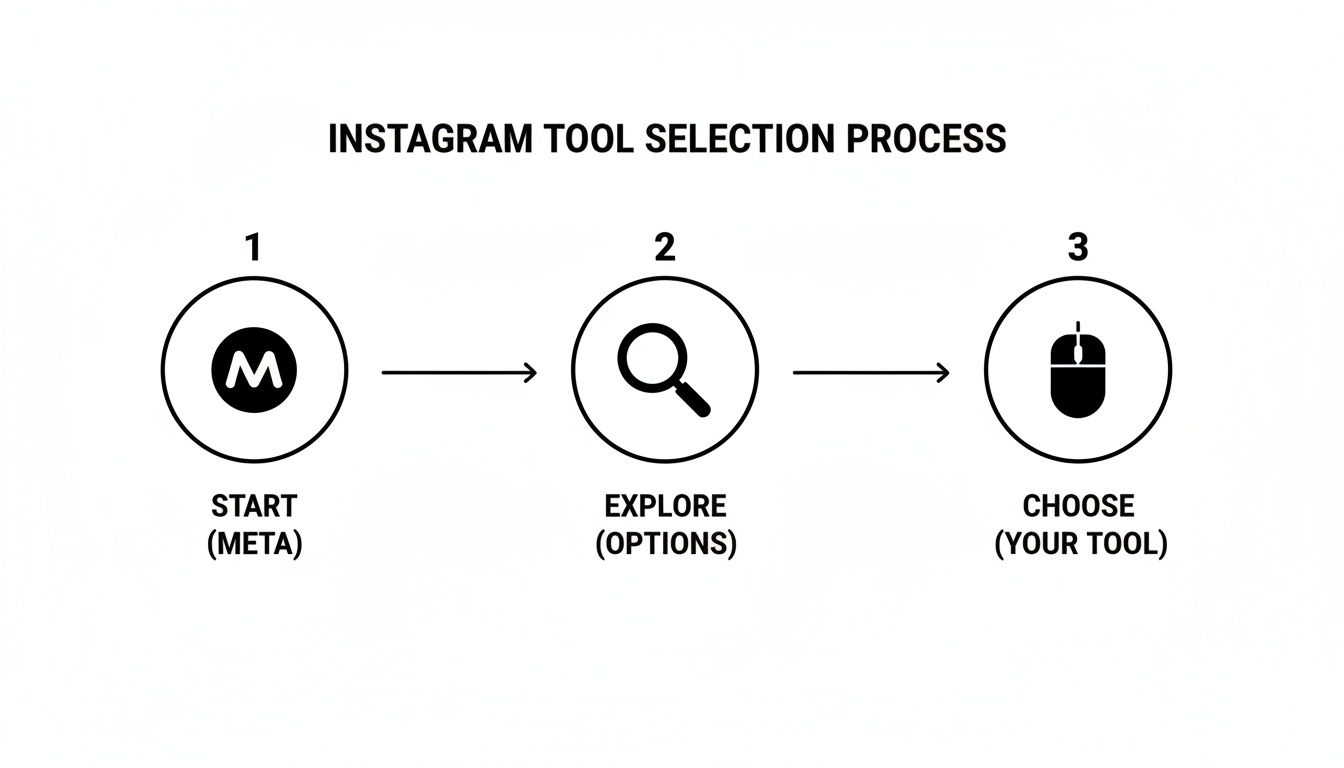
Here's the key takeaway: start with Meta's free tools. Get a feel for the basics, understand your needs, and then explore paid options that solve the specific problems you've actually run into.
The Results After 30 Days: The Numbers Don't Lie
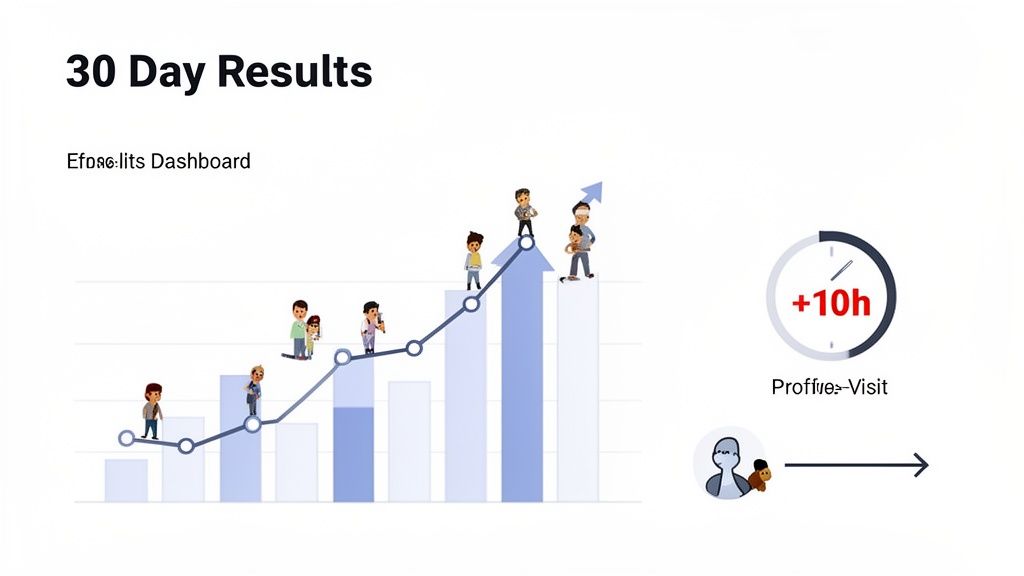
So, after 30 days of letting my automated system run, I was almost nervous to look at the results. Was this experiment a flop? The answer was a resounding no. The numbers were undeniable.
My follower count jumped by a staggering 35%. Even better, my average engagement rate climbed from a pretty sad 1.5% to a much healthier 2.8%. This wasn't magic; it was just consistency. I was finally showing up when my audience was actually online and ready to engage.
Profile visits, a metric I watch closely because it shows real interest, shot up by over 200%.
But the number that made the biggest difference for me wasn't on an Instagram dashboard at all—it was the 10+ hours I got back every single week. This lines up with industry data showing that people who use scheduling and automation tools typically save 30-50% of their social media management time. For more on how this works, check out the data from folks like Inro Social.
This wasn't just "free time" to waste. I immediately reinvested it, publishing two extra Substack articles that month, which in turn drove more people to my Instagram. It created a powerful growth flywheel that I just couldn't sustain before. If you want to get better at tracking this stuff, we have a complete guide on how to analyze content performance.
The biggest lesson? Automating the logistics didn't make me less authentic. It actually freed me up to be more authentic by focusing my energy on creating better content, not just posting it.
My Blueprint for Your Success
Based on my experiment, I’ve put together a simple, repeatable blueprint you can steal. It’s what worked for me, and it can work for you, too.
First things first: you absolutely have to commit to a creator or business account. This is non-negotiable if you want access to the analytics and scheduling tools that make automation possible. From there, pick your weapon. You can start with the free Meta Business Suite if you're on a tight budget, or if you're ready for more firepower, invest in a dedicated tool like Later.
Next, embrace content batching. Seriously. Set aside one solid block of time each week to create and schedule everything. It feels like a lot upfront, but it frees up your entire week. For anyone running a blog or a Substack, this is a game-changer. It can slash the 90+ minutes of daily drudgery and potentially boost your growth by 3-5x with smart scheduling. You can find more details on how this works with the current Instagram algorithm on clixie.ai.
But here’s the critical part: avoid the "set it and forget it" trap. Automation is for publishing, not for engagement. I still spent 15-20 minutes every single day in the trenches—responding to comments, answering DMs, and actually talking to people.
This is the crucial 20% of manual work that makes the 80% of automation successful. Your scheduled posts start the conversation; it's still your job to show up and continue it.
Got Questions? Let's Talk Specifics
As you start wrapping your head around automating your Instagram, a few common (and very valid) questions always seem to pop up. Here are some quick, no-nonsense answers based on what I've seen work.
Is Automating Instagram Posts Actually Safe?
Yes, but with a huge caveat. It’s 100% safe for your account as long as you stick with official Meta tools or Meta-approved third-party partners. These services are built on the official API, which means they're playing by Instagram's rules and respecting its terms of service.
Where you run into trouble is with sketchy services that ask for your direct password or use bot-like activity to post. That’s a one-way ticket to getting your account shadowbanned or, worse, shut down completely. If a tool feels shady, it probably is.
What Kind of Content Is Best for Automation?
This is a great question. Educational carousels, infographics, quote graphics, and pre-edited Reels are all perfect candidates for automation. Think of it this way: any evergreen content that provides value no matter when someone sees it is ideal for scheduling.
On the flip side, content that relies heavily on reacting to in-the-moment trends or needs live interaction is a much better fit for manual posting. You can’t schedule spontaneity.
How Many Posts Should I Automate Per Day?
While Instagram's API technically lets you publish up to 25 posts in a 24-hour period, I’ve never seen a successful growth strategy that involves posting anywhere near that much. It's just noise.
For the best results, focus on scheduling 1-2 high-quality feed posts per day and then supplement that with Stories you post in the moment. Remember, when it to the algorithm, consistency always, always wins over sheer volume.
If you're a writer juggling a Substack, LinkedIn, and other platforms, manually repurposing content for Instagram is a huge time sink. Narrareach is built for creators like you. It helps you schedule and publish your posts and notes on Substack, LinkedIn, and more, all from one place. Grow faster by turning your writing into dozens of social posts with proven viral templates, so you can expand your audience without the copy-paste grind.
- Ready to grow your audience? Try Narrareach for free and automate your content distribution in minutes.
- Want more tips like these? Join our newsletter for weekly insights on cross-platform content strategy.